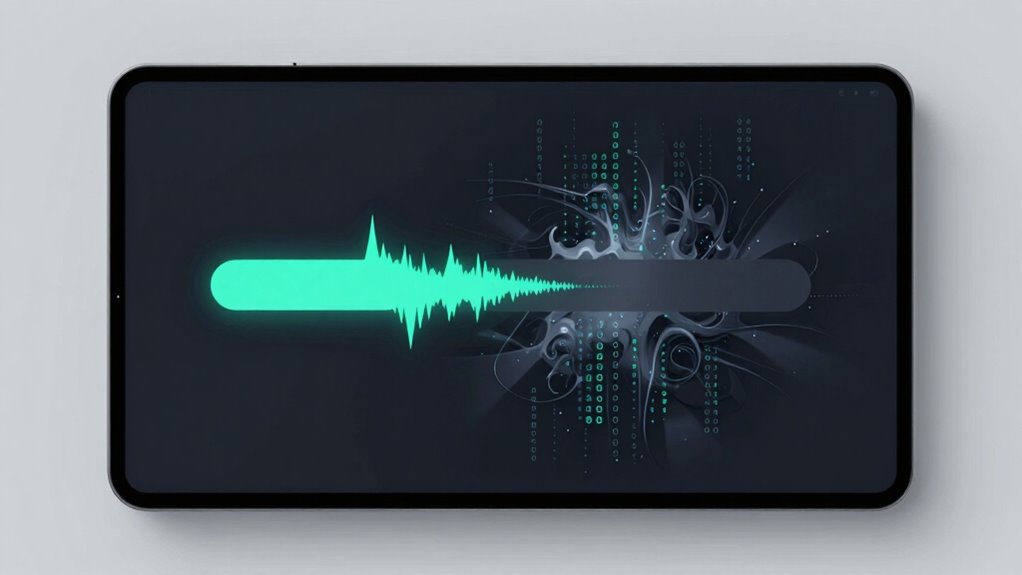

When token streaming overwhelms your interface, backpressure causes delays and uneven updates that disrupt its visual harmony. You may notice sluggish responses, incomplete outputs, or flickering elements, making the experience feel choppy and frustrating. This happens when data flows faster than the system can process, forcing it to slow down or pause. If you want to understand how managing backpressure keeps your UI smooth and engaging, there’s more you can discover ahead.
Key Takeaways
- Excessive token flow can overwhelm the UI, causing delays and making interfaces feel sluggish or unresponsive.
- Poor backpressure management leads to visible lag, disrupting the seamless experience users expect.
- Rapid data transmission without proper flow control causes processing bottlenecks and incomplete outputs.
- Imbalanced data streams diminish real-time feedback, frustrating users and reducing engagement.
- Effective backpressure strategies ensure smoother interactions by aligning data flow with system capacity.
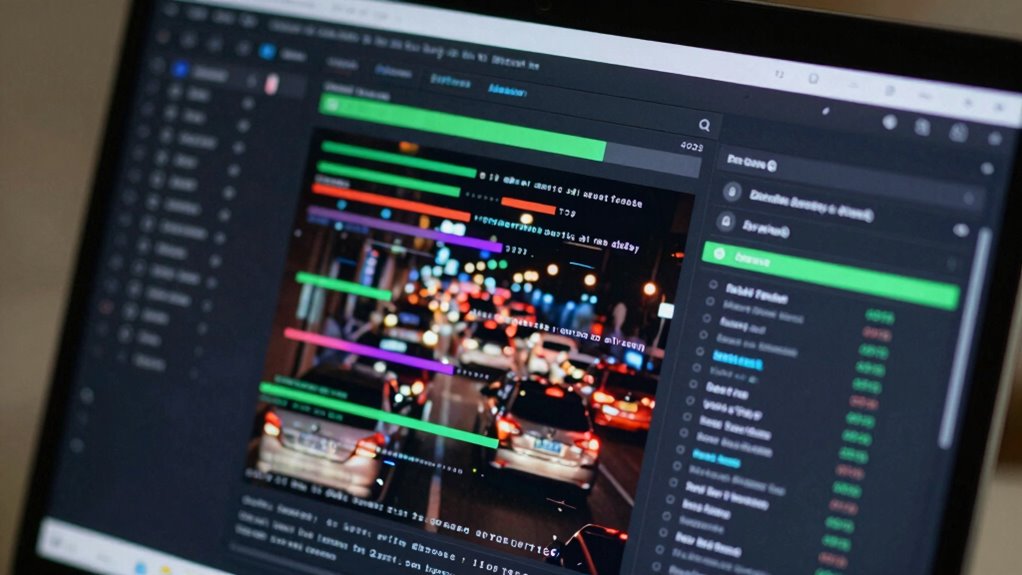
When streaming tokens in real-time systems, backpressure becomes a vital challenge to prevent overwhelming the processing pipeline. As you deliver data in rapid bursts, the system can get flooded, causing delays or even failures. This isn’t just a technical issue—it directly impacts how users experience your interface. If your UI struggles to keep pace with incoming data, user engagement drops. Users expect smooth, seamless interactions, not jarring pauses or sluggish responses. When backpressure kicks in, it forces your interface to slow down, making it harder for users to follow along or get timely updates. This friction diminishes the feeling of responsiveness, which is crucial for keeping users engaged.
In real-time token streaming, the key is balancing data flow with system capacity. When too many tokens arrive faster than your system can process, backpressure signals the need to slow down the flow. This adjustment is essential to maintain stability but can create visible delays in how information appears on screen. Users might see incomplete outputs or experience delayed responses, which breaks the natural rhythm of interaction. Over time, these interruptions can frustrate users, making your interface feel less fluid and more cumbersome. That feeling of responsiveness is what keeps people interested and involved, and when it’s compromised, their engagement wanes.
Implementing backpressure controls might seem like a technical necessity, but its real-world impact is on user perception. If you don’t manage it properly, the interface can feel clunky or unresponsive, making users think the system is slow or unreliable. Proper flow control helps ensure a consistent user experience by adjusting data transmission rates according to system capabilities. Additionally, understanding your system’s capacity allows for better planning and management of data streams, ensuring smoother interactions. Conversely, a well-designed backpressure strategy allows your system to adapt dynamically, ensuring data flows smoothly without overwhelming the processing pipeline. This careful management sustains a lively, engaging interaction, where users feel in control and see results in real time. When your system handles backpressure efficiently, your interface remains responsive, and users stay engaged longer because they’re not left waiting or confused by inconsistent outputs.
Ultimately, backpressure isn’t just a behind-the-scenes technical concept; it’s a crucial element in maintaining the harmony between data streaming and user experience. When you respect the system’s capacity and adjust data flow accordingly, you ensure that your interface remains lively and responsive. This keeps your audience engaged, making the experience feel natural and satisfying. Ignoring backpressure, on the other hand, risks turning a beautiful UI into a frustrating, broken one—especially when users demand real-time feedback. Managing this balance effectively preserves the integrity of your interface’s responsiveness and keeps users coming back. Recognizing system capacity as a critical factor helps develop more resilient and user-friendly streaming interfaces.
real-time data streaming UI tools
As an affiliate, we earn on qualifying purchases.
As an affiliate, we earn on qualifying purchases.
Frequently Asked Questions
How Does Token Streaming Differ From Traditional Data Loading Methods?
Token streaming delivers data incrementally, unlike traditional loading methods that wait for all data before rendering. You see tokens as they’re prioritized, enhancing user experience by providing faster, smoother interactions. This method reduces delays, but it can cause backpressure issues, disrupting your interface’s visual flow. By understanding token prioritization, you can optimize streaming to maintain both performance and a seamless user experience.
What Are Common Challenges in Implementing Token Streaming?
Ever wondered what hurdles you face when implementing token streaming? You often struggle with ensuring smooth data synchronization, preventing UI flickering, and managing backpressure. These challenges stem from balancing rapid data flow with user interface stability, which can lead to delays or cluttered displays. You must carefully design your system to handle inconsistent data rates and avoid overwhelming users, all while keeping the interface fluid and responsive.
Can Backpressure Cause Data Loss in Token Streaming Systems?
Yes, backpressure can cause data loss in token streaming systems if not managed properly. When backpressure occurs, your system might drop tokens or delay processing, which affects error handling and user feedback. To prevent this, you need to implement robust flow control and buffering strategies. This way, you maintain a smooth user experience, ensuring users receive consistent feedback and that no critical data gets lost during high load periods.
How Do Developers Monitor Backpressure in Real-Time?
Ever wonder how developers keep backpressure in check during token streaming? They monitor it using real-time dashboards and metrics tools that track system load, queue lengths, and processing delays. This helps maintain a smooth user experience and optimize latency. By setting alerts for abnormal patterns, you can react swiftly to prevent disruptions, ensuring your app remains responsive and user-friendly even under heavy loads.
Are There Best Practices for Designing UIS With Token Streaming?
To design UIs with token streaming effectively, prioritize user experience and visual clarity by pacing content updates smoothly. Use visual cues like loading indicators or gradual reveals to manage expectations, preventing abrupt changes. Break content into manageable chunks, and avoid overwhelming users with rapid streams. Incorporate backpressure-aware controls, allowing users to pause or adjust streaming speed. This approach keeps your interface intuitive, reducing confusion and enhancing overall usability.

TOKIO FOR ASYNCHRONOUS RUST: MULTI-THREADED RUNTIME AND NETWORK PROGRAMMING: Build Scalable Applications with Async/Await, TCP/UDP Sockets, Work Stealing Scheduler, and Task Management
As an affiliate, we earn on qualifying purchases.
As an affiliate, we earn on qualifying purchases.
Conclusion
So, next time you design a UI, ask yourself: are you creating a seamless experience, or are you just pushing too much at once? Token streaming might seem like a game-changer, but it can introduce backpressure that frustrates users rather than delights them. Remember, a beautiful interface isn’t just about looks but about managing flow and ensuring users feel in control. Isn’t it worth prioritizing human comfort over raw technical efficiency?
UI responsiveness monitoring tools
As an affiliate, we earn on qualifying purchases.
As an affiliate, we earn on qualifying purchases.
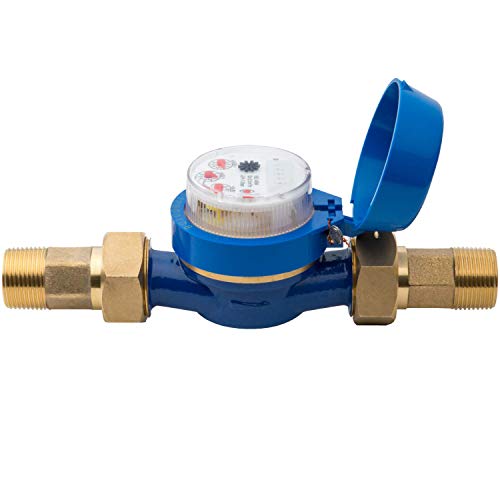
Hunter HC100FLOW 1" Irrigation Flow Meter, Smart Water Meter for Sprinkler Systems, Leak Detection Sensor, Flow Monitoring, Compatible with HC, Pro-HC, HPC, and HCC Controllers
KNOW EXACTLY HOW MUCH WATER YOU’RE USING: Stop wasting water and money. This smart 1" flow meter delivers…
As an affiliate, we earn on qualifying purchases.
As an affiliate, we earn on qualifying purchases.