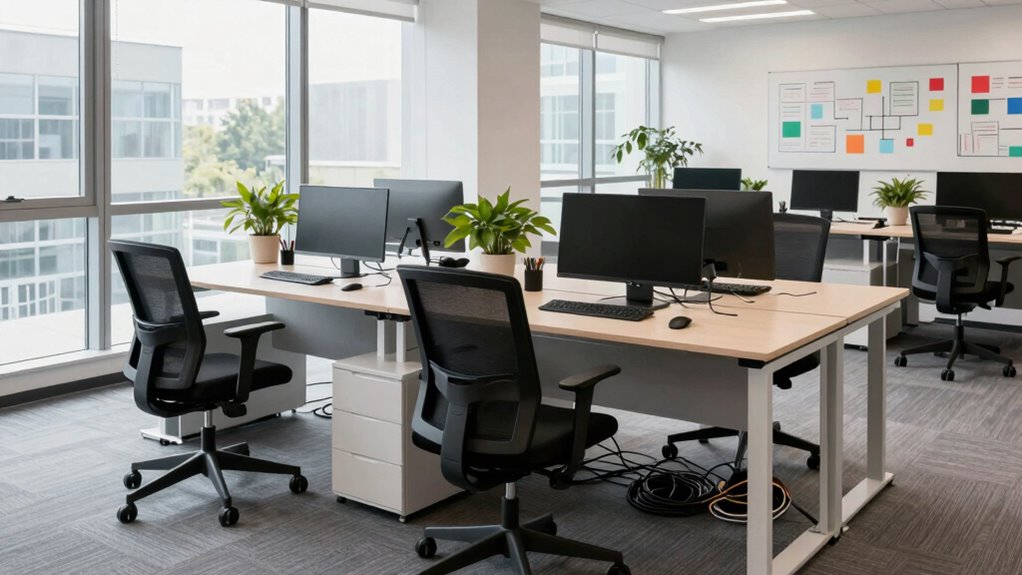

To upgrade your workspace without creating new bottlenecks, start by evaluating current inefficiencies and setting clear, measurable goals aligned with team priorities. Focus on high-impact changes like ergonomic setups, better lighting, and streamlined communication tools, implementing them gradually during off-peak times. Track the results and gather feedback to refine your approach. By thoughtfully planning each step, you’ll create a more efficient environment—if you keep exploring, you’ll find even more ways to optimize your space effectively.

Get audio and creator gear delivered free — and shop member deals
- Fast, free delivery on millions of items
- Access to Prime Big Deal Days deals on October 6–7
- Prime Video, Amazon Music and more included
Key Takeaways
- Plan upgrades during off-peak hours or phased implementation to minimize workflow disruption.
- Engage team feedback to identify potential bottlenecks before making changes.
- Prioritize high-impact, low-disruption improvements like ergonomic adjustments or lighting upgrades.
- Use temporary or mobile setups to maintain productivity during renovations or reorganizations.
- Clearly communicate timelines and changes to ensure smooth transition and prevent confusion.
As an affiliate, we earn on qualifying purchases.
Assess Workspace Bottlenecks
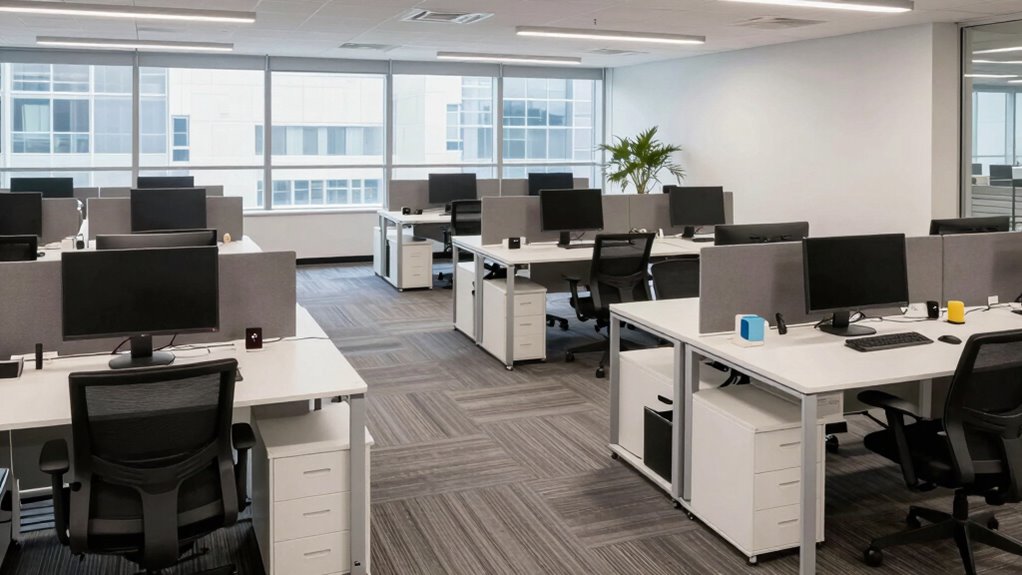
Before you can effectively upgrade your workspace, you need to identify where bottlenecks occur. Start by observing how you move through your space and pinpoint areas that slow you down. Are your ergonomic solutions, like chair height or desk setup, causing discomfort or hindering productivity? Check if lighting enhancements are needed—poor lighting can strain your eyes and reduce focus. Look for cluttered zones or awkward furniture placement that create obstacles. Track tasks that take longer than they should or cause interruptions. By analyzing these details, you’ll see where inefficiencies happen. This step guarantees you target the right areas for improvement, avoiding unnecessary changes that might add new bottlenecks. A proper understanding of workspace layout and its impact on productivity can help you design a more efficient environment. Clear understanding of existing issues sets the foundation for a smarter workspace upgrade.
Set Clear Goals for Your Workspace
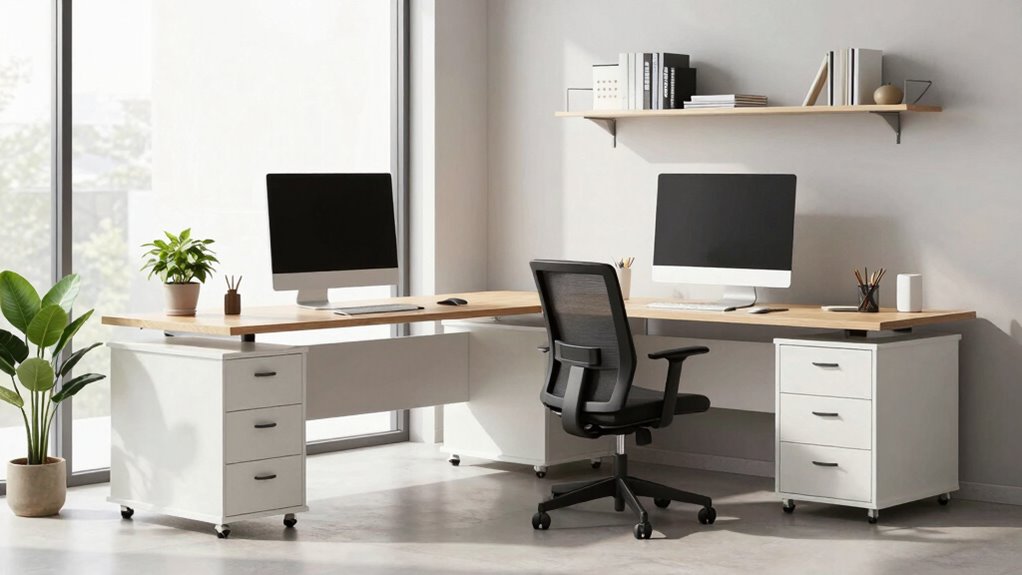
To upgrade your workspace effectively, you need to set clear goals that directly support your tasks. Make sure your objectives are specific, measurable, and aligned with your team’s priorities. By focusing on key outcomes, you can keep everyone on track and prevent new bottlenecks from forming. Incorporating safety tips and best practices from other environments can also help streamline processes and ensure a smooth upgrade.
Define Specific Objectives Clearly
Setting clear, specific objectives is essential to transforming your workspace effectively. When objectives are well-defined, you can focus efforts on improving team motivation and workspace aesthetics without confusion or overlap. Without precise goals, upgrades risk creating bottlenecks or misaligned priorities. Clarify your objectives by identifying measurable outcomes, such as increased productivity or enhanced comfort. Use this table to distinguish different goal types:
| Goal Type | Focus Area | Example |
|---|---|---|
| Productivity | Workflow efficiency | Reduce task completion time |
| Aesthetics | Visual appeal | Improve lighting and decor |
| Team Motivation | Employee engagement | Implement recognition programs |
| Space Utilization | Layout optimization | Maximize desk space |
Clear objectives keep upgrades targeted, ensuring your efforts boost team motivation and workspace aesthetics while avoiding bottlenecks. Additionally, understanding the importance of content formats can help you choose the most effective ways to communicate your goals and progress.
Align Goals With Tasks
Aligning your goals with specific tasks guarantees that every upgrade directly supports your overall objectives. When you clearly define your goals, you can better coordinate team collaboration and guarantee resources are allocated efficiently. Break down big goals into actionable tasks that reflect what needs to be achieved, so your team stays focused and aligned. This clarity prevents miscommunication and reduces the risk of creating new bottlenecks. By mapping goals to concrete activities, you help your team prioritize effectively and avoid redundant efforts. Proper resource allocation becomes easier, ensuring the right tools and personnel are assigned to critical tasks. Ultimately, this alignment creates a streamlined workflow, making your workspace upgrades impactful and sustainable.
Prioritize Key Outcomes
Prioritizing key outcomes is essential to guarantee your workspace upgrades deliver meaningful results. Clearly defining your goals helps you focus on what truly matters, avoiding unnecessary changes that can cause bottlenecks. Use innovative tools to identify and track these priorities, assuring everyone stays aligned. When you set specific, measurable goals, you foster better team collaboration, as all members understand their roles and desired outcomes. This clarity prevents miscommunication and wasted effort. Focus on outcomes that improve efficiency, communication, and overall productivity. By emphasizing key results, you can direct resources effectively, avoiding over-investment in less impactful areas. Ultimately, prioritizing key outcomes safeguards your workspace upgrades support your bigger vision without creating new obstacles along the way. Incorporating practical lifestyle upgrades can further enhance your workspace environment, aligning with your overall goals.
Prioritize Changes That Improve Workflow
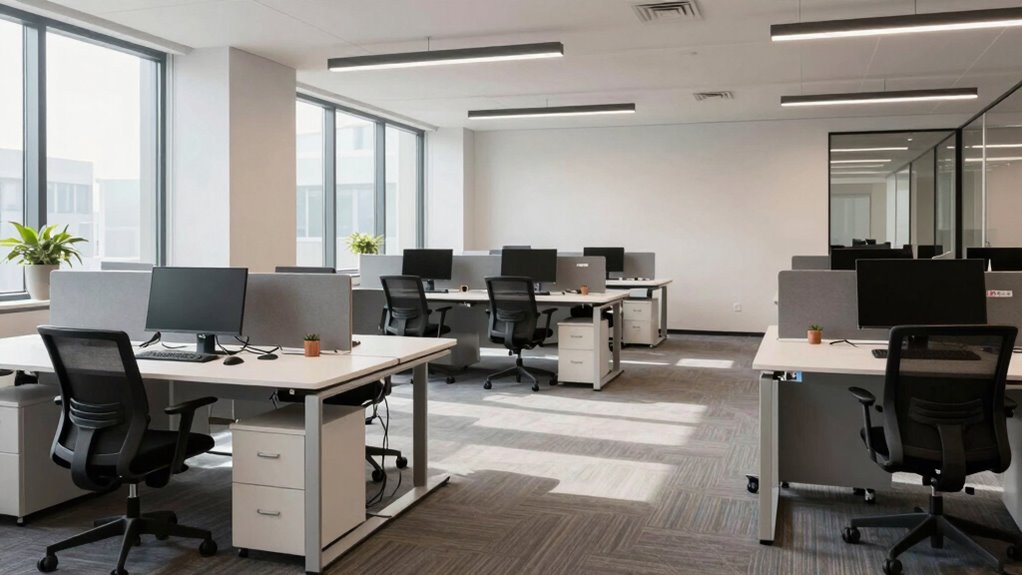
To improve workflow, focus on changes that have the biggest impact, like streamlining communication channels and automating repetitive tasks. Reevaluate your workspace layout to minimize unnecessary movement and disruptions. Incorporating eco-friendly disposal practices can also help maintain an organized and sustainable environment. Additionally, designing your workspace with free floating elements can promote flexibility and adaptability, reducing potential bottlenecks. Creating a well-lit environment with natural light can enhance focus and overall well-being, further supporting efficient workflows. Considering performance upgrades like better tools or equipment can also significantly boost productivity and reduce delays. Implementing ergonomic design principles ensures comfort and prevents fatigue, which can improve overall efficiency. Prioritizing these adjustments helps you boost efficiency without creating new bottlenecks.
Streamline Communication Channels
Effective communication is the backbone of a smooth workspace, but it can quickly become a bottleneck if channels are disorganized or inefficient. To improve workflow, focus on streamlining communication channels by using digital tools that support virtual collaboration. Clear, centralized platforms help teams share updates and feedback instantly, reducing delays. Consider implementing tools like Slack, Microsoft Teams, or project management apps that integrate seamlessly. Prioritize channels based on urgency and relevance to prevent clutter. Here’s a quick overview:
| Tool | Purpose | Benefit |
|---|---|---|
| Slack | Instant messaging | Fast team updates |
| Microsoft Teams | Video calls & chats | Real-time collaboration |
| Asana/Trello | Task management | Clear task tracking |
| Formal communication | Documentation & records | |
| Zoom | Virtual meetings | Face-to-face interaction |
This keeps communication efficient, engaging, and aligned with your workflow.
Automate Repetitive Tasks
Once your communication channels are streamlined, the next step is to identify repetitive tasks that slow down your team’s progress. These tasks often take up valuable time and can cause bottlenecks. Implementing robotic automation can considerably reduce manual work by handling routine processes automatically. This frees up your team to focus on more strategic or creative tasks. Additionally, effective task delegation ensures that responsibilities are distributed appropriately, preventing overload on any individual. By automating repetitive tasks and assigning responsibilities efficiently, you create a smoother workflow that minimizes delays. Prioritize automations that deliver quick wins and align with your team’s daily routines. Incorporating balance and motivation techniques from fitness can also enhance team dynamics and resilience. This approach not only boosts productivity but also fosters a more agile and responsive workspace.
Reevaluate Workspace Layout
Reevaluating your workspace layout can reveal opportunities to enhance your team’s workflow and reduce unnecessary movement or clutter. Focus on arranging desks, equipment, and storage to support ergonomic comfort, minimizing strain and fatigue. Place frequently used tools within easy reach to streamline tasks and improve efficiency. Consider the aesthetic appeal by creating a clean, organized environment that boosts morale and focus. Clear pathways prevent bottlenecks and guarantee smooth traffic flow. Adjust furniture placement to promote collaboration while maintaining individual space. Prioritizing workspace ergonomics can help prevent discomfort and long-term health issues. Incorporating smart furniture solutions, such as ladder racks or adjustable workstations, can further optimize space and adaptability. Regularly reassess the setup as your team’s needs evolve, making certain your workspace continually promotes productivity and well-being. Additionally, incorporating cabling solutions can help optimize overall workflow and reduce potential delays. When considering equipment upgrades, choosing the right battery inverter generator can ensure reliable power without adding to workspace clutter or creating new bottlenecks.
Make Upgrades Without Slowing Down
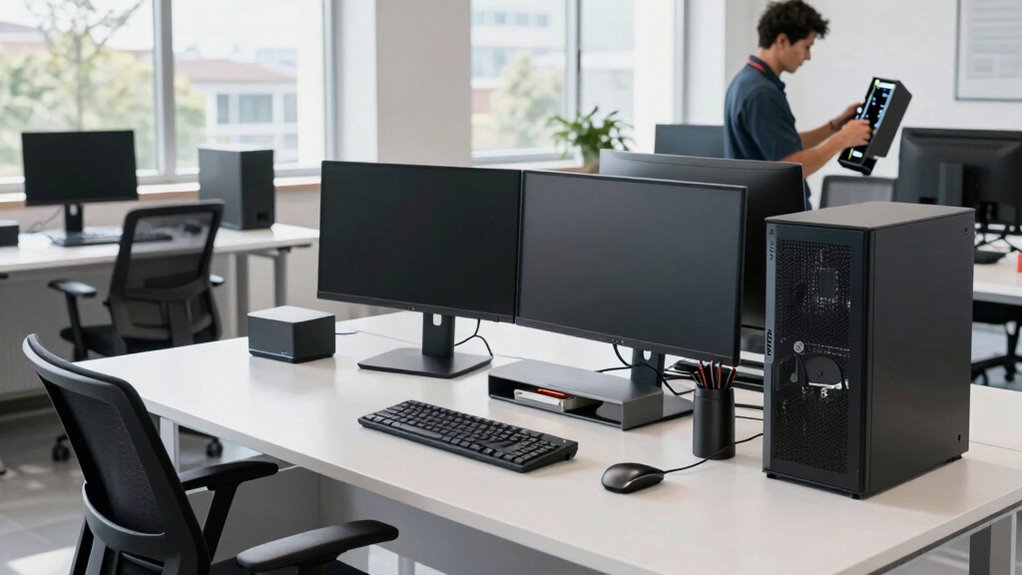
Upgrading your workspace can boost productivity and morale, but it’s essential to do so without disrupting daily operations. To keep things running smoothly, plan upgrades during off-peak hours or schedule them in phases. Focus on enhancing creative collaboration by creating flexible spaces that encourage teamwork without chaos. Prioritize ergonomic design to improve comfort without causing downtime. Incorporate regional flavor into your workspace decor or ambiance to create a more inviting environment. Conduct template compatibility testing beforehand to ensure new setups integrate seamlessly with existing tools and systems. Additionally, reviewing home organization strategies can help optimize storage and reduce clutter during upgrades. To avoid potential warning beeps or alerts from incompatible systems, it’s wise to verify all equipment and configurations in advance. Staying updated on law updates can also help ensure your workspace upgrades align with any relevant regulations or incentives. Communicate clearly with your team about upcoming changes, so everyone knows what to expect and can prepare accordingly. Use temporary setups or mobile solutions to maintain workflow during installations. By coordinating carefully, you guarantee upgrades support productivity rather than hinder it. This approach minimizes disruptions and keeps your team focused, making your workspace improvements seamless and effective.
Track Results and Adjust as Needed
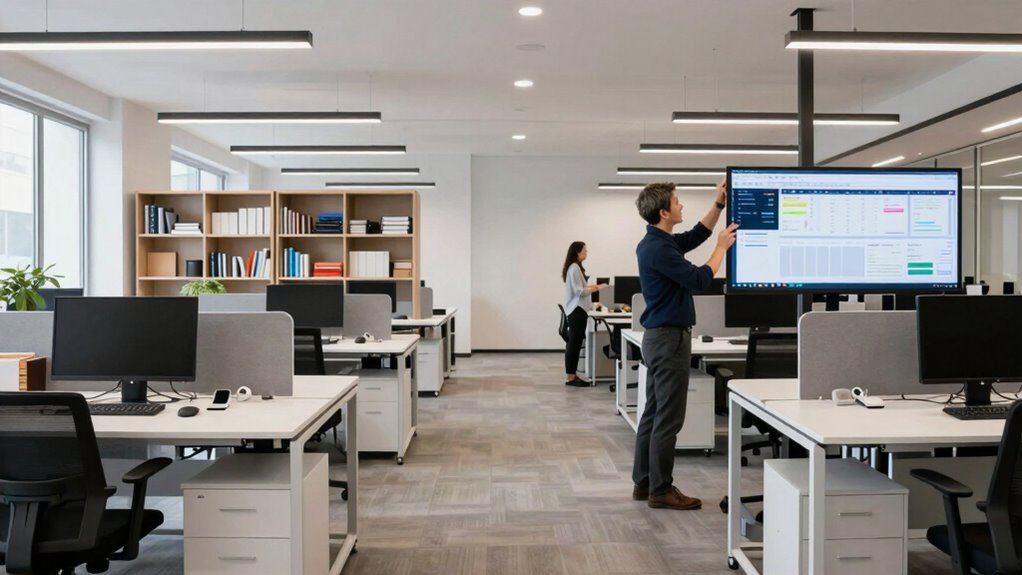
To guarantee your workspace upgrades deliver lasting benefits, you need to actively track their results. Monitor employee engagement to see how staff respond to changes, noting improvements in productivity and morale. Use feedback sessions or surveys to gather insights and identify any lingering issues. Keep an eye on how technology integration impacts workflows—are new tools streamlining tasks or creating confusion? Adjust your approach based on these observations, refining upgrades to maximize efficiency and employee satisfaction. Regularly reviewing data helps prevent new bottlenecks and assure your workspace evolves effectively. Smart home safety solutions, such as leak detectors and indoor air monitoring, can also play a role in creating a safer and more comfortable environment for employees. By staying proactive, you can make informed decisions that foster continuous improvement, keeping your team engaged and your operations running smoothly.
Common Workspace Upgrades and How to Pick the Right Ones
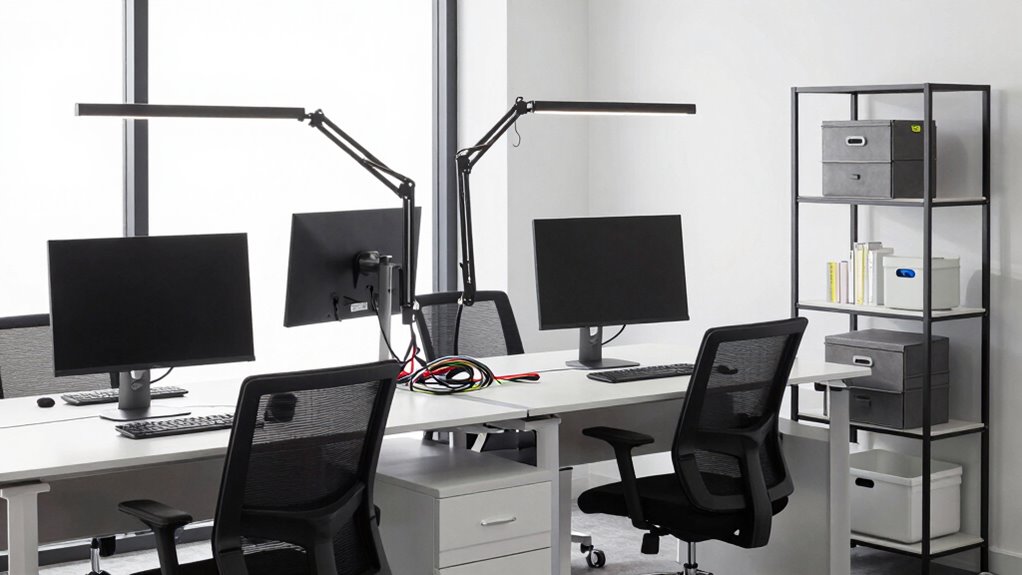
Choosing the right workspace upgrades can substantially boost productivity and employee satisfaction. Focus on ergonomic improvements to reduce fatigue and discomfort, and aesthetic enhancements to create a welcoming environment. When selecting upgrades, consider how they fit into your space and workflow. For example, ergonomic furniture, better lighting, soundproofing, decorative elements, or increased storage can all make a difference. Use this table as a guide:
| Upgrade Type | Benefit | Example |
|---|---|---|
| Ergonomic Improvements | Reduce strain, boost comfort | Adjustable desks, chairs |
| Aesthetic Enhancements | Improve mood and focus | Artwork, plants |
| Lighting Upgrades | Increase alertness | LED fixtures, natural light |
| Noise Control | Minimize distractions | Acoustic panels |
| Storage Solutions | Enhance organization | Shelving, cabinets |
Pick upgrades aligned with your team’s needs, avoiding unnecessary clutter or disruption. Additionally, considering the workflow can help ensure that improvements support efficiency rather than creating new bottlenecks. It’s important to evaluate how each upgrade interacts with existing elements to prevent unintended inefficiencies or disruptions.
Frequently Asked Questions
How Often Should Workspace Assessments Be Conducted?
You should conduct workspace assessments, focusing on workspace ergonomics and equipment ergonomics, at least once a year. Regular checks help identify issues that could cause discomfort or reduce productivity. If your team undergoes significant changes or experiences increased discomfort, consider more frequent evaluations. These assessments guarantee ergonomic standards are maintained, equipment is up-to-date, and your workspace remains safe, comfortable, and efficient for everyone.
What Tools Can Help Identify Hidden Workflow Issues?
You can’t afford to miss the signs of hidden workflow issues—think of them as silent saboteurs lurking in plain sight. Use workflow analysis tools like process mapping software or project management platforms with analytics features to uncover inefficiencies. Tool integration is essential; connecting your systems helps reveal bottlenecks quickly. These tools give you the insight needed to optimize your workspace seamlessly, preventing small issues from snowballing into major problems.
How Do I Balance Cost and Effectiveness in Upgrades?
You should start with a cost analysis to compare upgrade options and their long-term benefits. Use effectiveness metrics to evaluate how well each upgrade improves workflow and productivity. Balancing cost and effectiveness means choosing solutions that deliver the best return on investment without overspending. Prioritize upgrades that optimize efficiency, reduce bottlenecks, and align with your budget, ensuring your workspace remains both cost-effective and highly functional.
What Training Is Needed for New Workspace Technologies?
You need to teach your team about technology integration and skill development to maximize new workspace tools. Start with hands-on training sessions that focus on practical use, complemented by tutorials and ongoing support. Embrace the adage “A little knowledge is a dangerous thing” by ensuring continuous learning opportunities. This way, your team stays confident, efficient, and ready to leverage technology effectively without creating bottlenecks.
How Can Team Feedback Influence Workspace Improvements?
You can boost workspace improvements by actively seeking and valuing team feedback, which enhances employee engagement. When you listen carefully and implement their suggestions, it creates a sense of ownership and trust. This feedback implementation helps identify pain points and innovative ideas, ensuring the workspace evolves in a way that meets everyone’s needs. As a result, your team feels more motivated, productive, and invested in maintaining a ideal, bottleneck-free environment.
Conclusion
Upgrading your workspace is like tuning a fine instrument—you want harmony, not discord. By carefully evaluating bottlenecks, setting clear goals, and prioritizing improvements, you guarantee your workflow flows smoothly without creating new jams. Remember, small, deliberate adjustments can lead to big improvements. Keep tracking your progress and stay flexible—your workspace’s growth is an ongoing journey, not a one-time fix. With patience and focus, you’ll strike the perfect chord of efficiency and comfort.
Halloween Picks
halloween
As an affiliate, we earn on qualifying purchases.