
Get audio and creator gear delivered free with Prime
- Fast, free delivery on millions of items
- Prime Video, Amazon Music and more included
- Member-only deals all year
Flow 2 by Artificial Harmonics
The idea behind Flow orchestral template is simple: have one single starting point for all that projects require the use of orchestral instruments, unlocking the power of sound libraries, and providing quick access to all available articulations and other VST settings.

Open Stage Control
- Off-line explorer of libraries data
- Thousands of presets to control Cubase
- Content updated based on the selection in Cubase
- Buttons to toggle tracks visibility
- Buttons to switch all available articulations
- Bidirectional faders to use quick controls
- Bidirectional faders to control vst midi cc
Cubase Pro
- With all your instruments added in the project
- Organized in folders and easily navigable
- Mixer already organized to simplify your mixing and mastering
- Expression maps loaded for each instrument
- Presets for logical editor
- Generic remote setup
Vienna Ensemble Pro
- Loading with zero usage of RAM (all disabled)
- Kontakt instances purged
- Sound libraries configured and ready to be used
- All articulations loaded in each instrument
- Automation set to enable/disable tracks via Lemur
Flow experience is similar to that of writing music on a blank orchestral sheet: through the application on the tablet, you can select, enable and make appear new instruments, switch articulations to take full advantage of the instrument, and finally control parameters as microphone settings and other VST specific VST. The content shown in the tablet is aligned with the track you select in Cubase, and all the development for more than 40 well-known sound libraries is already done so that you just need to load Flow and start composing.

Flow System Requirements
- Windows or Mac
- LoopMidi (free) for Windows users
- Cubase Pro 9 or higher
- Vienna Ensemble Pro 7
- Kontakt 6
- Open Stage Control (free)
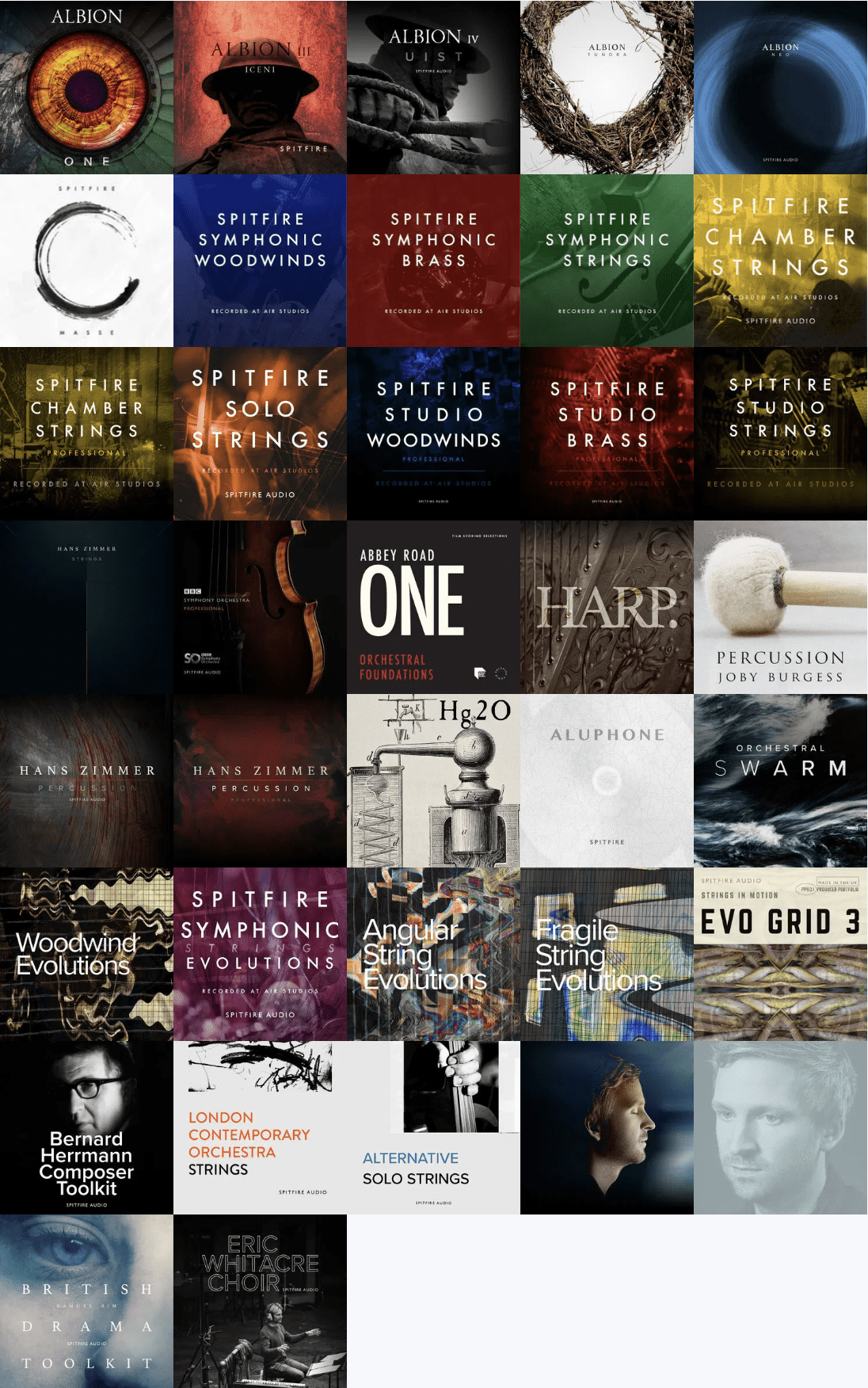
Flow 2 Professional v2.2.0 is a free update with more libraries from Orchestral Tools and Spitfire Audio.
As an affiliate, we earn on qualifying purchases.
Fall Picks
fall essentials
As an affiliate, we earn on qualifying purchases.