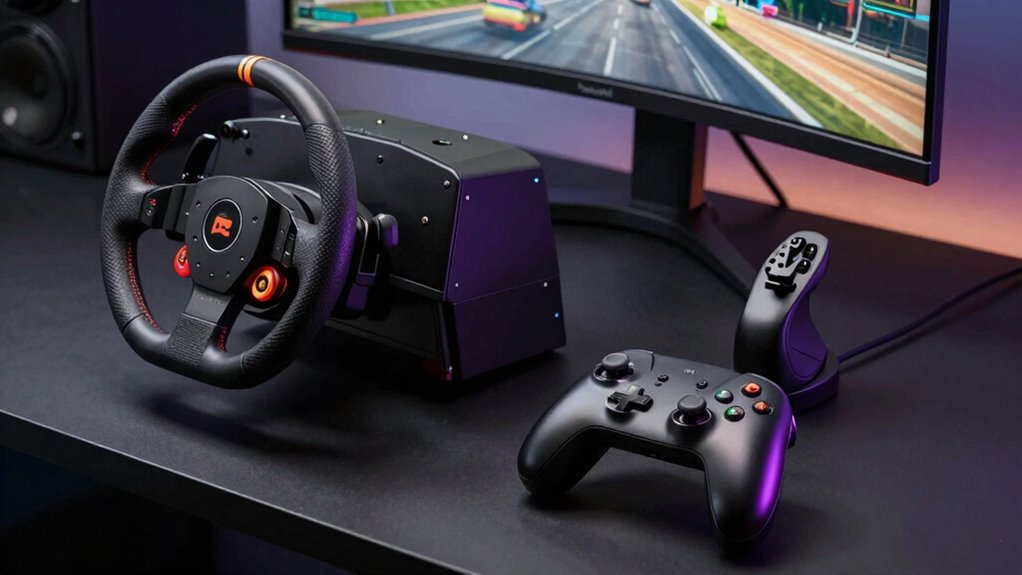

Good ergonomics for controllers, wheels, and HOTAS setups are key to staying comfortable and avoiding injuries during long gaming sessions. Proper positioning reduces muscle strain, joint stress, and fatigue, helping you perform better and stay focused. Customizing your equipment guarantees it fits your body naturally, promoting healthier, more consistent gameplay. Ignoring these principles can lead to discomfort and long-term health issues. Keep exploring to discover how you can optimize your gaming setup for better comfort and performance.

Get audio and creator gear delivered free with Prime
- Fast, free delivery on millions of items
- Prime Video, Amazon Music and more included
- Member-only deals all year
Key Takeaways
- Proper ergonomics reduce muscle strain and fatigue during extended gaming sessions.
- Customized setups improve control accuracy and responsiveness.
- Ergonomic positioning prevents long-term injuries like tendinitis or carpal tunnel syndrome.
- Adjustments enhance comfort, allowing longer, more focused gaming experiences.
- Well-designed setups support better posture, boosting overall gaming performance and health.
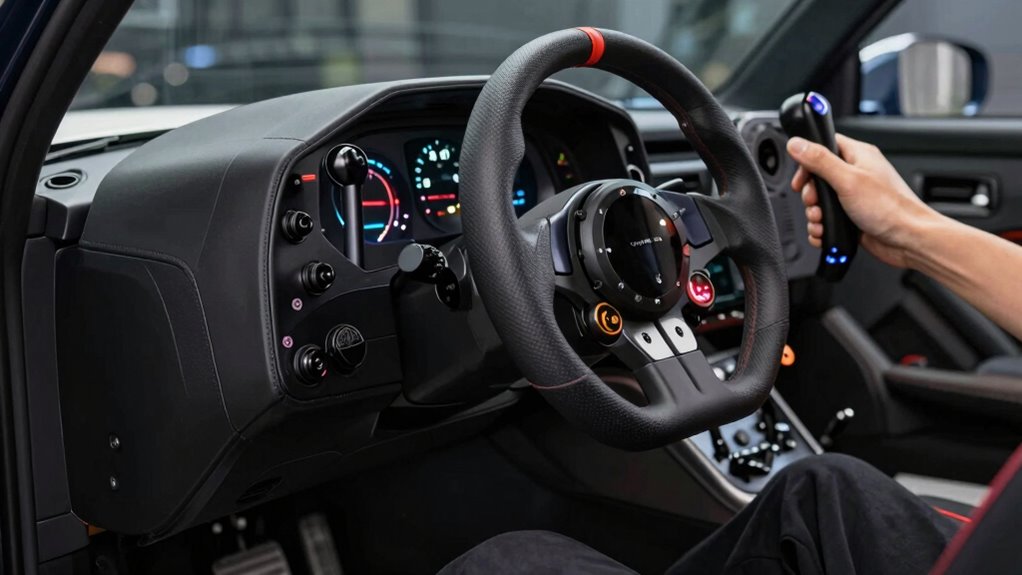
When it comes to gaming and simulation setups, ergonomics play a vital role in ensuring comfort, precision, and long-term health. Your gaming posture directly impacts how long you can play comfortably and how accurately you can control your equipment. If you neglect proper ergonomics, you risk developing strain, fatigue, or even chronic injuries over time. That’s why paying attention to how you position your controllers, wheels, and HOTAS devices is so important. Proper equipment customization can help you find a setup that aligns with your body, reducing unnecessary stress on your muscles and joints. For example, adding custom grips or adjusting the tension on controls can make them easier to operate, especially during long sessions. This personalized approach helps maintain a consistent gaming posture, so you stay comfortable and focused.
Prioritize ergonomic setup and customization for comfort, precision, and long-term health during gaming.
Your gaming posture influences not just how comfortably you hold your controllers but also how effectively you maneuver during intense gameplay. Sitting with a straight back, relaxed shoulders, and feet flat on the floor supports sustained play without pain. Adjusting your chair height, monitor position, and the placement of your peripherals ensures your arms are at a natural angle, preventing strain. Equipment customization allows you to modify controllers or steering wheels to suit your grip and reach, which minimizes tension and fatigue. For example, adding custom grips or adjusting the tension on controls can make them easier to operate, especially during long sessions. This personalized approach helps maintain a consistent gaming posture, so you stay comfortable and focused. Additionally, understanding contrast ratio and its impact on image quality can help optimize your visual setup for immersive experiences. Incorporating ergonomic accessories such as wrist supports or footrests can further enhance your comfort and prevent strain during extended gaming sessions. Paying attention to ergonomic principles can provide a more comprehensive approach to creating a healthier gaming environment.
Ignoring ergonomics can lead to discomfort that distracts from your game or hampers your reaction time. Over time, poor setup choices can cause repetitive strain injuries, such as carpal tunnel syndrome or tendinitis. By investing time in optimizing your gaming posture and customizing your equipment, you’re actively reducing these risks. Think of your setup as an extension of your body—every adjustment should serve the purpose of aligning controls with your natural movements. This way, you can play longer without discomfort and respond more precisely to in-game challenges. Remember, comfort isn’t just about feeling good; it’s about enhancing your gaming performance and safeguarding your health in the long run.
Products Worth Considering

LG UltraGear 32GX850A-B 32-inch 4K UHD Glossy OLED Gaming Monitor

Logitech MX Master 4 Ergonomic Wireless Mouse with Haptic Feedback, Graphite

Samsung Galaxy Tab A7 Lite 8.7 32GB Wi‑Fi Android Tablet – Long‑Lasting Battery, Compact Slim Design, Sturdy Metal Frame (US Version)
As an affiliate, we earn on qualifying purchases.
Frequently Asked Questions
How Often Should I Adjust My Gaming Setup for Optimal Ergonomics?
You should adjust your gaming setup whenever you notice discomfort or after long gaming sessions. Regularly check your posture correction and make sure your desk height allows your elbows to stay near a 90-degree angle. Make small adjustments every few weeks to maintain ideal ergonomics. Listening to your body helps prevent strain, so stay attentive and tweak your setup as needed to stay comfortable and avoid long-term issues.
Are There Specific Ergonomic Accessories Recommended for Long Gaming Sessions?
For long gaming sessions, you should consider ergonomic accessories like cushioned controller grips to boost controller comfort and adjustable wheel stands to optimize wheel positioning. These accessories reduce strain, prevent fatigue, and improve your overall experience. Look for padding that fits your controller and a height-adjustable stand for your wheel, ensuring your setup promotes healthy posture and minimizes discomfort during extended gameplay.
How Can I Prevent Repetitive Strain Injuries While Gaming?
To prevent repetitive strain injuries while gaming, think of your body as a finely tuned instrument. Keep your controller positioned comfortably, ensuring your wrists have proper support to avoid strain. Take regular breaks to stretch and change positions. Adjust your setup to maintain natural wrist alignment and avoid overextending your fingers. These small adjustments can keep you playing comfortably for hours without pain, turning gaming into a smooth symphony.
What Are Signs of Poor Ergonomics During Gaming?
You might notice signs of poor ergonomics during gaming, like discomfort, persistent muscle tension, or numbness. Pay attention to your posture alignment—slouching or leaning forward can cause issues. Also, evaluate your equipment positioning; if your controllers or wheel are awkwardly placed, it strains your hands and wrists. These signs indicate you need to adjust your setup to maintain comfort and prevent injuries.
Can Ergonomic Improvements Enhance Gaming Performance?
Studies show gamers with ergonomic setups perform 15% better. Improving controller comfort and wheel positioning allows you to react faster and maintain focus longer. Proper ergonomics reduces fatigue and discomfort, helping you stay sharp during intense gameplay. When your controller feels natural and your wheel is correctly positioned, your movements become more precise and efficient. These enhancements can give you a competitive edge and elevate your overall gaming performance.
Conclusion
Prioritizing ergonomics in your controllers, wheels, and HOTAS setups isn’t just about comfort—it can boost your performance by up to 30%, according to recent studies. When you optimize your gear for your body, you reduce fatigue and prevent injuries, letting you game longer and more effectively. Remember, investing in ergonomic design isn’t a luxury; it’s essential for a better, healthier gaming experience. So, take the time to tailor your setup—you’ll notice the difference in every session.