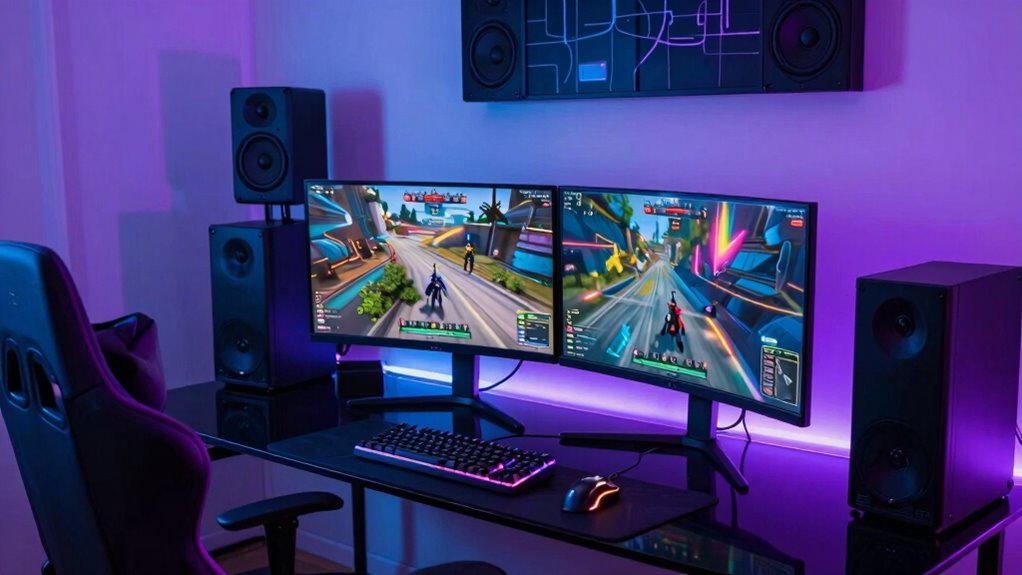

The biggest mistake you can make in your game room is relying solely on outdated or poorly configured Wi-Fi. Wireless networks are more susceptible to congestion, interference, and distance issues, which cause random lag spikes during gameplay. An old router or cheap switch can also bottleneck your connection, making lag worse even if you have fast internet. Upgrading your hardware and optimizing your setup can considerably improve stability; keep exploring to find out how to fix these common issues.

Get audio and creator gear delivered free with Prime
- Fast, free delivery on millions of items
- Prime Video, Amazon Music and more included
- Member-only deals all year
Key Takeaways
- Using Wi-Fi instead of a wired Ethernet connection increases susceptibility to congestion and interference, causing random lag spikes.
- Outdated or low-quality network hardware creates bottlenecks, reducing data flow and increasing latency during gaming sessions.
- Lack of QoS settings prevents prioritization of gaming traffic, leading to unpredictable lag during peak network usage.
- Using old Ethernet cables or cheap switches can introduce latency and connection instability.
- Failing to update firmware and properly configure network equipment hampers performance and increases lag spikes.
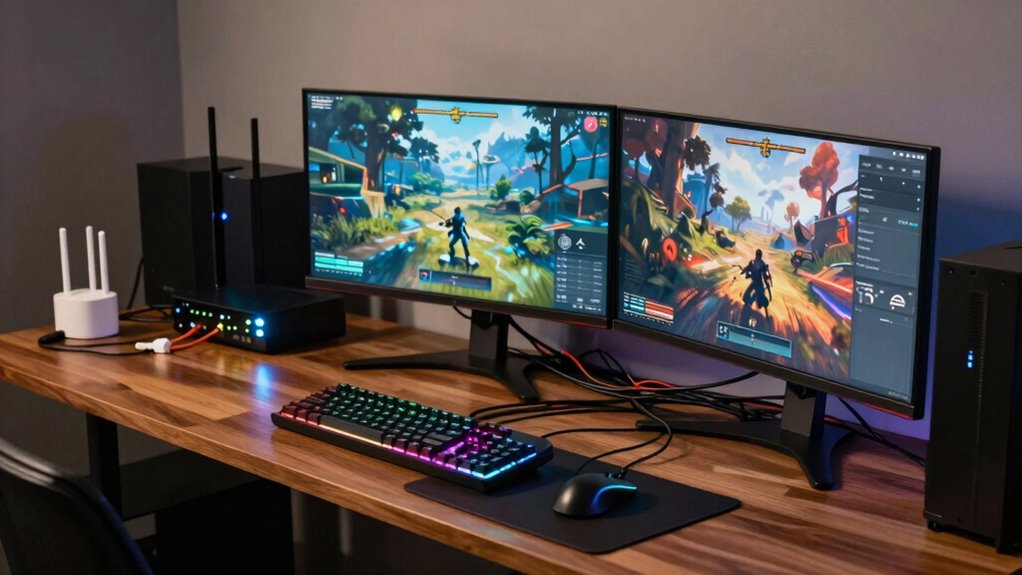
If you’ve been experiencing random lag spikes while gaming, the culprit might be a common mistake in your game room network setup. Many gamers overlook the impact of network congestion and hardware bottlenecks, assuming that their high-speed internet alone guarantees smooth gameplay. However, even with a fast connection, improper network configurations or outdated hardware can cause unpredictable lag. Network congestion occurs when multiple devices compete for bandwidth simultaneously, leading to spikes and drops in your connection quality. If you have several devices streaming, downloading, or browsing at the same time, your gaming traffic gets bogged down, resulting in those frustrating lag spikes.
Even with fast internet, network congestion and outdated hardware can cause frustrating lag spikes during gaming.
Hardware bottlenecks are equally problematic. Your gaming experience heavily depends on your network hardware—routers, switches, and cables. A router that’s outdated or not designed to handle high traffic can become a choke point, limiting your data flow. Similarly, using older Ethernet cables or cheap switches can introduce latency, reducing the speed and stability of your connection. These hardware bottlenecks might seem minor, but they profoundly impact your gaming performance, especially during intense multiplayer sessions. Ensuring your network hardware is modern and capable can make a significant difference.
Many gamers make the mistake of relying solely on Wi-Fi, assuming it’s sufficient for gaming. While Wi-Fi offers convenience, it’s often less stable than wired connections, especially if your router is far from your gaming setup or if there are interference issues. Wi-Fi networks are more prone to congestion and interference from other electronic devices, which can cause sudden lag spikes. Running a wired Ethernet connection directly from your router to your gaming device minimizes these issues by providing a dedicated, stable pathway for your data. Additionally, some wireless networks may be configured improperly, compounding connection problems during gameplay. Proper network configuration is essential to optimize performance and avoid these common pitfalls.
Another common mistake is not properly managing your network’s traffic. Without Quality of Service (QoS) settings, your router might prioritize less important traffic over your gaming packets, leading to inconsistent performance. Configuring QoS allows you to prioritize gaming traffic, ensuring your gaming packets get through with minimal delay, especially during peak usage times. Additionally, neglecting firmware updates for your networking hardware can leave vulnerabilities unpatched, further exacerbating congestion and hardware issues. Regularly updating firmware and maintaining your network hardware can prevent many of these problems. Being aware of your network infrastructure and making necessary upgrades can also help reduce lag spikes and improve overall stability.
As an affiliate, we earn on qualifying purchases.
Frequently Asked Questions
How Can I Detect if My Network Mistake Is Causing Lag Spikes?
You can detect if your network mistake causes lag spikes by monitoring your connection with tools like PingPlotter or Wireshark. Watch for signs of bandwidth throttling, which slows your data flow, and packet loss, where data packets fail to reach their destination. Sudden spikes in latency or inconsistent data transfer indicate network issues. Regularly testing your connection during gameplay helps identify if these problems are causing the lag spikes.
Are There Specific Games More Affected by This Network Issue?
Certain games, especially fast-paced ones like first-person shooters or real-time strategy titles, are more affected by server congestion and packet loss. These issues cause noticeable lag spikes because they rely heavily on real-time data transmission. If your network mistake leads to increased server congestion or packet loss, you’ll experience more significant lag in these games. To improve your experience, focus on stabilizing your connection and reducing network congestion.
What Hardware Upgrades Can Help Reduce Lag Spikes?
You can reduce lag spikes by upgrading your hardware, like investing in a higher-speed router with better bandwidth management. Make sure your router’s firmware is up-to-date, as firmware updates fix bugs and improve performance. Avoid bandwidth throttling by limiting other device usage during gaming sessions. These upgrades and adjustments help create a smoother gaming experience, minimizing the impact of network issues that cause sudden lag spikes.
Does This Mistake Impact Both Wired and Wireless Connections?
Yes, this mistake impacts both wired and wireless connections. Wireless interference from other devices and poor router placement can cause lag spikes regardless of your connection type. If your router isn’t positioned centrally or is near appliances like microwaves or cordless phones, it can weaken your signal. For wired setups, faulty or overly long cables might cause issues too. To minimize lag, optimize router placement and reduce wireless interference.
Can Network Optimization Tools Fix This Particular Lag Problem?
Yes, network optimization tools can fix this lag problem. They help by managing bandwidth throttling, ensuring your gaming traffic isn’t slowed down by other devices or applications. Additionally, firmware updates for your router can improve stability and fix bugs that cause lag spikes. Using these tools together, you can optimize your network, reduce lag, and enjoy smoother gameplay regardless of your connection type.
Conclusion
By now, you see that a simple network mistake can turn your gaming experience upside down. Fixing your router settings, prioritizing your gaming device, and avoiding unnecessary bandwidth hogs can save you from those frustrating lag spikes. Remember, don’t put all your eggs in one basket—spread your network traffic wisely. When you take control, you’ll find smoother gameplay and less stress, proving that sometimes, a small change can make a world of difference.
Fall Picks
fall essentials
As an affiliate, we earn on qualifying purchases.