
Get audio and creator gear delivered free with Prime
- Fast, free delivery on millions of items
- Prime Video, Amazon Music and more included
- Member-only deals all year
How to Create Movement with the Orb in Omnisphere
How can you use Omnisphere’s Orb to create movement in your tracks? In this video, I show you how the Orb works, from the controls available to set up your own modulations, and how you can use it to improve the flow in your tracks!
How can you use Omnisphere’s Orb to create movement in your tracks? In this tutorial I show you how the Orb works, from the controls available to setting up your own modulations, and how you can use it to improve the flow in your tracks! This is my favourite modulation control in Omnisphere, as it provides a lot of scope for user-controlled movement. Think of it as being like a mod wheel on steroids!
In the video above I show you –
- The interface of the Orb
- How to use the randomisation controls
- How to use the Record function and looper
- How to assign your own modulation routings to the Orb
- How to enable automation of the Orb
- How to record automation in to your tracks
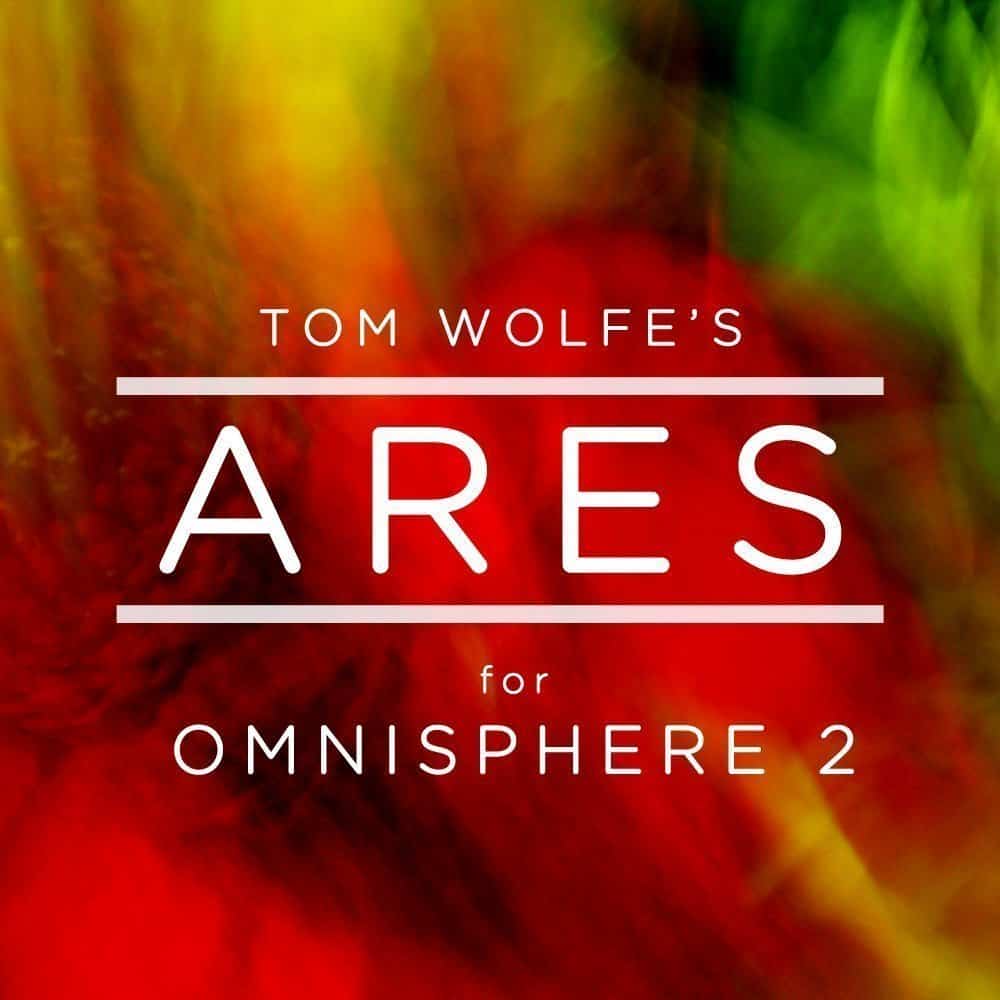
The patch ‘Playing With Sticks’ is taken from my soundbank Ares, a collection of 100 patches for Omnisphere that focus on blockbuster-style cinematic sounds.
Products Worth Considering

Bose QuietComfort Ultra Wireless Over-Ear Headphones with Spatial Audio and Noise Cancellation, Black

Kindle Paperwhite Signature Edition 32GB E-Reader, 7-Inch Display, Seaglass Green

Amazon Kindle Scribe Colorsoft 64GB with 11-Inch Color Display and Premium Pen, Graphite
As an affiliate, we earn on qualifying purchases.