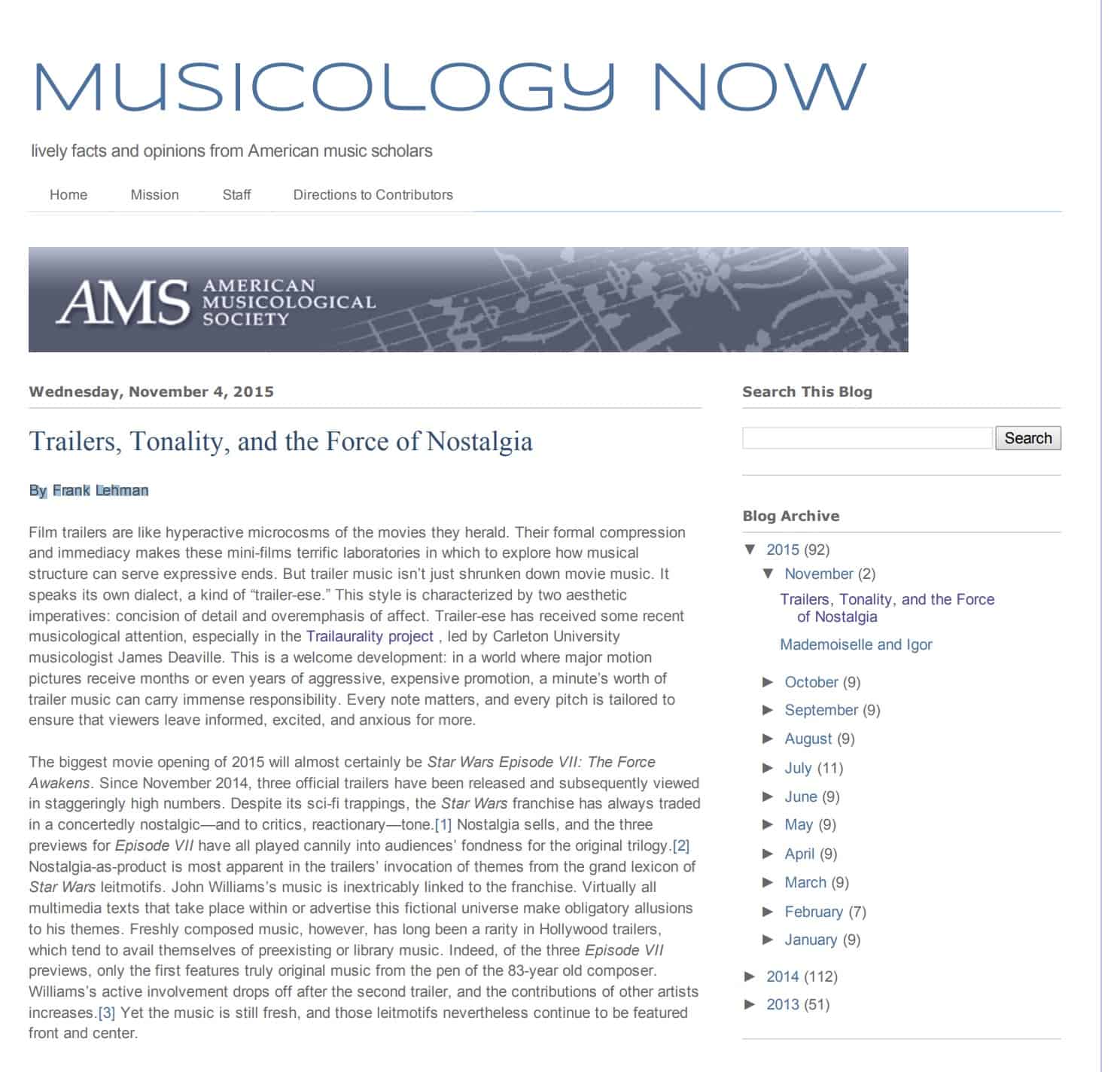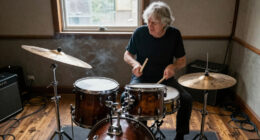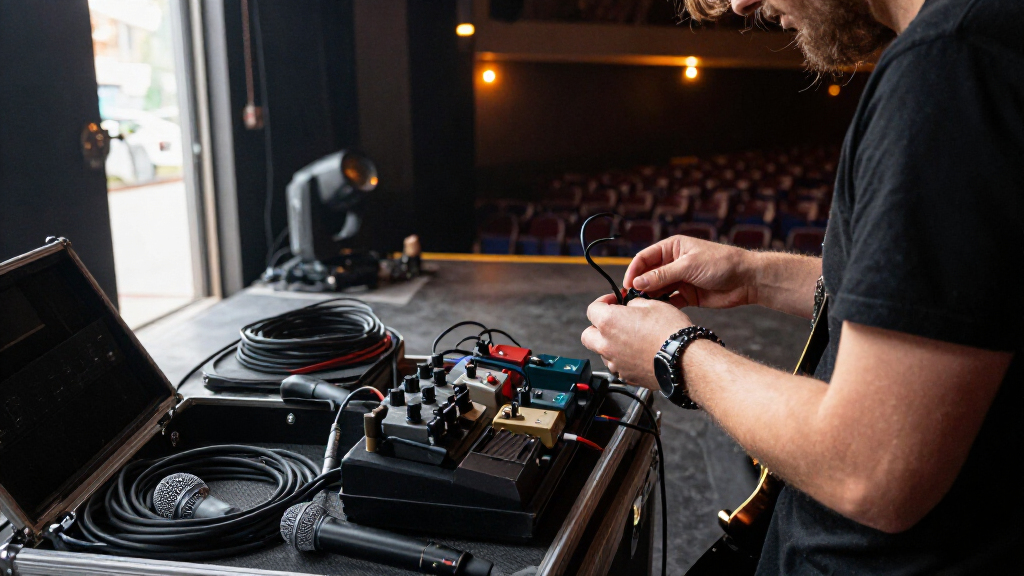
This checklist is for performing musicians putting together gear for rehearsals, gigs, and live sets. It covers a digital stage piano, guitar wireless system, in-ear monitor system, vocal microphone, pedalboard power, and music stand light.

Get audio and creator gear delivered free with Prime
- Fast, free delivery on millions of items
- Prime Video, Amazon Music and more included
- Member-only deals all year
The sections follow those gear categories. Each one explains why the slot matters, what to check before choosing, and who the listed pick may suit. The pedalboard power section offers advice without a specific product pick.
Use the checklist to compare each item with your setup and routine. Check dimensions, connections, power needs, and the equipment you already own before buying, and treat product names as starting points for your own compatibility checks.
Digital Stage Piano
A digital stage piano can make sense when your set calls for keyboard parts and your setup needs to be portable. The listed pick is an AiJoy Portable Folding 88-Key Digital Piano with Weighted Hammer Actio. Its name suggests a folding design and weighted hammer action, but confirm the exact model details and specifications before relying on either feature.
A common mistake is choosing by key count or portability alone. Check the folded and open dimensions, weight, stand requirements, and how you will transport and set up the instrument. Confirm that the action and available sounds fit the parts you play, and check which connections it offers for your amplifier, mixer, headphones, or other gear. Do not assume a particular output, included accessory, or power option from the product name.
Before buying, compare the piano’s dimensions with your stand and performance space, and verify that the connection type and cable reach suit your stage layout. If you need a specific feel or sound, try it in person or confirm the details with the seller. Prioritize fit with your rig over features you will not use.
What to look for:
- Confirm the exact model and full specifications.
- Check folded and open dimensions against your transport and stand.
- Verify the key action suits the parts you play.
- Confirm outputs and other connections match your rig.
- Check power needs and included accessories.
AiJoy Portable Folding 88-Key Digital Piano with Weighted Hammer Action Keys

This portable digital piano features 88 full-size weighted hammer-action keys, offering an authentic piano feel. Its foldable design, built-in speakers, and rechargeable battery make it ideal for practice, performances, and travel.
Pros:
- Authentic weighted hammer-action keys for realistic piano feel
- Foldable and portable design for easy transport and storage
- Built-in speakers with rich sound and multiple tones
- Wireless connectivity for music apps and recording
Cons:
- Relatively heavy at 11.7 kg, may be cumbersome for some users
- Limited to intermediate skill level, beginners may need additional features
- Battery life of 5-6 hours may require frequent recharging
Best for: Players seeking a folding 88-key digital piano.
Not ideal for: Anyone who cannot verify its dimensions or connections for their setup.
Bottom line: Confirm the exact specifications, fit, and connections before choosing this piano.
Guitar Wireless System
A guitar wireless system can reduce the need to manage a cable between your instrument and the rest of your rig. The listed pick is the Xvive AC58 Wireless Guitar System with Charging Case 5.8GHz. Before choosing it, confirm that the instrument connection, receiver output, and any included cables work with your guitar and signal chain.
A frequent buying mistake is assuming that the stated frequency band guarantees reliable operation in every venue. Check the system’s operating requirements and guidance for setup, and consider the other wireless equipment used around you. Verify the charging case contents and charging method, along with how you will charge or power the system during a long rehearsal or performance. Do not infer range, battery runtime, or compatibility with particular instruments from the product name.
Check the physical fit at the instrument jack, especially if the jack is recessed or positioned where a transmitter could interfere with your playing. Make sure the receiver can sit securely near the intended input and that you have the right connection to your amplifier or pedalboard. A quick rehearsal test with your own equipment can confirm fit and signal path before a show.
What to look for:
- Confirm the instrument plug fits your guitar’s jack.
- Verify receiver connections match your amplifier or pedalboard.
- Check charging case contents and charging method.
- Review setup guidance for the 5.8GHz system.
- Test the complete signal path with your rig.
Xvive AC58 Wireless Guitar System with Charging Case 5.8GHz

The Xvive AC58 is a reliable 5.8 GHz wireless guitar system compatible with active and passive pickups. It offers high-resolution 24-bit/48 kHz audio, a charging case for multiple top-ups, and easy channel scanning for interference-free performance.
Pros:
- High-resolution audio quality with low latency
- Compatible with both active and passive pickups
- Includes a charging case for multiple charges
- Easy channel scanning to avoid interference
Cons:
- Requires Lithium Ion batteries, which may need replacement over time
- Limited to 5.8 GHz frequency, may have interference in crowded environments
Best for: Guitarists wanting a wireless system with a charging case.
Not ideal for: Players whose instrument jack or signal chain does not fit the system.
Bottom line: Check jack fit, receiver connections, and charging details with your rig.
In-Ear Monitor System
An in-ear monitor system is a dedicated slot in a live setup, so the number of channels and the way the gear fits your monitoring workflow matter. The listed pick is the Phenyx Pro PTM-33 4-Channel UHF Wireless In-Ear Monitor System. Confirm what the four-channel designation means for your intended use and whether the system’s components match the monitoring arrangement at your venue.
A common mistake is assuming that a channel count alone tells you how many independent mixes are available or how the system handles multiple performers. Check the manual and included components for transmitter inputs, receivers, and supported routing. Verify the UHF operating details and how to coordinate the system with other wireless equipment in your environment. Do not assume frequency availability or venue compatibility from the product name.
Before buying, map the signal path from the mixer to the transmitter and identify who controls each mix. Check the connection types, power needs, and included accessories, then confirm that your mixer can provide the outputs the system requires. If more than one musician will use it, make sure the channel and receiver arrangement suits each person’s monitoring needs. A rehearsal with the actual mixer and monitoring setup can expose routing mismatches early.
What to look for:
- Clarify what four channels provide for your use.
- Verify transmitter inputs and receiver arrangement.
- Check UHF operating details and local coordination needs.
- Confirm mixer outputs and system connections match.
- Review power needs and included components.
Phenyx Pro PTM-33 4-Channel UHF Wireless In-Ear Monitor System

This mono UHF wireless in-ear monitor system supports four performers with separate mixes and four bodypack receivers. It includes a rack-mountable transmitter, four earphones, and IR sync, with a line-of-sight range of up to 164 feet.
Pros:
- Supports four performers with up to four standalone mixes.
- UHF frequencies and IR sync support quick receiver pairing.
- Rack-mountable transmitter and included antenna kit simplify setup.
- Includes four bodypack receivers and four earphones.
Cons:
- Provides mono monitoring only.
- Wireless range may be reduced by thick walls, glass, or metal obstacles.
Best for: Groups evaluating a four-channel wireless in-ear system.
Not ideal for: Anyone whose mixer outputs or mix workflow do not match the system.
Bottom line: Confirm channel behavior and signal routing with your mixer before choosing.
Vocal Microphone
A vocal microphone needs to suit both the performer and the signal chain it will feed. The listed pick is the Shure SM7B Dynamic Vocal Microphone for Podcasting & Streaming. Its name identifies it as a dynamic vocal microphone, but it does not establish that it will suit every stage, voice, or mixer setup.
A common mistake is buying a microphone based on a familiar model name without checking how it connects to the rest of the rig. Confirm the connector, cable, stand or mount requirements, and the input equipment you plan to use. Check the manufacturer’s guidance for the microphone’s operating needs and whether your mixer or preamp can accommodate them. Avoid assuming that a particular accessory is included or that the microphone will work optimally with every input.
Consider who will use it, how it will be positioned, and whether your stage setup can hold it securely. Verify that the stand or mount fits and that the cable reaches without crossing paths or creating tension. If possible, test it with the intended voice, mixer, and monitoring chain. This helps assess handling and placement in your actual setup, rather than relying on a product title alone.
What to look for:
- Confirm connector and cable requirements.
- Check mixer or preamp compatibility with manufacturer guidance.
- Verify stand or mount fit and included accessories.
- Plan placement and cable reach on stage.
- Test with the intended voice and signal chain.
Shure SM7B Dynamic Vocal Microphone for Podcasting & Streaming

The Shure SM7B is a professional dynamic microphone known for its warm, natural sound and exceptional vocal clarity. It features a cardioid pickup pattern, built-in pop filtering, and rugged all-metal construction, making it ideal for podcasting, streaming, voiceover, and studio recording environments.
Pros:
- Exceptional vocal clarity and warm sound
- Built-in pop filter and windscreen reduce noise and plosives
- Rugged all-metal construction for durability
- Seamless XLR integration with full control over gain and tone
Cons:
- Requires external pre-amp with sufficient gain (at least 60dB)
- Heavier and larger than some other microphones
- No built-in USB connectivity
Best for: Performers considering a dynamic vocal microphone for their rig.
Not ideal for: Buyers who have not checked input and mounting compatibility.
Bottom line: Verify the signal chain, mounting, and included accessories before buying.
Guitar Pedalboard Power Supply
Pedalboard power is worth planning carefully because each pedal has its own power requirements. With no product pick for this slot, start by listing every pedal and checking its voltage, current draw, polarity, and connector type against its documentation.
A common mistake is assuming that pedals share the same requirements or that a connector that fits is electrically suitable. Match each output to the pedal’s needs and confirm whether outputs are isolated if your setup calls for isolation. Check the supply’s total capacity and the requirements for any pedals with higher current demands. Do not rely on appearance or a vague product description to establish compatibility.
Account for the physical layout as well as electrical fit. Measure the space beneath or on your board, consider cable routing, and make sure power leads can reach without strain. If you use a mix of pedal types, identify any special requirements before choosing a supply. Keep a written power map for the board so replacements or changes do not lead to mismatches. When details are unclear, check the pedal and supply manuals or ask the manufacturers.
What to look for:
- List voltage, current, polarity, and connector needs for every pedal.
- Match each output to the pedal documentation.
- Check total capacity and any isolation requirements.
- Measure board space and plan cable routing.
- Keep a power map for future changes.
Music Stand Light
A music stand light can help illuminate the page or playing area in a performance setup. The listed pick is a Rechargeable Camping Light with Adjustable Tripod Stand, 3200 Lumens. Its name describes a camping light and adjustable tripod stand, so check carefully whether the design and mounting arrangement suit a music stand and your stage.
A common mistake is treating brightness or a tripod as proof that the light will fit the intended use. Confirm the light’s dimensions, how it attaches or stands, and whether its position can illuminate pages without obstructing the performer or others. Check what the rechargeable design requires for charging and how long it serves your planned use; the product name does not establish runtime or included charging accessories.
Consider the stand’s stability, the footprint available on stage, and whether adjustments stay in place at your preferred angle. Verify that controls are accessible once positioned and that the light can be directed where needed. If you play from printed music, test the setup with your stand and page layout. If the product cannot be secured or positioned as needed, a purpose-built music stand light may fit your use better. Check the exact specifications before purchase.
What to look for:
- Confirm dimensions and how the light attaches or stands.
- Check stability and footprint in your performance space.
- Verify charging method and included charging accessories.
- Test the angle and coverage on your music stand.
- Check control access after positioning.
Rechargeable Camping Light with Adjustable Tripod Stand, 3200 Lumens

This rechargeable LED camping and work light has three adjustable heads, a detachable telescopic tripod, and a remote control. Its 12,000mAh battery provides up to 22 hours of light at the lowest brightness and can charge other devices; the light offers several modes, adjustable brightness, and an IP65 water-resistance rating.
Pros:
- Three adjustable light heads and a telescopic tripod allow flexible lighting placement.
- The battery can run the light for up to 22 hours on its lowest brightness and charge other devices.
- Multiple color temperatures, a spotlight mode, and adjustable brightness support different tasks.
- IP65 water resistance, a magnetic base, and a hanging hook offer versatile placement options.
Cons:
- Charging takes 7–8 hours with regular charging or 5–6 hours with fast charging.
- The tripod extends to 73.2 inches, but the light collapses to a 21-inch length for storage.
Best for: Players who can confirm the tripod works with their setup.
Not ideal for: Anyone needing a clip-on light without verifying mounting options.
Bottom line: Check mounting, stability, and charging details before using it as a stand light.
Build your checklist in a need-first order: first identify the gear that your set and current rig require, then verify compatibility and connections, followed by physical fit, power, and accessories. For pedalboard power, document every pedal’s requirements before choosing a supply.
Use each section to guide a quick check against your own equipment and stage routine. With those details confirmed, you can assemble a setup that fits your performance and know which questions to resolve before the next rehearsal or gig.