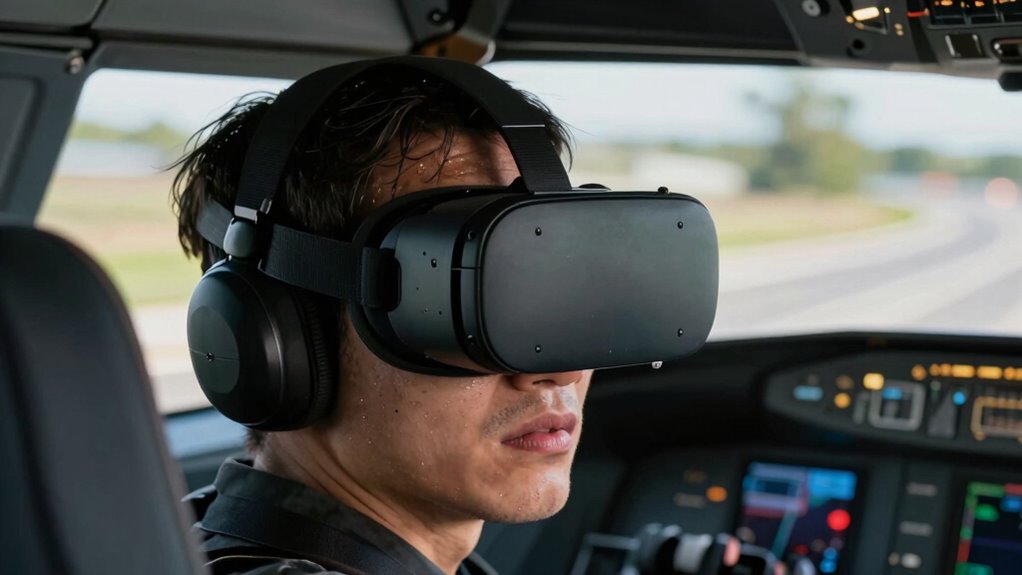

Motion sickness in flight sims and VR happens when your eyes tell your brain you’re moving, but your inner ear doesn’t feel the same. This sensory mismatch creates confusion and discomfort, leading to symptoms like nausea and dizziness. Rapid movements, wide angles, and low frame rates can make it worse. Understanding this conflicting signals process can help you find ways to lessen symptoms. If you want to explore how to reduce this sensation, keep going for more insights.

Get audio and creator gear delivered free with Prime
- Fast, free delivery on millions of items
- Prime Video, Amazon Music and more included
- Member-only deals all year
Key Takeaways
- Motion sickness in flight sims and VR results from conflicting sensory signals between visual cues and inner ear balance sensors.
- Visual perception suggests movement, but the vestibular system in the inner ear does not detect actual motion.
- Sensory mismatch triggers symptoms like dizziness, nausea, and disorientation as the brain receives conflicting information.
- Factors like rapid head movements, high field-of-view, and low frame rates increase the severity of motion sickness.
- Tolerance and mitigation strategies focus on reducing sensory conflict through visual stability and controlled movement.
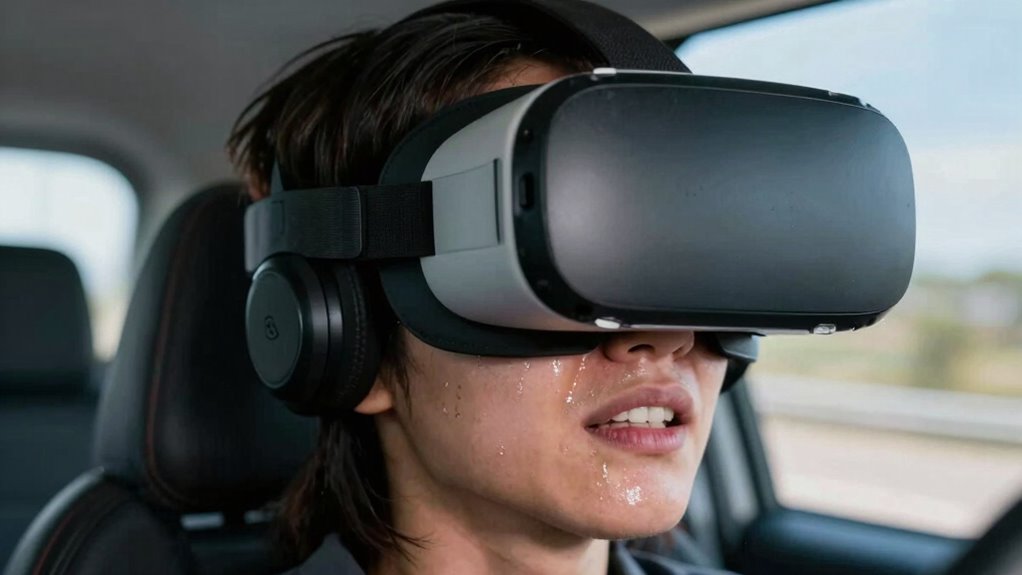
Many people experience motion sickness when using flight simulators or virtual reality, but the true cause isn’t simply feeling dizzy or nauseous. Instead, it’s rooted in how your brain processes conflicting signals from your senses. When you’re immersed in VR or a flight sim, your eyes perceive movement—like the sensation of flying or turning—but your inner ear, specifically the vestibular system, doesn’t register the same motion. This mismatch creates what’s called a vestibular conflict, which your brain struggles to reconcile.
Your visual perception plays an indispensable role here. When your eyes see rapid movements or changing scenery, your brain interprets this as motion. However, if your body and inner ear don’t feel corresponding movement, your brain receives conflicting information. This disconnect sends a mixed message, triggering discomfort. Fundamentally, your eyes say you’re moving, but your vestibular system, located in your inner ear, says you’re stationary. This sensory discord is at the core of motion sickness in these environments.
Visual cues indicate movement, but the inner ear senses stillness, causing sensory conflict and motion sickness.
Your brain attempts to interpret and integrate these signals, but when the visual cues and vestibular inputs don’t match, it results in a sensory mismatch. This mismatch can cause symptoms like dizziness, nausea, cold sweats, and even disorientation. It’s an evolutionary response designed to protect you from potentially dangerous situations—like poisoning—that often cause similar symptoms. But in VR and flight sims, there’s no actual danger, just conflicting sensory information, which your brain interprets as a threat. Understanding the underlying cause of sensory conflict is essential for developing effective solutions.
The severity of motion sickness depends on how strong the sensory conflict is and how your brain handles it. Factors like rapid head movements, high field-of-view displays, or low frame rates can intensify the mismatch. The more your visual perception suggests motion that your vestibular system doesn’t feel, the more likely you are to experience discomfort. Over time, some users develop a tolerance, but for others, the conflict remains persistent and uncomfortable.
Understanding this core issue helps explain why many users struggle with motion sickness in virtual environments. It’s not just about feeling woozy; it’s about how your brain receives and interprets conflicting sensory information. Improving visual stability, reducing rapid movements, or training your brain to adapt can help mitigate these symptoms. But fundamentally, addressing the sensory mismatch caused by visual perception and vestibular conflict is key to reducing motion sickness in flight sims and VR. Additionally, research into sensory adaptation offers promising avenues for long-term solutions.
VR motion sickness relief accessories
As an affiliate, we earn on qualifying purchases.
As an affiliate, we earn on qualifying purchases.
Frequently Asked Questions
Can Motion Sickness Be Completely Prevented in VR?
Motion sickness in VR can’t be completely prevented because sensory conflicts, especially vestibular mismatch, are hard to eliminate. When your visual cues suggest movement but your inner ear doesn’t feel it, your brain gets confused, leading to nausea. While you can reduce symptoms by adjusting settings, taking breaks, or using comfort features, some level of motion sickness might still occur. Complete prevention remains challenging due to the fundamental nature of sensory conflicts.
How Does Individual Sensitivity Affect Motion Sickness?
About 30% of people are particularly sensitive to motion sickness, highlighting how individual differences matter. Your sensory processing influences how you experience VR; if your brain struggles to reconcile conflicting signals from your eyes and inner ear, you’re more likely to feel sick. People with heightened sensory sensitivity may experience motion sickness sooner or more intensely, making it essential to tailor VR experiences to individual needs for comfort.
Are There Specific VR Headsets More Prone to Causing Sickness?
Some VR headsets are more prone to causing sickness due to issues like poor ergonomics and high display latency. Headsets with uncomfortable fit can cause distraction and discomfort, increasing motion sickness risk. Additionally, high display latency delays visual responses, confusing your brain and triggering nausea. Look for headsets with better ergonomics and low latency, like Oculus Quest 2 or Valve Index, to reduce your chances of feeling sick during VR sessions.
Does Age Influence Susceptibility to Motion Sickness in Flight Sims?
Yes, age effects influence susceptibility to motion sickness in flight sims. Younger individuals often experience fewer symptoms, while older users tend to be more prone due to changes in vestibular function and sensory processing. Susceptibility factors include your body’s ability to adapt to visual and motion cues. Knowing these factors helps you anticipate discomfort and take steps, like adjusting settings or taking breaks, to reduce motion sickness during VR experiences.
What Future Technologies Might Eliminate Motion Sickness Entirely?
You might see a future where motion sickness is wiped out faster than light, thanks to advanced sensory conflict solutions. Emerging technologies will target vestibular mismatch by perfectly syncing visual and physical cues, creating seamless virtual experiences. Innovations like neural interfaces could directly stimulate your brain’s balance centers, eliminating dizziness altogether. These breakthroughs promise a world where immersive flight simulations become as natural and comfortable as real flights, with no trace of motion sickness.
Conclusion
Understanding the true cause of motion sickness in flight sims and VR reveals that it’s not just about visual disconnects but your brain’s struggle to reconcile conflicting signals. Once you grasp this, you can take steps to minimize discomfort and enjoy the experience without feeling like you’re caught between a rock and a hard place. Remember, knowledge is power—by addressing the root issue, you’ll avoid fighting an uphill battle and truly get the most out of your immersive adventures.
Fall Picks
fall essentials
As an affiliate, we earn on qualifying purchases.