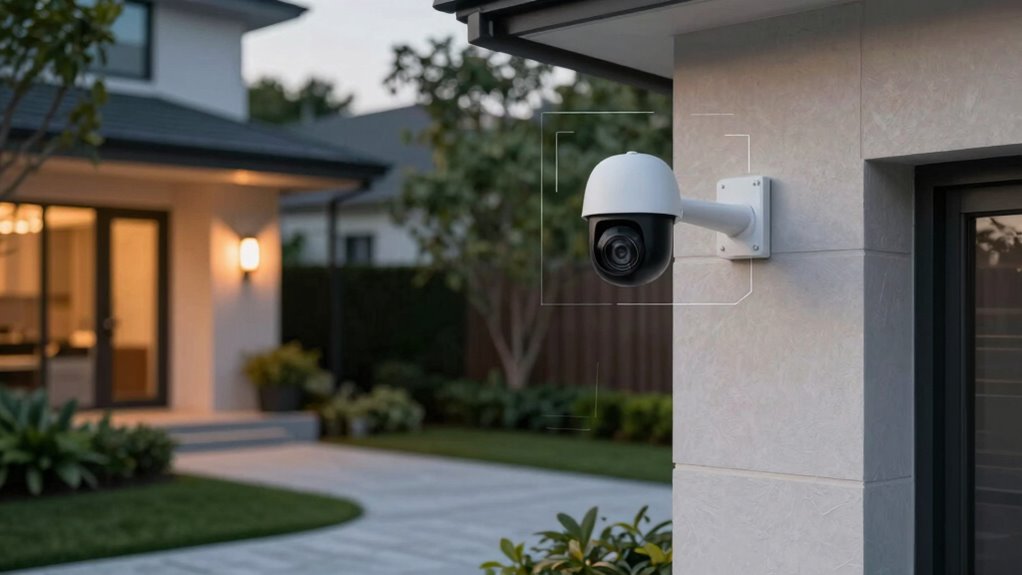

To reduce false motion alerts around your driveway and front door, carefully place your cameras away from direct sunlight, glare, and busy traffic zones. Adjust detection zones and sensitivity settings to focus only on key areas, and enable smart detection features that identify object size and movement patterns. Use landscaping or physical barriers like fences to block passing animals or vehicles that trigger alarms. These tweaks will help improve accuracy—keep exploring for more tips to fine-tune your system effectively.

Get audio and creator gear delivered free with Prime
- Fast, free delivery on millions of items
- Prime Video, Amazon Music and more included
- Member-only deals all year
Key Takeaways
- Adjust detection zones to focus only on critical areas like doors and driveways, excluding irrelevant regions.
- Mount cameras at appropriate heights and angles to minimize glare, shadows, and triggers from passing objects.
- Use landscaping or physical barriers to block sunlight, reduce shadows, and limit movement from animals or passing vehicles.
- Lower motion sensitivity and customize alert settings to prevent notifications from minor or harmless movements.
- Regularly clean camera lenses, review footage, and update settings to adapt to environmental changes and reduce false alarms.
Products Worth Considering

DJI Osmo Pocket 3 Filter Bundle – Vlogging Camera with 1 CMOS Sensor and 4K/120fps

DJI Osmo Pocket 4 Gimbal Camera Pro Kit, 18-Piece Bundle

DJI Osmo Pocket 3 Creator Combo Vlogging Camera with Mic 2, 1 CMOS, 4K/120fps, 3-Axis Stabilization, 128GB Card
As an affiliate, we earn on qualifying purchases.
Why Do False Motion Alerts Happen, and How Can You Prevent Them?
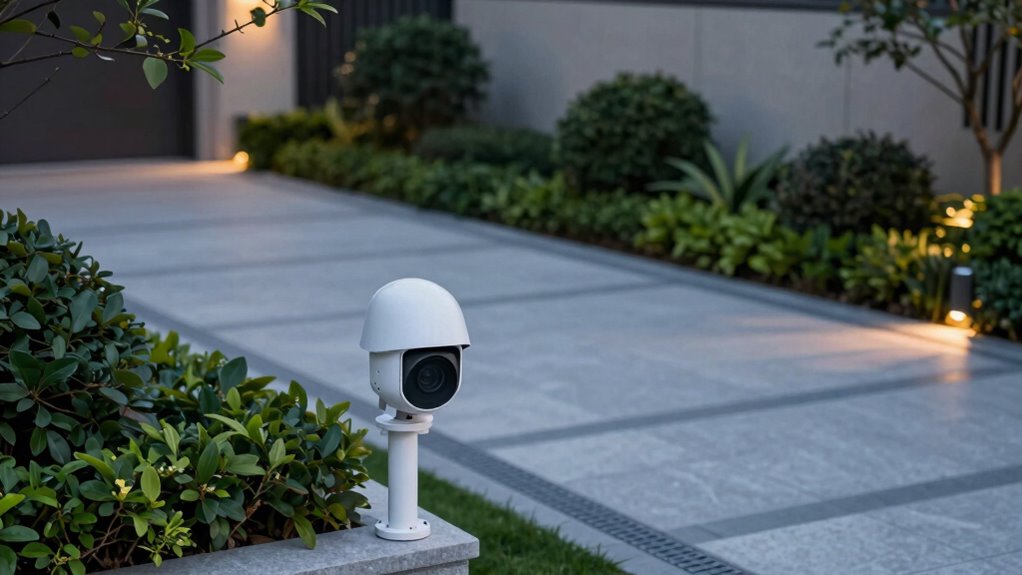
False motion alerts often occur because cameras pick up movement from things like moving shadows, reflections, or even plants swaying in the wind. To reduce these false alarms, focus on proper camera placement. Avoid positioning cameras where sunlight or artificial lights directly hit the lens, as changing lighting conditions can trigger alerts. Instead, mount cameras at angles that minimize glare and shadows. Consider placing them higher up, out of reach of branches or moving objects that can trigger motion. Adjust your lighting setup if needed—avoid bright spots or reflections that can cause false alerts. By paying attention to camera placement and controlling lighting conditions, you can markedly reduce unnecessary notifications and ensure your alerts only trigger when actual activity occurs. Additionally, utilizing motion detection settings can help filter out minor movements and further prevent false alarms. Implementing camera calibration techniques can also enhance detection accuracy and reduce false triggers, especially when combined with environmental awareness. Proper camera placement and environmental adjustments are crucial for optimizing detection and minimizing false alerts, especially when considering ambient lighting conditions.
How to Adjust Your Camera Settings to Minimize Unwanted Notifications
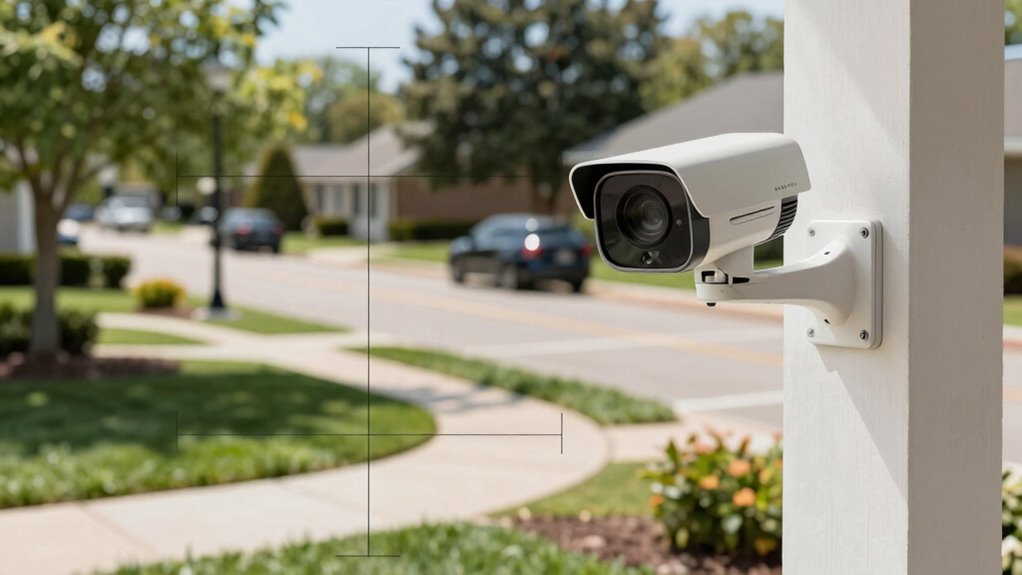
To reduce false alerts, start by adjusting your detection zones to focus only on important areas. Then, lower the motion sensitivity so minor movements don’t trigger notifications. Finally, fine-tune your notification settings to control when and how you’re alerted, helping you avoid unnecessary alerts. Incorporating commercial kitchen equipment insights can also help you understand how precise settings improve overall performance. Paying attention to hive stability can provide valuable insights into how environmental factors influence movement detection and false alarms around your property. Additionally, optimizing your whole-home water systems can reduce environmental disturbances that may cause false triggers, ensuring your security system responds accurately. Understanding how environmental factors impact detection accuracy is crucial for maintaining reliable alerts, much like how engine tuning involves small modifications that can significantly improve overall system reliability and performance.
Adjust Detection Zones
Adjusting your camera’s detection zones is one of the most effective ways to reduce unnecessary motion alerts. By customizing these zones, you focus the camera’s detection algorithms on areas of interest, avoiding triggers from irrelevant motion. Start by reviewing your camera’s settings and carefully calibrating the sensor to guarantee accurate detection. Narrowing the zones helps prevent movement from nearby street activity, trees, or passing cars from triggering alerts. Make sure the detection zones cover the driveway or front door precisely, excluding areas prone to false alarms. Proper sensor calibration improves detection accuracy, so only genuine motion within the targeted zones prompts notifications. Regularly review and adjust these zones as your environment changes to maintain ideal alert accuracy and minimize false alerts. Incorporating Victorian Steampunk Roleplay themes into your setup can also help create a more immersive environment by focusing on aesthetic details.
Modify Motion Sensitivity
Modifying your camera’s motion sensitivity setting can substantially reduce unwanted notifications by controlling how easily the camera detects movement. Adjusting sensitivity involves sensor calibration to fine-tune detection, preventing minor movements from triggering alerts. Lower sensitivity settings make the camera less reactive to small motions, while higher settings catch more activity but risk false alarms. Here’s a quick visual guide:
| Sensitivity Level | Effect |
|---|---|
| Low | Detects large movements, fewer false alerts |
| Medium | Balances detection and false alarms |
| High | Detects small movements, more false alerts |
Start by calibrating through sensitivity adjustment to find the right balance for your environment, reducing false notifications around driveways and front doors. Additionally, understanding regional features can help you customize your camera’s settings to better suit your specific location. Regularly reviewing your camera’s detection zones can also help minimize false alerts caused by irrelevant movements. To further enhance accuracy, consider integrating home security system settings for more comprehensive noise reduction. Being aware of motion detection technology can help you optimize your camera’s performance for your particular area. Furthermore, staying informed about environmental factors such as wind or passing animals can help you better adjust your settings for ongoing effectiveness.
Fine-Tune Notification Settings
Once you’ve set an appropriate motion sensitivity level, the next step is fine-tuning your notification settings to further reduce false alerts. Start with camera placement—position your camera to focus on key areas, avoiding busy or tree-lined zones that trigger unnecessary alerts. Next, customize your notifications through notification customization options:
- Limit alerts to specific zones within the camera’s view.
- Set quiet hours to suppress alerts during certain times.
- Choose only essential notifications to avoid overload.
- Adjust alert frequency to prevent repeated notifications from the same event.
Additionally, consider the landscape and environment to ensure your camera is less susceptible to false triggers from moving branches or animals. Proper camera positioning can significantly reduce the likelihood of false motion alerts caused by environmental factors.
Where Should You Place Your Security Camera for Better Accuracy?
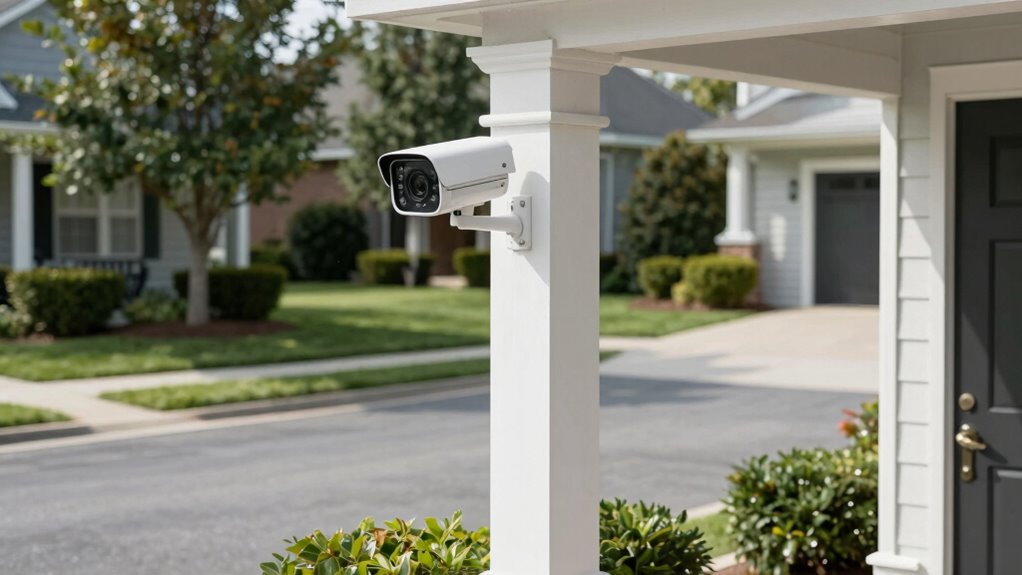
Choosing the right spot for your camera is key to reducing false alerts. You should aim for ideal angles that cover high-traffic areas without capturing irrelevant motion. Follow strategic placement tips to guarantee your camera is both accurate and effective. Incorporating environmental considerations can also help prevent false alarms caused by changing lighting or weather conditions. Additionally, understanding the Gold IRA markets can provide insights into making informed investment decisions, much like selecting optimal camera placement for security. A thorough assessment of surrounding lighting conditions can further enhance camera accuracy by minimizing shadows and glare. Being aware of nail biology and hygiene can also remind you to keep your camera equipment clean and free from dust or debris that might interfere with its sensors.
Optimal Camera Angles
To improve the accuracy of your security camera’s motion alerts, guaranteeing proper placement of the camera at the right angles is vital. Good camera positioning reduces false alerts caused by lighting conditions and movement outside your target area. Consider these tips:
- Angle the camera slightly downward to focus on entry points and driveway activity.
- Avoid direct sunlight or strong backlighting to prevent glare and shadows.
- Position the camera to cover important areas without excessive background movement.
- Make certain the camera faces away from busy streets or trees that cause false triggers.
- Use camera placement strategies that consider common sources of false alerts to enhance detection accuracy.
Strategic Placement Tips
Where should you place your security camera for better accuracy? Position it where it captures key entry points like driveways and front doors, avoiding areas with frequent movement like trees or passing cars. Mount the camera at a height that reduces false alerts from animals or objects. Regular camera maintenance ensures lenses stay clean, preventing blurry footage that can cause false alarms. Additionally, proper user training helps you understand camera features, such as motion zone settings, to minimize unwanted alerts. Adjust placement to cover high-traffic areas while excluding zones prone to minor movements. This strategic positioning maximizes detection accuracy and reduces false motion alerts, creating a more reliable security setup. Remember, thoughtful placement combined with ongoing maintenance and user awareness is key to ideal camera performance. Incorporating knowledge about cabling solutions can also help in designing environments that minimize distractions and false triggers.
How Smart Detection Features Can Help Differentiate Real Threats From False Alarms
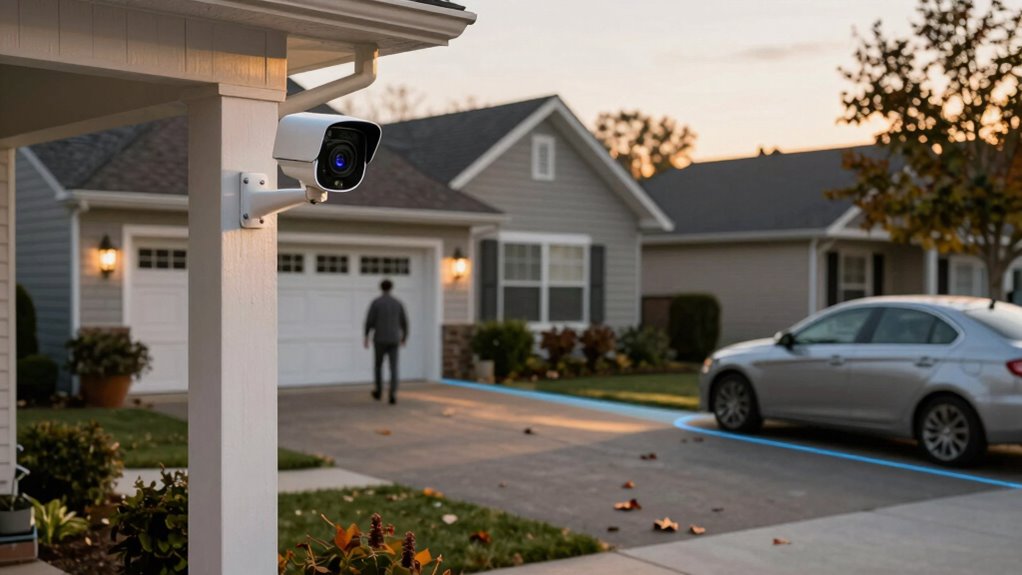
Smart detection features are designed to analyze motion patterns and distinguish between genuine threats and harmless movements, considerably reducing false alarms. These intelligent systems use threat differentiation to minimize unnecessary alerts. Here’s how they work:
- They identify the size of moving objects, ignoring small animals or falling leaves.
- They analyze movement speed, filtering out slow or repetitive motions.
- They recognize the direction of movement, focusing on approaching threats.
- They learn and adapt to your environment over time, improving accuracy.
How Landscaping and Physical Barriers Reduce Shadows and Moving Objects
Landscaping and physical barriers can substantially reduce false motion alerts by minimizing shadows and moving objects that trigger sensors. Thoughtful landscaping design, such as planting bushes or trees strategically, can block sunlight that creates shadows near your cameras. This reduces the chances of shadows falsely activating motion detectors. Physical barriers like fences, walls, or decorative screens also serve to limit movement in camera view, preventing triggers from passing vehicles or animals. By carefully planning your landscaping and installing barriers, you control what moves within the camera’s range. This targeted approach helps your security system focus on genuine threats, lowering false alarms. Combining landscaping design with physical barriers creates a more stable detection environment, ensuring alerts are accurate and reducing unnecessary notifications.
How to Regularly Test and Fine-Tune Your Security System for Best Results
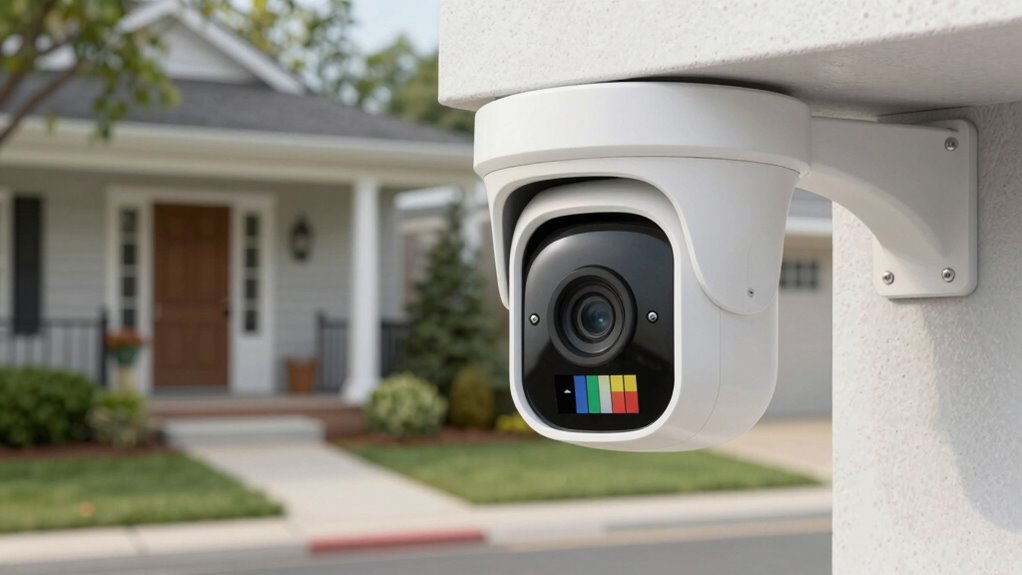
Regularly testing and fine-tuning your security system is essential to guarantee it functions accurately and minimizes false alerts. To do this effectively:
- Perform regular camera maintenance, cleaning lenses and ensuring clear views.
- Test motion detection zones to confirm they trigger correctly during different times of day.
- Keep your software updated to improve system performance and security.
- Review recorded footage periodically to identify and adjust sensitivity settings that may cause false alarms.
Frequently Asked Questions
Can Weather Conditions Cause False Motion Alerts?
Yes, weather impact can cause false alerts. For example, heavy rain, snow, or strong wind can move objects or create shadows that trigger your motion sensors. These environmental factors often lead to false alerts, making it seem like there’s activity when there isn’t. To reduce this, consider adjusting your camera sensitivity or using weather-resistant models designed to minimize the effects of weather impact on motion detection.
Do Different Camera Brands Have Varying False Alarm Rates?
Different camera brands can have varying false alarm rates because of differences in camera sensitivity and alert customization options. Some brands allow you to fine-tune sensitivity settings, reducing false alarms caused by moving branches or shadows. Others may lack robust customization, leading to more false alerts. You should compare these features when choosing a camera, ensuring you can adjust sensitivity levels and customize alerts to minimize unwanted notifications.
How Often Should I Update My Security Camera Firmware?
You should update your security camera firmware whenever updates are available, ideally every few months. Firmware updates often include important security patches that protect your system from vulnerabilities. Regular updates guarantee your camera functions smoothly and accurately, reducing false alerts caused by outdated software. Check your camera’s app or manufacturer’s website regularly to stay informed about new firmware releases and install them promptly for maximum security and performance.
Are There Specific Lighting Setups That Reduce False Alerts?
Surprisingly, bright, uneven lighting setups often help reduce false alerts, making your camera less sensitive to shadows and moving trees. Use even lighting techniques, like soft, diffuse lights around your driveway, and adjust your motion detection settings to ignore small or distant movements. Ironically, a well-lit front porch can keep false alerts at bay, so you’re not constantly chasing after shadows or passing cars.
Can Motion Sensors Be Calibrated for Different Times of Day?
Yes, you can calibrate motion sensors for different times of day. Use calibration techniques like adjusting sensor sensitivity settings to match daylight and nighttime conditions. During calibration, decrease sensitivity during bright daytime hours to prevent false alerts caused by shadows or moving branches, and increase sensitivity at night to catch real movements. This guarantees your sensors are more accurate, reducing false alerts and improving overall security effectiveness.
Conclusion
To wrap up, regularly fine-tuning your security system can cut false alarms by up to 50%, saving you time and stress. Proper camera placement and smart detection features play crucial roles in accuracy. Keep in mind, simple landscaping adjustments can greatly reduce shadows and moving objects that trigger false alerts. By staying proactive and testing your system often, you’ll enjoy more reliable notifications and better peace of mind around your driveway and front door.