
When voice control feels frustrating, smart displays can be a game-changer. They provide visual feedback, helping you verify commands instantly and reducing miscommunications caused by noise or unclear speech. You can quickly see reminders, control smart devices, or view security feeds without relying solely on voice commands. This makes managing your home more reliable and less frustrating. Keep exploring to discover how to get the most out of your smart display for seamless control.

Get audio and creator gear delivered free with Prime
- Fast, free delivery on millions of items
- Prime Video, Amazon Music and more included
- Member-only deals all year
Key Takeaways
- Provide visual confirmation to verify commands, reducing reliance on voice recognition accuracy.
- Enable quick access to controls and information through touch and visual interfaces.
- Support troubleshooting and device management without solely depending on voice commands.
- Allow seamless switching between voice and visual controls for a smoother user experience.
- Help reduce frustration by offering alternative ways to interact with smart devices.
As an affiliate, we earn on qualifying purchases.
Why Voice Control Sometimes Frustrates Smart Home Users

Voice control can sometimes be more frustrating than helpful because it relies heavily on the system accurately understanding your commands. If the voice recognition isn’t precise, you’ll find yourself repeating instructions or correcting errors, which only increases your user frustration. Background noise, unclear diction, or complex phrases can cause the system to misinterpret your requests, leading to failed commands or unintended actions. This inconsistency makes voice control feel unreliable, especially when you need quick responses. You might even feel more annoyed than empowered, especially if you’re trying to multitask or operate your smart home seamlessly. While voice commands are designed for convenience, poor recognition accuracy can quickly turn them into a source of irritation rather than a helpful feature. Incorporating smart displays can provide visual confirmation and reduce reliance on voice alone, improving overall user experience and system reliability. Additionally, integrating visual feedback via smart displays helps users verify commands instantly, reducing confusion and frustration. Recognizing these limitations emphasizes the importance of supplementary visual interfaces in enhancing user confidence and control, especially when high accuracy is crucial for seamless operation.
Why Use a Smart Display for Your Home?
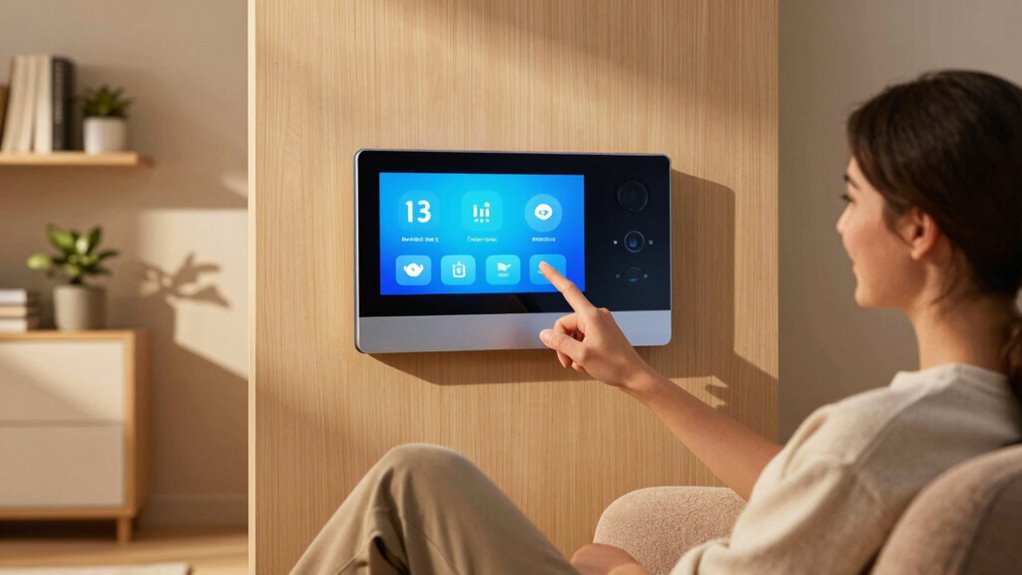
Have you ever wished for a more visual and interactive way to manage your smart home? A smart display offers just that, combining sleek smart display design with easy-to-use controls. Unlike voice commands, which have limitations like misinterpretations or needing exact phrasing, a smart display provides clear visuals and options at a glance. It helps you see your calendar, security footage, or music playlists instantly. Plus, it’s perfect for multitasking, allowing you to control devices, set reminders, or check recipes without frustration. The display’s intuitive interface minimizes misunderstandings and streamlines your routine. Incorporating visual feedback for commands and user-friendly interfaces enhances your experience, making it easier to recover quickly from errors or miscommunications. This approach aligns with media literacy principles, helping users interpret digital interactions more accurately and confidently. Additionally, these displays often feature error recovery features, which further improve usability and reduce frustration when commands are misunderstood.
How Smart Displays Make Routine Tasks Easier
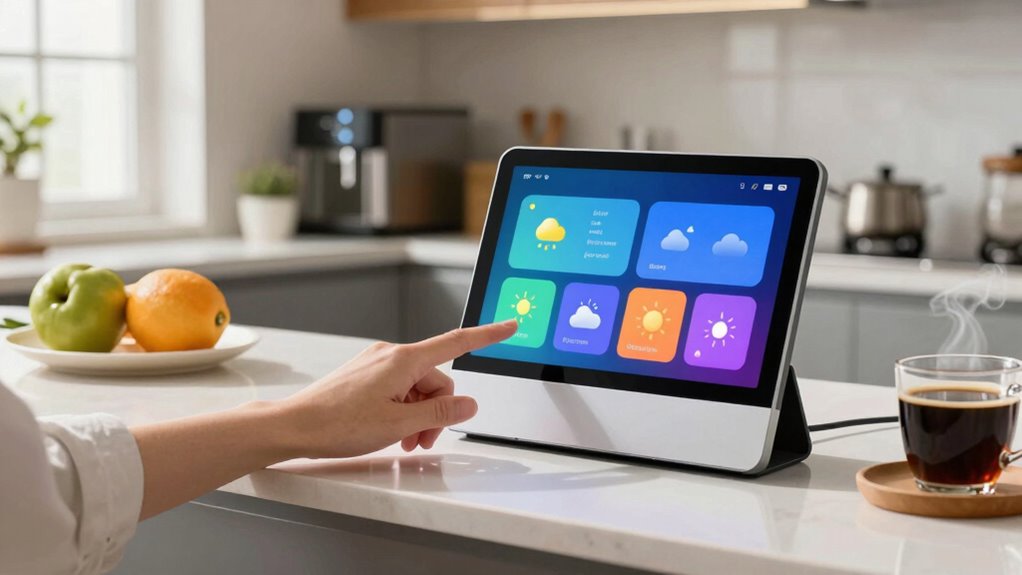
Smart displays simplify your daily routines by providing quick access to essential information and controls. With a tap or voice command, you can check the weather, set reminders, or control smart home devices, saving you time and effort. Their durable build guarantees they withstand everyday use, so you don’t have to worry about accidental knocks or spills. Plus, many models offer voice control privacy options, letting you manage when and how your voice data is used. This means you can enjoy hands-free convenience without sacrificing security. Whether it’s adjusting your thermostat or viewing upcoming appointments, smart displays streamline tasks that used to require multiple steps or separate devices. Their intuitive interface makes routine chores faster and less frustrating, freeing you up for more important things. As nanotech fabrication challenges continue to evolve, future smart displays may become even more integrated and resilient, enhancing their durability and performance. Incorporating advanced materials can further improve their long-term reliability, making them an even more essential part of your home. This ongoing development helps ensure that smart displays remain a reliable and efficient home technology solution. Additionally, integrating smart thermostat controls can optimize your home’s comfort and energy efficiency seamlessly.
Check Your Smart Home Info at a Glance

When you want a quick overview of your home’s status, smart displays make it easy to check multiple pieces of information at once. You can see your security camera feeds, weather updates, upcoming calendar events, or the current temperature without voice commands. You might also find it helpful to explore the variety of content available on smart displays to customize your experience for maximum convenience. Knowing about cabling solutions and proper installation techniques can also ensure your smart display setup remains secure and reliable. Being aware of privacy settings and how data is handled can further safeguard your personal information. Additionally, understanding the types of essential oils that can be used for health benefits might inspire you to incorporate natural remedies into your wellness routines. Using a smart display for quick access helps reduce voice control reliance, which can sometimes feel intrusive and overwhelming.
Control Smart Devices More Easily With Visual Interfaces

Using visual interfaces on smart displays not only helps you see your home’s status at a glance but also streamlines the way you control your devices. With touchscreens, you can easily toggle lights, adjust thermostats, or view security feeds without speaking. This method reduces reliance on voice commands, which can sometimes feel annoying or imprecise. However, be mindful of privacy concerns; sensitive information might be visible on the screen if others are around. Additionally, too much visual clutter can make it harder to find what you need quickly. Keeping the interface organized and customizing what’s displayed helps you manage your devices efficiently while maintaining privacy and avoiding unnecessary distractions. Exploring features like anti-fatigue mats can also improve your overall comfort during long periods of device use. Incorporating visual control options can further enhance your experience by providing quick access to essential functions, especially as smart device interfaces become more sophisticated and user-friendly. Being aware of home automation safety tips ensures that your setup remains secure while offering convenience. Paying attention to privacy settings can help protect your personal information from unintended exposure.
What to Do When Voice Recognition Fails
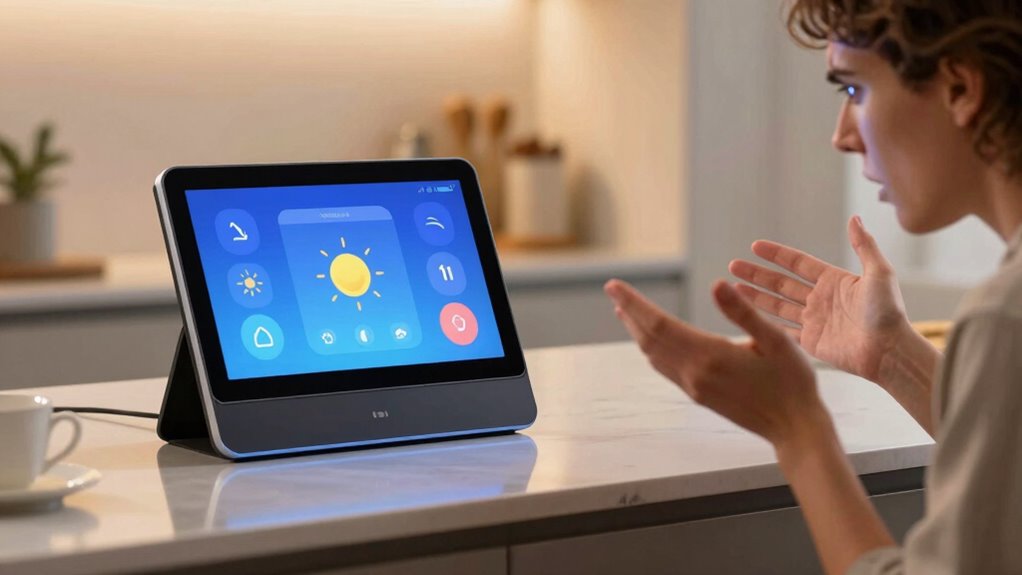
If your voice commands aren’t being recognized correctly, don’t panic—there are several quick fixes to get your smart device back on track. Troubleshooting errors can often be resolved with simple adjustments. First, check your microphone for obstructions or background noise. Then, try restarting your device or updating its software. You might also consider retraining the voice recognition system for better accuracy. When voice commands still don’t work, explore alternative controls to manage your smart devices effectively:
- Use the smart display’s touch interface
- Access device settings directly
- Enable manual controls within the app
- Connect via a physical remote or keyboard
- Reset voice recognition settings
These steps help maintain control, even when voice recognition falls short.
When Should You Use Your Smart Display Instead of Voice Commands?
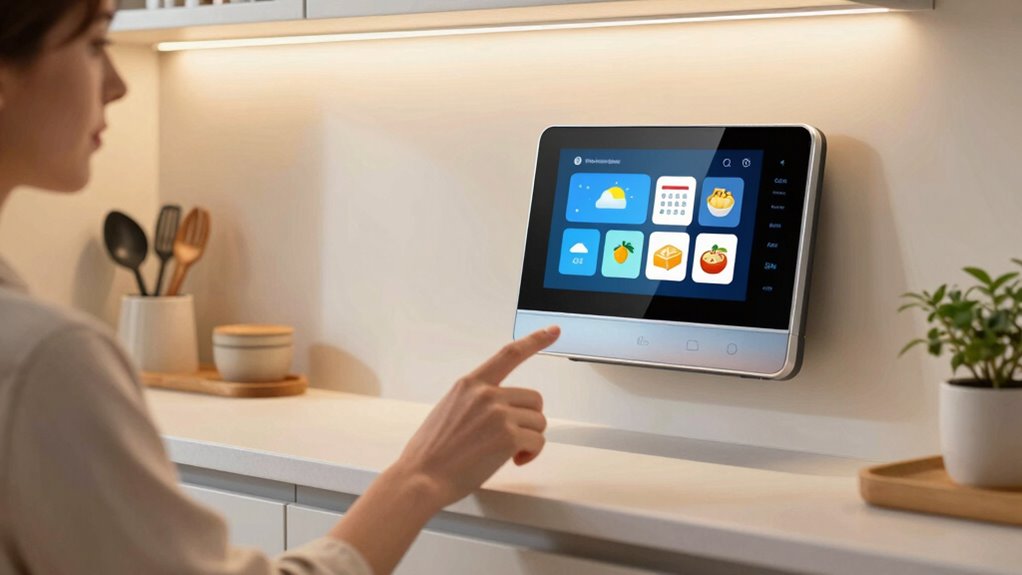
Sometimes, voice commands aren’t the most efficient way to control your smart display—especially when quick, detailed interactions are needed. When voice command limitations make it hard to see or select options, using the display itself offers clear advantages. It allows you to browse photos, read recipes, or manage smart home devices visually, which voice alone can’t do as effectively.
| When to Use Smart Display | Why It’s Better |
|---|---|
| Viewing detailed info | Visual access is faster than listening and remembering |
| Managing smart devices | Precise control with touch is easier than voice commands |
| Browsing photos/videos | Visual selection simplifies navigation |
| Reading recipes or instructions | Easy to follow, hands-free interaction isn’t enough |
| Checking schedules or calendars | Quick glance beats voice summaries |
How to Set Up and Customize Your Smart Display

Getting your smart display up and running is straightforward, and customizing it guarantees it works best for you. Start by connecting it to Wi-Fi, then sign in to your account. During setup, consider privacy concerns—adjust voice recognition settings and disable features you don’t need. Proper device placement is essential; position your display where it’s visible but away from privacy-sensitive areas. Incorporating smart technology principles can help optimize your setup and ensure your system operates efficiently. Here are key customization tips:
- Adjust privacy settings for voice and data sharing
- Choose a location with good Wi-Fi signal
- Customize your home screen for quick access
- Set preferred language and voice preferences
- Enable or disable notifications based on your needs
Tips for Seamlessly Switching Between Voice and Visual Control
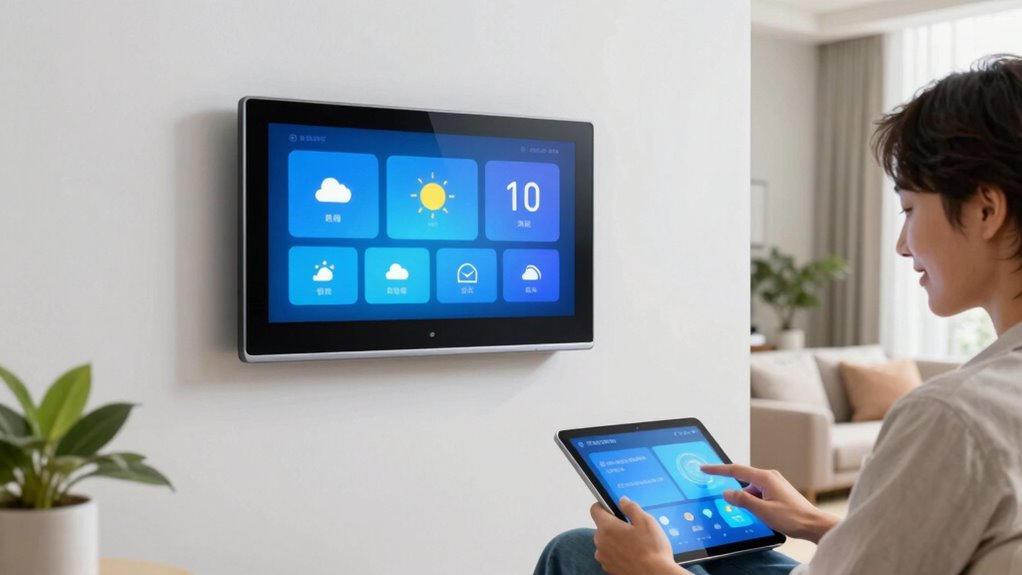
Using quick visual cues and simple shift methods makes switching between voice and visual control effortless. When you see clear icons or indicators, you’ll know exactly which mode you’re in. Incorporating easy-to-use shortcuts helps you move smoothly without missing a beat.
Quick Visual Cues
To switch smoothly between voice commands and visual cues, it helps to recognize clear, easily identifiable signals that indicate which control mode is active. Visual notifications act as quick access points, giving you immediate feedback on your commands and current status. These cues prevent confusion and make shifts seamless.
Look for:
- Bright, blinking icons signaling active mode
- Color changes on the display for quick recognition
- Subtle animations confirming actions
- Text labels clearly indicating control status
- Consistent placement of notifications for easy spotting
Easy Transition Methods
Switching smoothly between voice commands and visual controls becomes effortless when you employ simple, consistent methods. Start by establishing clear cues, such as pausing voice commands before switching to touch or visual input, which helps manage privacy concerns and prevents accidental activations. Use the same gestures or commands for related actions to create a seamless experience. Be mindful of energy consumption; turning off the display when not in use conserves power. Keep your smart display’s software updated to guarantee smooth transitions and optimized performance. If privacy is a concern, disable voice recognition features when shifting to visual controls. These simple, consistent methods make it easier to switch without frustration, enhancing your overall experience while maintaining privacy and saving energy.
Choosing the Best Smart Display for Your Home

When choosing a smart display, consider the size that fits best in your space and how easily you can see the screen from different angles. You also want to guarantee it’s compatible with your existing devices to avoid connectivity issues. Picking the right combination of display size and device compatibility helps you get the most out of your smart home setup.
Display Size Options
Choosing the right display size depends on how you plan to use your smart device and the space where it’ll sit. Smaller screens are great for bedside tables or kitchens, while larger displays suit living rooms or offices. When selecting, consider your need for display customization—larger screens offer more room for apps and multitasking. Screen resolution also matters; higher resolution provides sharper images and clearer text, enhancing your overall experience.
- Larger displays are better for multitasking and detailed visuals
- Smaller screens fit tighter spaces without cluttering
- Consider how often you’ll interact visually with the device
- Bigger screens can be more immersive for media
- Balance display size with your room’s layout for ideal use
Compatibility With Devices
Matching your smart display with your existing devices guarantees seamless operation and a unified smart home experience. To do this, prioritize device integration and confirm compatibility with your current gadgets. Some displays work best with specific smart home ecosystems, like Google Assistant or Amazon Alexa, so check for compatibility issues beforehand. If your devices use different protocols or brands, look for a smart display that supports multiple platforms or offers broad device compatibility. This prevents frustration and makes managing your smart home smoother. Keep in mind that some displays may have limited compatibility with certain smart lights, locks, or sensors. By choosing a display that aligns with your device ecosystem, you minimize setup headaches and maximize your smart home’s efficiency.
Frequently Asked Questions
Can Smart Displays Function Offline Without Internet Access?
Smart displays generally don’t function offline because they rely on internet access for most features. However, some models offer limited offline functionality through local storage, allowing you to access certain stored data or play media directly from the device. This means you can still perform basic tasks like viewing photos or listening to downloaded music without an internet connection, but full smart features usually require online access.
How Secure Is the Data Displayed on Smart Screens?
Smart displays are generally secure, but your data’s safety depends on several factors. They use data encryption to protect your information during transmission, reducing risks of interception. Additionally, your device relies on user consent for data collection and sharing, giving you control over what information is stored or accessed. To stay safe, regularly review privacy settings and confirm your device’s firmware and security features are up to date.
Are Smart Displays Compatible With All Smart Home Brands?
Smart displays are incredibly versatile, but they aren’t compatible with every smart home brand—it’s like trying to fit a square peg in a round hole. Their compatibility depends on the device’s smart display compatibility and smart home integration features. Before buying, check if your devices work seamlessly together. While many major brands are supported, some niche or older products might not integrate smoothly, so always double-check compatibility first.
What Are the Privacy Considerations When Using Visual Interfaces?
When using visual interfaces, you should consider visual privacy and data transparency. Make sure your smart display has clear privacy settings, so you control what images or videos are shown. Be aware of how your data is collected and used, and look for transparent policies from manufacturers. Protect sensitive information by managing permissions, and regularly review your privacy preferences to keep your data secure while enjoying the convenience of visual interfaces.
Can Smart Displays Be Used by Children Safely?
Yes, smart displays can be used safely by children if you set up proper parental controls. You can restrict access to certain apps, content, and features to guarantee child safety. Regularly monitor their activity and enable child-friendly modes to prevent exposure to inappropriate material. Using these controls helps you manage screen time and protect your child’s privacy, making smart displays a safe, engaging tool for learning and entertainment.
Conclusion
So, think of your smart display as a trusty lighthouse guiding you through the fog of voice command frustrations. When voice starts to feel like shouting into the void, a quick glance at your screen can be like catching a lighthouse beam—clear, steady, and reassuring. Embrace these visual cues, and your smart home becomes a smooth sailing ship, steering through everyday tasks with ease, no matter how choppy the waters of voice control may get.
Columbus Day / Indigenous Peoples' Day Picks
long weekend sales
As an affiliate, we earn on qualifying purchases.