
AIThis post was created with the assistance of artificial intelligence (AI).

Before you orderOffer from Amazon
Get audio and creator gear delivered free with Prime
- Fast, free delivery on millions of items
- Prime Video, Amazon Music and more included
- Member-only deals all year
Start your free Prime trial Free trial for eligible customers · Cancel anytime
As an affiliate, we earn on qualifying purchases.
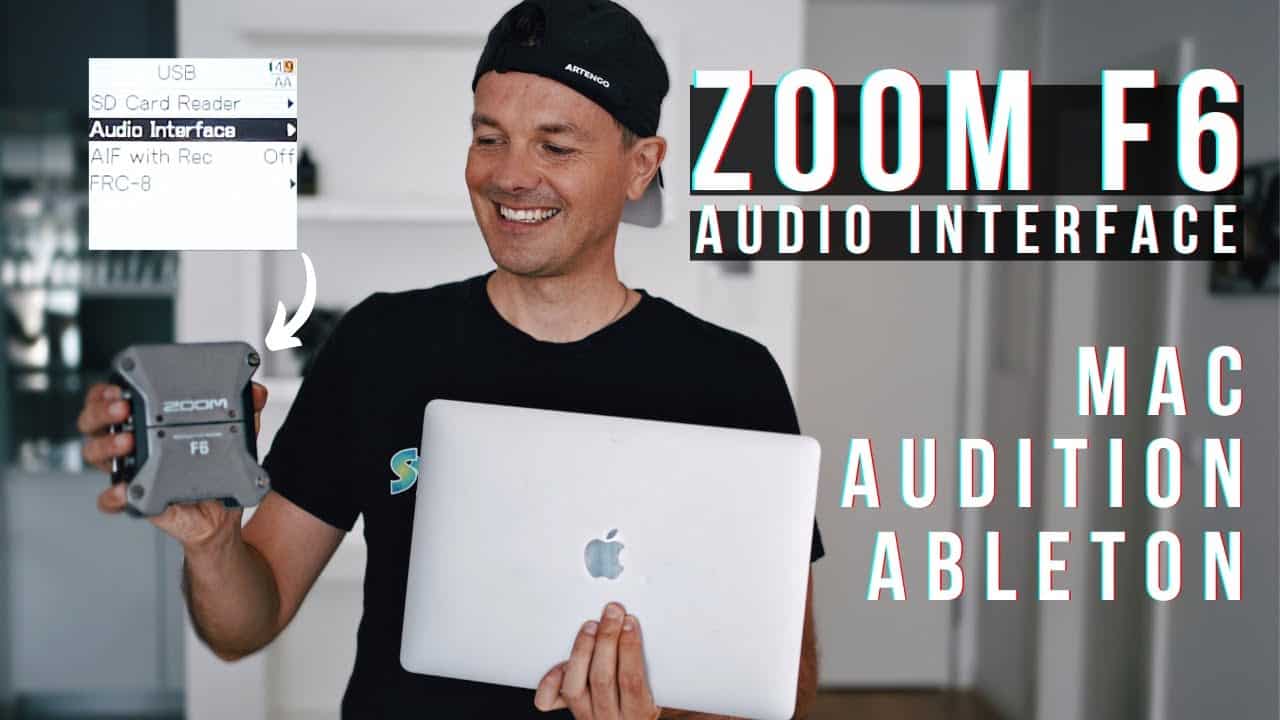
Zoom F6 Audio Interface How to and Settings
In this video, we show you how to use the Zoom F6 as an Audio Interface for Mac. You’ll see how I set up everything from the recorder, computer, and important settings within Adobe Audition and Ableton Live! We hope you enjoy this tutorial and please let us know if you’d like to see more videos like this!
Amazon
As an affiliate, we earn on qualifying purchases.
Halloween Picks
halloween
halloween
As an affiliate, we earn on qualifying purchases.