
To easily segment your smart home devices without becoming a network expert, start by enabling the guest Wi-Fi feature on your router, dedicating it solely to your IoT gadgets. Keep your main network for laptops and sensitive data. Many routers offer simple setup options for creating separate networks, and you can also consider using a secondary router or smart hub for added layers of security. With a few simple steps, you’ll improve your home’s security and performance—find out more below.

Get audio and creator gear delivered free with Prime
- Fast, free delivery on millions of items
- Prime Video, Amazon Music and more included
- Member-only deals all year
Key Takeaways
- Use guest Wi-Fi networks on your router to isolate IoT devices from your main devices.
- Connect smart home gadgets exclusively to the guest network for easy segmentation.
- Enable network segmentation features available in modern routers with minimal setup.
- Keep sensitive devices like laptops and smartphones on the main network for security.
- Consider using dedicated smart home hubs or secondary routers for advanced segmentation.
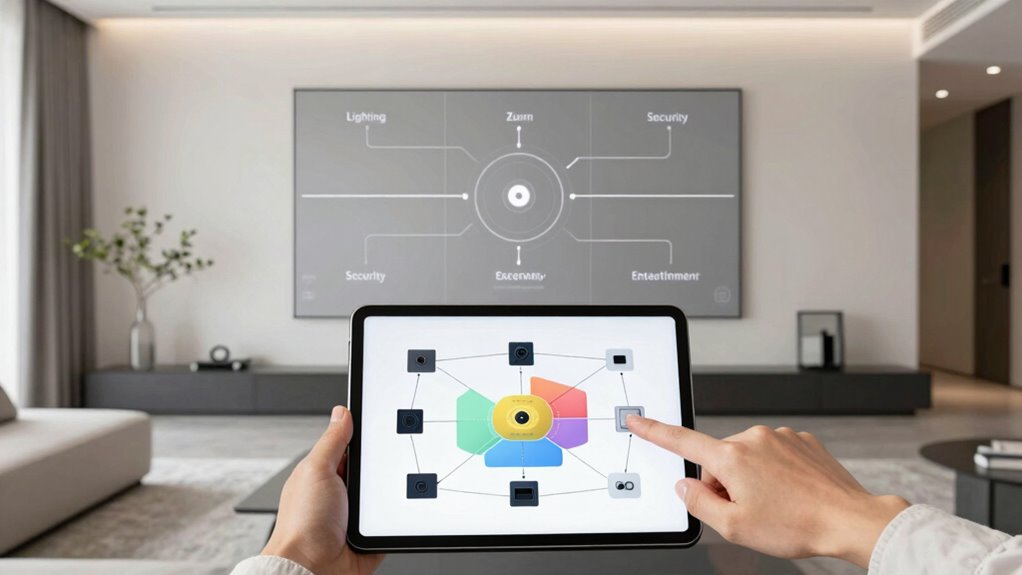
Ever wondered how to make your smart home more secure, efficient, and manageable? One of the best ways to do that is by segmenting your network. When you divide your home’s Wi-Fi into separate parts, you’re creating virtual barriers that protect your devices and data. Many people overlook this step, but it’s crucial because IoT device vulnerabilities can be a serious risk. Smart devices like cameras, thermostats, and voice assistants often lack robust security features, making them attractive targets for hackers. By isolating these devices from your main network, you minimize the chance that a breach in one device can spread to your personal computers, smartphones, or sensitive information.
Segment your Wi-Fi to protect devices and data from IoT vulnerabilities and potential security risks.
Network segmentation benefits go beyond security. It also helps improve your network’s performance and manageability. When your smart home devices are on their own network segment, they don’t clog up your main Wi-Fi used for work, streaming, and browsing. This can lead to faster, more stable connections for your primary devices. Plus, managing updates and troubleshooting becomes easier because you can focus on one segment without risking your entire network. Proper segmentation can also help you optimize your network’s overall efficiency by reducing unnecessary traffic. Additionally, many routers now support advanced security features, making it easier for non-experts to set up effective segmentation without extensive technical knowledge. Understanding the role of network segmentation helps you see how these virtual barriers can significantly enhance your home’s cybersecurity and overall performance.
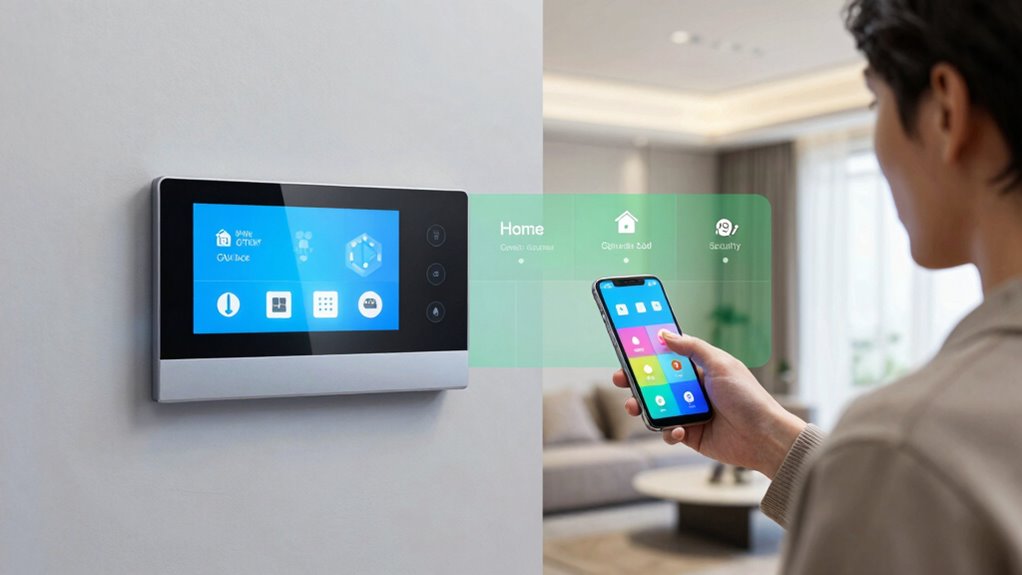
You don’t need to be a network engineer to implement segmentation. A straightforward way is to set up a guest Wi-Fi network on your router. Many modern routers allow you to create a separate network for your smart devices with just a few clicks. Connect all your IoT gadgets to this network, keeping them isolated from the main one used for your laptops and smartphones. This simple step creates a barrier that prevents any vulnerabilities in your smart devices from affecting your more sensitive devices.
Another option is to use a dedicated smart home hub or a secondary router that supports VLANs (Virtual Local Area Networks). These setups might seem complex, but many consumer-friendly devices come with guides that walk you through the process. The goal is to keep your IoT devices on a separate, secure segment, reducing the attack surface and boosting your home’s security posture. Understanding network segmentation helps you see how these virtual barriers can significantly enhance your home’s cybersecurity and overall performance. The peace of mind that comes with knowing your smart home is safer is well worth the minimal effort.
As an affiliate, we earn on qualifying purchases.
Frequently Asked Questions
Do I Need Special Equipment to Segment My Smart Home Network?
You don’t need special equipment to segment your smart home network. Using your existing router, you can enable device isolation features to keep smart devices separate from your main network, enhancing security. Setting up a guest access network also helps isolate smart devices from your personal devices, reducing risks. Many modern routers support these features easily, so you can improve your smart home security without extra gear or advanced technical skills.
How Often Should I Update My Smart Home Network Security Settings?
Frequently, you should update your smart home network security settings to stay secure. Regularly check for firmware updates, as they often patch vulnerabilities, and refresh your passwords to prevent breaches. Set a routine—monthly or quarterly—to review security measures, ensuring devices stay protected. By maintaining fresh firmware and managing passwords, you keep hackers at bay and your smart home safe and sound.
Can I Segment My Network Using My Existing Router?
Yes, you can segment your network using your existing router by creating a separate Guest network for your IoT devices. This isolates your smart home gadgets from your main devices, enhancing security. Check your router’s settings to enable a guest network, then connect your IoT devices there. This simple step helps prevent potential threats from affecting your primary devices while keeping your smart home functional.
Will Network Segmentation Improve My Smart Home’s Internet Speed?
Think of your smart home network as a busy city street. Segmenting it helps traffic flow smoothly, boosting your internet speed. By prioritizing devices and managing guest access, you reduce congestion and interference. This organization guarantees your essential devices get the bandwidth they need and keeps guests off your main network. Ultimately, network segmentation enhances your internet experience, making your smart home faster, more reliable, and easier to control.
What Are the Common Mistakes to Avoid When Segmenting My Network?
When segmenting your network, avoid common mistakes like neglecting device isolation and poor IP management. Don’t keep all devices on the same network, as this increases security risks. Guarantee each segment is properly isolated to prevent unauthorized access. Also, manage IP addresses carefully; static IPs help prevent conflicts. Regularly review your segmentation setup to identify vulnerabilities. These steps help keep your smart home secure and functioning smoothly.
Conclusion
By effectively segmenting your smart home, you enhance both security and performance without needing to be a network expert. Remember, over 60% of smart home breaches occur due to poor network segmentation. Taking simple steps—like creating separate Wi-Fi networks for your devices—can drastically reduce your risk. So, don’t wait for a breach to act; a little effort now can keep your smart home safer and running smoothly for years to come.
Fall Picks
fall essentials
As an affiliate, we earn on qualifying purchases.