
Get audio and creator gear delivered free with Prime
- Fast, free delivery on millions of items
- Prime Video, Amazon Music and more included
- Member-only deals all year
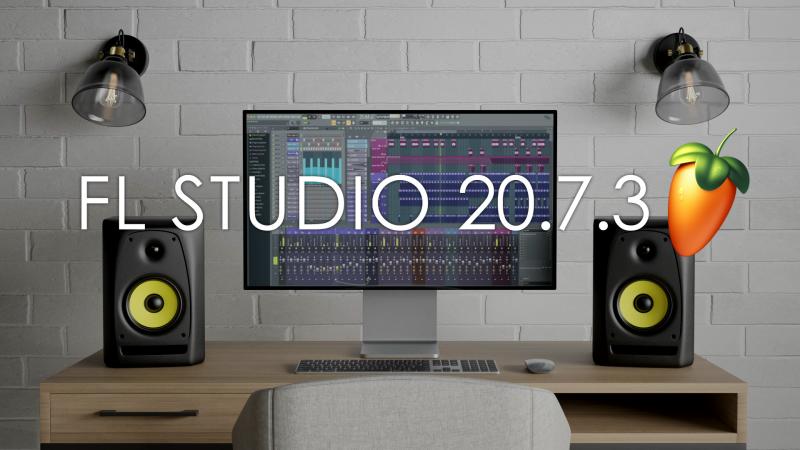
FL STUDIO 20.7.3 | Maintenance Update
In the third maintenance update for FL Studio 20.7 Image Line Software is happy to release more workflow improvements for your favorite DAW, described below. All because everyone loves Lifetime Free Updates.
FL Studio is the result of over 20 years of continuous development, to become the fastest way from your brain to your speakers. Many of the world’s top DJs and producers started by downloading the FL Studio trial, making their first beats a bedroom studio. Now it’s your turn, our trial allows you to make and save projects, then export them to audio formats like MP3 and WAV, ready to share with the world.
FL STUDIO 20.7.3 Features
- Playlist– Includes several workflow enhancements:
- Make unique Clips – The Edit > Make unique option now applies to all Clip types and all selected Clips.
- Consolidating Playlist tracks – The Tools > Export all Playlist track groups option groups audio for Parent and all Sub-Tracks into a single WAV file, reducing the number of (potentially) unnecessary rendered tracks.
- Audio Clip source changes – The Start Point and Trim Edits are now preserved by holding (Shift) when using the ‘Clip Menu > Select source channel‘ function.
- Menus – All check-type (selectable) menu items now support Right-Click to check or uncheck them without closing the menu so you can preview the result.
- Channel Rack – Indicator shows when a drag-and-drop Plugin is to be inserted between Channels.
- Revised unlock system – Changes have been made to make it clearer how to unlock FL Studio from Trial. A new Unlock Panel shows all possible options.
- Projects – FL Studio now shows a file-size warning when saving a project with large Edison instances.
- Performance monitor – Moved CPU percentage column closer to the plugin name.
- Toolbar peak meter – Now indicates potential clipping (over 0 dB)even when the audio driver doesn’t require it.
- MIDI Scripting – Added a functions to Select a Channel exclusively, Work with Pitch Bend range & Get Channel and Mixer plugin information.
- Command line export – Added batch export to .zip file to the command line options. Allow single file instead of a folder for MIDI export.
- AKAI FIRE (pad colors) – Improved coloring of scales when using different root notes.
Pricing and Availability
DOWNLOAD FL Studio 20.7 here OR BUY FL Studio 20.7 here
Fall Picks
fall essentials
As an affiliate, we earn on qualifying purchases.