Granular Synthesis Tutorial

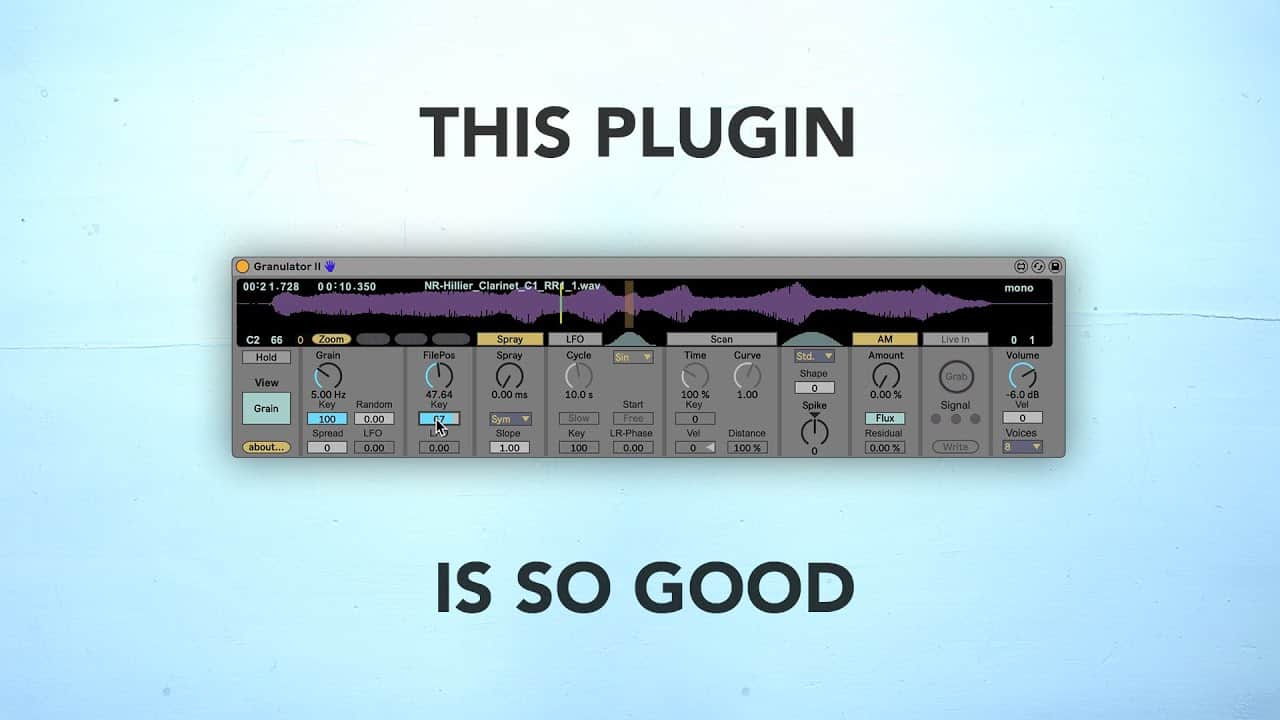
In this video, I show how I use granular synthesis to create unique sounds. In the process, I end up creating a full electronic track.

All of my obsession with granular synthesis is owing to Granulator II, a fantastic Max4Live patch by Robert Henke (Monolake). In order to use Granulator II, you need a version of Ableton Live that supports Max4Live. You can download Granulator II here. Granulator II is an amazing device for creating your own textures, pads, and atmospheres, the Monolake Granulator II uses granular synthesis to create a constant stream of short crossfading samples from a source sound. The size, behavior, modulation, envelope, and other properties of the short samples can be tweaked via the Granulator’s controls. 

Amazon

Ableton Live Max for Live plugins

As an affiliate, we earn on qualifying purchases.

As an affiliate, we earn on qualifying purchases.
The Musical Art of Synthesis

The Musical Art of Synthesis

As an affiliate, we earn on qualifying purchases.

As an affiliate, we earn on qualifying purchases.

Amazon

music production sound design tools

As an affiliate, we earn on qualifying purchases.

As an affiliate, we earn on qualifying purchases.

Donner MIDI Pad Beat Maker Machine Professional, Drum Machine with 16 Beat Pads, 2 Assignable Fader & Knobs and Music Production Software, USB MIDI Controller with 40 Courses, STARRYPAD

Donner MIDI Pad Beat Maker Machine Professional, Drum Machine with 16 Beat Pads, 2 Assignable Fader & Knobs and Music Production Software, USB MIDI Controller with 40 Courses, STARRYPAD

16 Pad Controller with customizable lighting: The midi drum pad STARRYPAD's 16 soft silicone backlit pads can trigger…

As an affiliate, we earn on qualifying purchases.

As an affiliate, we earn on qualifying purchases.

You May Also Like

Transfer Spotify Playlist to YouTube Music

Wander into a world of endless musical possibilities as you effortlessly transfer your Spotify playlists to YouTube Music.