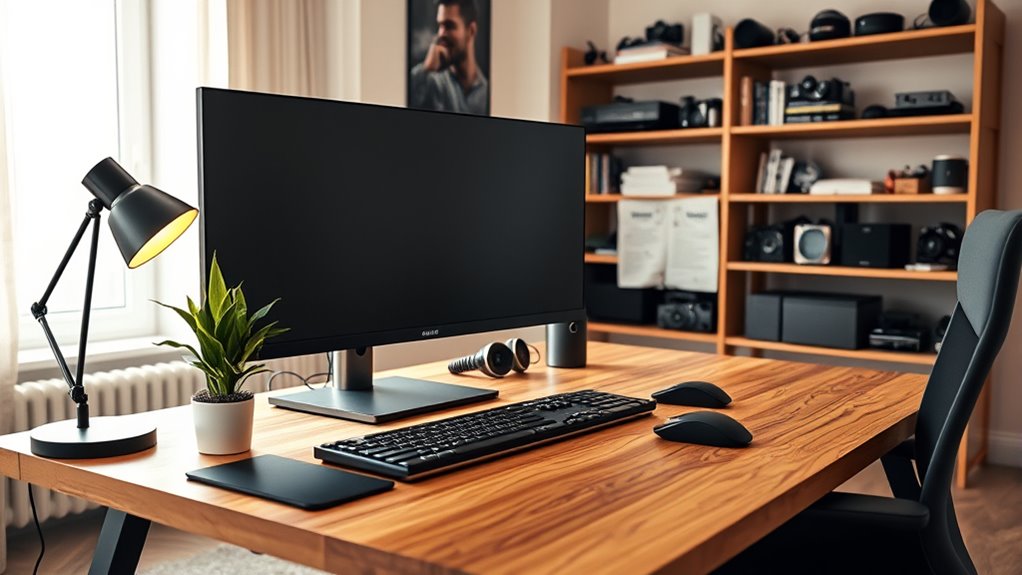

Setting up a home office with the right technology is key to staying productive and professional remotely. Invest in quality webcams and microphones for clear video and audio during meetings. Use ergonomic furniture like adjustable chairs and keyboards to stay comfortable. Incorporate smart devices, such as adjustable desks and lighting, for flexibility and comfort. For budget-friendly options, consider refurbished equipment and free productivity tools. Keep your connection secure and enhance your workspace with natural elements. Discover more ways to optimize your home office environment.

Get audio and creator gear delivered free with Prime
- Fast, free delivery on millions of items
- Prime Video, Amazon Music and more included
- Member-only deals all year
Key Takeaways
- Essential communication devices include webcams, USB microphones, and wireless headphones for clear virtual interactions.
- Ergonomic office furniture like adjustable chairs, keyboards, and footrests promote comfort and prevent strain.
- Smart tech such as height-adjustable desks and adjustable lighting enhances workspace flexibility and reduces eye strain.
- Budget-friendly options like refurbished monitors and DIY standing desks provide cost-effective productivity solutions.
- Reliable internet, security measures, and natural elements ensure safe, efficient, and motivating remote work environments.
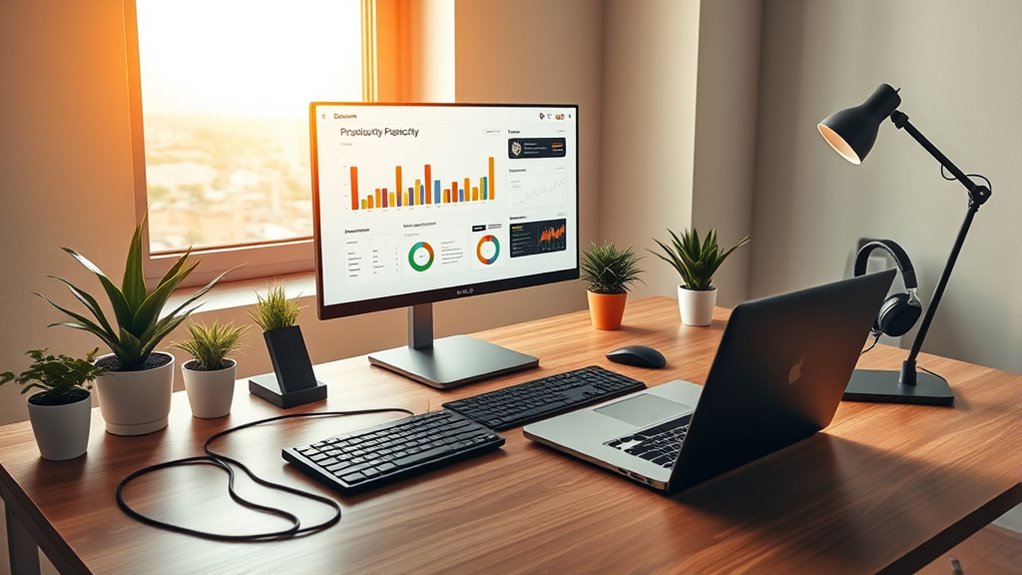
Are you setting up a home office and wondering what tech essentials you need? When working remotely, having the right devices and tools can make a significant difference in your productivity and comfort. Start with key devices like webcams, USB microphones, and wireless headphones. These are essential for clear communication during virtual meetings and calls, helping you appear professional and stay connected. Investing in quality audio and video equipment ensures your colleagues hear and see you clearly, reducing misunderstandings and frustration.
Essential tech for remote work: webcams, microphones, and wireless headphones for clear, professional communication.
Ergonomics plays a critical role in maintaining comfort during long work hours. Ergonomic keyboards and mice are designed to reduce strain on your hands and wrists, preventing discomfort and repetitive stress injuries. Pair these with an adjustable chair featuring lumbar support and a footrest to promote proper posture. A good desk with enough space for your devices and an ergonomic setup can prevent back pain and fatigue, keeping you focused throughout the day.
Smart technology can elevate your workspace by adapting to your needs. Consider a smart desk with adjustable height, allowing you to switch between sitting and standing easily, which can boost your energy and health. Adjustable lighting, such as desk lamps, enhances visibility and creates a pleasant work environment, reducing eye strain. Some smart desks and lighting systems can be controlled via apps or voice commands, adding convenience and customization to your setup.
Budget-friendly options are also available for those who want to create an effective workspace without overspending. Used or refurbished devices, like monitors and printers, can save money while still providing reliable performance. DIY solutions, such as constructing your own standing desk, offer cost-effective alternatives. Free productivity tools and software help organize your tasks without additional costs, keeping you efficient without breaking the bank. Keep an eye out for online deals and discounts to further stretch your budget.
Technology integration doesn’t stop at hardware. Reliable wireless internet is essential for smooth remote work, so guarantee your connection is strong and stable. Voice-controlled devices, like smart assistants, can help you manage schedules, set reminders, or even control other smart devices in your office. Security measures, such as webcam covers and secure software, protect your data and privacy, especially when working with sensitive information. Incorporating natural elements like plants can also improve your mood and productivity, creating a more inviting workspace.
Additionally, understanding the importance of home theater projectors and their features can help you create an engaging multimedia environment within your workspace, making breaks more enjoyable and fostering a better balance between work and relaxation.
Frequently Asked Questions
How Do I Choose the Best Ergonomic Office Chair?
When choosing the best ergonomic office chair, you should focus on adjustability and support. Look for a chair with adjustable height, lumbar support, armrests, and backrest positioning to fit your body perfectly. Guarantee it has breathable materials for comfort during long hours. Prioritize durability, padding, and a stable wheelbase for smooth movement. A well-designed, ergonomic chair helps maintain good posture, reduces strain, and boosts your productivity.
What Are the Cybersecurity Tips for Remote Work?
Think of your remote work setup as a fortress. Keep your gates secure by using strong, unique passwords and encrypting your data. Use a VPN like a protective shield whenever you access company info. Regularly update your defenses with software patches, and only work on approved devices. Don’t forget to train yourself often, so you’re always ready to defend against cyberattacks, keeping your digital fortress safe and strong.
How Can I Improve My Wi-Fi Signal at Home?
To improve your Wi-Fi signal at home, start by placing your router centrally and elevating it for better coverage. Keep it away from obstacles and interference from other devices. Use dual-band options like 2.4 GHz and 5 GHz, switching channels to find less crowded ones. Consider upgrading to a mesh system or adding extenders for wider coverage, and regularly update your router’s firmware for peak performance.
What Are the Essential Software Tools for Remote Collaboration?
You need essential software tools for seamless remote collaboration. Use project management platforms like Trello or Monday.com to organize tasks. Communicate effectively with Slack or Microsoft Teams for real-time messaging and video calls. Share files easily through Google Workspace or Microsoft 365, which support real-time document editing. For task tracking, Todoist or Instagantt help manage deadlines. These tools streamline teamwork, keep everyone connected, and boost productivity in your remote work setup.
How Do I Set up a Productive Home Office Space?
Creating a productive home office starts with a dedicated space, ideally away from distractions. You wanna choose an area with plenty of natural light and privacy, so your focus stays sharp. Set up ergonomic furniture for comfort, and arrange your tech—like a reliable computer and dual monitors—for smooth work. Keep things organized with storage, add personal touches like plants, and soundproof if needed, to foster motivation and efficiency.
Conclusion
Now that you’ve got the essentials, you’re like a modern-day knight armed for remote work battles. With the right tech, you’ll sail smoothly through deadlines and distractions, turning your home office into your fortress of productivity. Remember, just as the hero’s journey shapes their destiny, your tech choices shape your success. Embrace these tools, stay adaptable, and watch your remote work experience rise—your own epic story in the making.
Halloween Picks
halloween
As an affiliate, we earn on qualifying purchases.