AIThis post was created with the assistance of artificial intelligence (AI).

Before you orderOffer from Amazon
Get audio and creator gear delivered free with Prime
- Fast, free delivery on millions of items
- Prime Video, Amazon Music and more included
- Member-only deals all year
Start your free Prime trial Free trial for eligible customers · Cancel anytime
As an affiliate, we earn on qualifying purchases.
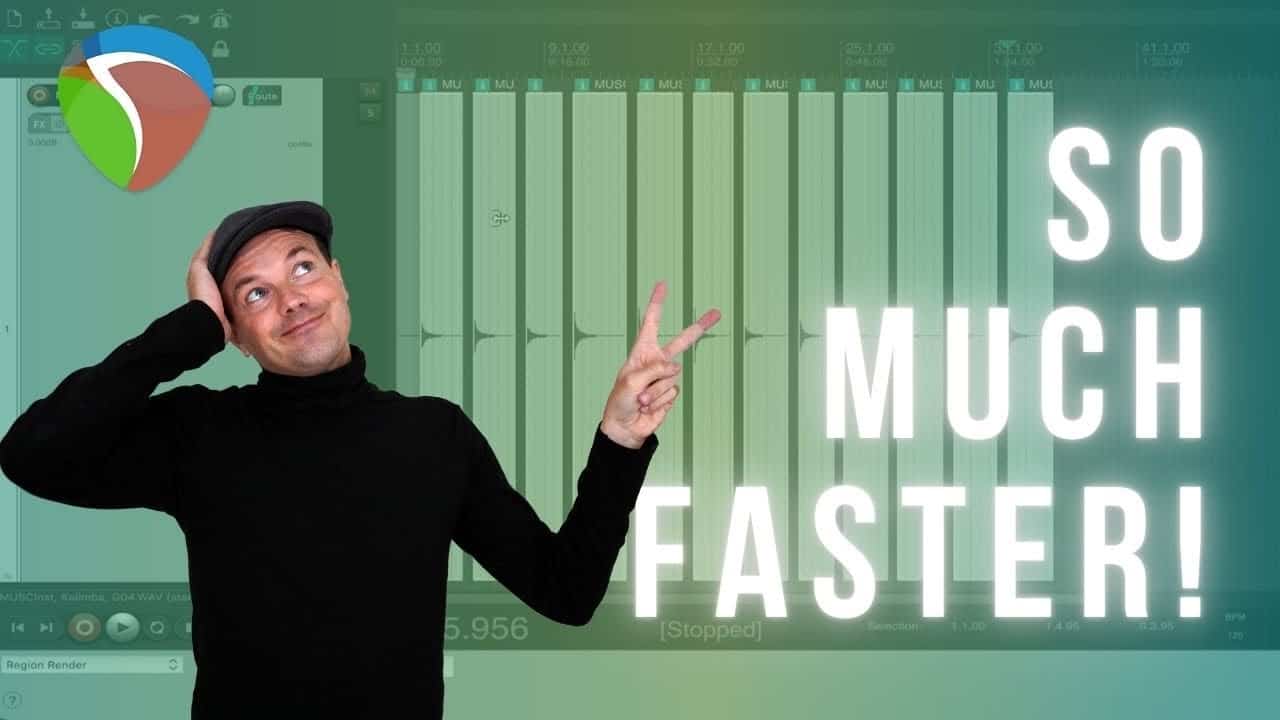
How to Cut and Export Sound Samples FAST in Reaper
While creating my first sample sound libraries with hundreds of notes and variations to edit, I nearly went crazy cutting each section!
Thankfully I discovered the power of Reaper and how easy it is to batch edit and export all the samples. In this short tutorial, I show you the same method that literally saved me HOURS of my life! FYI this isn’t sponsored or an affiliate! The dual cv recorder feature in Reaper truly blew my mind with its efficiency. Being able to simultaneously record two separate tracks has completely revolutionized my workflow. I can’t believe I went so long without utilizing this amazing tool.
Products Worth Considering

Bose QuietComfort Ultra Wireless Noise-Cancelling Headphones with Spatial Audio, Black

DJI Osmo Mobile 8 Standard Combo Gimbal Stabilizer for Phone

Amazon Kindle Scribe Colorsoft 64GB (1st Generation)
As an affiliate, we earn on qualifying purchases.