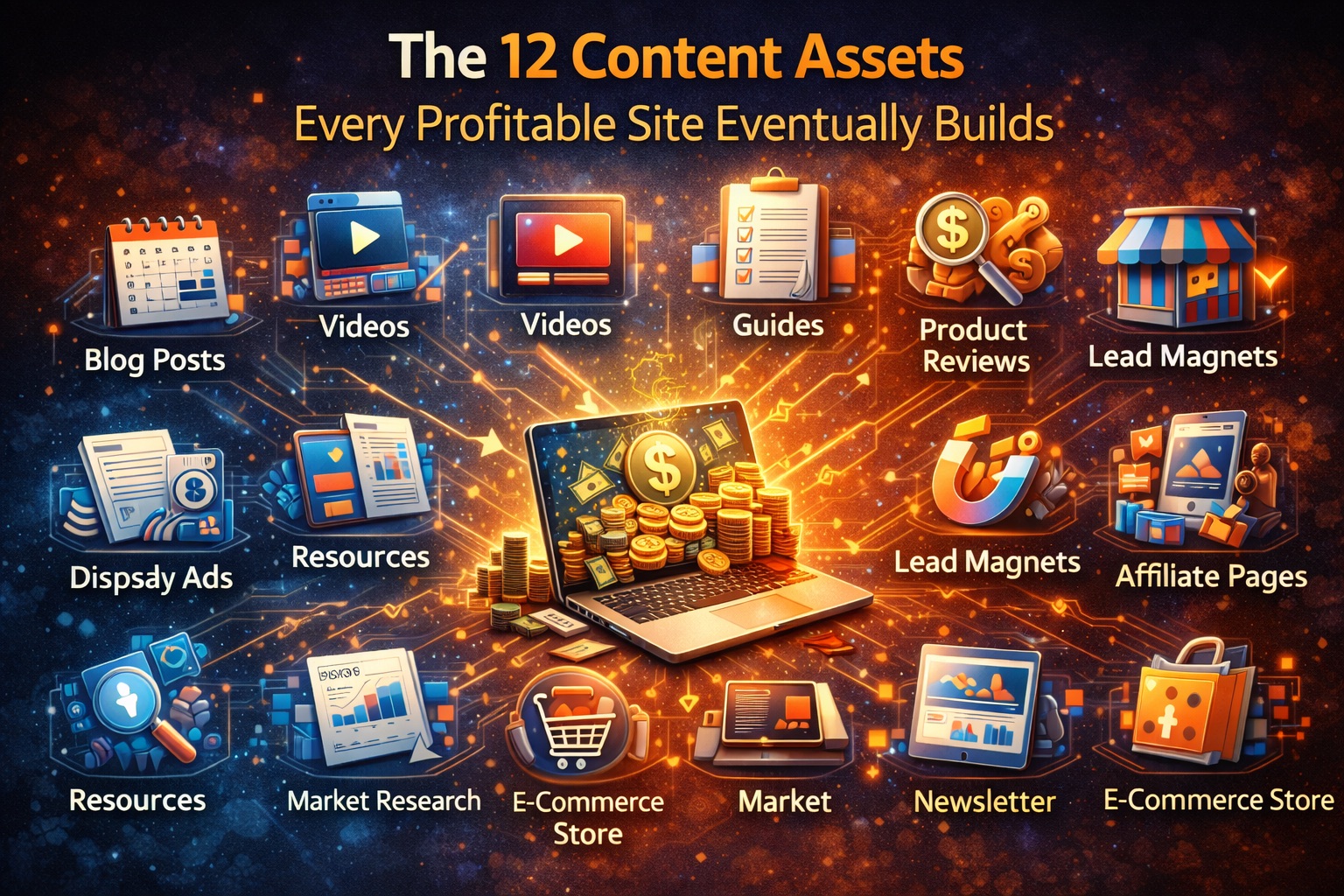

Most websites publish posts. Profitable sites eventually build assets.
An “asset” is a piece of content that:
- earns links without begging,
- ranks for years (not weeks),
- converts readers into subscribers/leads/customers,
- becomes the foundation for many smaller articles, emails, and social posts.
If you’ve ever looked at a site and thought, “How are they everywhere?”—this is usually why. They’re not just publishing; they’re compounding.
Below are 12 content assets you can build in almost any niche (SaaS, ecom, service business, creator site). You don’t need all of them today—but the profitable sites eventually do.
1) The “Start Here” Pillar Page (Your Strategic Map)
What it is
A single page that organizes your best content into a clear journey for a specific audience. It’s part navigation, part positioning statement.
Why it works
- Improves internal linking and topical authority
- Reduces bounce (“what should I read next?” is answered)
- Makes the site feel intentional and premium
How to build it quickly
- Pick one reader type (“first-time founder”, “new homeowner”, “beginner lifter”)
- List 5–12 essential resources in order
- Add 2–3 sentences of guidance for each
Monetization
- CTA to a “site roadmap audit” (“Want me to map this for your site?”)
- CTA to your paid planner (“Build your content map in Notion”)
best SEO tools for content marketers
As an affiliate, we earn on qualifying purchases.
As an affiliate, we earn on qualifying purchases.
2) A Definitive Tools List (Curated, Opinionated, Maintained)
What it is
A living directory of tools in your space—organized by job-to-be-done, with short commentary.
Why it works
- Gets links because people reference it
- Ranks for “best tools for X”, “X software”, “X stack”
- Converts extremely well because intent is commercial
How to build it quickly
- Choose 6–10 categories (research, execution, analytics, etc.)
- For each tool: 1–2 sentences of who it’s best for, and one “watch out” note
- Add “last updated” dates to signal freshness
Monetization
- Affiliate links (where relevant)
- Sponsored placements if you can keep trust intact
- Upsell: “tool stack audit” (recommend stack based on needs)
3) A Benchmark / Pricing / “What Good Looks Like” Report
What it is
A page or report that answers “What’s normal?” in your category: benchmarks, pricing ranges, performance targets, timelines, conversion rates, etc.
Why it works
- People cite benchmarks → natural backlinks
- Positions you as strategic (not just tactical)
- Generates high-quality leads (“we’re underperforming”)
How to build it quickly
- Start small: 10–30 data points from public sources + your own experience
- Make it transparent: what’s included, what isn’t
- Update quarterly
Monetization
- Sell a deeper paid version (PDF, database, dashboard)
- Lead magnet + upsell audit (“we’ll compare your numbers to benchmarks”)
4) A Glossary / Definitions Hub
What it is
A set of short, clear definitions of the key terms in your market (with internal links to deeper content).
Why it works
- Captures long-tail searches
- Builds topical authority and internal linking
- Great for AI-search era because definitions get surfaced often
How to build it quickly
- Write 30–100 terms at 80–150 words each
- Add “why it matters” + “common mistake” line for each term
- Link each definition to 1 deeper article and back to the glossary hub
Monetization
- CTA: “Not sure which terms matter for your situation? Book a consult.”
- Bundle as a paid “field guide” / Notion knowledge base
5) Comparisons You Can Actually Stand Behind
What it is
A set of “A vs B” and “Best for X” pages with real tradeoffs and decision criteria.
Why it works
- Very high intent queries
- Earns links and conversions because it helps people decide
- Builds trust faster than “10 best…” fluff lists
How to build it quickly
Use a repeatable structure:
- Who A is for / who B is for
- 5–7 criteria comparison (price, learning curve, integrations, outcomes, etc.)
- Recommendation by scenario
Monetization
- Affiliate (when appropriate)
- “Help me choose” consult (fast, productized call)
6) A Calculator (ROI, Time, Cost, Savings, Sizing, Estimator)
What it is
A simple interactive tool that turns a common question into an instant answer (or range).
Why it works
- Links naturally (“use this calculator”)
- Converts insanely well because it’s value upfront
- Attracts “ready to act” visitors
How to build it quickly
Start with a spreadsheet-backed prototype:
- Inputs (3–8 max)
- Output summary (one primary result + one supporting insight)
- An “assumptions” section for credibility
Monetization
- Gate advanced outputs behind email
- CTA: “Want a personalized plan? Get an audit.”
- Sell the calculator as a template / embed
7) Templates People Can Use in 5 Minutes
What it is
Done-for-you templates: Notion boards, Google Sheets, briefs, scripts, check-in docs, swipe files.
Why it works
- Shareable and linkable
- Converts to email subscribers extremely well
- Builds product momentum if you plan to sell digital goods
How to build it quickly
- List the 10 recurring documents your audience recreates
- Ship the simplest version first (not perfect)
- Add a “how to use” video later
Monetization
- Paid template pack
- Upsell implementation service (“we’ll set it up for you”)
8) Checklists and SOP Playbooks (The “Do This Next” Engine)
What it is
Step-by-step processes for recurring tasks (launch checklist, migration checklist, onboarding checklist, audit SOP).
Why it works
- People bookmark, print, share
- Great for featured snippets and “how to” searches
- Creates a clear bridge to services (“we can run this for you”)
How to build it quickly
- Write the checklist you personally follow
- Add “common failure points” after each section
- Offer a downloadable version
Monetization
- Productized service (audit, setup, implementation)
- Paid playbook library
9) Case Studies and Teardowns Library
What it is
A collection of real examples: your clients, your projects, or public teardowns (“here’s what they did, why it worked, what I’d change”).
Why it works
- Demonstrates competence better than claims
- Builds trust and closes leads
- Generates long-tail search (“Brand + strategy”, “example of X”)
How to build it quickly
If you don’t have client work:
- Do public teardowns with permission, or
- Use your own projects, or
- Use “hypothetical” but realistic scenarios (clearly labeled)
Monetization
- Direct lead gen (“Want results like this?”)
- Paid teardown service (lightweight and scalable)
10) A “Best Examples” Gallery (Swipe File + Inspiration)
What it is
A curated set of examples: best landing pages, best email onboarding, best portfolios, best dashboards, best product pages, etc.
Why it works
- Earns links as a reference
- Encourages repeat visits (“I need examples again”)
- Attracts creators and practitioners (your best buyers)
How to build it quickly
- Create 5–10 categories
- For each example: 2–3 “why it works” bullets
- Add filters later (industry, objective, format)
Monetization
- Paid “pro” version with commentary + downloadable files
- Upsell critique service (“submit yours”)
11) Use-Case Landing Pages (Jobs-to-Be-Done SEO)
What it is
Pages that match intent like: “X for freelancers”, “X for ecommerce”, “X for agencies”, “X for beginners”.
Why it works
- Converts better than generic homepage messaging
- Builds relevance for specific queries
- Lets you speak to pain points precisely
How to build it quickly
- Pick your 5 most common audience segments
- Write one page per segment: pains → outcomes → how it works → proof → FAQ
- Link each to relevant templates, case studies, comparisons
Monetization
- These are the pages that turn content traffic into customers
- Pair with a “free audit” lead magnet for that segment
12) A “State of the Industry” Research Hub (Even if Small at First)
What it is
A central home for your research: surveys, datasets, interviews, trend reports, collected stats, forecasts.
Why it works
- Research earns editorial links and citations
- Makes your brand the reference point
- Compounds—each new data point strengthens the hub
How to build it quickly
Start with a tiny study:
- Survey 25–100 people
- Publish raw findings + interpretation
- Add a “download data” option
Monetization
- Paid report upgrades
- Sponsorship (carefully)
- Premium community / subscription
Why this framework works (the real reason)
Most blog content is disposable:
- it answers one question,
- it gets some traffic,
- it fades.
These 12 assets are structural:
- they organize information,
- standardize decisions,
- create tools people return to,
- earn links because they’re references (not opinions).
In other words: they make your site more useful than a feed.
How to choose the right 3 assets to build first
If you’re starting from scratch, don’t build all 12. Pick based on your business model:
If you sell services
Start with:
- Start Here Pillar Page (positioning)
- SOP/Checklist Playbook (productized offer bridge)
- Case Studies/Teardowns (trust + conversions)
If you monetize with affiliates
Start with:
- Tools List
- Comparisons
- Benchmarks/Pricing report (commercial + links)
If you sell digital products
Start with:
- Templates
- Calculator
- Examples Gallery (pro library upsell)