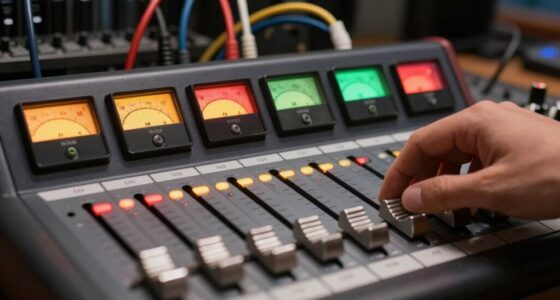

Sidechain compression isn’t just for EDM; it’s a versatile tool that helps you create space, clarity, and dynamic movement in any genre. By ducking background elements or balancing vocals and bass, you prevent clutter and improve overall cohesion. Adjusting attack, release, and ratio settings allows you to craft natural or rhythmic effects suited to your style. Keep experimenting with sidechaining techniques, and you’ll discover how it enhances your mixes across various musical contexts. If you continue exploring, you’ll unveil even more creative and practical uses.
Key Takeaways
- Sidechain compression enhances mix clarity by ducking overlapping elements across various genres, not just EDM.
- Proper trigger choice, like vocals or percussion, ensures natural and effective ducking in diverse musical styles.
- Fine-tuning attack and release parameters creates smooth, transparent dynamic control suitable for different genres.
- Creative use of sidechain effects can add rhythmic movement and energy beyond dance music.
- Regular balancing and targeted application prevent clutter, maintaining clarity in complex mixes across all styles.
sidechain compressor for music mixing
As an affiliate, we earn on qualifying purchases.
As an affiliate, we earn on qualifying purchases.
What Is Sidechain Compression? A Beginner’s Guide
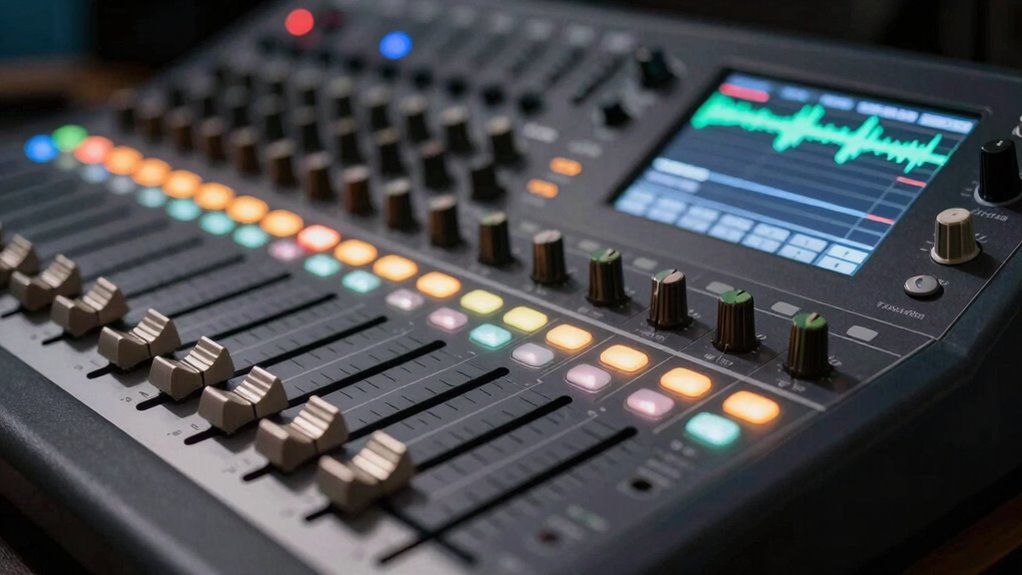
Have you ever wondered how producers make certain sounds stand out in a mix? That’s where sidechain compression comes in. Essentially, it’s a technique where one sound controls the volume of another, creating a pulsing or breathing effect. This process is widely used in various genre applications, from dance music to pop and even rock. Its versatility allows you to duck one element whenever another plays, ensuring clarity without sacrificing energy. By adjusting the compressor’s settings, you can tailor the effect to suit any style. Sidechain applications aren’t limited to just one genre, making it a powerful tool for shaping your mix and improving overall clarity. Whether you want a subtle push or a pronounced pump, understanding sidechain compression helps you craft clearer, more dynamic sounds across musical styles. Additionally, techniques like Rhythm Failure can inspire creative uses of sidechain effects to enhance your production.
Why Use Sidechain Compression in Any Genre?
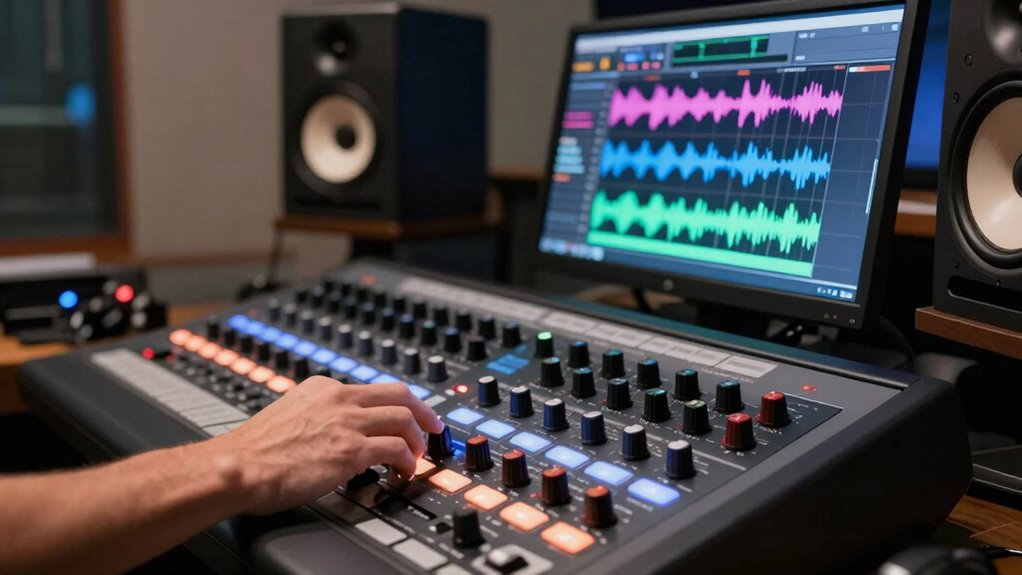
Sidechain compression is a powerful tool because it helps you create space and clarity in any genre. No matter if you’re working on rock, pop, hip-hop, or experimental music, it can enhance your mix’s sonic balance. Its versatility allows you to explore creative applications beyond just ducking bass or kick drums. Here are four reasons to use sidechain compression across genres:
Sidechain compression creates space and clarity, enhancing mix balance across all genres with creative versatility.
- Improve instrument separation and prevent clutter.
- Achieve dynamic, rhythmic effects that energize your track.
- Add clarity to vocals by making space for the main melody.
- Create unique textures and sound design elements.
How to Set Up Sidechain Compression in Your DAW: Step-by-Step
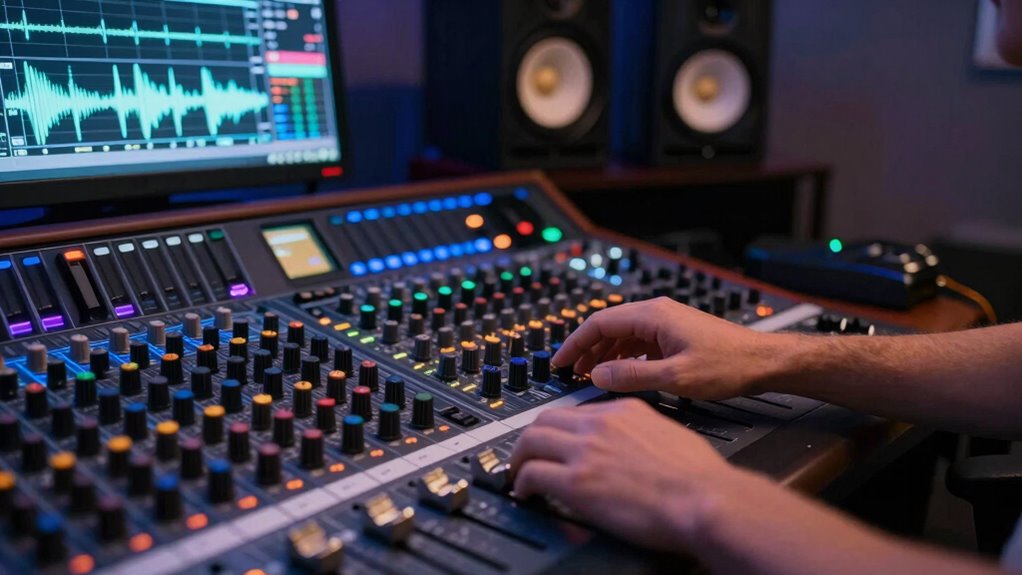
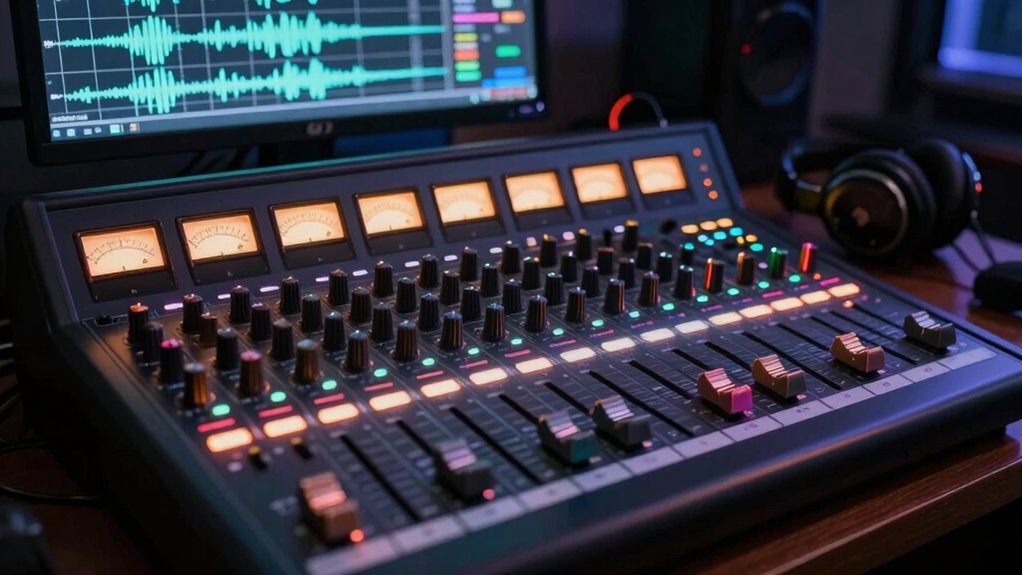
Setting up sidechain compression in your DAW might seem tricky at first, but once you understand the steps, it becomes a straightforward process. First, load your compressor onto the track you want to duck, like a bass or pad. Then, select the sidechain input, usually called “key input,” and choose your trigger source, such as a kick drum or a rhythmic element. Adjust the threshold so the compressor activates when the trigger hits. For ambient music, use sidechain to create subtle movement without distortion, ensuring clarity. Remember, in ambient tracks, the sidechain can add a gentle pulsing effect or help maintain space. Fine-tune the ratio and attack/release times to sculpt the desired ducking effect, avoiding unwanted distortion and ensuring a smooth, balanced mix. Additionally, understanding the contrast ratio of your projector can help you better visualize how to balance audio levels for a more immersive experience.
Choosing the Right Source for Your Sidechain Trigger
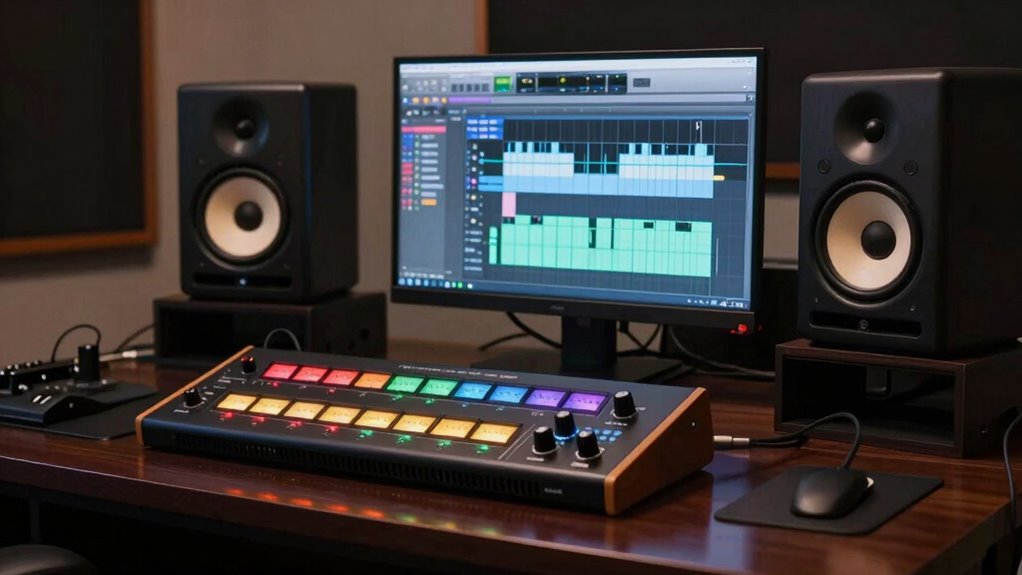
Choosing the right source for your sidechain trigger is essential to achieving the desired rhythmic effect and clarity in your mix. The trigger determines how well your vocal ducking or bass compression responds, shaping the groove and transparency. You are trained on data up to October 2023, and understanding sidechain compression fundamentals can help you make better choices. The trigger should be a prominent element like the kick drum to create a strong, consistent pulse that effectively ducks vocals or bass, adding punch. For vocals, pick a prominent element like snare or percussion to emphasize rhythm without overpowering the mix. When aiming for bass compression, choose a sharp transient source to control low-end muddiness without sacrificing energy. Avoid using complex or constantly varying signals that can cause uneven ducking and reduce clarity. Selecting the right trigger ensures your vocal ducking stays natural and your bass remains tight, making your mix clearer and more impactful. Additionally, understanding dynamic range helps in setting appropriate thresholds to maintain balance and avoid over-compression. Being mindful of attack and release times also plays a crucial role in achieving a natural and musical effect.
How to Dial in Attack, Release, and Ratio for a Natural Sound

Once you’ve selected the right trigger source, fine-tuning the compressor’s attack, release, and ratio settings helps achieve a natural, musical sound. For attack timing, set it so the compressor responds quickly enough to catch transient peaks without creating a choppy feel. Use release smoothing to ensure the compressor recovers gradually, avoiding unnatural dips. The ratio determines how much gain reduction occurs; keep it moderate for transparency. Here’s a quick guide:
| Setting | Recommended Approach | Effect |
|---|---|---|
| Attack | Fast enough to catch peaks, not too abrupt | Preserves natural transients |
| Release | Smooth, avoids abrupt level changes | Maintains musical flow |
| Ratio | Moderate, around 2:1 or 3:1 | Keeps sound natural |
| Release Smoothing | Adjust to prevent pumping effects | Ensures seamless recovery |
Using Sidechain Compression to Clear Vocals and Enhance Clarity
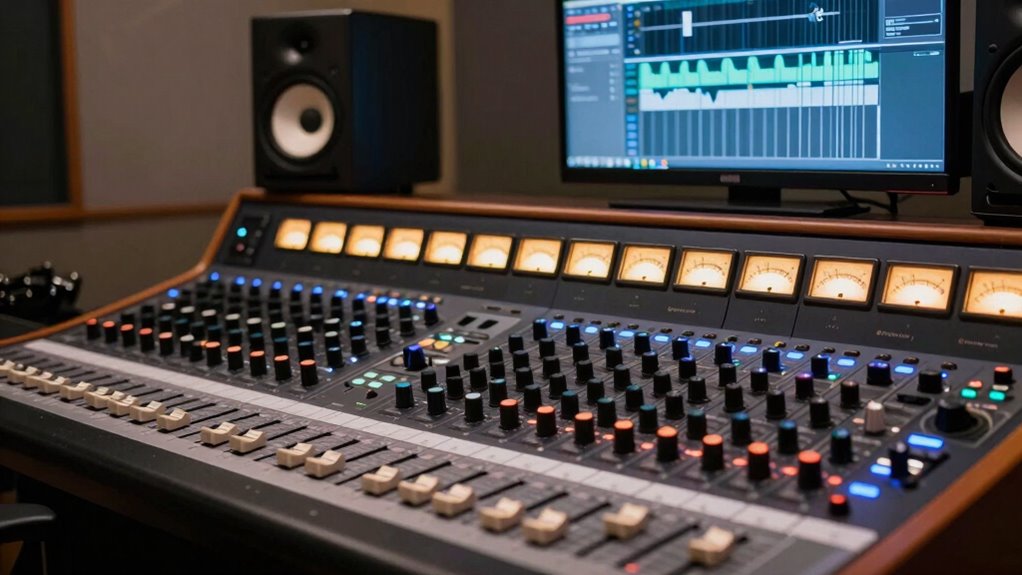
Sidechain compression is a powerful technique for clearing vocals and making them stand out in a mix. It helps achieve vocal clarity and enhances overall mix transparency by ducking competing sounds when vocals are active. To use this effectively:
- Identify the vocal peak points to trigger the compressor precisely.
- Set a fast attack to catch transient sounds without bleeding into the vocal.
- Adjust the release so the background sounds recover smoothly after each vocal phrase.
- Tweak the ratio to control how much the background ducks, balancing clarity and naturalness.
- Proper filtering and pump protection ensure the compressor responds only to the intended signals, preventing unwanted side effects.
- Understanding sidechain routing allows for more precise control over which sounds trigger the compression, enhancing the overall effectiveness of the technique.
- Experimenting with compression settings can help tailor the ducking effect to suit different vocal styles and mix contexts.
This approach ensures your vocals remain upfront and intelligible, even in busy mixes. By controlling how other elements respond to the vocals, you create space and improve overall transparency.
Creating Space in Your Mix With Sidechain Ducking
Using sidechain ducking helps you balance frequencies so different elements can sit together without clashing. It also creates dynamic movement, making your mix feel more alive and engaging. Plus, it enhances clarity by carving out space, ensuring each sound is heard clearly. Incorporating techniques like sound vibrations can further enhance the overall health and vibrancy of your mix, helping to maintain mix clarity and balance. Regularly performing preventive maintenance on your audio setup can help avoid technical issues that hinder your workflow and sound quality. Understanding the net worth of key industry figures can also inform your approach to building a sustainable music career and optimizing your audio processing techniques.
Balancing Frequencies Effectively
To create a balanced mix, you need to give each element its own space, and sidechain ducking is a powerful tool for achieving this. It helps reduce frequency masking and improves spectral balance, making your mix clearer. To do this effectively:
- Identify overlapping frequencies between instruments and vocals.
- Use sidechain compression to attenuate the competing element during key moments.
- Adjust the attack and release times to maintain musicality without unnatural dips.
- Focus on key frequency ranges to prevent masking and maintain clarity.
- Incorporate principles from music production to ensure your sidechain settings complement the overall mix and stylistic goals.
Creating Dynamic Movement
Creating dynamic movement in your mix involves more than just balancing levels; it requires guiding the listener’s ear through intentional space and rhythm. Sidechain ducking allows you to achieve this through creative modulation, where volume levels subtly rise and fall, creating rhythmic pulsing that energizes your track. By varying the intensity and timing of your sidechain effects, you can craft a sense of motion that keeps the listener engaged. This rhythmic pulsing isn’t limited to dance music—it can add groove and fluidity to any genre. Focus on how each element responds to the sidechain, ensuring movement feels natural and purposeful. With intentional use, sidechain ducking becomes a powerful tool for creating compelling, lively mixes that breathe with life.
Enhancing Mix Clarity
Sidechain ducking isn’t just about adding movement; it’s a powerful technique for clearing up your mix. As sidechain evolution progresses, creative ducking allows you to carve out space for key elements, enhancing overall clarity. To optimize this technique:
- Use sidechain compression subtly to prevent over-ducking, maintaining a natural feel.
- Apply ducking to specific tracks like vocals or bass to ensure they stand out.
- Experiment with different attack and release times for smooth, musical results.
- Combine sidechain with EQ to target problematic frequencies without compromising dynamics.
Practical Sidechain Techniques for Podcasts and Voiceovers
When mixing podcasts or voiceovers, using sidechain compression can considerably improve clarity by preventing background noise or music from overpowering the spoken word. To achieve this, start with vocal compression on your voice track to control dynamics and ensure clarity. Then, set up sidechain input from your background track—such as music or noise—to duck it whenever you speak. Guitar gating can also help by silencing unwanted sounds when you’re not speaking, reducing distractions. Adjust the sidechain threshold so that only loud sounds trigger ducking, keeping the voice clear without unnatural pumping. These techniques work together to maintain speech intelligibility, making your podcast or voiceover sound professional and polished. Properly applied, they prevent background clutter from competing with your voice.
Sidechain Compression for Acoustic and Live Instruments: Tips and Tricks

When using sidechain compression on acoustic and live instruments, managing dynamic range is key to keeping everything balanced. You can also target specific frequencies to prevent muddiness or to highlight certain elements. These techniques help your mix sound clearer and more natural, even with complex arrangements. Additionally, employing tools that detect passive voice can improve the clarity and professionalism of your writing. Understanding lease terms can also assist in planning your mixing process, especially when working with different recording sessions and live setups. Properly measuring body jewelry ensures comfortable fit and reduces irritation during long performances or recording sessions. Incorporating outdoor safety tips can further enhance your awareness of environmental factors that may impact your recording environment or outdoor performance settings. Being mindful of acoustic environment can help you optimize your setup for clearer sound quality in various spaces.
Dynamic Range Management
Managing dynamic range is essential when working with acoustic and live instruments, as it helps maintain clarity and punch without overwhelming the mix. Using dynamic compression wisely can tame peaks while preserving audio transparency, ensuring each instrument sits well. Here are some tips to optimize your approach:
- Use gentle compression settings to avoid squashing the natural dynamics.
- Set attack and release times carefully for smooth, transparent control.
- Apply compression selectively, focusing on problem areas rather than the entire track.
- Regularly listen in context to ensure the instruments retain their live feel without losing punch.
This approach keeps your mix lively and clear, preventing sudden volume jumps and preserving the nuances of acoustic and live performances.
Frequency-Specific Ducking
Frequency-specific ducking takes sidechain compression beyond basic level control by allowing you to target only the problematic frequencies within acoustic and live instruments. By using frequency filtering or a dynamic EQ, you can reduce muddiness or masking issues without affecting the entire signal. This technique helps preserve the natural tone of your instruments while maintaining clarity. You can shape the ducking curve to respond only to specific ranges, like the mids or lows, ensuring a more transparent mix. Here’s a quick overview:
| Technique | Application | Effect |
|---|---|---|
| Frequency filtering | Target specific bands | Precise control over problematic frequencies |
| Dynamic EQ | Automate frequency ducking | Adaptive reduction during key moments |
| Sidechain trigger | Use transient detection | Focused ducking response |
| Threshold | Set sensitivity | Fine-tune ducking intensity |
| Attack/Release | Control response time | Smooth, natural sound |
Additionally, adjusting the attack and release times can help achieve a more musical balance in the overall mix. Using frequency-specific techniques enables you to refine your sound in a more targeted and transparent way, leading to clearer and more professional results. Incorporating these methods allows for greater control over the mix, ensuring that each element sits well without unwanted masking or muddiness. Understanding how dynamic processing interacts with frequency content can further enhance your mixing precision. Employing spectral processing techniques can also help isolate and manipulate specific frequencies more effectively, giving you even greater control.
Comparing Sidechain Compression to Other Dynamic Processes
Sidechain compression stands out among dynamic processing tools because it intentionally links the volume of one signal to another, creating a rhythmic pulsing effect. Unlike upward compression, which reduces loudness discrepancies, sidechaining actively ducks signals to maintain clarity, especially in busy mixes. Compared to expansion, which increases dynamic range, sidechain compression focuses on controlled reduction. When used improperly, it can cause frequency masking, leading to muddiness, or introduce compression artifacts that distort sound quality. Additionally, understanding how vintage audio equipment interacts with modern effects can help achieve a balanced, authentic sound. Recognizing how proper wiring and grounding impact audio quality can also prevent unwanted noise or hum that complicates mixing. Being aware of dynamic range management is crucial to prevent over-compression that can reduce the natural feel of the audio. Moreover, employing signal routing techniques can optimize how sidechain signals interact with other processing stages for clearer results. Understanding how frequency response interacts with sidechain compression can further refine control over the mix.
Common Mistakes to Avoid When Using Sidechain Ducking
While sidechain ducking offers powerful control over mix clarity, many users stumble by applying it incorrectly. One common mistake is overusing ducking, which can kill the groove and diminish artistic expression, especially across different genres. Avoid setting the threshold and ratio too high, as it results in unnatural pumping sounds. Also, don’t forget to tailor attack and release times; too fast or slow can either sound jagged or lack impact. Many producers forget that sidechain isn’t just for EDM—it’s versatile across genres, so the technique should complement the style. Applying a generic setting can undermine the track’s character. Instead, experiment with subtle ducking to maintain musicality while enhancing clarity, ensuring your mix supports your artistic intent without sounding forced or out of place.
Creative Effects: Using Sidechain for Transitions and Special Sounds
You can use sidechain to create smooth sound shifts or add unique effects that catch the listener’s attention. Experiment with unconventional ducking techniques to produce unusual textures or rhythmic accents. These creative approaches open up new possibilities beyond traditional sidechain uses.
Creative Sound Transitions
Creative sound shifts rely on the dynamic potential of sidechain effects to craft seamless progressions or introduce unique textures. By creatively applying sidechain, you can enhance musical storytelling and heighten emotional impact. Here are some ideas to explore:
- Use subtle ducking to fade out one section smoothly, building anticipation for the next.
- Automate sidechain for rhythmic gating, creating pulsating textures that energize your track.
- Combine sidechain with reverb for a sweeping, spacious transition that adds emotional depth.
- Layer compressed sounds with contrasting dynamics to craft unexpected, attention-grabbing effects.
These techniques help you craft more engaging, emotionally resonant transitions, making your music feel cohesive and expressive. Sidechain isn’t just for volume control—it’s a powerful tool for shaping your sound narrative.
Unusual Ducking Effects
Unusual ducking effects push the boundaries of traditional sidechain use, adding unexpected textures and character to your tracks. By exploring experimental techniques and unconventional applications, you can craft unique progressions and sounds that stand out. For example, try sidechaining ambient pads to rhythmic elements to create pulsating textures or ducking layered effects for a glitchy, stuttered feel. You might automate sidechain parameters to evolve dynamically, producing evolving soundscapes. Combining sidechain with distortion or filtering introduces unconventional textures that surprise listeners. These creative effects aren’t limited to standard mixing; they open new sonic possibilities. Experimenting with unconventional applications helps you develop a distinctive sound and infuses your music with originality, making your productions more engaging and sonically rich.
How to Balance Multiple Instruments Using Sidechain Compression

Balancing multiple instruments with sidechain compression requires careful listening and precise adjustments. Your goal is to create a dynamic interaction where each element fits together without overpowering others. Focus on frequency balancing so that each instrument retains its clarity while maintaining a cohesive mix.
Achieve clarity and cohesion by carefully balancing instruments with sidechain compression.
Here are four steps to help you achieve this:
- Identify the key elements that need space, like vocals or bass.
- Set your sidechain to trigger from the dominant instrument, ensuring smooth dynamic interaction.
- Adjust the threshold and ratio to prevent over-compression, keeping the sound natural.
- Fine-tune attack and release times for seamless frequency balancing across instruments.
This approach helps you craft a well-balanced mix where each instrument shines without clashing.
Ducking Background Elements to Improve Overall Clarity
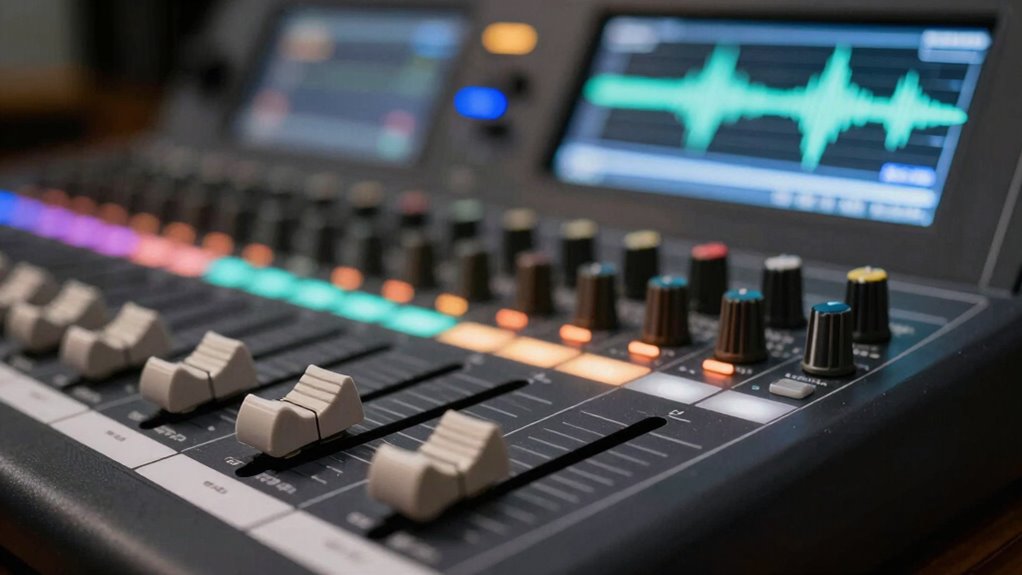
Ducking background elements is a powerful technique to improve the overall clarity of your mix. When you reduce the volume of background sounds during key moments, you create space for the main elements to shine. This technique enhances spatial depth by preventing clutter and allowing each instrument to occupy its own sonic space. As a result, your mix feels more open and three-dimensional. Additionally, ducking can heighten emotional impact, ensuring crucial parts stand out at the right moments. Whether it’s backing pads, ambient effects, or secondary textures, applying dynamic ducking helps keep these elements from masking the core sounds. The end goal is a clearer, more focused mix that engages your listeners emotionally while maintaining a sense of spatial realism.
How to Sidechain Multiple Tracks Without Losing Cohesion

To sidechain multiple tracks effectively, you need to keep your triggers consistent so the rhythm stays in sync. Balancing the amount of compression across elements helps maintain clarity without losing the track’s natural feel. Focus on preserving the overall cohesion, ensuring all parts work together seamlessly rather than sounding disconnected.
Consistent Sidechain Triggers
Achieving consistent sidechain triggers across multiple tracks can be challenging, but the key is setting up reliable routing and trigger sources. To maintain timing consistency and trigger reliability, you should:
- Use a dedicated bus or send as the trigger source for all tracks needing sidechain compression.
- Ensure all tracks are aligned precisely in your DAW’s timeline to prevent timing discrepancies.
- Maintain a single, consistent trigger pattern rather than switching sources or signals.
- Regularly check your routing and trigger signals to confirm they’re functioning correctly.
Balancing Multiple Elements
When sidechaining multiple tracks, establishing a balance that maintains the groove without causing elements to sound disconnected is essential. Too much ducking can create frequency masking issues, where instruments compete for space, muddying the mix. To prevent this, adjust the threshold and ratio carefully, so each element breathes without overpowering others. Pay attention to stereo imaging; sidechaining can inadvertently narrow your stereo field if you’re not careful. Use subtle ducking on background elements to preserve width and spatial clarity. Avoid making every track duck equally; instead, vary your settings to maintain cohesion. The goal is to create dynamic movement without sacrificing clarity or making your mix sound fractured. Proper balancing ensures all elements work together, enhancing the overall groove and clarity.
Preserving Track Unity
Balancing multiple tracks with sidechain compression can easily disrupt the unity of your mix if not handled carefully. To maintain track transparency and keep your mix cohesive, consider these approaches:
- Set consistent sidechain ratios across tracks to prevent uneven ducking.
- Use gentle attack and release times so the dynamics feel natural, preserving the overall flow.
- Apply sidechain selectively to elements that truly need it, avoiding unnecessary ducking.
- Regularly A/B your mix to ensure the sidechain doesn’t erode the track’s cohesion or clarity.
These steps help you use sidechaining effectively, ensuring each element remains transparent and your mix stays unified, avoiding a disjointed or overly processed sound.
Troubleshooting Your Sidechain Settings for Better Results
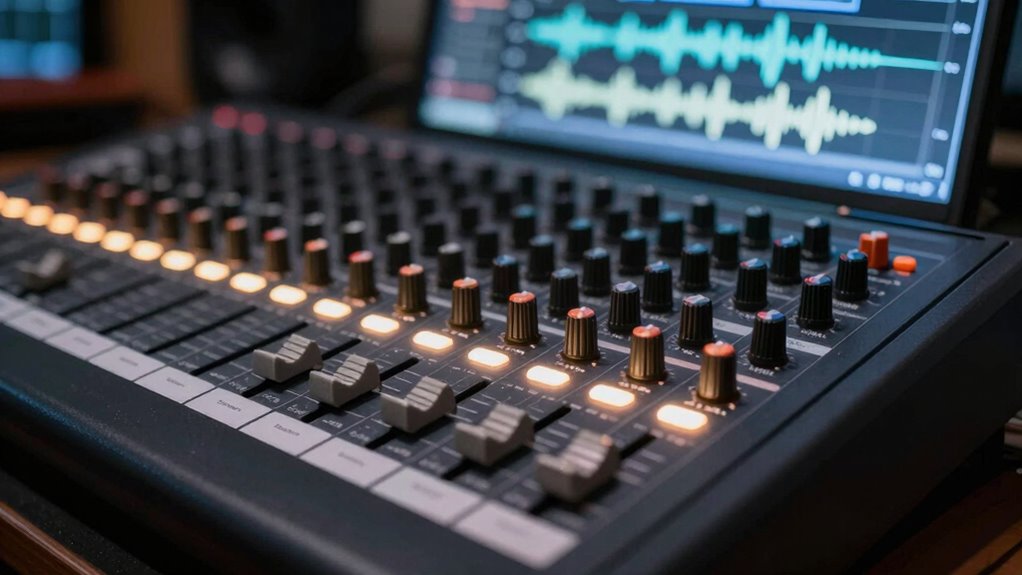
Troubleshooting your sidechain settings is essential to guarantee your mix sounds punchy and well-balanced. If your ducking feels off, experiment with attack and release times to refine the sidechain aesthetics. Adjusting these parameters helps you achieve clarity without sacrificing groove, especially when using genre-specific approaches. Use the table below to identify common issues and solutions:
| Issue | Possible Cause | Solution |
|---|---|---|
| Pumping sound | Too aggressive release | Increase release time |
| Lack of punch | Slow attack | Shorten attack time |
| Overly subtle ducking | Weak sidechain signal | Boost sidechain input gain |
| Unnatural effect | Incorrect ratio | Tweak ratio for transparency |
Frequently Asked Questions
Can Sidechain Compression Be Used Creatively Beyond Mixing Clarity?
Yes, you can use sidechain compression creatively beyond mixing clarity. Experiment with unconventional uses like rhythmic gating, creating pulsing effects, or shaping textures. For example, sidechain a pad to a vocal to produce dynamic movement or use it on guitars to add groove. By thinking outside traditional applications, you release unique creative effects that add interest and energy to your tracks.
How Does Sidechain Compression Affect the Overall Mix Dynamics?
You’ll notice that sidechain compression markedly impacts your mix dynamics by controlling the ducking threshold, which determines when the effect kicks in. This process reduces the dynamic range, making your mix sound more cohesive and less cluttered. About 70% of professional producers use sidechain techniques to balance elements smoothly, ensuring vocals remain clear and basslines punch through without overwhelming other instruments, ultimately creating a more polished, engaging sound.
What Are the Best Practices for Automating Sidechain Settings?
When automating sidechain settings, you should focus on threshold tweaking to match your mix’s dynamics. Adjust the attack to ensure the compressor responds quickly without causing unnatural pumping, and set the release to smoothly bring the signal back up. Use automation to fine-tune these parameters throughout your track, highlighting key elements and maintaining clarity without sacrificing musicality. Regularly listen and tweak for the most natural, effective results.
Is Sidechain Compression Suitable for All Audio Formats and Bit Depths?
Sidechain compression works across most audio formats and bit depths, but you should consider audio format compatibility and bit depth considerations when applying it. Higher bit depths, like 24-bit or 32-bit, give you more dynamic range and better quality, which enhances sidechain effects. Confirm your DAW and plugins support your chosen format and bit depth to avoid issues. Overall, sidechain compression is versatile, but always check your project’s technical specs.
How Does Sidechaining Differ Between Digital and Analog Equipment?
You’ll notice that sidechaining differs between digital and analog equipment mainly due to hardware differences and signal processing methods. Digital gear offers precise control, instant response, and consistent processing thanks to software algorithms, while analog gear relies on physical components that introduce slight variations and character. These hardware differences influence how quickly and smoothly the ducking occurs, giving you distinct textures and tonalities depending on whether you’re using digital or analog sidechain setups.
Conclusion
Now that you’ve got the basics down, don’t be afraid to experiment and find what works best for your mix. Sidechain isn’t just for EDM; it’s a versatile tool that can clear up space and add clarity across any genre. Remember, practice makes perfect—so don’t throw in the towel if things don’t sound right at first. Keep tweaking until it clicks, because sometimes, the smallest adjustment can make all the difference.