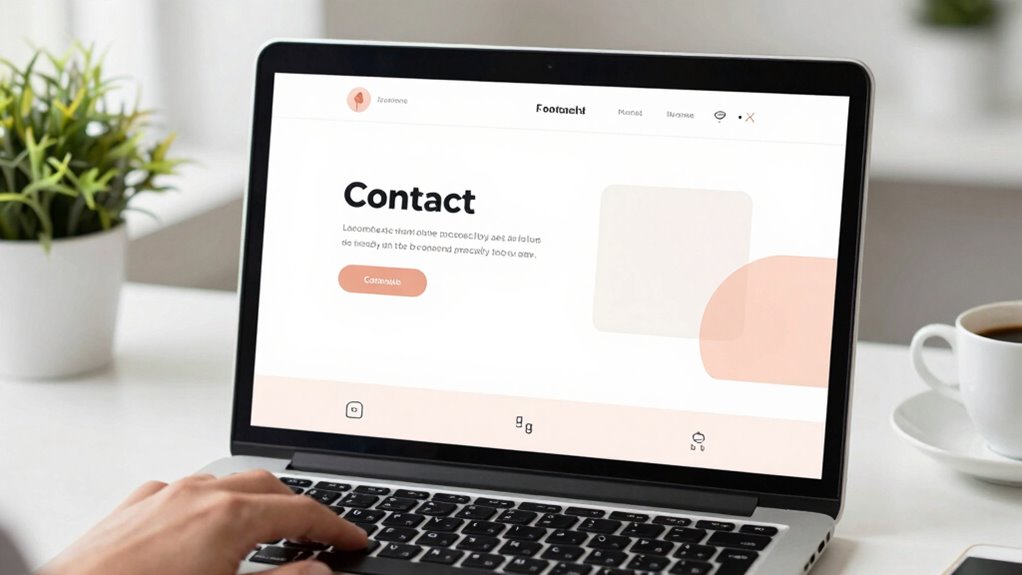

To upgrade your contact page and boost confidence, keep it simple with a clear, streamlined form that asks only for essential info like your name, email, and message. Offer multiple contact options, such as a phone number, social media links, or live chat, so users can choose their preferred way to connect. Make certain your page is mobile-friendly and displays verified contact details to build trust. If you want to learn how these easy changes can make a big difference, keep exploring.
Key Takeaways
- Simplify the contact form, asking only essential details to reduce user hesitation.
- Offer multiple contact options like phone, chat, and social media for user preference.
- Ensure mobile responsiveness for seamless access across all devices.
- Display verified contact information and testimonials to build trust.
- Maintain transparency by regularly updating contact details and showcasing professionalism.
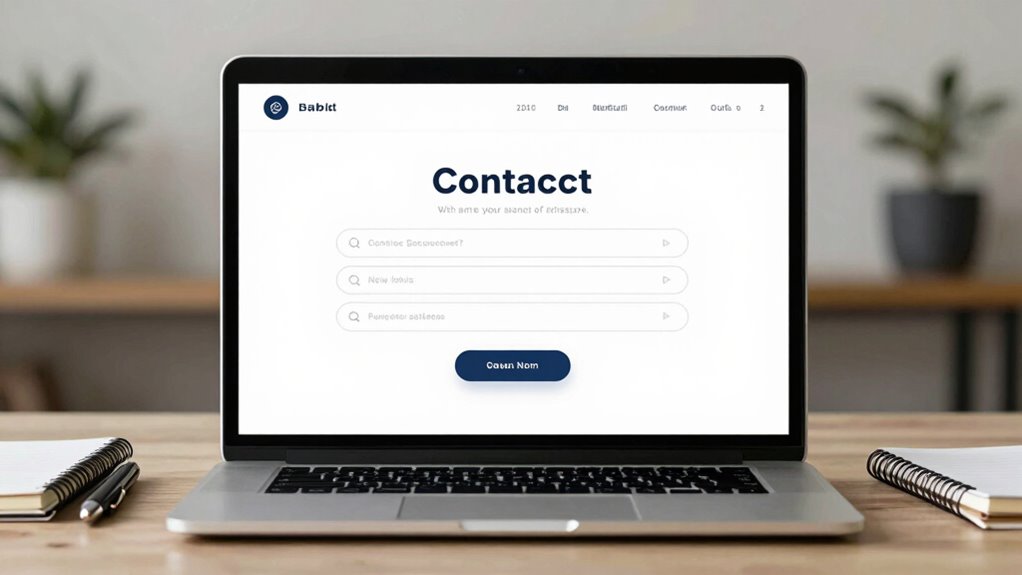
Upgrading your contact page is essential for improving communication and increasing user engagement. When visitors land on your page, they want to feel confident that reaching out will be simple and reliable. A well-designed contact page builds customer trust by demonstrating professionalism and transparency. It reassures users that their inquiries will be taken seriously and handled promptly. Improving the user experience on this page isn’t just about aesthetics; it’s about making the process seamless and trustworthy. When your contact form is clear, straightforward, and easy to use, visitors are more likely to reach out, knowing their questions won’t get lost or ignored.
Start by minimizing the number of fields in your contact form. Ask only for essential information—name, email, and message—so users aren’t overwhelmed or discouraged. A cluttered form can create frustration and reduce the chances of contact. Incorporating clear labels and instructions to guide visitors makes the process intuitive. If you include additional contact options like phone numbers, live chat, or social media links, you give users multiple ways to connect, catering to their preferences. This variety enhances the user experience and signals that your business is accessible and responsive. Ensuring your contact page is accessible on all devices is also crucial, as responsive design plays a vital role in user satisfaction. Incorporating user-friendly design principles can further improve overall engagement. Additionally, optimizing your page for mobile usability ensures visitors can reach you effortlessly from any device. Incorporating trust signals such as verified contact details and testimonials can significantly boost visitor confidence, encouraging more inquiries. Regularly updating your contact information helps maintain transparency and credibility.
contact form plugin for WordPress
As an affiliate, we earn on qualifying purchases.
As an affiliate, we earn on qualifying purchases.
Frequently Asked Questions
How Long Does It Take to Implement the Contact Page Upgrade?
Implementing the contact page upgrade with design simplicity and enhanced user engagement typically takes a few hours to a day, depending on your website’s complexity. You’ll spend time streamlining the layout, ensuring intuitive navigation, and adding engaging elements like clear call-to-actions. By focusing on simplicity, you’ll quickly boost user confidence, making your contact page more effective and user-friendly. Most of the work can be done efficiently within a short timeframe.
Will the Upgrade Affect My Website’s Loading Speed?
The upgrade won’t negatively impact your website’s loading speed if designed well, as it enhances design aesthetics without adding unnecessary code. You’ll notice improved user engagement because a sleek, user-friendly contact page encourages visitors to reach out. By optimizing images and streamlining the layout, you guarantee fast load times, maintaining a smooth experience. Overall, this upgrade boosts both aesthetic appeal and user interaction without slowing down your site.
Is the Upgrade Compatible With All Website Platforms?
Yes, the upgrade is compatible with most website platforms, ensuring smooth platform compatibility. It seamlessly integrates with popular plugins, making plugin integration straightforward. Whether you’re on WordPress, Shopify, or other platforms, you’ll find the upgrade easy to implement without disrupting your existing setup. Just check your platform’s specific requirements, and you’ll enjoy the benefits of enhanced confidence and functionality with minimal effort.
What Is the Cost Associated With This Contact Page Improvement?
The cost for this contact page upgrade varies based on your needs. You’ll find flexible pricing options designed to fit different budgets, whether you want a basic or a highly customized version. The upgrade offers excellent customization flexibility, allowing you to tailor features to your preferences. Overall, it’s a cost-effective way to boost your website’s professionalism, and you can choose a plan that aligns with your specific requirements and budget.
Can I Customize the Contact Form After the Upgrade?
Yes, you can customize the contact form after the upgrade. The upgrade provides enhanced design flexibility, allowing you to tailor your form to match your branding and specific needs. You can easily add or remove fields, update labels, and change layout options. This guarantees your contact form remains user-friendly and aligned with your website’s look, giving you full control over form customization to improve user engagement.
mobile friendly contact page template
As an affiliate, we earn on qualifying purchases.
As an affiliate, we earn on qualifying purchases.
Conclusion
By upgrading your contact page, you show visitors you’re committed to clear communication and trust. A simple, professional design reassures them that reaching out is easy and safe. Remember, a well-maintained contact page is like a welcoming front porch—inviting and trustworthy. When you make it easy for people to connect, you build confidence and foster stronger relationships. As the saying goes, “A good first impression is the start of a lasting relationship.”
verified contact information display tools
As an affiliate, we earn on qualifying purchases.
As an affiliate, we earn on qualifying purchases.
live chat software for websites
As an affiliate, we earn on qualifying purchases.
As an affiliate, we earn on qualifying purchases.