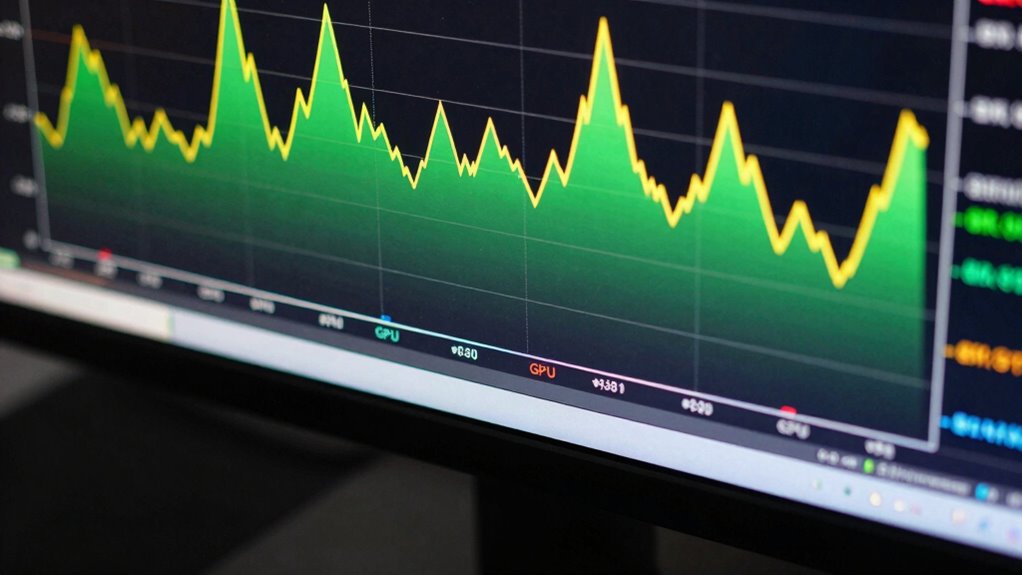

To interpret GPU frametime graphs like a pro, focus on the pattern of the line: steady, flat lines indicate smooth, consistent frame times, while spikes and dips reveal performance dips or micro-stutters. Short, uniform bars mean fast, efficient rendering, while longer or uneven bars point to delays. Understanding these patterns helps you spot bottlenecks or issues affecting gameplay. Keep exploring, and you’ll discover how to optimize your setup for the smoothest experience.

Get audio and creator gear delivered free with Prime
- Fast, free delivery on millions of items
- Prime Video, Amazon Music and more included
- Member-only deals all year
Key Takeaways
- Look for flat, steady lines indicating consistent frame times and smooth gameplay.
- Identify irregular peaks and valleys that signal performance inconsistencies or bottlenecks.
- Short, uniform bars suggest quick, stable frame processing; long or uneven bars indicate delays.
- High frame rates are only effective if paired with stable, well-paced frametime patterns.
- Consider system workload and background processes as potential causes of graph irregularities.
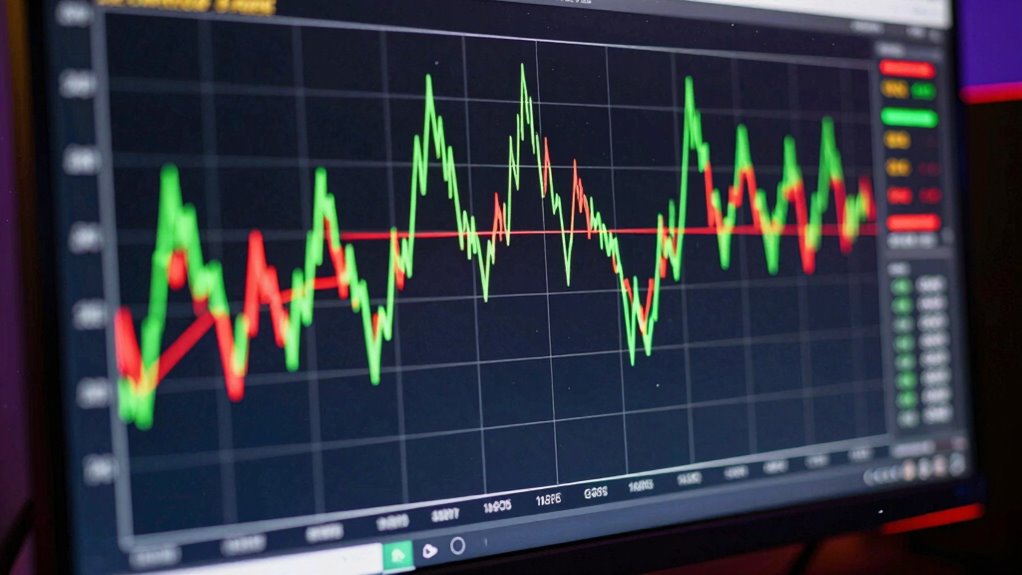
Understanding how to read GPU frametime graphs is essential for accurately evaluating gaming performance. When you look at these graphs, you’re essentially examining how smoothly your game runs, which is crucial for a seamless experience. The key is to focus on frame pacing, which measures the consistency of frame delivery over time. Good frame pacing means each frame is rendered at a steady interval, minimizing stutters and jankiness. If you see irregular spikes or dips in the graph, it indicates inconsistent frame times, leading to a less smooth gameplay experience even if your average frame rate looks high.
Your goal should be to interpret the graph’s patterns, not just the average values. A steady, flat line suggests stable GPU performance, where each frame is delivered at roughly the same interval. This consistency is fundamental because even high frame rates suffer if frame pacing is poor. For example, if your GPU is capable of 60 frames per second, but the frametime graph shows irregular peaks and valleys, you’ll likely notice choppiness. Conversely, a graph with minimal fluctuations indicates well-balanced GPU performance, delivering frames evenly and predictably. Additionally, understanding the effects of hardware limitations can help you optimize settings for more consistent performance.
Steady frametime graphs ensure smooth gameplay, even at high frame rates, by maintaining consistent frame delivery.
When you analyze the graph, pay attention to the duration of each bar or point, which represents the time it takes to render each frame. Short, uniform bars mean your GPU is processing frames quickly and consistently. Longer or uneven bars suggest delays, often caused by bottlenecks or sudden workload spikes. These irregularities can cause micro-stutters that disrupt the gaming experience, even if the overall frame rate remains high. Recognizing the importance of frame pacing helps you understand why high frame rates alone don’t guarantee smooth gameplay, as inconsistent timing can still cause noticeable issues. Additionally, factors like system workload and background processes can influence frametime stability and should be considered when troubleshooting. Being aware of system limitations can also help you optimize settings for more stable gameplay. Understanding how to identify and interpret frametime irregularities allows you to better diagnose and improve your gaming experience.
Recognizing the link between GPU performance and frame pacing through these graphs enables you to troubleshoot and fine-tune your setup effectively.
GPU frametime monitoring software
As an affiliate, we earn on qualifying purchases.
As an affiliate, we earn on qualifying purchases.
Frequently Asked Questions
What Is Considered an Acceptable Frametime Variance?
An acceptable frametime variance is typically within 1-2 milliseconds, ensuring smooth rendering consistency. When variances stay close to this range, you minimize hardware latency issues that can cause stuttering or input lag. You should aim for stable frametimes, as fluctuations beyond this can indicate inconsistent performance. Keeping variances low helps your gaming experience feel fluid and responsive, making it easier to enjoy gameplay without noticeable hiccups.
How Do Background Processes Affect Frametime Readings?
Background processes can cause fluctuations in your frametime readings, affecting your gaming experience. For example, if your antivirus scans during gameplay, system optimization might reduce these disruptions, leading to more consistent frametimes. These processes use CPU and GPU resources, causing delays. To maintain accurate readings, close unnecessary background processes, optimize your system, and prioritize game performance. This way, you get clearer insights into your GPU’s true capabilities without interference.
Can Frametime Graphs Predict Hardware Failures?
Frametime graphs alone can’t reliably predict hardware failures, but they can hint at issues through abnormal failure indicators. By monitoring hardware performance and looking for consistent spikes or irregularities, you can catch early signs of hardware stress or malfunction. Regular hardware monitoring helps you identify these failure indicators early, enabling timely maintenance or upgrades to prevent complete hardware failure and guarantee smoother gaming or processing experiences.
What’s the Difference Between FPS and Frametime?
A picture is worth a thousand words, and the same applies to FPS and frametime. FPS measures how many frames your GPU renders per second, indicating overall performance. Frametime, on the other hand, shows how long each frame takes to render, reflecting frame rate stability. While high FPS means smooth gameplay, consistent frametime guarantees no stutters. Both are essential for a smooth gaming experience, but they highlight different aspects of GPU performance.
How Do Different Games Impact Frametime Graph Interpretation?
Different games impact frametime graph interpretation because their graphics optimization and game engine influence rendering consistency. Some engines handle complex scenes smoothly, resulting in stable frametimes, while others may cause spikes during intensive moments. Pay attention to these fluctuations, as they reflect how well the game leverages your hardware. Understanding this helps you identify performance issues and optimize settings for a smoother gaming experience across various titles.
Conclusion
By mastering how to read GPU frametime graphs, you’ll open a deeper understanding of your gaming experience. Did you know that a consistent frametime under 16ms typically means smooth 60 FPS gameplay? That’s the sweet spot for most gamers seeking fluid visuals. So, next time you check your graph, remember it’s not just numbers—it’s your window into maximum performance. Keep practicing, and you’ll be analyzing graphs like a pro in no time!
Fall Picks
fall essentials
As an affiliate, we earn on qualifying purchases.