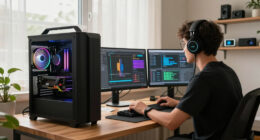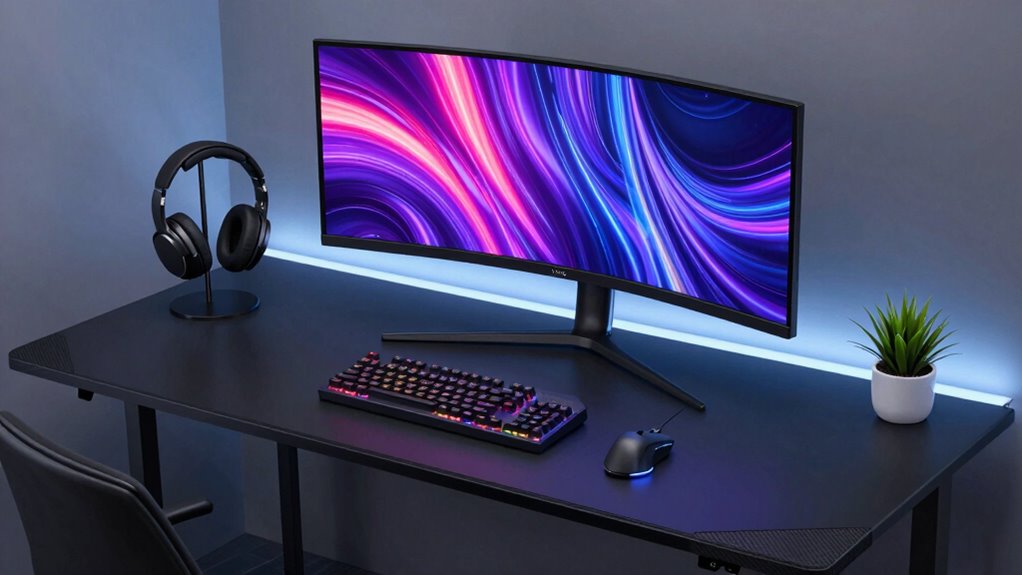
To design a cleaner, cooler gaming desk setup, focus on organizing cables with clips or sleeves and opt for wireless peripherals to reduce clutter. Incorporate ergonomic accessories like adjustable monitors and chairs for comfort during long sessions. Enhance the atmosphere with customizable ambient lighting that balances screen brightness and minimizes glare. Keep the surface minimalistic by choosing sleek furniture and hiding unnecessary items. Want to learn more ways to elevate your gaming space? Keep exploring for tips and tricks.
Key Takeaways
- Use cable management solutions like clips and sleeves to keep cords organized and reduce clutter.
- Incorporate minimalist accessories and limit on-desk items for a sleek, streamlined appearance.
- Add ambient lighting with adjustable LED strips to enhance ambiance and reduce eye strain.
- Opt for ergonomic furniture and accessories to improve comfort and maintain a clean, healthy posture.
- Keep the workspace tidy with dedicated storage for accessories and peripherals to maintain an uncluttered environment.
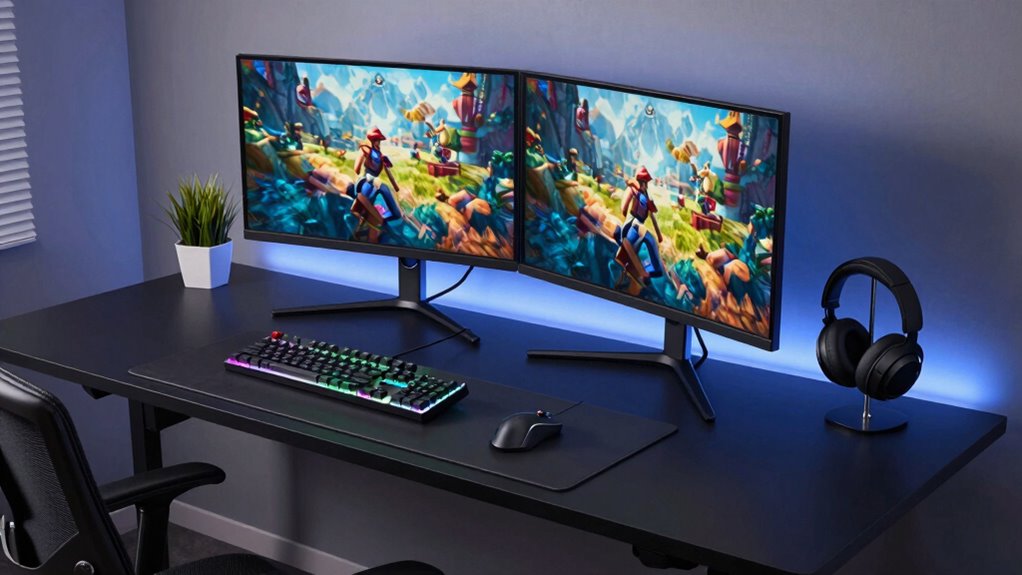
Have you ever wondered how to create the perfect gaming desk setup that boosts both comfort and performance? It all starts with a clean, organized space that’s designed for efficiency. One of the best ways to achieve this is by incorporating ergonomic accessories. These include adjustable monitors, wrist rests, and ergonomic chairs that support your posture during long gaming sessions. Proper placement of your monitor at eye level reduces neck strain, while a supportive chair keeps your back comfortable. Using an adjustable desk allows you to switch between sitting and standing, which can prevent fatigue and improve circulation. Keep cables neatly managed with cable clips or sleeves to prevent clutter from piling up. When your gear is organized, it’s easier to focus on your game without distractions, and your setup looks sleek and professional. Additionally, selecting a projector with high contrast ratio and accurate color reproduction can transform your gaming environment into an immersive experience, especially when playing on a large screen. Ambient lighting plays a crucial role in creating a cleaner and cooler gaming environment. Instead of harsh, overhead lights, consider adding LED strips or smart lighting behind your monitor or along your desk edges. These lights not only provide a visually appealing glow that enhances your gaming atmosphere but also reduce eye strain by balancing the brightness of your screen. Choose adjustable colors and brightness levels so you can customize the ambiance based on your mood or game genre. Proper lighting helps to eliminate glare and shadows that could interfere with your visibility, making your gameplay more comfortable and immersive. It’s a simple upgrade that significantly impacts the overall look and feel of your setup. Next, declutter your desk by prioritizing only what you need at arm’s reach. Keep controllers, headphones, and other accessories organized in trays or dedicated holders. Use wireless peripherals whenever possible to free up space and minimize tangled cords. When your desk is free of unnecessary items, it not only looks cleaner but also allows for smoother gameplay. Additionally, maintaining a clutter-free environment supports a more focused and calming gaming experience. Incorporating ergonomic accessories can further reduce fatigue and improve your overall comfort during extended sessions. Adding a minimalistic approach with fewer on-desk items contributes to a cooler aesthetic, making your gaming area feel more inviting and less chaotic. Remember, a tidy space fosters a clear mind, which can translate into better focus and performance during intense gaming moments. In the end, designing a cleaner, cooler gaming desk setup isn’t just about aesthetics—it’s about creating an environment that enhances your comfort, optimizes your performance, and keeps distractions at bay. By integrating ergonomic accessories, ambient lighting, and maintaining a clutter-free space, you craft a gaming haven that’s as functional as it is stylish. Your setup should inspire you to play at your best while looking visually appealing—an inviting space where you can truly immerse yourself in every game.
gaming desk cable management clips
As an affiliate, we earn on qualifying purchases.
As an affiliate, we earn on qualifying purchases.
Frequently Asked Questions
How Can I Improve Airflow Around My Gaming Setup?
You can improve airflow around your gaming setup by optimizing ventilation strategies, such as adding intake and exhaust fans to promote better airflow. Keep cables organized to prevent obstruction and guarantee vents are unobstructed. Elevate your PC off the desk to improve air circulation underneath. Regularly clean dust filters and fans to maintain airflow. These steps work together to optimize airflow, keeping your gaming rig cooler and performing at its best.
What Are the Best Cable Management Solutions?
You should use cable organizers like clips, sleeves, or velcro ties to keep cords tidy and prevent tangling. Invest in wireless solutions for devices whenever possible to reduce clutter. Position cables neatly along desk edges or behind your setup, securing them with cable management trays or raceways. Regularly check and adjust your cable arrangements to maintain a clean, organized look, boosting both aesthetic and airflow around your gaming station.
How Do I Choose Ergonomic Accessories for My Desk?
Choosing ergonomic accessories is like finding a magic wand for comfort. Start with an ergonomic chair that supports your back and promotes good posture. Pair it with an adjustable monitor to reduce neck strain and keep your eyes at eye level. Look for accessories with customizable features—like wrist rests or footrests—that adapt to your body’s needs. These essentials turn long gaming sessions into a breeze, making your setup both cooler and more comfortable.
What Lighting Options Enhance Gaming Performance?
You should opt for RGB strips and LED panels to enhance your gaming performance. RGB strips offer customizable lighting that reduces eye strain and creates an immersive atmosphere. LED panels provide bright, even illumination, helping you see game details clearly. Combining these options allows you to set the perfect ambiance, improve focus, and boost your overall gaming experience, all while keeping your desk stylish and well-lit.
How Can I Reduce Desk Noise During Gameplay?
Reducing desk noise during gameplay is like silencing a busy hive, and you can do it with smart soundproofing techniques. Opt for desk materials like MDF or acoustic panels that absorb sound rather than amplify it. Add soft mats or rubber pads under your keyboard and mouse to dampen vibrations. These tweaks create a quieter gaming zone, letting you focus solely on your game without distraction.
Conclusion
Now that you’ve crafted a sleek, organized gaming desk, imagine it as your command center—like a spaceship ready for launch. Every cable neatly tucked, every device perfectly placed, transforms your space into a haven of focus and coolness. Just as a captain prepares for a smooth voyage, your setup is ready to elevate your gaming experience. With this clean design, you’ll feel like you’re steering through the cosmos, calm and in control.