
📊 Full opportunity report: How to Reduce Heat and Noise in a High-Power AI Workstation on ThorstenMeyerAI.com — validation score, market gap, and execution plan.

Get audio and creator gear delivered free with Prime
- Fast, free delivery on millions of items
- Prime Video, Amazon Music and more included
- Member-only deals all year
TL;DR
High-power AI workstations generate significant heat and noise due to sustained GPU loads. Practical solutions include undervolting GPUs, optimizing cooling, and improving case airflow. This article provides a tiered approach to reducing thermal and acoustic issues.
High-power AI workstations often produce excessive heat and noise under sustained loads, making them disruptive in home or office environments. Recent expert guidance highlights practical, proven methods to mitigate these issues, focusing on undervolting GPUs, optimizing cooling systems, and improving airflow.
AI workstations running large models or batch inference operate at near-constant full GPU load, unlike gaming PCs which handle bursty, intermittent loads. This sustained load causes continuous high temperatures and loud fan noise, especially in multi-GPU setups where exhaust recirculates and thermal buildup increases.
The primary sources of heat and noise are the GPU, CPU, power supply, VRMs, and case airflow. GPUs contribute over 70% of thermal load and are usually the loudest component due to fans that run at high RPM under sustained load. CPUs can also run hot during prompt prefill stages, and power supplies and VRMs add additional heat, especially if undersized or low quality.
Key strategies include undervolting GPUs to reduce power consumption, capping power limits, improving case airflow, and selecting quieter cooling options. These measures can significantly cut heat output and fan noise with minimal impact on performance, especially in memory-bound inference workloads.
An AI workstation isn’t a gaming PC —
and that’s why it runs hot.
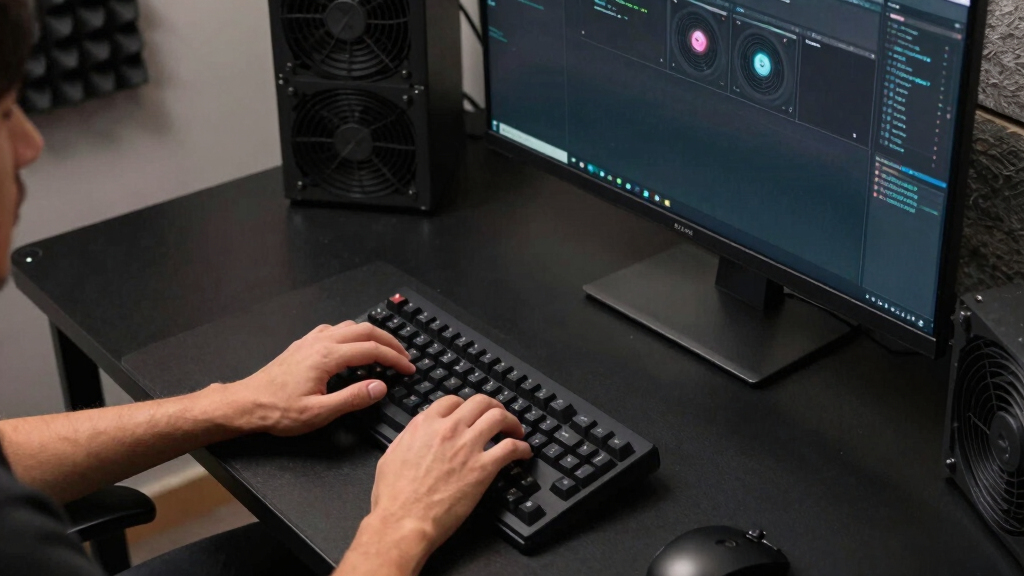
Local inference is a sustained load: the GPU sits near full power for hours with no loading screens, so the heat never dissipates and the fans never get a break. Here’s where the heat comes from — and the five levers that reduce it.
Why Managing Heat and Noise Matters for AI Workstations
Effective heat and noise management in high-power AI workstations enhances user comfort, prolongs hardware lifespan, and maintains system stability. Reduced noise levels improve work environment quality, while better thermal control prevents thermal throttling, ensuring consistent inference performance. These improvements are especially relevant as AI workloads become more demanding and hardware continues to evolve.As an affiliate, we earn on qualifying purchases.
Background on Heat and Noise Challenges in AI Workstations
Unlike gaming PCs, AI workstations operate under sustained loads, often running GPUs at or near full capacity for hours. This leads to continuous high temperatures and fan noise, particularly in multi-GPU configurations where exhaust recirculation worsens thermal buildup. Standard cooling solutions designed for gaming are often insufficient for these workloads, prompting users to seek specialized cooling and power management techniques.
Recent industry guidance emphasizes the importance of understanding the sources of heat and noise, and applying targeted solutions such as undervolting, better airflow, and high-quality cooling components. These approaches have gained traction as AI workloads grow in scale and complexity, demanding more efficient thermal management.
“The key to reducing heat and noise in AI workstations isn’t just better fans or coolers — it’s understanding where the heat actually comes from and addressing it at the source, especially the GPU.”
— Thorsten Meyer
Unresolved Questions About Long-Term Effects of Power Limiting
It is not yet clear how sustained undervolting and power capping impact hardware longevity over extended periods. While short-term benefits are documented, long-term reliability data remains limited, and some users worry about potential wear on components or performance degradation over time.
Future Developments in AI Workstation Cooling and Power Management
Advances in cooling technology, such as more efficient liquid coolers and quieter fans, are expected to further reduce noise levels. Additionally, software tools for dynamic power management and AI-aware cooling profiles are likely to become more sophisticated, offering users more control and efficiency. Monitoring and testing of long-term hardware effects will continue to inform best practices.
Key Questions
What is the most effective way to reduce GPU heat in an AI workstation?
The most effective method is undervolting the GPU and capping its power limit, which can significantly lower heat output with minimal impact on inference performance.
Can upgrading case fans improve noise levels?
Yes, replacing stock fans with high-quality, quieter models can reduce overall noise, especially when combined with improved case airflow management.
Does liquid cooling significantly reduce noise compared to air cooling?
Liquid cooling can reduce noise levels by allowing fans to operate at lower RPMs, but the actual benefit depends on the quality of the cooler and the specific setup.
Are there risks associated with undervolting GPUs?
While undervolting generally reduces heat and noise, improper settings can cause system instability. It’s important to follow tested guidelines and monitor hardware performance.
What should I consider when improving airflow in my AI workstation?
Ensure positive airflow with well-placed intake fans, minimize obstructions, and use high-quality filters to prevent dust buildup. Proper cable management also helps maintain airflow efficiency.
Source: ThorstenMeyerAI.com
Columbus Day / Indigenous Peoples' Day Picks
long weekend sales
As an affiliate, we earn on qualifying purchases.