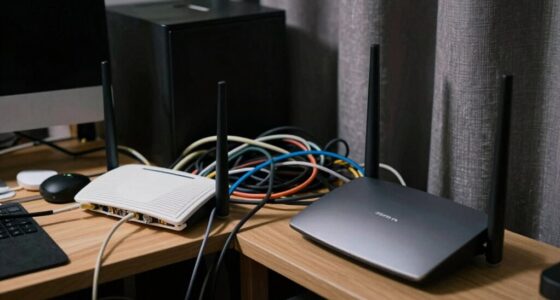
The main difference between 2.5GbE and 10GbE for your home lab is speed and cost. 2.5GbE offers a moderate upgrade over standard Ethernet, with lower hardware and cabling requirements, making it more budget-friendly and easier to implement. 10GbE provides faster data transfer for demanding tasks but comes with higher expenses and hardware needs. Understanding these differences helps you choose the best option for your needs, and you’ll discover more tips to optimize your setup as you explore further.
Key Takeaways
- 2.5GbE is more affordable, easier to upgrade, and compatible with existing Cat5e/Cat6 cables, ideal for basic home lab needs.
- 10GbE offers significantly higher speeds suitable for demanding workloads like large data transfers and virtualization.
- 10GbE requires specialized, more expensive hardware and higher-grade cabling, increasing initial setup costs.
- 2.5GbE consumes less power, generates less heat, and extends hardware lifespan, making it more energy-efficient long-term.
- Choose based on workload requirements and budget, balancing performance benefits against higher costs and energy use of 10GbE.
2.5GbE Ethernet network card
As an affiliate, we earn on qualifying purchases.
As an affiliate, we earn on qualifying purchases.
What Are 2.5GbE and 10GbE, and How Do They Work?
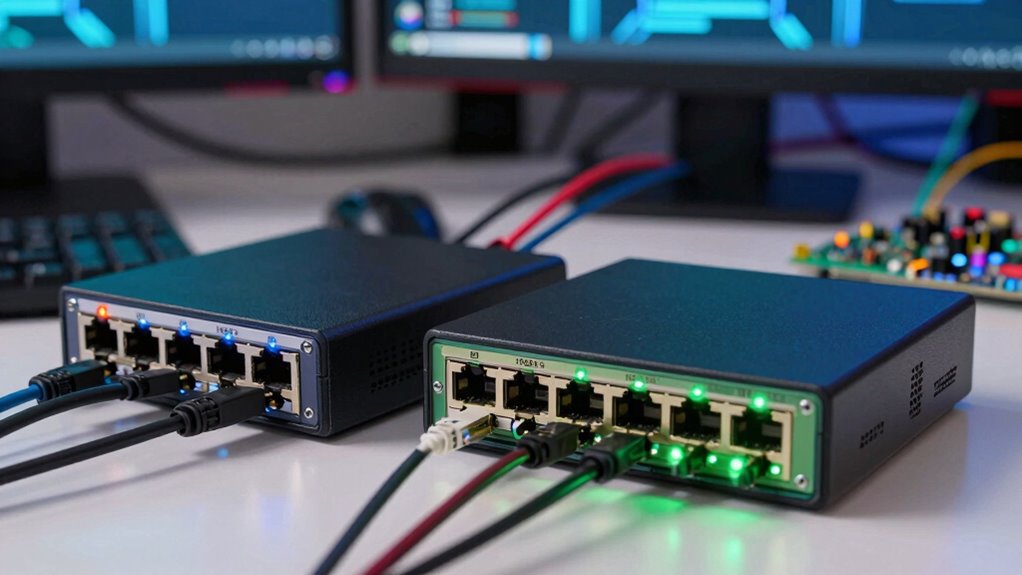
Have you ever wondered how fast your home network can transfer data? 2.5GbE and 10GbE are Ethernet standards that substantially boost network speeds beyond traditional options. These standards use different Ethernet standards to deliver higher data rates, supporting faster file transfers and smoother streaming. 2.5GbE offers a practical upgrade, compatible with existing infrastructure, while 10GbE provides even faster performance for demanding applications. Both standards enhance network scalability, allowing your home lab to grow without bottlenecks. They work by increasing the data transfer rate over the same cabling and hardware, making your network more responsive. Understanding these Ethernet standards helps you choose the right technology to future-proof your home network and improve overall performance.
10GbE network switch for home lab
As an affiliate, we earn on qualifying purchases.
As an affiliate, we earn on qualifying purchases.
How Do Speed, Hardware, and Cabling Differ Between 2.5GbE and 10GbE?
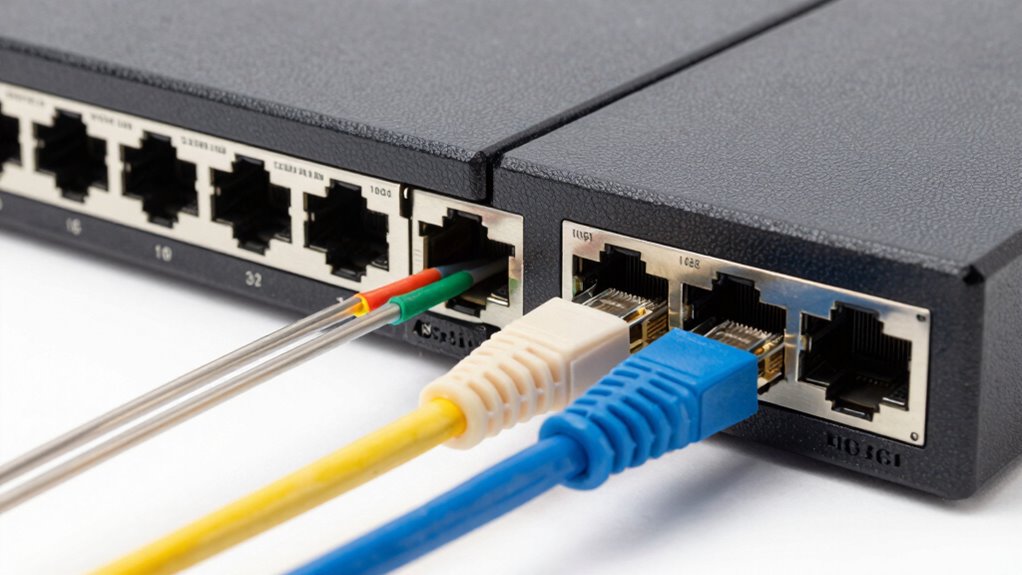
The key differences between 2.5GbE and 10GbE lie in their speed capabilities, hardware requirements, and cabling options. 2.5GbE offers a notable boost over standard Ethernet, with lower power consumption and broader wireless compatibility, making it easier to integrate into existing setups. In contrast, 10GbE delivers markedly faster speeds but demands more advanced hardware, including specialized network cards and switches. Cabling also differs: 2.5GbE often uses standard Cat5e or Cat6 cables, while 10GbE typically requires Cat6a or higher to handle the increased bandwidth. Power consumption tends to be higher with 10GbE hardware, which can impact energy efficiency. Understanding these differences helps you choose the right setup for your home lab, balancing speed, hardware complexity, and energy use. Additionally, technology standards influence compatibility and performance considerations when selecting network components.
Cat6a Ethernet cable 10GbE
As an affiliate, we earn on qualifying purchases.
As an affiliate, we earn on qualifying purchases.
Can Your Current Equipment Support These Ethernet Speeds?
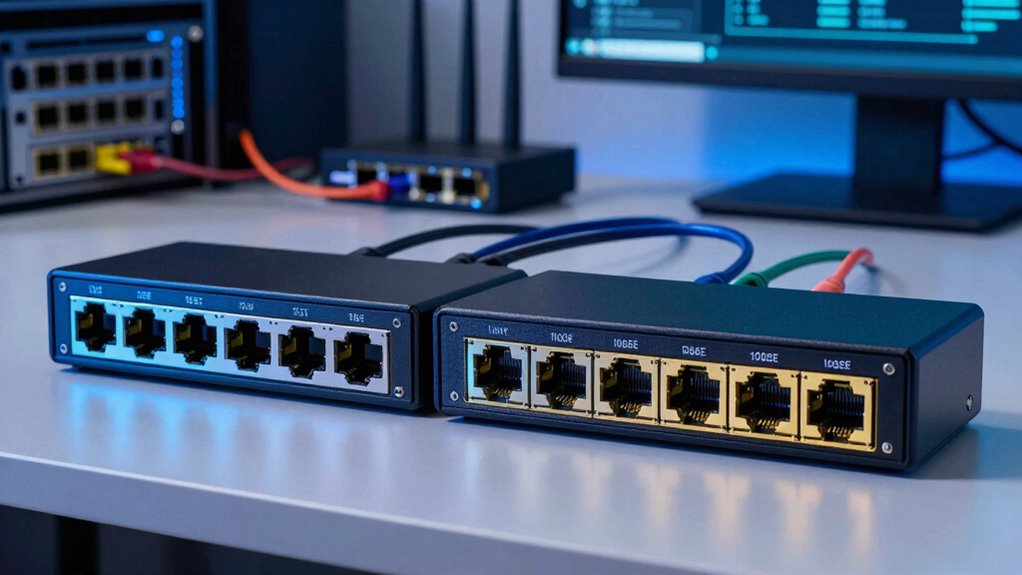
Evaluating whether your current network equipment can handle 2.5GbE or 10GbE speeds is a vital step in upgrading your home lab. First, check if your switches, routers, and network cards support these speeds—many older devices max out at 1GbE. Second, consider wireless compatibility; if you rely on Wi-Fi, verify your access points can handle faster speeds or if wired connections are necessary. Third, assess power consumption, as higher-speed equipment often consumes more energy, impacting your setup’s efficiency. Upgrading without verifying compatibility can lead to bottlenecks or unnecessary energy use. Confirming your hardware supports these speeds guarantees smoother performance and avoids costly replacements later. Additionally, network standards play a crucial role in ensuring your devices are compatible with faster Ethernet speeds.
home lab network upgrade kit
As an affiliate, we earn on qualifying purchases.
As an affiliate, we earn on qualifying purchases.
Which Home Lab Use Cases Are Best for 2.5GbE or 10GbE?
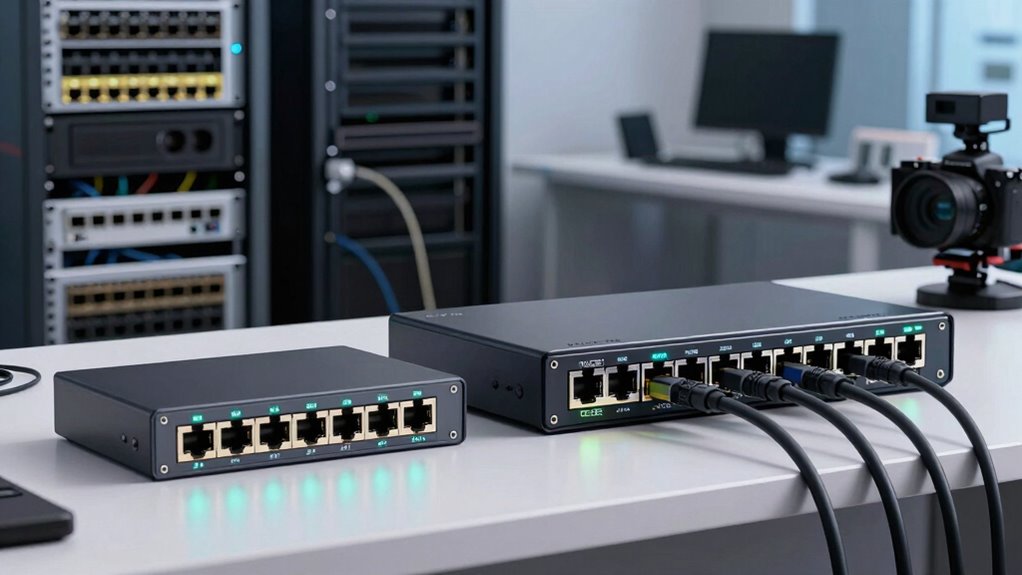
Your home lab’s network needs and data transfer demands determine whether 2.5GbE or 10GbE makes sense. If you’re handling large files or running multiple virtual machines, higher speeds can save you time. Consider how much data moves through your setup to choose the best Ethernet speed.
Home Lab Network Needs
Choosing between 2.5GbE and 10GbE for your home lab depends heavily on your specific use cases. If you prioritize seamless wireless connectivity, faster data access, or cloud integration, your network needs will guide your choice. For example:
- Small-scale setups with basic file sharing or media streaming may suffice with 2.5GbE.
- Heavy multitasking, virtual machines, or frequent large data transfers demand the higher speeds of 10GbE.
- If you’re heavily relying on cloud services or remote access, ensuring your network can handle increased bandwidth is essential.
- Home design considerations like door swings and stair proportions influence the placement and setup of your networking equipment for optimal performance. Additionally, understanding your network topology can help optimize equipment placement for both performance and accessibility.
Understanding your needs helps optimize your home lab, balancing performance with cost while ensuring smooth wireless connectivity and efficient cloud integration.
Data Transfer Demands
When it comes to data transfer demands in your home lab, different use cases have distinct bandwidth requirements. For simple file sharing or wireless connectivity, 2.5GbE usually suffices. However, if you’re running multiple virtual machines, deep backups, or frequent large data transfers, 10GbE makes a significant difference. Cloud integration also benefits from higher speeds, reducing sync times and improving remote access. Consider this table:
| Use Case | Bandwidth Need | Recommended Ethernet Speed |
|---|---|---|
| Basic file sharing | Low | 2.5GbE |
| Virtualization & backups | Medium | 10GbE |
| Cloud access & large data transfers | High | 10GbE |
Matching your data transfer demands with the right Ethernet speed optimizes your home lab. Additionally, understanding the bandwidth requirements of various applications can help you choose the most cost-effective and efficient network setup.
How Much Do 2.5GbE and 10GbE Networks Cost?
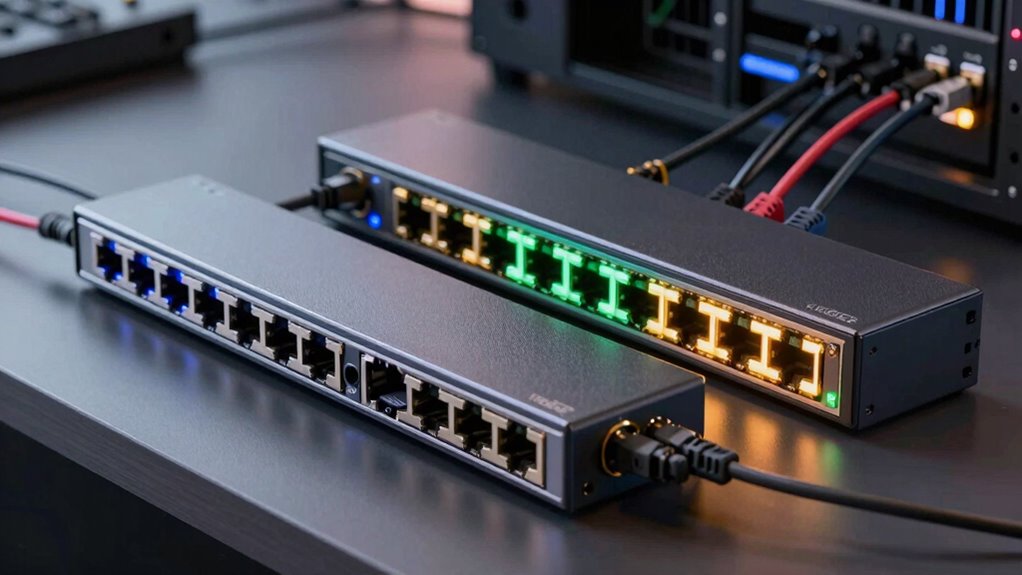
When comparing costs, you’ll notice that 2.5GbE hardware is generally more budget-friendly than 10GbE options. Installation and setup can add to expenses, especially for higher-speed networks, while ongoing maintenance varies based on the equipment and complexity. Understanding these cost differences helps you plan your home lab budget more effectively. Additionally, considering eco-friendly natural pools and sustainable practices can reduce long-term operational costs by minimizing chemical and energy usage.
Hardware Price Differences
The cost difference between 2.5GbE and 10GbE hardware can be significant, especially for home lab enthusiasts working within a budget. Generally, 2.5GbE equipment is more affordable due to its broader adoption and simpler Ethernet standards. Conversely, 10GbE hardware commands a premium because it requires advanced components and better hardware compatibility with higher speeds.
Consider these points:
- Initial Investment: 10GbE switches and network cards tend to cost 2-4 times more than 2.5GbE options.
- Hardware Compatibility: Compatibility issues can add costs, especially if existing equipment isn’t designed for higher speeds.
- Long-Term Savings: Lower-cost 2.5GbE hardware may be more budget-friendly initially, but upgrading later could be more expensive.
Understanding these price differences helps you balance your network needs with your budget.
Installation and Setup Costs
Setting up a 2.5GbE or 10GbE network involves different costs, primarily driven by the complexity of installation and configuration. With 2.5GbE, costs are generally lower because the network topology is simpler, often requiring minimal upgrades to existing hardware. In contrast, 10GbE setups can demand more extensive work, such as specialized switches and cabling, increasing installation expenses. Power requirements also differ; 10GbE equipment tends to consume more electricity, adding to setup costs. You’ll need to factor in the price of compatible network cards, switches, and cabling for each speed. Overall, 10GbE installation costs are higher due to the more complex network topology and power needs, making it a bigger investment upfront compared to 2.5GbE.
Ongoing Maintenance Expenses
Maintaining a 2.5GbE network generally costs less over time because it requires fewer specialized components and consumes less power. Lower power consumption reduces energy bills and heat generation, which can extend hardware lifespan. Additionally, warranty considerations become simpler, as fewer high-end or proprietary parts are involved, decreasing the risk of costly repairs.
- Power consumption: 2.5GbE devices typically use less energy, saving you money on electricity.
- Hardware upgrades: Upgrading or replacing components is often cheaper and less frequent with 2.5GbE.
- Warranty terms: Less complex setups mean fewer warranty issues and easier support processes, lowering maintenance costs overall.
Sticking to more standard, less power-intensive equipment helps keep ongoing expenses manageable, especially over the long haul.
Which Speed Is Right for Your Home Lab Goals?
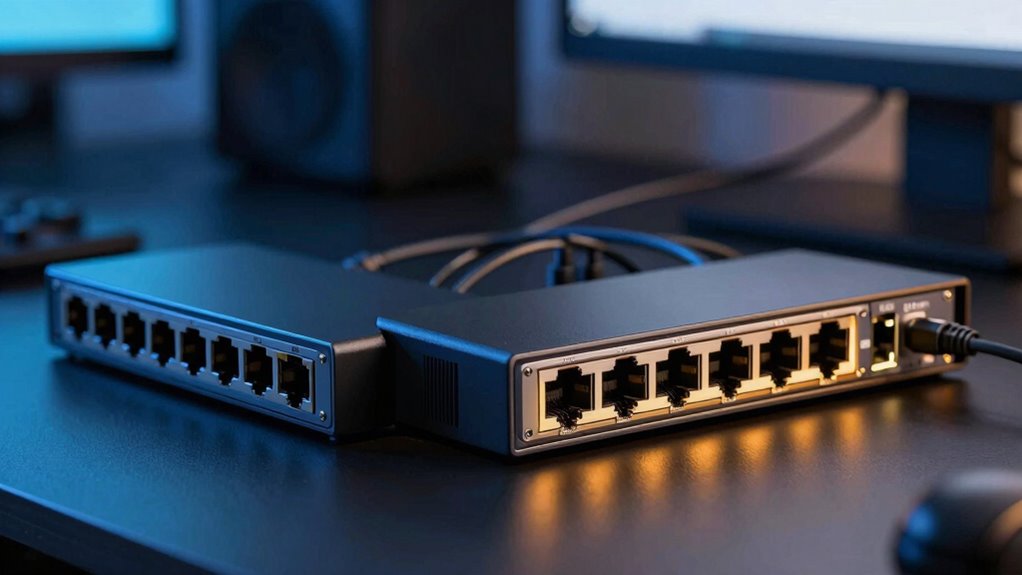
Choosing the right network speed for your home lab depends on your specific goals and workload. If you’re running basic projects or testing, 2.5GbE might be sufficient, offering faster speeds than traditional Ethernet without excessive power consumption. For more demanding tasks like large data transfers, virtual machines, or media streaming, 10GbE provides markedly higher throughput. Consider how network security fits into your setup; higher speeds can improve data protection by enabling faster backups and updates. However, keep in mind that increased network speed may lead to higher power consumption, affecting your energy costs. Balance your needs for performance with energy efficiency, and choose a speed that aligns with your future expansion plans without over-investing in unnecessary capacity.
Frequently Asked Questions
How Scalable Are 2.5gbe and 10GBE Networks for Future Upgrades?
You can scale both 2.5GbE and 10GbE networks, but 10GbE offers better future-proofing due to higher speeds and broader hardware compatibility. While 10GbE may have higher initial costs, it supports more demanding upgrades down the line. 2.5GbE is more affordable and easier to implement now, but if you plan significant growth, investing in 10GbE guarantees your network stays relevant and capable of handling future data needs.
What Are the Latency Differences Between 2.5gbe and 10GBE?
Think of network latency as a race; 2.5GbE tends to be a few milliseconds slower than 10GbE, making it feel like a dash rather than a sprint. While both offer low latency, packet loss and cable quality can impact performance more at 2.5GbE. Poor cables or high packet loss can increase delays, but 10GbE generally maintains lower latency, especially over quality cabling, giving you smoother, faster data transfers.
Are There Energy Consumption Differences Between the Two Ethernet Types?
You’ll find that 2.5GbE generally consumes less power than 10GbE, making it more power-efficient for home labs. This difference stems from the lower data transfer speeds, which require less energy. Additionally, 2.5GbE hardware tends to be more compatible with existing equipment, helping you maintain power efficiency without sacrificing hardware compatibility. So, if energy consumption is a priority, 2.5GbE offers notable advantages.
How Do Network Congestion and Traffic Management Compare?
When it comes to network congestion, 10GbE handles traffic better because it offers higher bandwidth, reducing bottlenecks. You can manage traffic more efficiently with packet prioritization, ensuring critical data gets through smoothly. On the other hand, 2.5GbE might struggle under heavy loads, leading to delays. So, if you’re running multiple devices or large transfers, 10GbE keeps your network flowing without hiccups, like a well-oiled machine.
What Troubleshooting Challenges Are Unique to 10GBE Setups?
You might face unique troubleshooting challenges with 10GbE setups, like guaranteeing cable quality and compatibility, since high-speed connections are more sensitive to poor cabling. Firmware updates can also be tricky; outdated firmware may cause stability issues or performance drops. Regularly check and update your hardware firmware, and use high-quality, certified cables to minimize connection problems and secure peak performance in your 10GbE network.
Conclusion
Choosing between 2.5GbE and 10GbE could be the game-changer your home lab needs—imagine turning your network into a lightning-fast superhighway, where data races at breakneck speeds and bottlenecks become ancient history. Whether you’re streaming, testing, or experimenting, these speeds can transform your entire setup into a powerhouse. Don’t settle for sluggish connections—embrace the lightning and propel your home lab into the domain of the extraordinary!