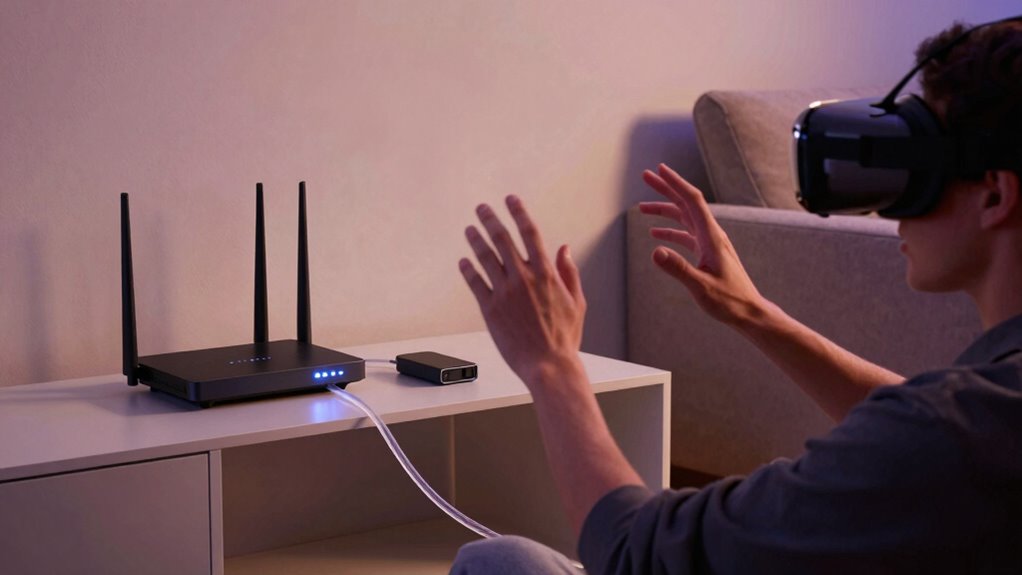

The secret to better wireless VR isn’t always about getting a new router. You can improve your experience by managing your environment—relocate devices that cause interference, switch to less crowded Wi-Fi bands like 5 GHz, and consider signal boosters or external antennas. Creating a dedicated network for your VR setup also helps reduce congestion. Small environment tweaks can lead to smoother, more immersive VR sessions. Keep exploring to discover more tips for optimizing your wireless experience.

Get audio and creator gear delivered free with Prime
- Fast, free delivery on millions of items
- Prime Video, Amazon Music and more included
- Member-only deals all year
Key Takeaways
- Optimizing device placement and reducing interference can significantly improve VR signal stability without replacing your router.
- Switching to the 5 GHz band minimizes congestion from household devices, enhancing VR performance.
- Using range extenders or external antennas can boost signal strength and coverage effectively.
- Creating a dedicated Wi-Fi network for VR devices isolates traffic, reducing lag and connection issues.
- Managing household wireless environment by turning off or relocating other devices improves overall VR connection quality.
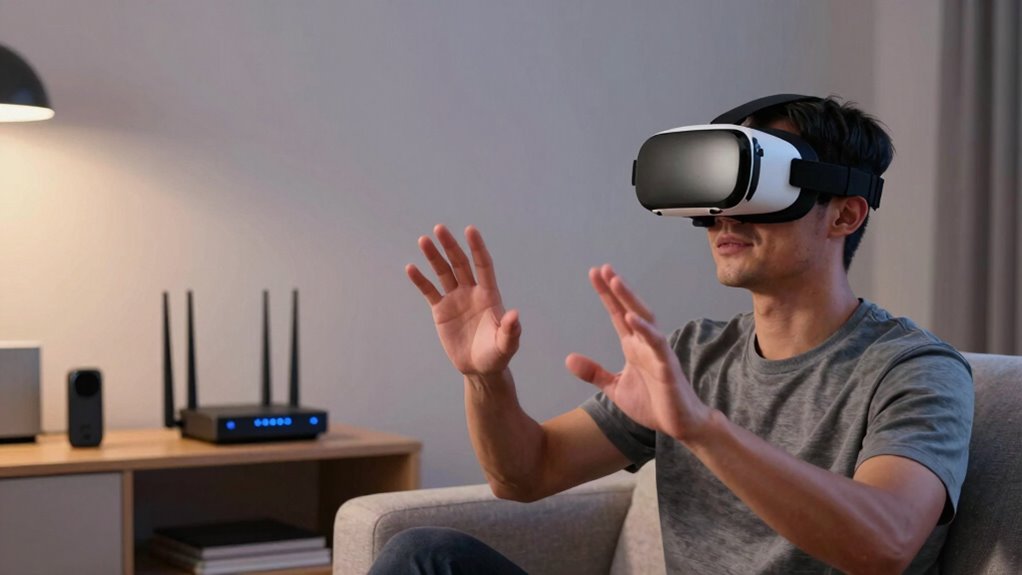
Your first step is to identify where interference is coming from. If your VR setup is near multiple wireless devices, try relocating your VR receiver or your router to reduce congestion. Moving your VR transmitter to a more central location in your space can also help strengthen the signal and reduce dead zones. Sometimes, simply turning off or relocating other devices that operate on similar frequencies—like cordless phones or wireless speakers—can clear the way for a cleaner signal. Additionally, understanding the role of frequency bands in wireless communication can help you choose the best setup for your environment.
Signal boosting plays an *essential* role here. Instead of investing in a more expensive router, you can use range extenders or wireless access points designed to improve coverage. These devices can amplify your existing Wi-Fi signal, ensuring your VR headset receives a more stable connection. *Furthermore*, some VR-specific solutions include high-quality antennas or external transmitters that focus the signal directly toward your headset, reducing the impact of interference. This targeted boosting can result in a more reliable and lag-free experience, especially in larger rooms or complex setups.
Another effective strategy involves optimizing your Wi-Fi network’s settings. Switching your router to a less congested band, like 5 GHz instead of 2.4 GHz, can *considerably* reduce interference because 5 GHz generally faces less competition from other wireless devices. Also, creating a dedicated network for your VR devices can isolate the signal from other household traffic, reducing lag and improving overall performance. To further enhance your setup, understanding wireless communication fundamentals can help you identify the most effective adjustments for your environment.
In the end, better wireless VR isn’t just about hardware upgrades. It’s about understanding and managing your environment—minimizing interference, boosting signals where needed, and optimizing settings. These steps can deliver a smoother, more immersive experience without the need for a costly new router. By taking control of your wireless environment, you’ll enjoy a more seamless virtual reality adventure, with fewer disruptions and more of the immersion you crave.
Products Worth Considering

LG UltraGear 32GX850A-B 32-Inch 4K UHD Glossy OLED Gaming Monitor

DJI Osmo Mobile 7P Phone Gimbal with Mic Mini Transmitter, Infinity Black

Samsung 27-Inch Odyssey QD-OLED G8 4K 240Hz Gaming Monitor
As an affiliate, we earn on qualifying purchases.
Frequently Asked Questions
How Does Physical Room Size Affect Wireless VR Performance?
Your room size directly impacts wireless VR performance because larger room dimensions can weaken the signal, causing lag or disconnections. Signal obstacles like furniture or walls further hinder connectivity, making it harder to maintain a stable connection. To improve your experience, clear the space of obstructions, and guarantee your router is positioned ideally. Managing these factors helps deliver smoother, more responsive VR gameplay, regardless of your room’s size.
Can Specific VR Headsets Influence Wireless Connection Quality?
Your VR headset is the gateway to immersive worlds, and yes, it can influence wireless connection quality. Think of it as a conductor leading an orchestra; better VR headset compatibility guarantees smooth data flow. Some headsets manage wireless bandwidth more efficiently, reducing lag and improving performance. By choosing a headset that optimizes wireless bandwidth management, you’ll experience fewer disconnections and a more seamless VR adventure.
What Role Do Interference Sources Play in Wireless VR Stability?
Interference sources like electromagnetic interference and device congestion considerably impact your wireless VR stability. Electromagnetic interference from nearby electronics can disrupt your signal, causing lag or disconnections. Device congestion occurs when too many devices share the same Wi-Fi network, reducing bandwidth available for your VR headset. To improve stability, minimize interference by moving away from electronics and limit network congestion by disconnecting unnecessary devices. These steps help guarantee a smoother, more reliable VR experience.
Are There Software Updates That Improve Wireless VR Experience?
Yes, software updates can greatly improve your wireless VR experience. Firmware enhancement boosts device performance, reducing latency and connection issues. Additionally, updates often include improvements for cloud synchronization, ensuring smoother data transfer between your VR headset and servers. Keeping your device’s software current helps you avoid bugs and benefits from the latest features, providing a more seamless and immersive VR experience. Regular updates are essential for ideal wireless VR performance.
How Important Is the Placement of the VR Router?
Router placement is essential for a strong wireless VR experience. You should position your router in a central, open spot away from obstructions, electronics, and thick walls to maximize signal strength. Proper placement reduces latency and prevents dropouts, ensuring smooth gameplay. Keep the router elevated and avoid placing it behind furniture. By optimizing your router placement, you’ll enjoy more consistent, immersive VR sessions without needing a new router.
Conclusion
If you think a new router will instantly improve your wireless VR experience, think again. Often, optimizing your current setup and understanding your network can make all the difference. Did you know that over 60% of wireless VR issues stem from interference or misconfiguration rather than hardware limitations? By paying attention to these details, you can enjoy smoother, more immersive VR without breaking the bank. Sometimes, the secret to better wireless VR is simply making smarter choices with what you already have.