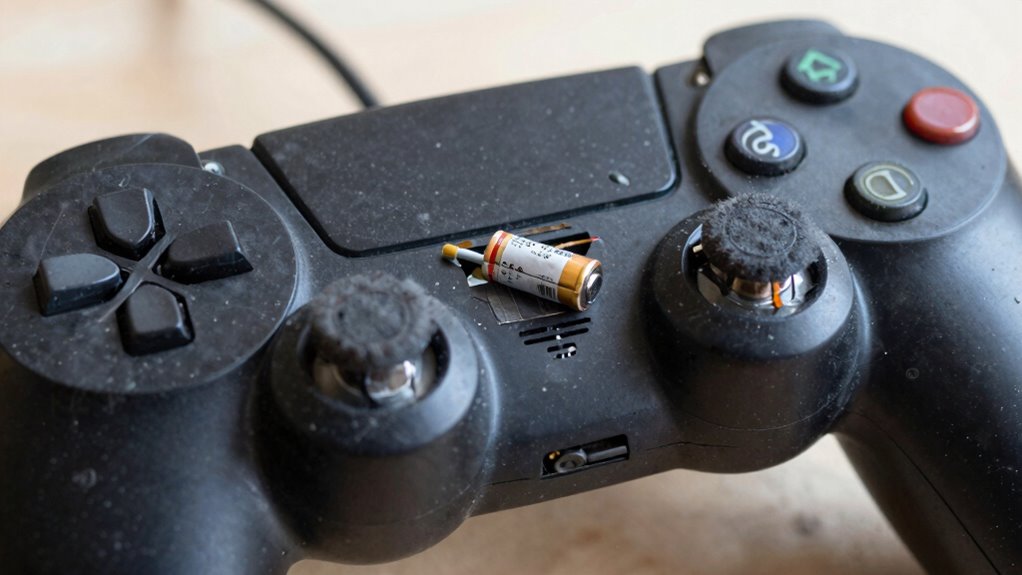

Charging your controller too often or improperly can quickly wear out its battery. Avoid frequent partial charges and overcharging, as these cause internal stress and accelerate capacity loss. Shallow cycles between 20-80% are best, but constantly topping up or draining fully damages the battery over time. High temperatures from fast charging also speed up wear. If you want to keep your controller working its best longer, understanding proper habits will help you protect its lifespan.

Get audio and creator gear delivered free with Prime
- Fast, free delivery on millions of items
- Prime Video, Amazon Music and more included
- Member-only deals all year
Key Takeaways
- Frequently recharging or topping up keeps the battery in a high-stress state, accelerating wear.
- Leaving the controller plugged in after reaching 100% causes internal stress and capacity loss.
- Partial charges between 20-80% repeatedly induce uneven stress and degrade battery health.
- Using fast charging methods generates excess heat, damaging battery cells and shortening lifespan.
- Deep discharges below 20% strain the battery and can accelerate deterioration.
As an affiliate, we earn on qualifying purchases.
How Recharging Your Controller Too Often Can Damage the Battery
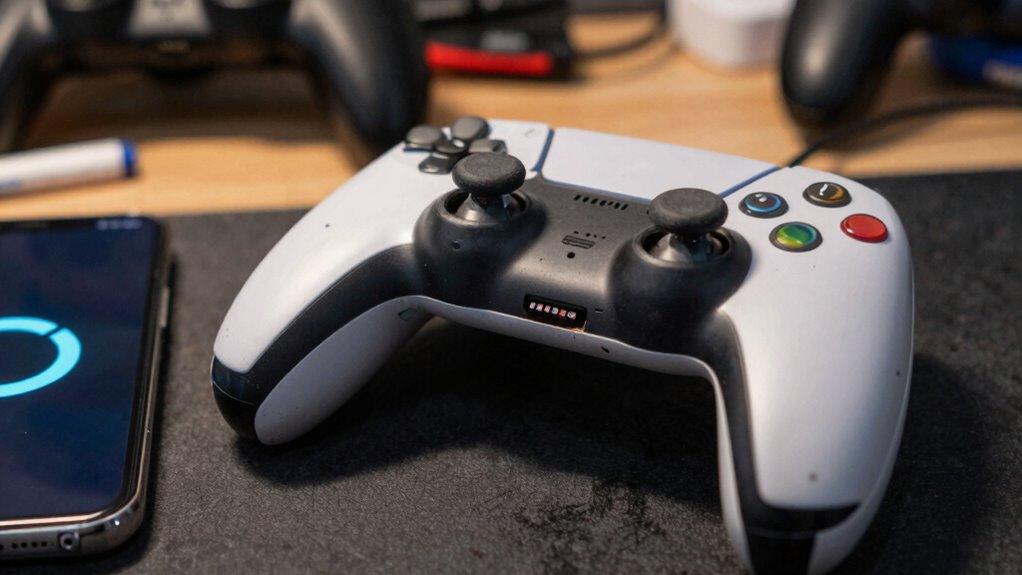
Recharging your controller too often can actually harm its battery over time. Constantly plugging in the device prevents the battery from maintaining ideal capacity, which can reduce its overall lifespan. When you frequently recharge, the battery’s ability to hold a full charge diminishes, leading to shorter play sessions. Additionally, rapid charging speeds might seem convenient, but they generate more heat, accelerating wear on the battery’s cells. This heat can cause microscopic damage, weakening the battery’s capacity faster than normal. To prolong your controller’s life, avoid unnecessary recharges and opt for slower charging methods when possible. Maintaining a balanced charging routine helps preserve the battery’s health, ensuring you get the most out of your controller’s lifespan and performance. Understanding battery health can help you make better decisions about charging habits and avoid premature wear.
How Lithium-Ion Batteries Wear Out Over Time

Every time you charge your controller, it uses up a charge cycle, which gradually reduces the battery’s lifespan. High temperatures speed up chemical reactions inside the battery, causing it to wear out faster. Overcharging, even slightly, can accelerate this process and shorten your battery’s overall life. Implementing proper outdoor setup and avoiding extreme weather conditions can help extend battery longevity. Additionally, understanding battery chemistry can guide you in adopting best practices for charging and storage. Recognizing how charge cycles impact battery wear can help you optimize your usage habits for better battery health. Being aware of environmental factors such as extreme temperatures or humidity levels can prevent unnecessary battery damage and prolong the overall lifespan. For example, exposure to ear wax odor or other contaminants can sometimes impact electronic components, emphasizing the importance of proper handling and storage.
Charge Cycles Impact Longevity
Lithium-ion batteries can only withstand a limited number of charge cycles before their capacity begins to decline. Each full cycle—draining and recharging—wears down the battery’s internal components. Frequent charging reduces the overall lifespan, so avoiding unnecessary charges helps preserve capacity. Proper battery calibration ensures your device accurately reports remaining charge, preventing overcharging or deep discharges that accelerate wear. Keep in mind that high charging frequency often leads to more cycles, which shortens battery longevity. Instead, aim for partial charges when possible, and avoid leaving the controller plugged in after reaching full capacity. Managing your charging habits carefully, including calibration and avoiding excessive cycles, can greatly extend your battery’s useful life and keep your controller performing at its best longer. Understanding battery wear can help you make informed charging decisions to maximize longevity. Additionally, understanding battery chemistry can guide you in adopting best practices for maintenance and care. Being aware of charge cycle limits allows you to plan your charging routine more effectively and prevent premature battery failure. Incorporating proper charging techniques can further help in maintaining optimal battery health over time. Recognizing the importance of consistent charging habits can also significantly contribute to prolonging your battery’s overall lifespan.
Temperature Effects on Batteries
Temperature plays a significant role in how quickly your battery wears out over time. High battery temperature accelerates chemical reactions inside the lithium-ion cells, causing faster degradation. When your device heats up, the battery’s internal components break down more rapidly, reducing its overall lifespan. Conversely, extremely cold temperatures can temporarily lower battery capacity and cause sluggish performance. Charging speed also influences temperature; fast charging generates more heat, which can damage the battery if it becomes too hot. To extend your controller’s life, keep the battery within an ideal temperature range during use and charging. Avoid exposing it to extreme heat or cold, and don’t rush the charging process unnecessarily. Proper temperature management helps maintain battery health and prolongs its effective lifespan. Controlling temperature is essential, as exposure to fluctuating conditions can also impact the overall wear and tear of lithium-ion batteries. Additionally, understanding how battery chemistry reacts to temperature changes can help you make better decisions about storage and maintenance. Maintaining stable temperatures can also prevent unnecessary battery degradation, ensuring your device remains reliable over time. Being aware of environmental factors that influence temperature can further help in preserving battery longevity.
Overcharging Accelerates Wear
Overcharging your controller’s battery can considerably speed up its wear and reduce its lifespan. When you leave it plugged in beyond 100%, the battery continuously receives a small charge, which causes stress and accelerates capacity loss. Proper battery calibration is essential; it helps your device accurately report charge levels, preventing unnecessary overcharging. Following good charging etiquette—like unplugging once fully charged—reduces stress on the battery. Lithium-ion batteries don’t need to be charged to 100% every time, and avoiding overcharging helps keep the chemical components stable. Repeated overcharging speeds up degradation of the battery’s internal structure, making it less efficient over time. Additionally, understanding the impact of charge cycles on battery health can help you better manage usage. Recognizing the importance of battery maintenance can significantly extend the lifespan of your device. By practicing proper charging habits, you extend your controller’s battery life and maintain ideal performance longer, especially since battery degradation is a natural process that can be slowed with proper care. Proper battery management techniques are crucial for optimizing overall longevity and performance.
The Impact of Partial Charging on Controller Battery Life
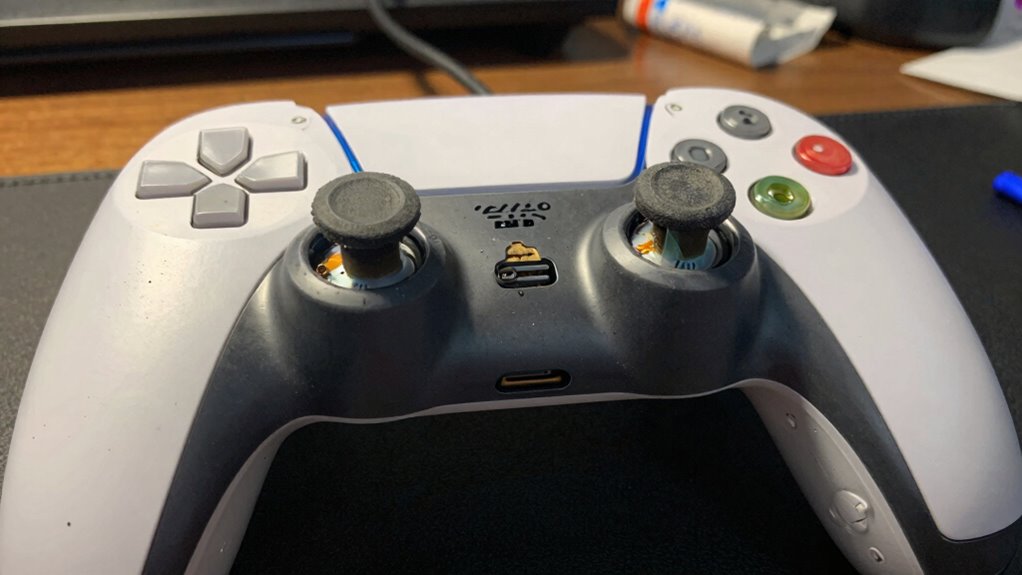
Charging your controller only partway can speed up battery wear and lead to quicker degradation. This practice keeps the battery in a high-stress state, reducing its overall lifespan. To maximize your controller’s longevity, it’s best to avoid frequent partial charges. Incorporating proper performance parts like high-quality batteries can also help extend battery life and overall device performance. Additionally, understanding how battery health is affected by charging habits can help you make more informed decisions to preserve your controller’s lifespan. Being aware of watt-hours and capacity can further guide you in choosing batteries that suit your usage needs and avoid unnecessary stress on your battery. Regularly monitoring filter indicators and maintenance routines can also prevent unnecessary strain on your device, ultimately contributing to longer controller and device life. Moreover, familiarizing yourself with cookie categories and their impact on site functionality can help enhance your browsing experience and protect your data.
Partial Charging Accelerates Wear
Partial charging can considerably speed up the wear on your controller’s battery because it causes uneven stress across the cells. When you frequently charge in small increments, the battery struggles to maintain proper calibration, leading to inconsistent voltage levels and reduced capacity over time. This uneven stress accelerates cell degradation, shortening the overall lifespan. Additionally, frequent partial charges increase charging frequency, putting more cycles on the battery than full charges would. This constant cycling wears down the battery faster, diminishing its ability to hold a charge. To extend your controller’s battery life, aim for full charges when possible and avoid stopping the charge prematurely. Proper charging habits help maintain battery calibration and reduce unnecessary stress, ultimately prolonging your controller’s lifespan. Understanding battery chemistry can help you make more informed charging decisions and optimize battery longevity.
Battery Degradation Risks
Frequent partial charges can substantially accelerate your controller’s battery degradation. When you often top up the battery before it’s fully drained, it subjects the cells to repeated stress, reducing overall lifespan. This pattern hampers effective power management, causing the battery to deteriorate faster. Over time, degraded batteries become less efficient, leading to shorter play sessions and more frequent replacements. To prevent this risk, consider proper battery recycling practices when your controller finally reaches the end of its life. Recycling helps prevent harmful environmental impacts and ensures safe disposal. Avoid overcharging or shallow cycling, and instead, aim for full charges when possible. Proper power management not only prolongs your controller’s life but also supports sustainable battery use, saving you money and reducing e-waste.
Signs Your Controller Battery Is Deteriorating
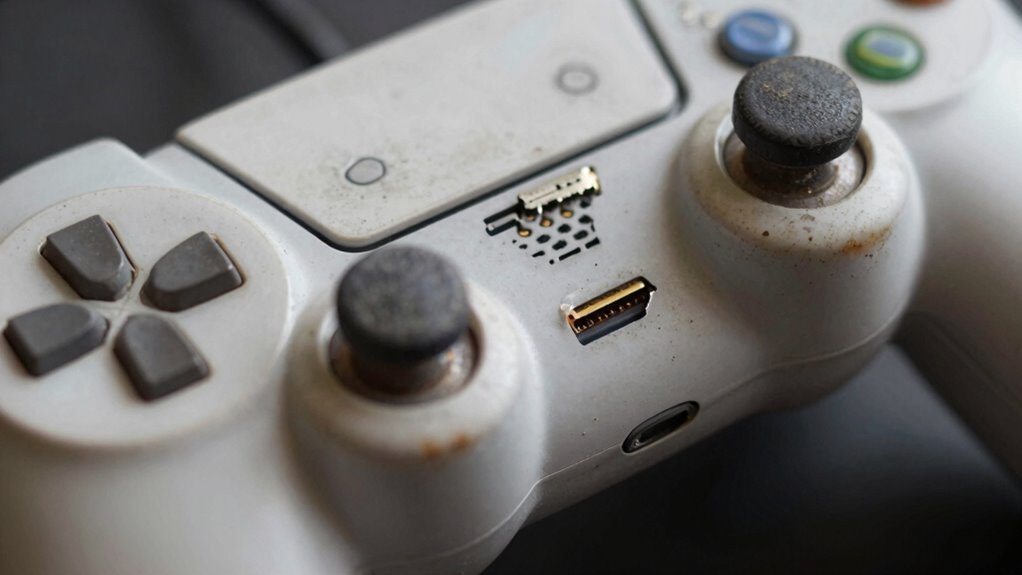
If your controller’s battery is starting to weaken, you’ll notice several clear signs. First, your gameplay time decreases quickly, forcing you to seek frequent recharges. You might also see inconsistent power, with the controller shutting off unexpectedly, signaling poor battery health. Additionally, the battery may feel hot or swell, indicating deterioration. These signs highlight the need for battery replacement and better power conservation habits. Ignoring them can shorten your controller’s lifespan and cause performance issues. Keep an eye out for rapid drain, unexpected shut-offs, or physical battery damage, as these are key indicators of deterioration. Addressing these early helps you avoid costly replacements and ensures your controller remains reliable longer. Recognizing these signs can save you time and money down the road.
Best Charging Habits to Extend Your Controller’s Battery Life
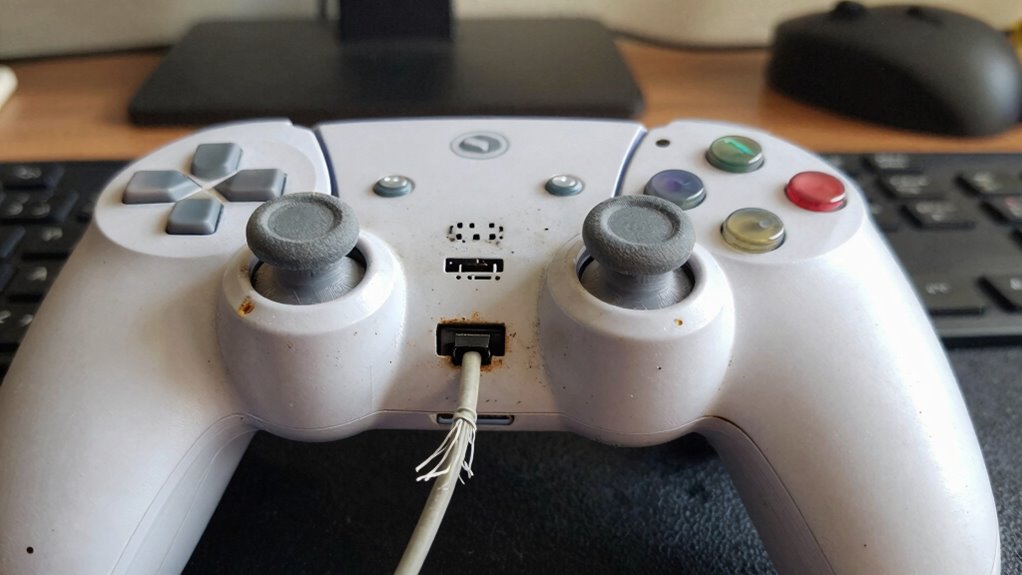
Adopting good charging habits can greatly extend your controller’s battery life and improve overall performance. To do this, avoid charging your controller in environments with wireless interference, which can disrupt proper charging and harm the battery. Always use the recommended charger and avoid overcharging—unplug once it’s fully charged. Keep your firmware updated; manufacturers often release updates that optimize battery management and reduce power drain. Don’t let the battery drain completely before recharging, as frequent deep discharges can shorten lifespan. Instead, aim to keep the battery between 20% and 80%. Proper charging habits guarantee your controller stays responsive and maintains its battery health longer, saving you money and hassle down the line.
Common Myths About Charging That Can Hurt Your Battery
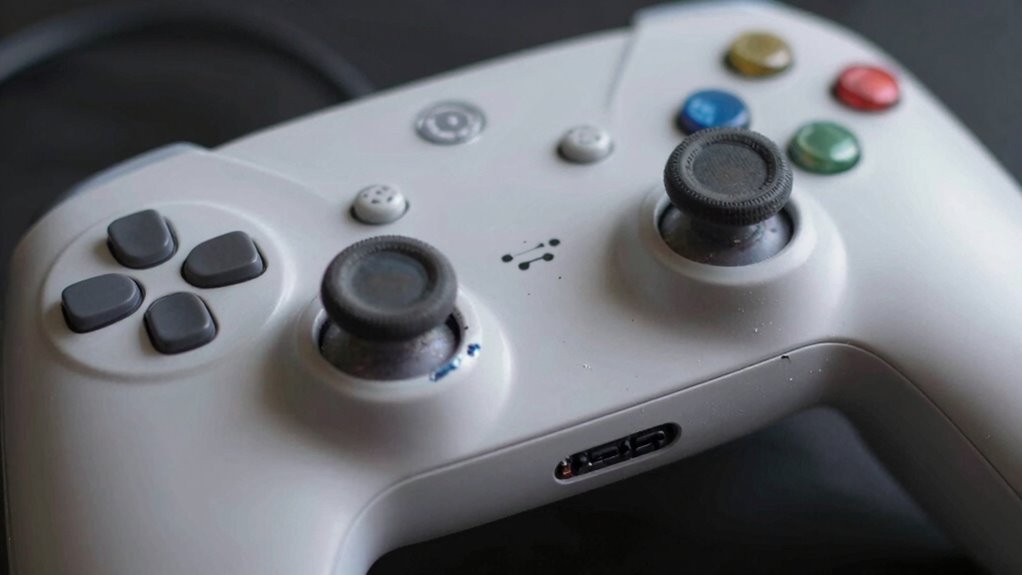
Many people believe that fully charging your controller every time or letting the battery completely die will prolong its life, but these are common myths that can actually harm your battery. Overemphasizing full charges or discharges can negatively impact battery capacity over time. Misunderstanding charging speed also causes issues—fast charging might seem convenient but can generate heat that damages the battery. Additionally, constantly charging to 100% or draining to 0% stresses the battery and accelerates wear.
Fully charging or fully draining your controller can harm battery health over time.
- Charging to 100% repeatedly can reduce overall battery capacity faster
- Letting the battery fully drain may cause it to lose capacity prematurely
- Relying on fast charging can generate heat, damaging the battery’s health
Tips From Experts to Keep Your Controller Battery Healthy
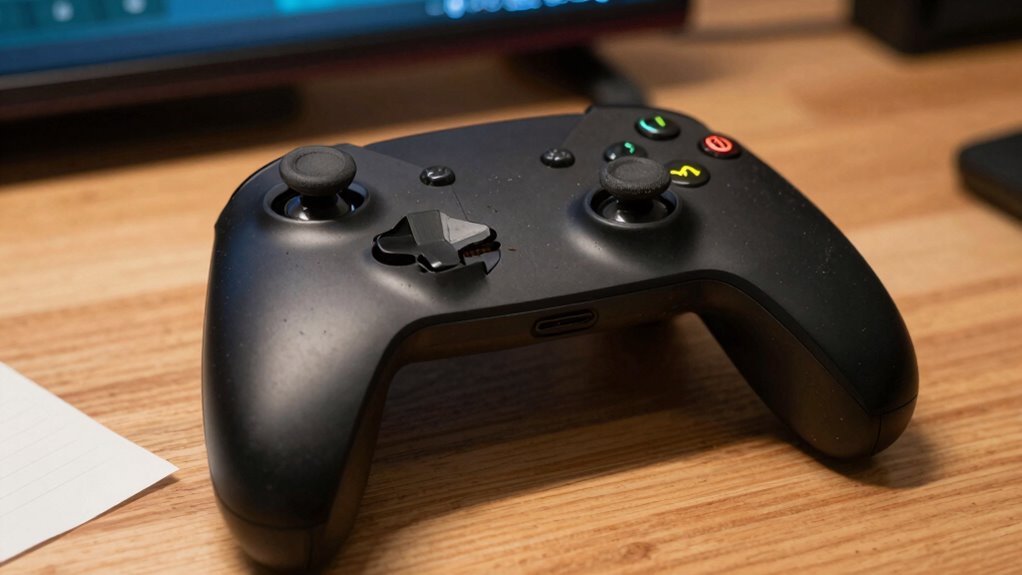
To keep your controller battery healthy, experts recommend maintaining ideal charge levels and avoiding extreme discharges. Regularly calibrate your battery by fully charging it and then draining it completely once every few months, which helps the battery’s software accurately gauge its capacity. If your controller supports wireless charging, use it consistently, as it reduces wear caused by frequent plugging and unplugging. Avoid leaving your controller plugged in constantly after it reaches 100%, as this can lead to overcharging and battery degradation. Instead, aim to keep the charge between 20% and 80% for maximum longevity. Following these tips ensures your controller’s battery remains healthy longer, preventing premature replacements and maximizing your gaming experience.
Simple Ways to Maintain Your Gaming Controller’s Battery Health
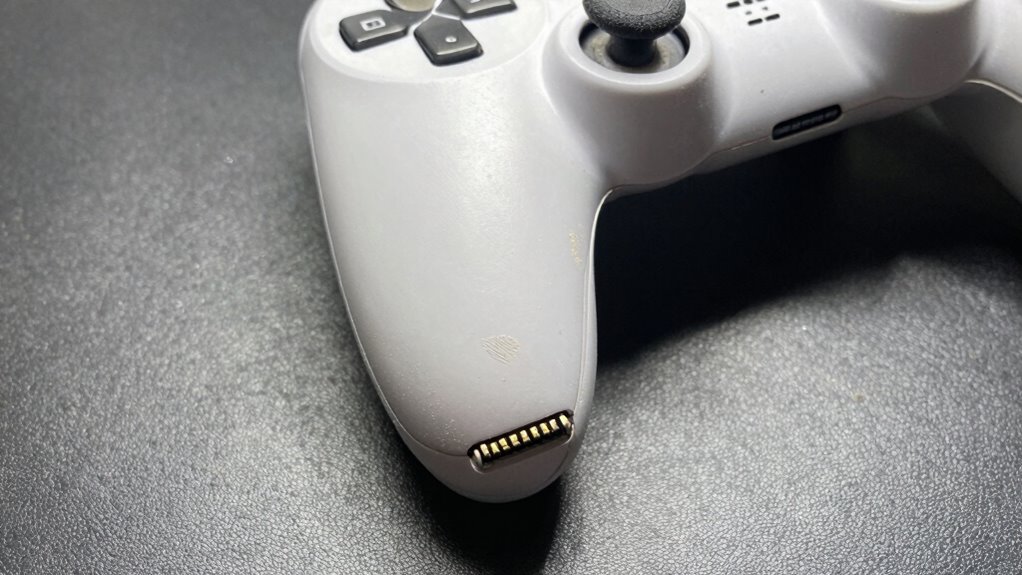
Maintaining your gaming controller’s battery health doesn’t have to be complicated. Simple habits can extend its lifespan and keep it performing efficiently. For example, regularly avoid letting the battery fully drain, as deep discharges can harm the battery’s capacity. Keep an eye on your controller’s grip; a loose grip can lead to unnecessary button presses, draining power faster. Additionally, adjusting button sensitivity settings can reduce unnecessary input, conserving battery life. To maximize your controller’s health, consider these tips:
- Use a controller grip that minimizes stress on internal components
- Adjust button sensitivity to avoid excessive power use
- Keep your controller charged between 20-80% for ideal battery longevity
These small changes help preserve your controller’s battery and overall performance.
Frequently Asked Questions
Can Using Third-Party Chargers Harm My Controller’s Battery?
Using third-party chargers can potentially harm your controller’s battery if they aren’t designed properly, leading to overcharging or inconsistent power flow. This can affect battery calibration and reduce overall lifespan. Always choose reputable chargers to guarantee safe charging routines. Avoid cheap, unverified third-party options—these might save money upfront but can cause long-term damage, shortening your controller’s battery life and performance over time.
Does Playing While Charging Affect Battery Longevity?
Playing while charging is like running a marathon on a full tank—your controller’s battery endures extra stress. It can disrupt battery calibration and increase charging cycles, which shortens lifespan over time. While occasional play during charging isn’t harmful, habitual use accelerates wear, leading to reduced battery health. To prolong your controller’s life, avoid frequent play while charging and let it fully charge or drain periodically.
How Does Temperature Influence Battery Wear in Controllers?
Temperature effects profoundly influence battery wear in controllers. When you expose your controller to high temperatures, it accelerates battery degradation, reducing its lifespan faster. Conversely, very cold temperatures can temporarily diminish battery performance. To prolong your controller’s battery life, keep it in a cool, stable environment and avoid extreme temperature fluctuations. Proper temperature management helps minimize battery degradation and keeps your controller running smoothly longer.
Are There Specific Brands Better for Controller Batteries?
Yes, some brands are better for controller batteries because of their reliability and focus on battery longevity. Brands like Anker, RAVPower, and Samsung are known for producing high-quality, durable batteries that last longer and maintain performance. By choosing reputable brands, you reduce the risk of battery failure and enjoy a more consistent gaming experience. Always check reviews and specifications to guarantee you’re getting a product that prioritizes battery longevity and brand reliability.
What’s the Ideal Storage Condition for Unused Controllers?
You might worry about your controllers losing charge or damage when not in use, but proper storage can prevent that. Keep your controllers in a cool, dry place, ideally at about 50% battery charge. This supports ideal battery calibration and minimizes unnecessary charging cycles. Avoid extreme temperatures and direct sunlight, as they can degrade the battery over time. Proper storage helps your controllers stay ready and extend their lifespan.
Conclusion
Think of your controller’s battery as a delicate garden that needs careful tending. Every recharge, every pause in use, shapes its future significance. By adopting smart habits, you’re not just prolonging its life—you’re nurturing a dependable companion for countless gaming adventures. Treat it with patience and care, and your controller will reward you with lasting power. Remember, a well-tended battery is the seed for endless gaming stories to come.
Halloween Picks
halloween
As an affiliate, we earn on qualifying purchases.