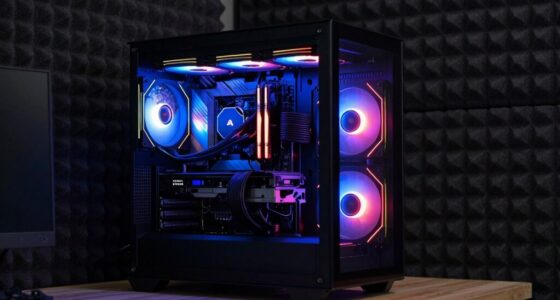
Using dedicated access points for your VR setup offers you faster, more stable connections with lower latency, which are essential for immersive experiences. They reduce interference, increase coverage, and prevent bandwidth bottlenecks that a single router can’t handle. This means smoother streaming and fewer disconnections during intense VR sessions. If you want to learn more about how these devices transform your VR environment, keep exploring how they improve performance and reliability.

Get audio and creator gear delivered free with Prime
- Fast, free delivery on millions of items
- Prime Video, Amazon Music and more included
- Member-only deals all year
Key Takeaways
- Dedicated access points provide targeted bandwidth, reducing congestion compared to a single router handling all devices.
- APs ensure more stable, interference-free connections, crucial for seamless VR experiences.
- They extend coverage and eliminate dead zones, supporting multiple VR stations reliably.
- APs enable advanced features like device prioritization and better traffic management for low latency.
- Using multiple APs enhances scalability, ensuring consistent performance as VR environments grow.
dedicated Wi-Fi access points for VR
As an affiliate, we earn on qualifying purchases.
As an affiliate, we earn on qualifying purchases.
Why Your Router Might Not Handle VR Demands
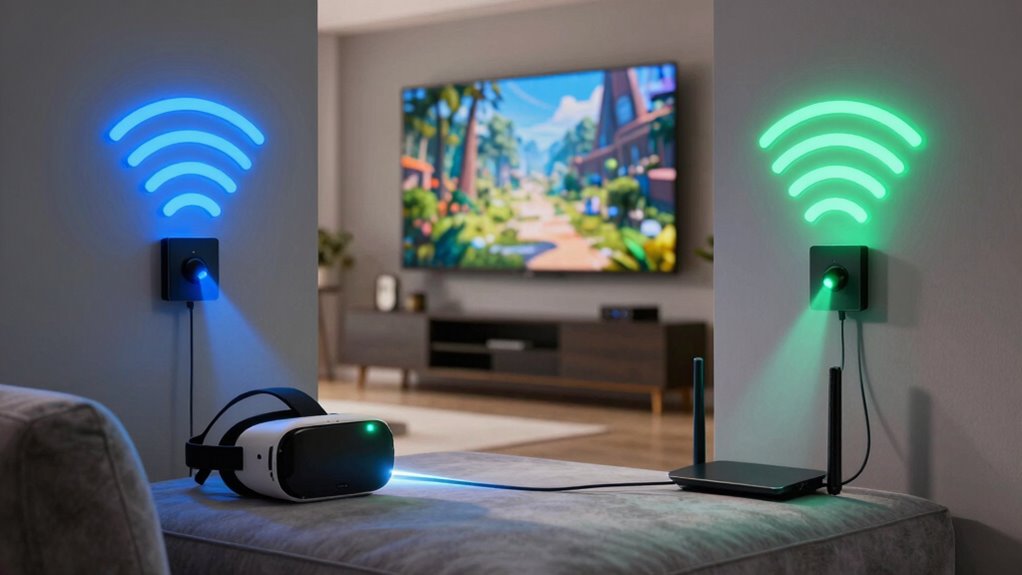
Have you ever wondered why your current router struggles to keep up with the demands of virtual reality? The answer often lies in wireless interference and limited signal range. VR requires a stable, high-speed connection with minimal latency, but many routers can’t sustain those standards. Wireless interference from other devices, such as cordless phones or microwaves, disrupts the signal, causing lag and disconnections. Additionally, a router’s signal range might not cover your entire space effectively, leading to dead zones or weak connectivity in certain areas. This can result in frustrating VR experiences with lag, jitter, or disconnections. If your router isn’t designed to handle these demands, you’ll find it hard to enjoy immersive VR without interruptions or degraded performance. Understanding how wireless interference affects your network can help you choose better solutions to optimize your VR experience. Recognizing the importance of signal stability, which can be compromised by limited coverage, ensures you select equipment capable of maintaining a consistent connection. Considering the use of dedicated access points might significantly improve your VR setup, especially in larger spaces. Moreover, employing optimized network configurations can help mitigate some of these issues and enhance overall performance.
How Dedicated Access Points Boost VR Network Performance
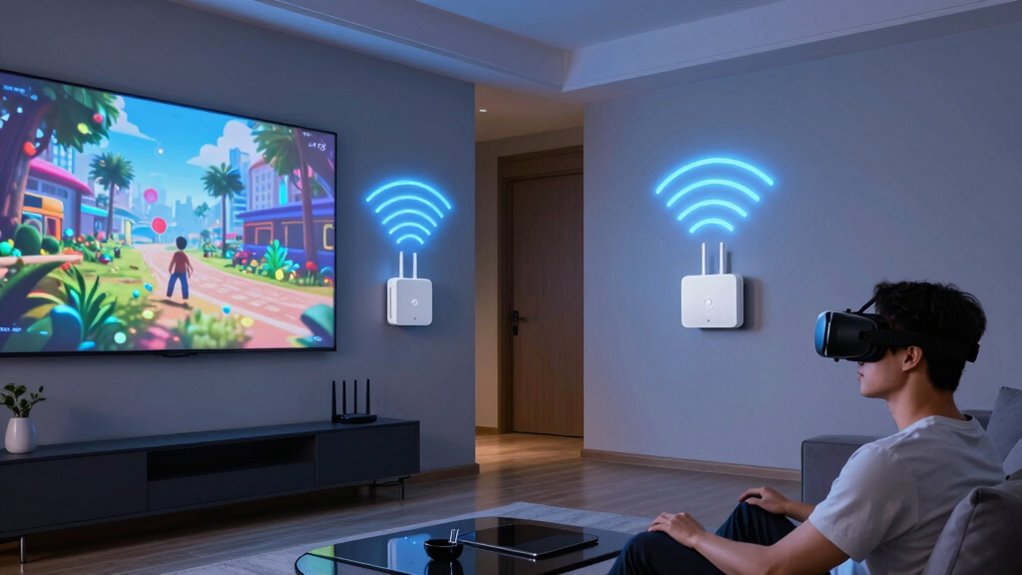
To improve VR network performance, adding dedicated access points (APs) can make a significant difference. These APs help reduce network congestion by distributing your devices’ data load more efficiently across multiple channels. Unlike a single router, which can become overwhelmed during intense VR sessions, dedicated APs handle traffic separately, ensuring smoother data flow. They also minimize signal interference by placing them strategically around your space, avoiding overlapping signals that cause lag and disconnections. This targeted approach keeps your VR experience stable, responsive, and high-quality. By reducing congestion and interference, dedicated APs improve overall network resilience, allowing you to enjoy immersive VR without interruptions or degraded performance. Additionally, they can support modern networking standards that enhance data throughput and reliability for demanding applications like VR, especially when utilizing dedicated access points for optimal performance. Implementing these APs with proper placement can further optimize your network’s efficiency. Proper network configuration is also crucial to maximize the benefits of dedicated access points. Incorporating advanced network management features can further enhance stability and ease of maintenance.
How Do Access Points Improve VR Stability and Reduce Latency?
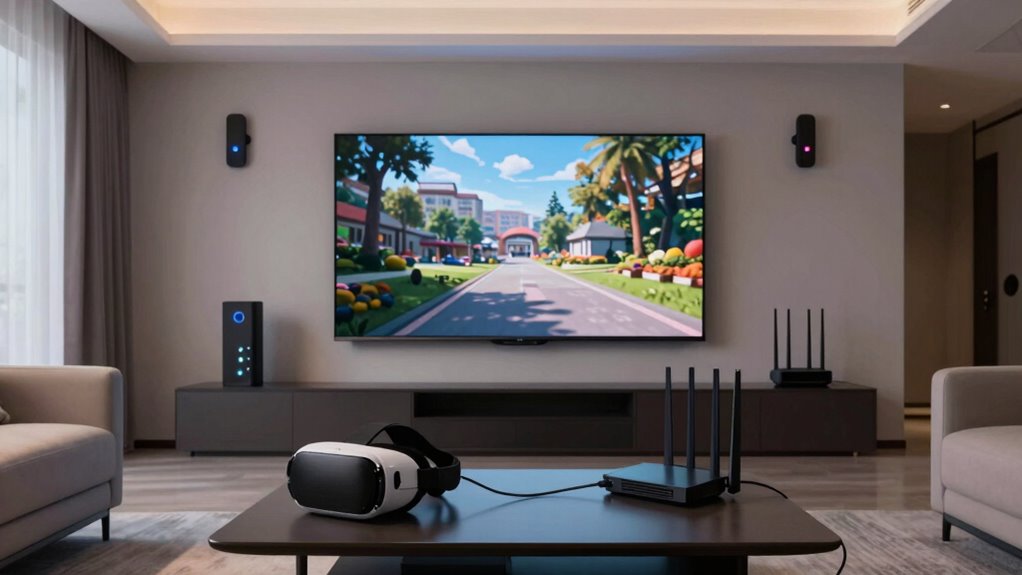
Ever wondered how access points directly enhance VR stability and lower latency? They do this by creating a dedicated, stable connection that minimizes wireless interference and boosts signal strength. With multiple access points, you can distribute your network load more effectively, reducing lag and connection drops. Here are three ways they improve your VR experience:
Access points improve VR by reducing interference, boosting signal, and lowering latency for smoother gameplay.
- They reduce wireless interference by providing cleaner, dedicated channels.
- They increase signal strength, ensuring a consistent connection across your play area.
- They decrease latency by creating a direct, fast link between your VR headset and the network.
- Structured network setup can be optimized through a network design that ensures consistent data delivery for immersive VR. Proper configuration helps prevent common issues like air leak sealing, which can disrupt signal quality during intense gameplay. Additionally, implementing eco-friendly disposal tips for obsolete networking equipment can reduce electronic waste and support sustainability. This targeted setup minimizes disruptions, keeps your VR experience smooth, and guarantees your gameplay is responsive and immersive.
What Features Make an Access Point VR-Ready?
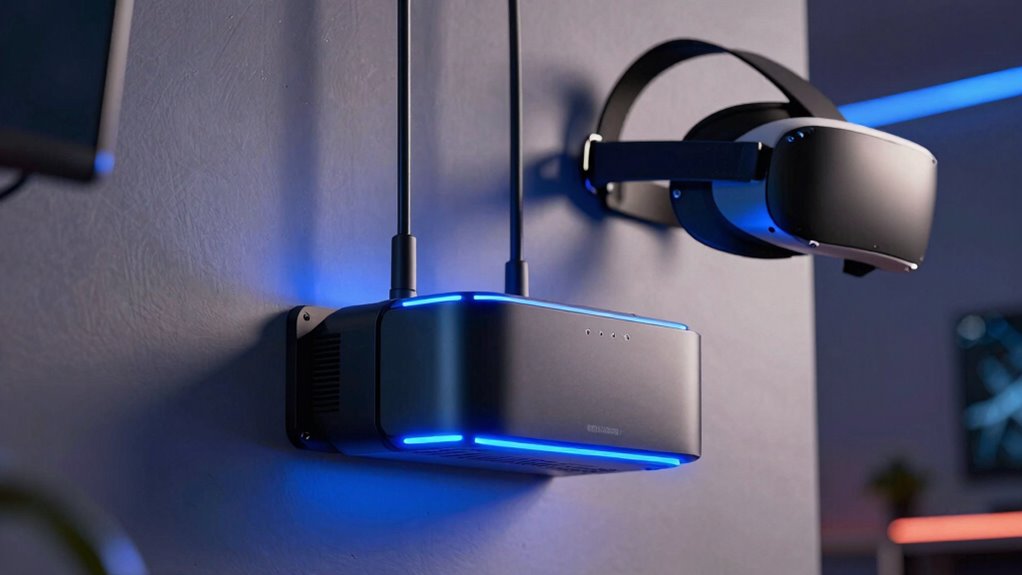
When choosing an access point for VR, it’s important to take into account features that support high-speed, reliable connections. Look for models that minimize wireless interference by using advanced channel management and mesh technology, guaranteeing your VR experience stays smooth and responsive. Device prioritization is vital, so select access points that allow you to assign higher bandwidth to your VR headset, preventing other devices from hogging the connection. Dual-band or tri-band support helps distribute traffic effectively, reducing congestion. Additionally, guarantee the access point offers robust security and firmware updates to maintain peak performance. Implementing wireless interference mitigation features can further enhance connection stability and overall performance. Ensuring the access point utilizes evidence-based technology helps you achieve the best possible VR experience with confidence. It’s also beneficial to select models that support dedicated VR frequencies to optimize performance specifically for immersive applications. Furthermore, choosing an access point with advanced channel management can significantly decrease latency and improve overall responsiveness during VR sessions.
Setting Up Your Access Point Network for the Best VR Experience
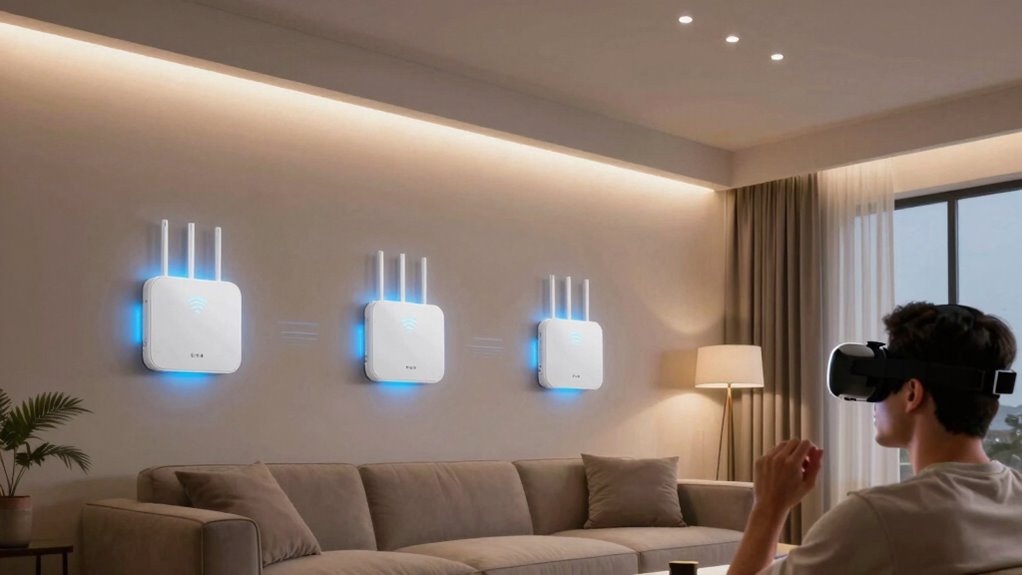
Setting up your access point network correctly is essential for achieving the best VR experience. To optimize performance, prioritize network security to prevent disruptions and unauthorized access. Ensure your access points support your VR devices by checking device compatibility before installation. Here are key steps:
Properly setting up your access points ensures a secure, stable VR experience with minimal lag and maximum immersion.
- Position Access Points Strategically: Place them centrally and away from interference sources to maximize coverage.
- Configure Secure Connections: Use strong passwords and enable WPA3 encryption to protect your network.
- Ensure Compatibility: Verify that your VR hardware works seamlessly with the access points’ frequency bands and standards.
- Stay Updated on Law Changes: Keep informed about network regulations and potential updates that could impact your setup and security. Additionally, understanding wireless standards can help you choose the best equipment for your needs. Being aware of regulatory compliance can also help you avoid legal issues and ensure your network adheres to local guidelines.
Following these steps guarantees a stable, secure, and compatible network, reducing latency and lag during VR sessions. Proper setup enhances immersion and minimizes disruptions, making your VR experience smooth and enjoyable.
Frequently Asked Questions
Can a Single Access Point Cover an Entire Large VR Room Effectively?
A single access point usually struggles to cover a large VR room effectively, especially when considering wireless security and signal strength. Its signal may weaken at the edges, causing lag or disconnections. To maintain ideal performance and security, you should deploy multiple dedicated access points. This ensures stronger, consistent signals across the entire space, reducing interference and providing a seamless VR experience for you.
How Do Multiple Access Points Coordinate to Prevent Signal Interference?
Imagine a well-choreographed dance where multiple access points work seamlessly together. They prevent signal interference by carefully managing channel overlap and signal coordination, ensuring each device gets a clear, strong connection. Advanced controllers and smart algorithms dynamically adjust channels, avoiding conflicts and maintaining smooth VR experiences. This coordination keeps your virtual world immersive, letting you move freely without lag or interruptions, much like a perfectly synchronized performance.
Are There Specific Brands Recommended for Vr-Optimized Access Points?
You should consider brands like Ubiquiti, Cisco, or EnGenius for VR-optimized access points, as they offer robust wireless security features and easy firmware updates. These brands prioritize high performance and reliability, essential for VR environments. Regular firmware updates ensure security and peak function, reducing interference and lag. Investing in dedicated access points from reputable brands enhances your VR experience by providing stable, secure, and high-speed wireless connectivity.
What Is the Typical Cost Difference Between a Router and Dedicated Access Points?
You’ll find that dedicated access points generally cost more than a single router, often ranging from a few hundred to over a thousand dollars, depending on features. This price difference supports better wireless security and network scalability, essential for VR setups. Investing in access points guarantees you get optimized performance, improved coverage, and the ability to expand your network as your VR needs grow, making it worth the extra cost.
How Often Should VR Network Hardware Be Upgraded for Optimal Performance?
You should upgrade your VR network hardware every 2 to 3 years to guarantee peak performance. Regular upgrades help maintain strong wireless security and improve hardware compatibility with new devices and software updates. As VR technology advances, staying current with your network hardware reduces lag, buffering, and connection drops, providing a smoother experience. Keeping your equipment up-to-date ensures your network remains secure and efficient for immersive VR sessions.
Conclusion
By choosing dedicated access points, you enhance your VR experience through improved stability, reduced latency, and reliable connections. You gain faster speeds, fewer interruptions, and a smoother gameplay environment. You prevent congestion, eliminate interference, and optimize your network. You elevate your immersion, enhance your performance, and enjoy your VR adventures without frustration. Make the switch to dedicated access points—because your VR experience deserves the best connection, the best stability, and the best performance.
Halloween Picks
halloween
As an affiliate, we earn on qualifying purchases.