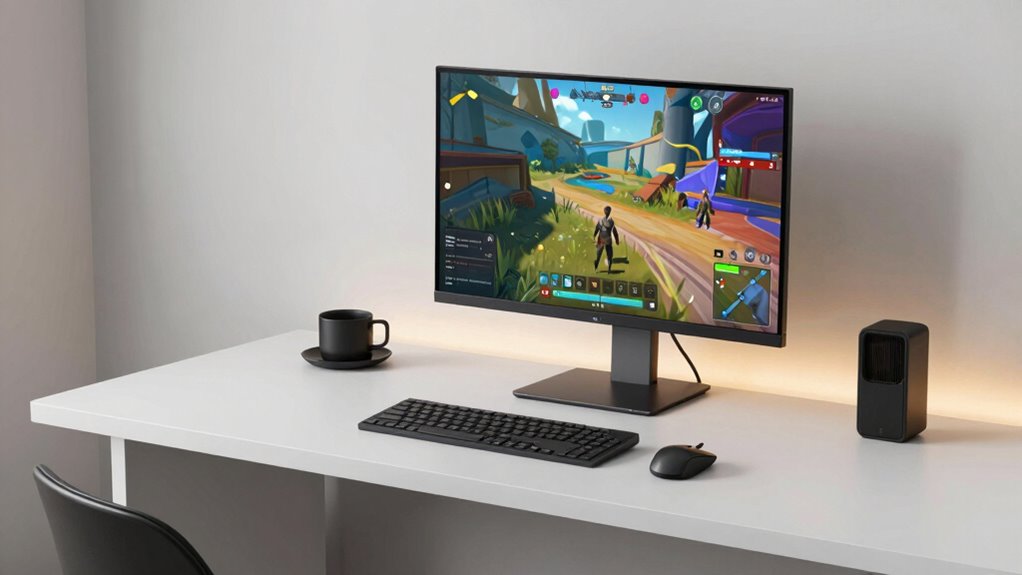

To boost your gaming focus and performance, start by organizing your desktop with folders for similar icons and removing unused apps. Use virtual desktops to create clean, distraction-free spaces dedicated to gaming. Hide desktop icons temporarily or set simplified backgrounds to reduce visual noise. Regularly maintaining and tidying your desktop helps keep clutter at bay. These easy steps will make your environment more efficient—keep exploring for more tips to optimize your gaming setup.

Get audio and creator gear delivered free with Prime
- Fast, free delivery on millions of items
- Prime Video, Amazon Music and more included
- Member-only deals all year
Key Takeaways
- Use virtual desktops to create separate, distraction-free gaming environments.
- Organize icons into folders and remove unused icons for quick access.
- Enable automatic hiding of desktop icons during gaming sessions.
- Choose minimalist backgrounds to reduce visual noise and improve focus.
- Regularly review and tidy your desktop to maintain an organized, optimized setup.

A cluttered desktop can considerably impact your gaming performance and focus, making it harder to concentrate on the game itself. When your screen is filled with dozens of icons and open windows, your mind becomes overwhelmed, and your reaction times slow down. To improve your gaming experience, start by streamlining your desktop. One effective way is to utilize a virtual desktop feature. Virtual desktops allow you to create separate workspaces, so you can keep your gaming environment clean and distraction-free. Instead of having all your icons and apps scattered across a single desktop, you can dedicate a specific virtual desktop solely for gaming. This way, you’re not constantly searching for the game icon or getting sidetracked by notifications from other programs.
Icon organization is another essential step. Take a few minutes to group similar icons into folders or categories. For example, you can create a folder labeled “Games,” where you store all your gaming shortcuts, or separate your productivity tools from entertainment apps. This reduces visual clutter and makes it easier to find what you need quickly. Keeping your desktop minimalist by removing any icons that you don’t use regularly can also improve your visual processing and reaction speed. The fewer items on your screen, the less mental energy required to process visual information, allowing you to focus entirely on your game.
Automating or hiding icons can also help. Many operating systems offer options to hide desktop icons, which can be a quick fix when you’re in the middle of a gaming session. You can toggle this setting to clear your desktop temporarily or set it to hide icons automatically when not needed. Additionally, consider customizing your desktop background with a simple, distraction-free image. A clean, calm background can help reduce visual noise and make your icons, when visible, stand out more clearly.
Hiding desktop icons and choosing a simple background reduces clutter, helping you focus and react faster during gaming sessions.
Finally, maintain your organization routine regularly. Every few days, review your desktop and tidy up any new icons or files that have accumulated. This habit prevents clutter from building up over time and keeps your gaming environment optimized. Remember, a well-organized desktop isn’t just about aesthetics; it directly influences your ability to stay focused, react quickly, and enjoy your gaming sessions without unnecessary distractions. By combining virtual desktop management with strategic icon organization, you can create a streamlined setup that enhances both your performance and overall gaming experience. Regular desktop organization can also help you adapt to changes and keep your setup efficient.
Products Worth Considering

Samsung 27 Odyssey OLED G5 (G50SF) QHD QD-OLED Gaming Monitor

LG UltraGear 27-Inch QHD OLED Gaming Monitor, 240Hz, 0.03ms, G-SYNC Compatible, FreeSync Premium Pro, HDMI 2.1

LG 34GX90SA-W 34-inch Ultragear WQHD OLED Curved Gaming Monitor
As an affiliate, we earn on qualifying purchases.
Frequently Asked Questions
How Often Should I Clean My Desktop for Optimal Performance?
You should clean your desktop for the best performance weekly or bi-weekly. Regular digital decluttering keeps your desktop organized, preventing unnecessary files from slowing down your system. Make it a habit to delete or archive unused files and organize your shortcuts and folders. This not only improves your computer’s speed but also boosts your focus while gaming or working, ensuring your desktop remains efficient and clutter-free.
Are There Specific Tools to Automatically Organize Desktop Icons?
Yes, there are tools for desktop automation that help with icon organization. Programs like Fences or Stardock Groupy automatically arrange your icons into customizable groups or zones, keeping your desktop tidy. These tools reduce manual effort, ensuring your icons stay organized, which enhances your gaming focus and performance. By automating icon organization, you can quickly access what you need without clutter-induced distractions.
Does Desktop Clutter Affect Gaming Latency or Ping?
Yes, desktop clutter can impact gaming latency indirectly. When your desktop is disorganized, your system takes longer to access files or icons, which can cause minor delays. Proper desktop organization reduces background distractions and helps your system run smoothly. Although clutter doesn’t directly increase ping, it can slow down your overall performance, leading to less responsive gameplay. Keeping your desktop tidy boosts system efficiency and minimizes potential lag during gaming sessions.
Can Desktop Background Images Impact Gaming Performance?
Your desktop background images can impact gaming performance by adding visual distractions that divert your focus and strain your graphics card. Think of your desktop customization as a window to chaos; vibrant or animated wallpapers demand more system resources, causing potential lag. To keep your gaming sharp, opt for simple, static backgrounds that reduce visual distractions and lessen the load on your GPU, helping you stay in the game rather than fighting to keep up.
What Are Quick Tips for Maintaining a Clutter-Free Gaming Setup?
To keep your gaming setup clutter-free, focus on cable management by using clips or sleeves to organize cords and prevent tangles. Regularly organize your peripherals, like controllers, headphones, and mice, in designated spots to reduce chaos. Clear your desk of unnecessary items and use storage solutions for game discs or accessories. Staying consistent with these tips helps maintain a clean, efficient gaming environment, boosting your focus and performance.
Conclusion
Just like a seasoned knight clearing the battlefield of chaos before the final duel, decluttering your desktop sharpens your focus and boosts gaming performance. When your workspace is tidy, you can channel your energy like a hero on a quest, not lost in distraction. So, take control, organize your digital domain, and let your gaming journey be as smooth as a well-aimed strike. Remember, even the greatest warriors need a clean arena to conquer.