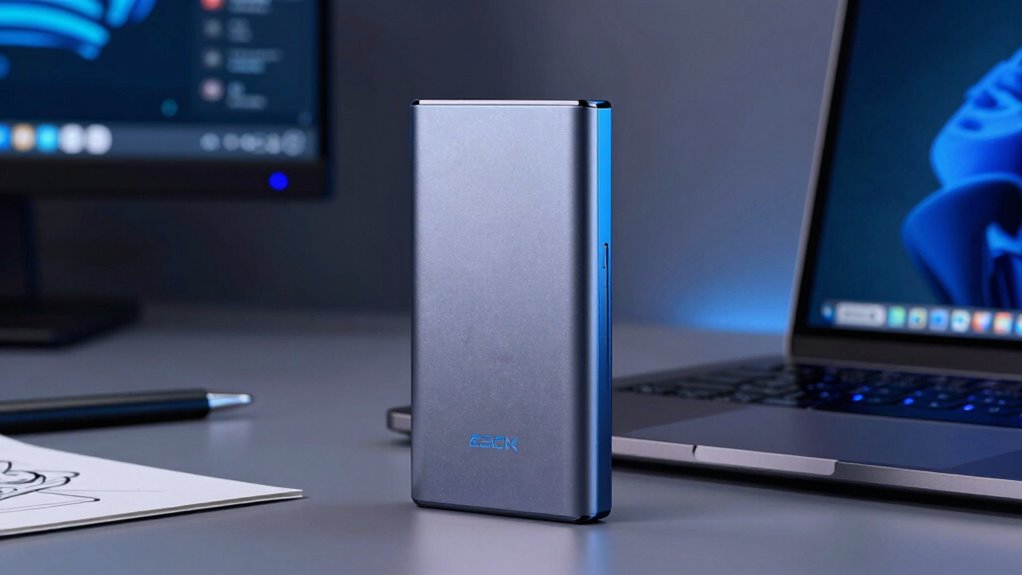

External SSDs feel faster in your creator workflows because they use advanced technology like NVMe, Thunderbolt, and quick data encryption that guarantee rapid transfer speeds, low latency, and reliable performance. This means large files, such as 4K videos, transfer seamlessly, reducing delays and boosting productivity. Their durability and compatibility keep your workflow smooth even on the go. To discover how to maximize these benefits, keep exploring the key factors that make external SSDs a game changer.

Get audio and creator gear delivered free with Prime
- Fast, free delivery on millions of items
- Prime Video, Amazon Music and more included
- Member-only deals all year
Key Takeaways
- Advanced controller technology and high-speed protocols like NVMe and Thunderbolt enable rapid data transfer rates, enhancing workflow efficiency.
- Eliminating moving parts in SSDs reduces latency and lag during large file transfers, providing a smoother editing experience.
- Hardware-level encryption secures files without impacting speed, maintaining performance during intensive creative tasks.
- Proper connection standards (USB-C, Thunderbolt 3/4) ensure optimal speeds and reduce bottlenecks in data transfer.
- Well-designed external SSDs are durable and reliable, preserving high speeds even in demanding, mobile creative environments.
As an affiliate, we earn on qualifying purchases.
What Makes External SSDs Faster Than Traditional Drives
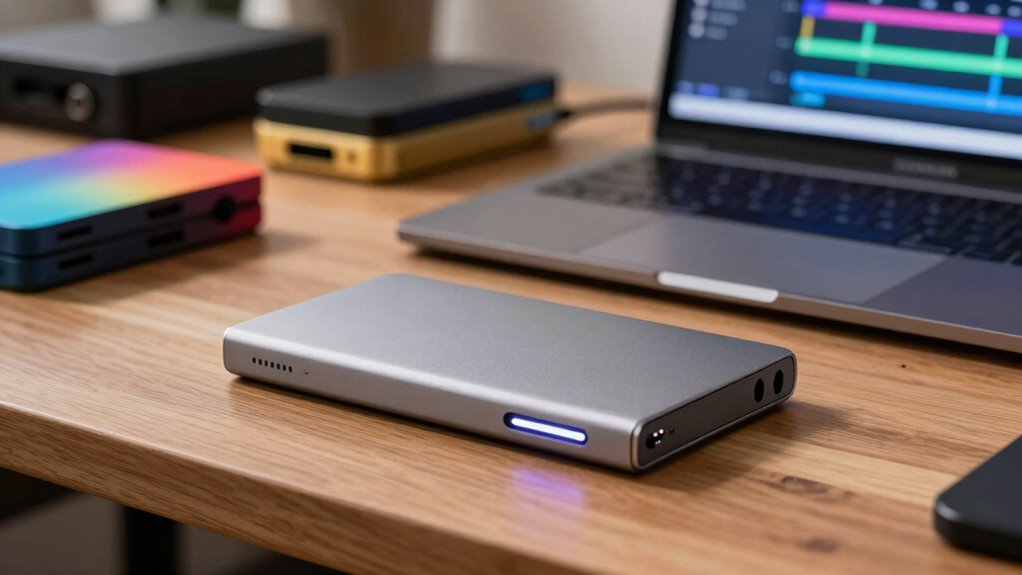
External SSDs are faster than traditional drives mainly because they use solid-state memory instead of spinning disks. This design eliminates moving parts, allowing for quicker data access and transfer speeds. With faster read/write capabilities, you experience less lag during large file transfers, which is essential for creator workflows. Many external SSDs also feature hardware-level data encryption, safeguarding your work without slowing performance. Data transfer speeds are further optimized by advanced controller technology, ensuring smooth operation even during intensive tasks. Additionally, the use of solid-state memory in external SSDs reduces energy consumption and heat generation, contributing to their reliability and longevity. This technology also benefits from efficient data management, helping to maintain high performance over time. Plus, manufacturers often provide extensive warranty coverage, giving you peace of mind in case of failure or issues. This combination of speed, security, and support makes external SSDs a reliable and efficient choice for creators who need immediate access to their files and protection against data loss. Additionally, understanding early detection signs of hardware failure can help prevent data loss and minimize downtime. Consequently, they considerably enhance productivity compared to traditional hard drives.
Key Technologies Powering External SSD Speed
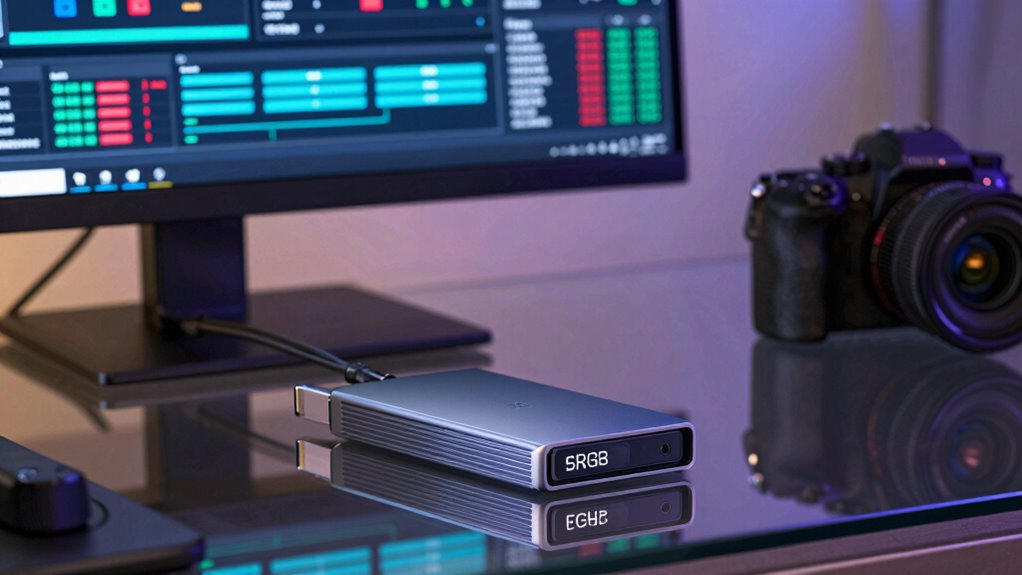
You’ll notice that rapid data transfer technologies like NVMe and Thunderbolt considerably boost external SSD speeds. These drives also use advanced storage protocols such as NVMe over PCIe to optimize performance. A well-designed system can further enhance data transfer efficiency and reduce latency during intensive workflows. Incorporating sustainable practices in device manufacturing can also contribute to reducing environmental impact. Reliable safety tips can help prevent data loss or hardware damage during intensive workflows. Together, these technologies make your workflow faster and more efficient. Additionally, the combination of these trusted tech products ensures reliable and consistent data transfer, which is crucial for demanding creator workflows.
Rapid Data Transfer Technologies
Rapid data transfer technologies are the backbone of modern external SSD performance, enabling you to move large files quickly and efficiently. Technologies like NVMe and Thunderbolt 3/4 deliver high-speed data transfer rates, reducing waiting times during your workflow. These speeds are vital for handling hefty files, whether you’re editing high-resolution videos or working with massive design assets. Data encryption guarantees your sensitive files stay secure during transfers without slowing down performance. Additionally, physical durability in SSD design protects your data from accidental drops or impacts, maintaining consistent speeds over time. Together, these transfer technologies provide a seamless experience, so you spend less time waiting and more time creating. They allow your external SSD to keep up with your demanding creative projects effortlessly.
Advanced Storage Protocols
Advanced storage protocols are essential for revealing the full potential of external SSDs, enabling faster data transfer speeds and more efficient operations. These protocols optimize how data moves between your device and the drive, leveraging cutting-edge physics concepts like quantum tunneling to reduce latency. Quantum tunneling allows electrons to pass through barriers quickly, increasing transfer rates. Magnetic polarization, on the other hand, improves how data is stored and retrieved by aligning magnetic states more efficiently, boosting read/write speeds. Together, these technologies enable protocols like NVMe over PCIe, ensuring your external SSD can handle high-bandwidth tasks seamlessly. Additionally, hormesis principles from holistic wellness highlight how exposure to stressors can strengthen system resilience, paralleling how advanced protocols enhance drive performance. Understanding the physics behind these technologies reveals how they minimize delays and maximize throughput. By using advanced storage protocols, you get a more responsive, reliable experience—perfect for demanding creator workflows that require rapid access to large files.
How External SSDs Improve Your Creative Workflow
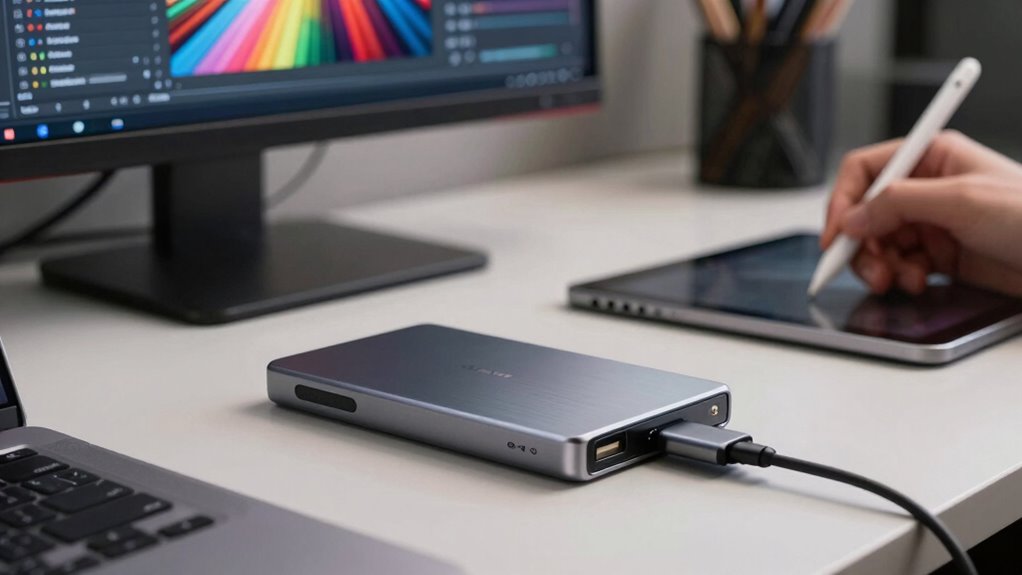
External SSDs substantially streamline creative workflows by providing fast, reliable storage that keeps up with demanding projects. When you use an external SSD, your creative software runs smoother, reducing lag during editing, rendering, or exporting. This acceleration directly enhances workflow optimization, allowing you to focus more on your art than technical delays. To maximize these benefits, consider these factors:
- High data transfer speeds for seamless playback and editing
- Compatibility with your existing hardware and software systems
- Durability and portability for on-the-go projects
A passive voice detection tool can also help identify areas where your writing may benefit from clearer, more direct language. Additionally, choosing an SSD with optimized performance can further ensure your creative tasks are completed swiftly and efficiently. Understanding mammography guidelines and the importance of early detection can also be crucial for your overall health, especially if you are in a high-risk group, emphasizing the need for reliable screening tools just as you rely on a dependable SSD for your creative work.
Furthermore, selecting an SSD with high durability ensures your valuable data remains protected during frequent transportation or outdoor shoots. Considering verification and certification of your SSD can give you extra confidence in its safety and reliability during intensive creative sessions.
Choosing the Best External SSD for Your Needs
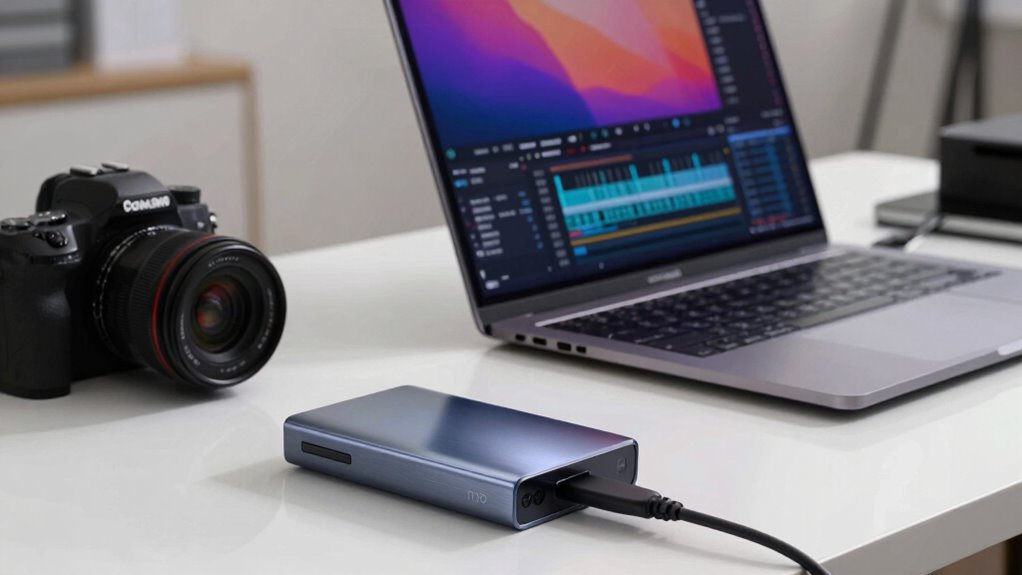
When choosing an external SSD, consider your storage capacity needs to make certain you have enough space for your projects. Pay attention to transfer speeds to keep your workflow smooth, especially for large files. Also, check compatibility and available ports on your device to guarantee seamless connections. Additionally, understanding the evolving digital topics can help you select storage solutions that are future-proof and adaptable to new technologies. Staying informed about emerging trends in digital publishing can further guide you in selecting the most innovative and efficient storage options. Being aware of industry standards can also ensure your device remains compatible as technology advances.
Storage Capacity Options
Choosing the right storage capacity for your external SSD depends largely on your workflow and the types of files you handle. If you work with large video projects or high-resolution images, opt for 1TB or more to avoid frequent transfers. For lighter tasks or quick edits, 500GB might suffice. Consider these factors:
- Your current storage needs versus future growth, especially if you plan to handle bigger files.
- Integration with cloud storage options for offloading some data, reducing local capacity demands.
- Ensuring data encryption capabilities are supported for sensitive work, alongside sufficient capacity. Understanding storage management practices can also help prolong the usability of your drive and prevent data loss.
- Additionally, understanding essential oil uses and their benefits can help you optimize your workspace environment for focus and creativity. Being aware of cloud storage options can further enhance your data organization and accessibility.
Balancing capacity with portability is key. Large drives offer more space but may be less convenient to carry around, while smaller drives are more portable but may require frequent management.
Transfer Speed Requirements
Are transfer speeds critical to your workflow? If you handle large files like 4K videos or high-resolution images, fast transfer speeds are essential to prevent bottlenecks. Look for external SSDs with high read/write speeds—ideally over 1,000 MB/s—to keep your editing seamless. Keep in mind that faster drives often consume more power, impacting portability, especially if you’re working on the go. Data encryption features can add slight overhead, but they’re crucial for protecting sensitive content. If security is a priority, choose an SSD with hardware encryption that balances speed and data protection. Ultimately, evaluating your typical file sizes, security needs, and power consumption will help you select an external SSD that matches your workflow demands.
Compatibility and Ports
Selecting an external SSD that seamlessly integrates with your existing setup depends heavily on compatibility and available ports. Confirming port compatibility and understanding connection standards help prevent bottlenecks and maximize performance. First, check your device’s port type (USB-C, Thunderbolt 3, or 4) to match the SSD’s connection standards. Second, verify if your system supports the required protocol, like Thunderbolt or USB 3.2, for maximum speed. Third, consider future-proofing by choosing SSDs with versatile ports that can adapt to evolving standards. This approach guarantees you won’t face bottlenecks or compatibility issues during demanding creator workflows. Prioritizing port compatibility and connection standards ensures your external SSD delivers the speed and reliability you need. Ensuring your device’s port type is compatible can significantly impact overall performance and workflow efficiency.
How Lower Latency Boosts Creative Performance
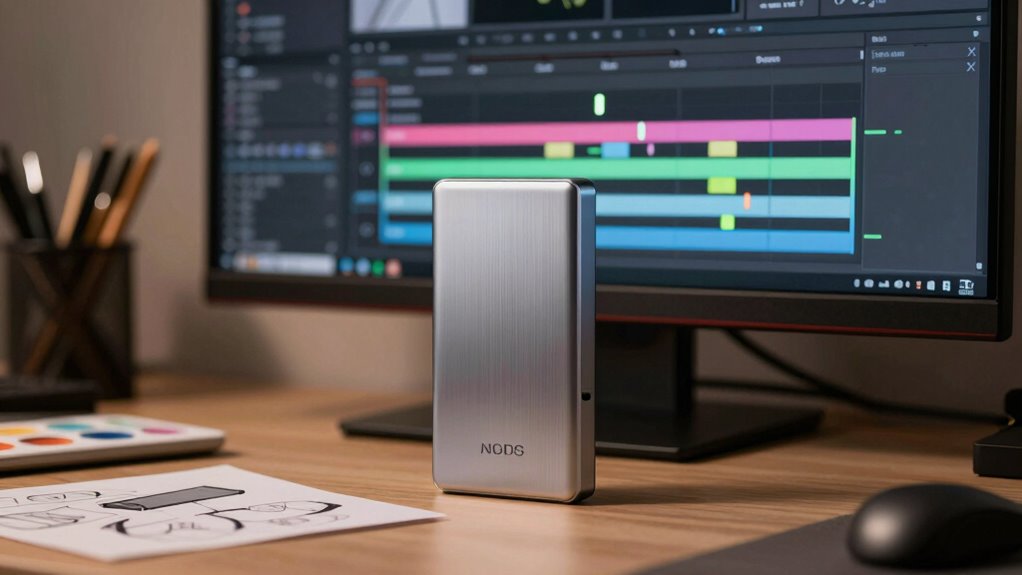
Lower latency in external SSDs directly enhances your creative workflow by reducing the delay between your input and system response. This lowered creative latency means your commands, like importing files or scrubbing through footage, execute almost instantaneously, keeping your momentum uninterrupted. When latency decreases, your system reacts swiftly, allowing for smoother editing, faster rendering, and real-time adjustments. This improvement in responsiveness boosts your workflow efficiency, enabling you to focus more on your creative process rather than waiting for data to load. As a result, the overall experience feels more seamless, minimizing frustration and maximizing productivity. In high-pressure projects, lower latency can make the difference between catching a problem early or losing valuable time. It’s an essential factor in elevating your creative output, especially when integrating mind-body healing techniques to maintain focus and reduce stress during demanding creative sessions. Additionally, understanding the role of latency in data transfer helps you choose the most suitable external SSD for your needs.
Troubleshooting Common Perceptions About SSD Speed
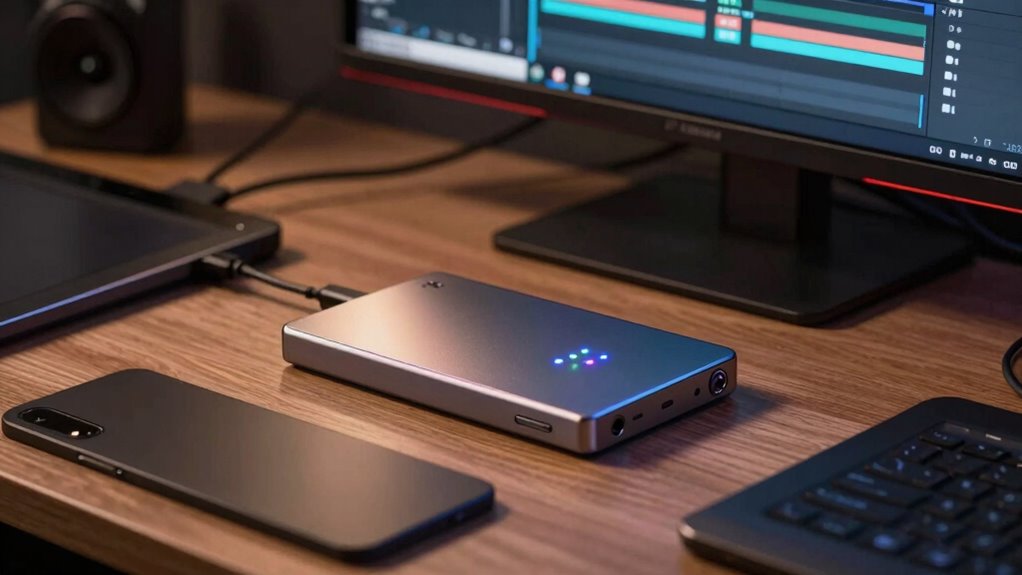
While lower latency substantially improves creative workflows, misconceptions about SSD speed can lead to frustration and misinformed decisions. Many believe that faster SSDs always mean better performance, but other factors influence real-world speed. For example, ongoing cloud backup tasks can slow transfer rates, even with high-end drives. Encryption security measures, while essential for data safety, may introduce slight delays, impacting perceived speed. To troubleshoot, consider these points:
- Confirm your connection type (USB, Thunderbolt) matches the SSD’s suitable interface.
- Check if background processes, like cloud backups or encryption, are affecting performance.
- Verify that your device’s firmware and drivers are up to date to avoid bottlenecks.
- Additionally, body jewelry measurements and materials can influence the overall setup, especially when considering accessory compatibility and performance.
Understanding these factors helps you make smarter decisions and get the most out of your SSD.
Summary: Maximize Your Productivity With the Right External SSD
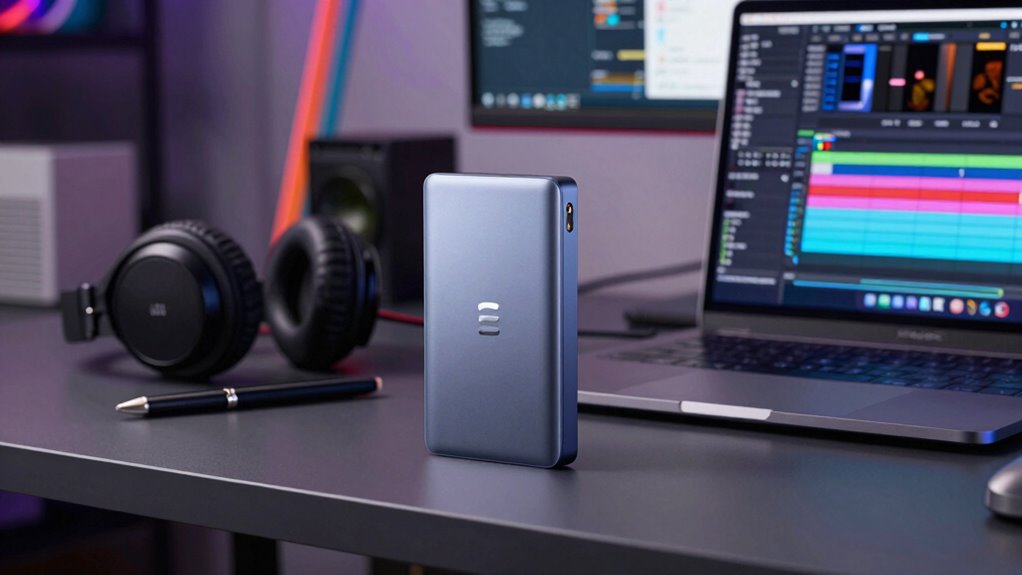
Maximizing your productivity with the right external SSD involves more than just choosing the fastest drive available. It’s about balancing speed, data security, and portability benefits to suit your workflow. Pick a drive with robust data security features to protect your creative assets. Portability benefits matter when you’re on the go, ensuring your files are accessible anywhere. Here’s a quick comparison:
| Feature | Benefits |
|---|---|
| Data Security | Protects sensitive content from breaches |
| Portability Benefits | Easy to carry and access files anywhere |
| Speed & Reliability | Fast data transfer speeds for workflow efficiency |
Selecting an external SSD with these factors in mind helps you streamline projects, safeguard data, and work seamlessly across locations.
Frequently Asked Questions
How Do External SSDS Compare to Internal SSDS in Real-World Tasks?
External SSDs often perform similarly to internal SSDs in real-world tasks, but they can be slightly slower due to factors like data encryption and power consumption. You might notice delays if encryption slows data transfer or if power management limits performance. However, for most creative workflows, external SSDs provide fast, reliable storage, offering portability without sacrificing too much speed—just keep in mind these factors can influence overall performance.
Can External SSDS Handle Continuous Large File Transfers Effectively?
Yes, external SSDs can handle continuous large file transfers effectively, especially if they feature efficient data encryption and low power consumption. You’ll notice faster transfer speeds and reliable performance, even during prolonged use. Just make sure your external SSD has a robust connection like Thunderbolt or USB 3.2, and consider models with good power management to prevent overheating or power issues during extended data transfers.
What Are the Potential Bottlenecks Limiting External SSD Performance?
You might face performance bottlenecks from data encryption and thermal management. Data encryption can slow speeds as your external SSD processes security algorithms, especially during large transfers. Thermal issues occur when the drive overheats, causing it to throttle performance to prevent damage. To maintain peak speed, guarantee your SSD has good thermal management and consider encryption settings that balance security with performance.
Do External SSDS Require Special Software or Drivers for Optimal Use?
External SSDs typically don’t need special software or drivers if your system’s firmware is compatible. To guarantee peak performance, check firmware compatibility and enable power management features. You might need to update your device’s firmware or install manufacturer-specific drivers, especially for advanced features. Keep your operating system updated, and follow the manufacturer’s instructions for setup to maximize speed, reliability, and power efficiency.
How Do Different Connection Interfaces Impact External SSD Speed?
The connection interface directly impacts your external SSD speed by affecting transfer protocols and enclosure compatibility. USB 3.2 and Thunderbolt 3 or 4 support faster transfer protocols, guaranteeing quicker data movement. In contrast, older interfaces like USB 2.0 limit speeds due to outdated protocols. To maximize performance, choose an enclosure compatible with your SSD and verify it supports the latest transfer protocols, enabling you to work more efficiently.
Conclusion
Choosing the right external SSD can dramatically boost your creative workflow, with speeds up to 10 times faster than traditional HDDs. Did you know that many professionals report a 50% reduction in render times after switching? By understanding the key technologies and optimizing your setup, you’ll experience smoother editing, quicker file transfers, and less frustration. Invest wisely, and you’ll release your full creative potential—making those demanding projects feel almost effortless.
Halloween Picks
halloween
As an affiliate, we earn on qualifying purchases.