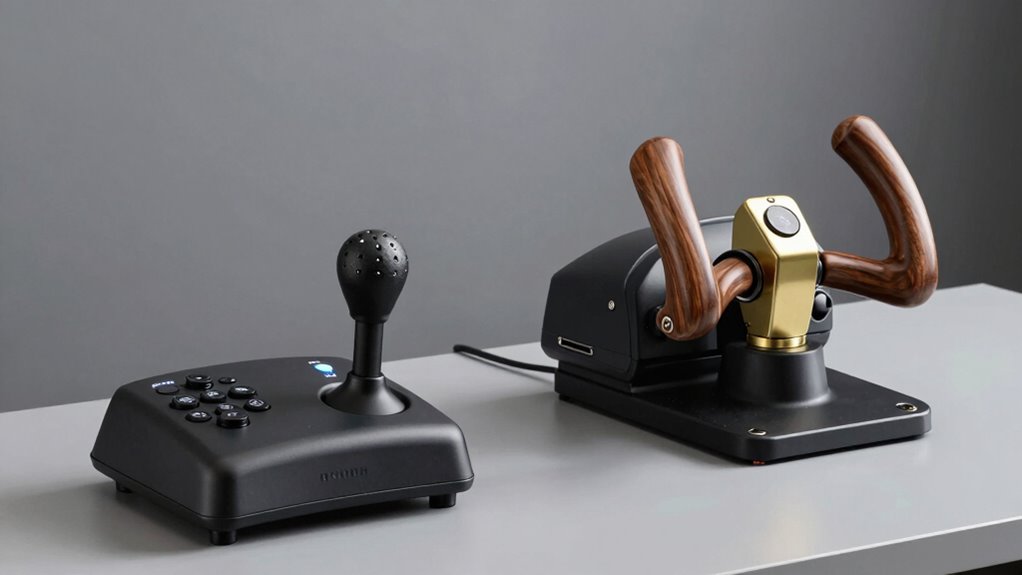
HOTAS and yoke setups need different desk thinking because their designs and control layouts influence how you position and access components. HOTAS setups prioritize quick, precise controls, requiring a layout that minimizes unnecessary movement and maximizes responsiveness, while yokes focus on realism and comfort, so their placement emphasizes ergonomic positioning and natural hand placement. Understanding these differences helps you optimize your workspace for better performance and comfort—if you want to get the most out of your setup, you’ll find more helpful tips ahead.

Get audio and creator gear delivered free with Prime
- Fast, free delivery on millions of items
- Prime Video, Amazon Music and more included
- Member-only deals all year
Key Takeaways
- HOTAS setups require quick, precise control placement for rapid access during combat or spaceflight simulations.
- Yoke setups focus on natural, ergonomic positioning for long-duration, realistic flight experiences.
- HOTAS components often need adjustable mounts to support fast movements and multi-functional controls.
- Yokes benefit from stable, centered positioning to mimic real aircraft controls for comfort and realism.
- Workspace layout must accommodate different control ranges and movement dynamics of HOTAS versus yoke systems.
As an affiliate, we earn on qualifying purchases.
HOTAS vs. Yoke: What’s the Difference?
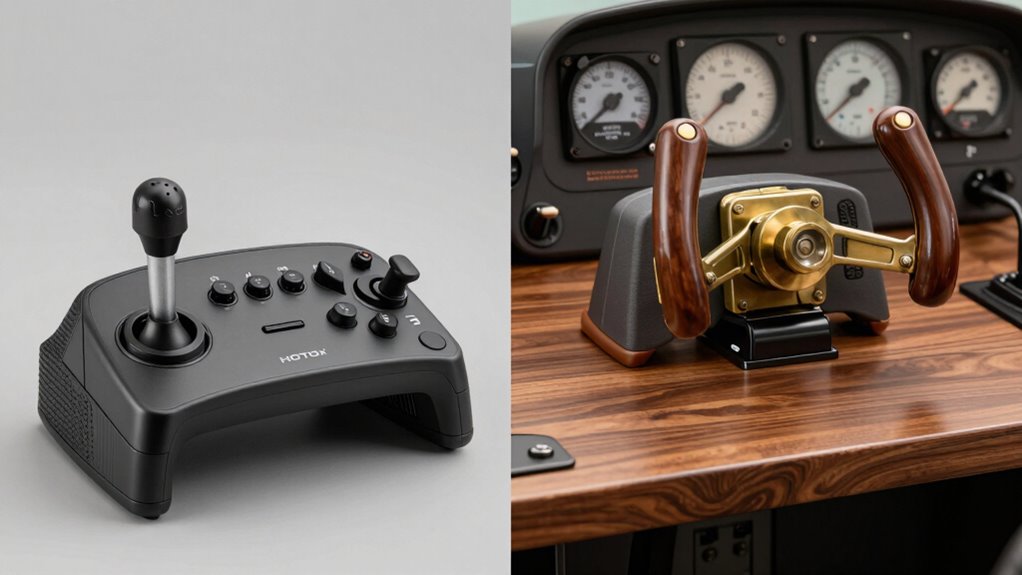
Have you ever wondered how HOTAS and yoke setups differ in their design and purpose? HOTAS (Hands On Throttle And Stick) systems are built for flight simulators focused on space or combat aviation. They prioritize control responsiveness, offering precise, immediate inputs for complex maneuvers. This setup enhances pilot comfort during intense gameplay, allowing for quick adjustments without reaching for separate controls. Yokes, on the other hand, mimic traditional airplane controls, emphasizing a more realistic flying experience. They’re designed for longer sessions, supporting pilot comfort with natural hand positioning. While HOTAS setups excel in providing quick, responsive actions suited for fast-paced scenarios, yokes foster a more immersive, authentic feel for general aviation. Both serve distinct purposes, shaping your flight experience based on your preferences. Additionally, understanding the digital content and research behind these setups can help users optimize their flight simulation environments for maximum realism and comfort.
How to Decide Which Setup Fits Your Flight Goals
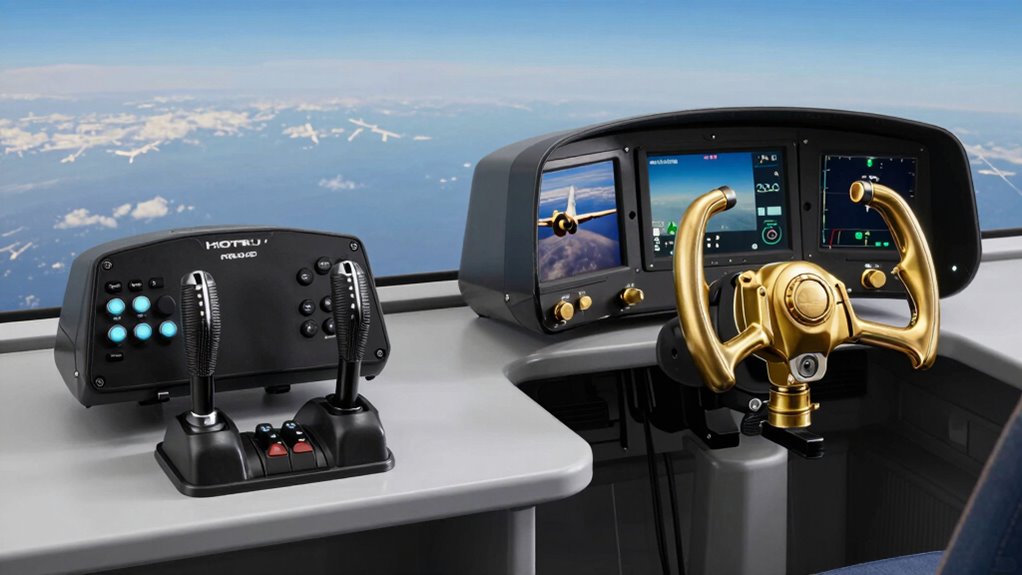
Choosing between a HOTAS and a yoke setup depends largely on your flight goals. If you aim for realistic cockpit customization and immersion, a yoke might suit you better. For more precise control and combat simulation, a HOTAS setup offers better responsiveness. Consider how you want to enhance your desk for aesthetic enhancements that match your flight style. Reflect on whether you prioritize a realistic cockpit feel or streamlined controls. Your decision impacts not just gameplay but your entire desk arrangement and workspace. To make an informed choice, think about these factors:
Choose a yoke for realism and customization, or a HOTAS for precision and combat control—your flight style shapes your setup.
- The level of cockpit customization you desire
- How aesthetic enhancements influence your setup’s look
- Your focus on realism versus control precision
- Optimizing workspace comfort can also be supported by enhancing your setup for better ergonomics and focus. Additionally, understanding how ergonomic design influences long-term comfort can help you create a more efficient and enjoyable flight simulation environment. Incorporating ergonomic principles into your setup can further improve comfort and reduce fatigue during extended sessions, especially when considering the workspace ergonomics that contribute to sustained focus and performance.
Key Factors to Consider When Planning Your Desk Setup
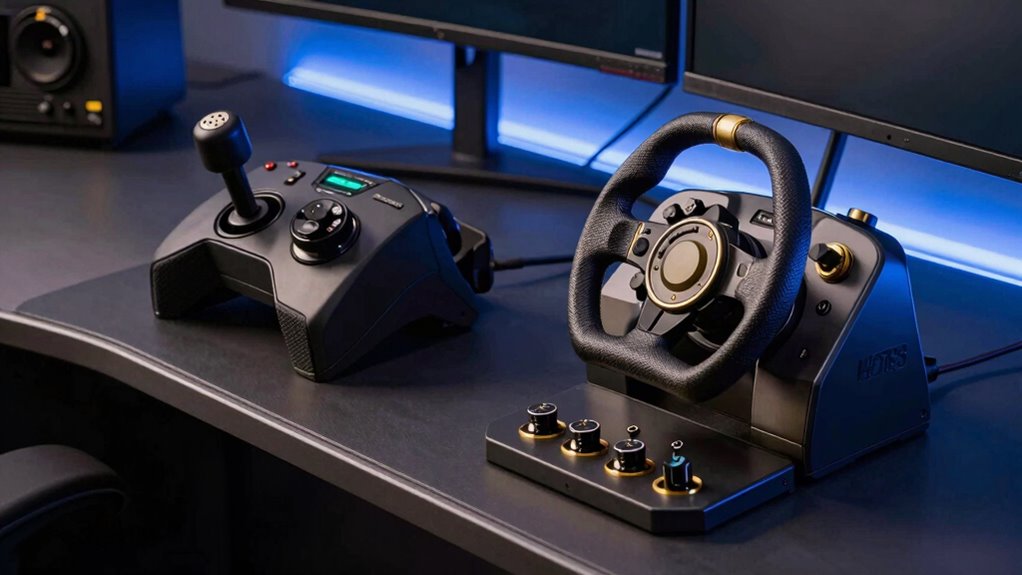
When planning your desk setup, focus on ergonomic arrangement strategies to keep you comfortable during long sessions. Space optimization techniques help you make the most of limited room, ensuring your controls are within easy reach. Considering these factors now will create a more efficient and enjoyable flying experience. Additionally, understanding must-see destinations and travel tips can inspire ergonomic choices that reflect your unique setup preferences.
Ergonomic Arrangement Strategies
Creating an ergonomic desk setup is essential for comfort and efficiency, especially when configuring controls like HOTAS and yoke systems. Proper arrangement reduces fatigue and enhances immersion, whether you’re using virtual reality or engaged in motion simulation. To optimize your workspace, consider these factors:
- Adjustable Height and Angles: *Guarantee* your controls can be positioned at comfortable eye and arm levels, minimizing strain during extended sessions.
- Clear Line of Sight: Maintain unobstructed views of monitors and VR equipment to prevent neck strain and improve spatial awareness.
- Accessible Placement: Keep frequently used controls within easy reach, supporting fluid movements and reducing unnecessary stretching.
Space Optimization Techniques
To maximize your desk space for HOTAS and yoke setups, you’ll need to carefully plan the placement of your equipment and accessories. Prioritize compact arrangements that leave room for virtual reality gear or motion simulation hardware, which can take up significant space. Use vertical storage options like wall mounts or shelves to free up surface area. Consider adjustable stands or mounts that allow quick repositioning for different scenarios. For virtual reality, guarantee enough clearance for headset movement without clutter. When designing for motion simulation, allocate space for full-range motion without obstruction. Incorporating space-saving accessories can further enhance your setup efficiency. Additionally, understanding home decor principles can help you create a more aesthetically pleasing and organized workspace. Implementing ergonomic principles ensures that your setup remains comfortable during extended use, which is crucial for both immersion and health. Paying attention to space management techniques helps you utilize every inch of your workspace effectively. For example, integrating modular furniture can adapt to different equipment configurations and maximize flexibility. Combining these techniques helps optimize space efficiently, making your setup versatile for both flight simulation and immersive experiences while maintaining a clean, functional workspace.
Designing a Clutter-Free HOTAS Workspace
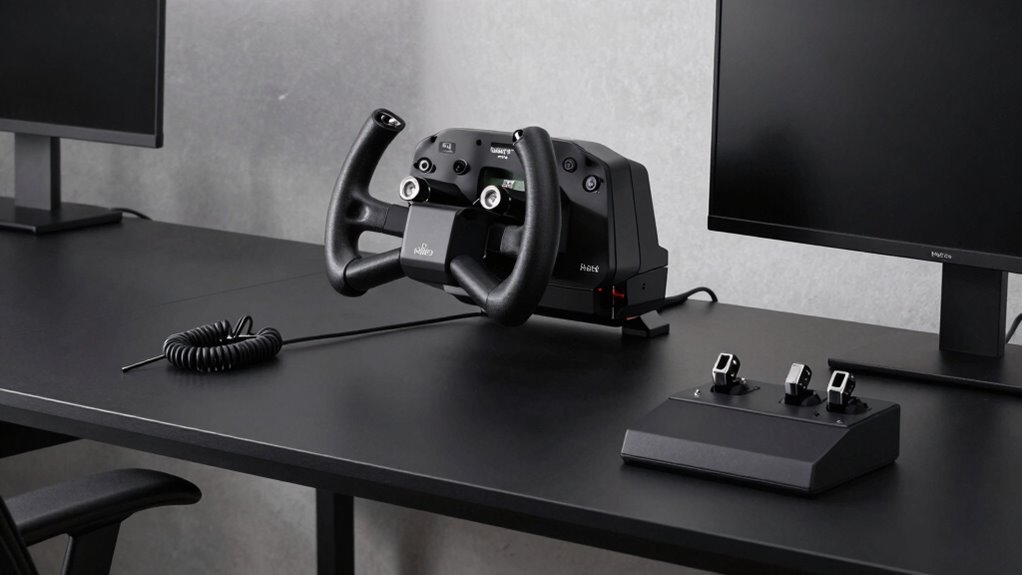
A cluttered HOTAS workspace can quickly hinder your performance and immersion, so designing a clean, efficient setup is essential. A tidy area helps you access controls swiftly, especially during intense flight simulation moments or virtual reality sessions. To keep your workspace organized:
- Arrange frequently used controls within easy reach to minimize movement.
- Use dedicated storage for less-used accessories to reduce clutter.
- Opt for a streamlined layout that prioritizes quick access and clear visibility.
- Incorporate specialized kitchen storage solutions to better organize your gear and accessories.
- Considering sustainable textile practices can also inspire eco-friendly ways to manage your workspace accessories, reducing waste and promoting sustainability.
- Implementing ergonomic design principles can further enhance comfort and efficiency during extended simulation sessions.
- Additionally, selecting appropriate organization tools can help maintain a tidy environment and prevent clutter from accumulating over time.
- Incorporating ergonomic setup tips ensures your workspace supports healthy posture and reduces fatigue during long flights.
Keeping your HOTAS setup organized enhances your focus and reaction time, making virtual reality flights and flight simulations more immersive. An uncluttered environment reduces distractions, helping you stay engaged and maintain precision during complex maneuvers. Remember, a well-thought-out workspace is key to elevating your flying experience.
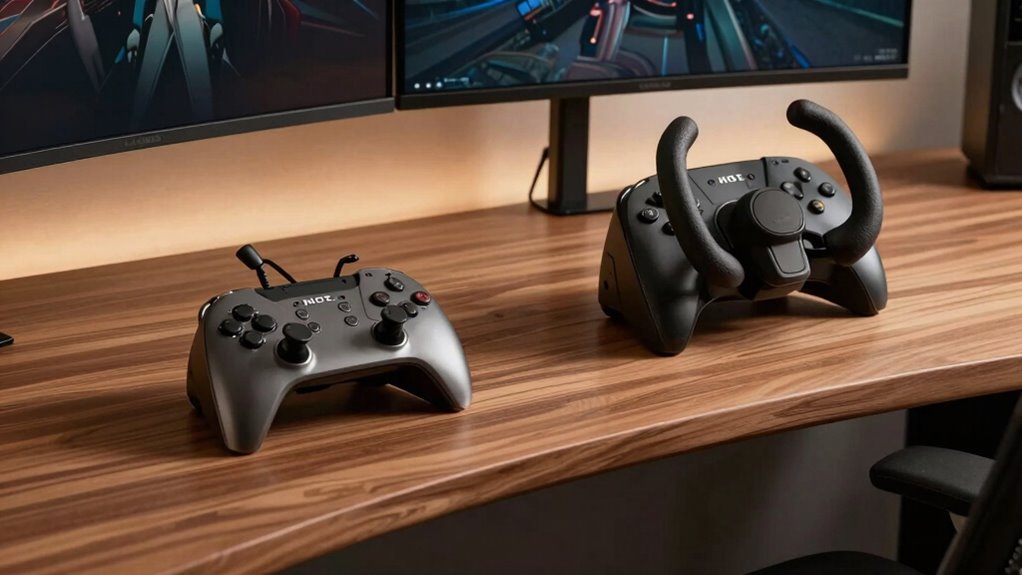
Creating an Ergonomic and Smooth Yoke Desk
| Concept | Implementation |
|---|---|
| Material Durability | Select high-quality, sturdy materials for stability |
| Aesthetic Customization | Add personalized decals or color accents |
| Ergonomic Height | Adjust desk height to align with your arm position |
| Cable Management | Use clips or channels to organize cables |
| Surface Surface | Smooth, non-slip surface for precise control |
Additionally, considering the workspace environment can greatly enhance your comfort and efficiency during extended use, especially by incorporating ergonomic principles to prevent strain and ensure sustained performance. Proper attention to workspace ergonomics can make a significant difference in your overall experience and long-term comfort, which is essential for maintaining optimal performance over time.
Common Mistakes to Avoid in Flight Desk Setup
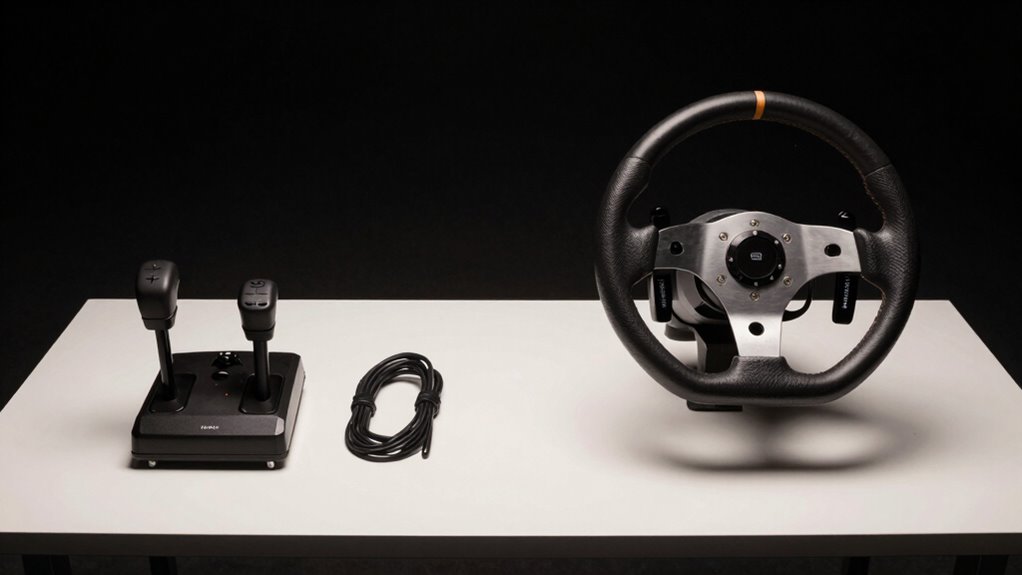
One common mistake is neglecting proper ergonomic positioning, which can lead to discomfort and fatigue during long flights. Poor setup compromises flight simulator realism and can strain your hardware. To avoid this, guarantee your desk height and monitor placement support natural, relaxed arm positions. Additionally, considering hardware durability is essential to ensure your setup withstands frequent use without issues. Ensuring your workspace includes ergonomic design can greatly improve comfort and prevent long-term strain. Incorporating proper organization of your accessories and controls can also help maintain a clean, efficient, and comfortable flight station.
Adjusting Your Desk for Different Flight Experiences
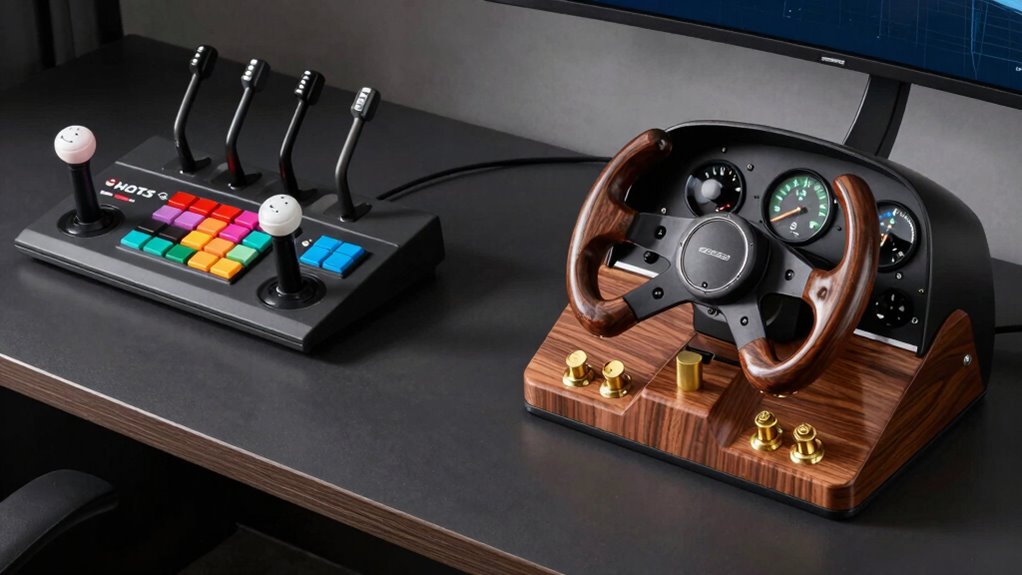
To optimize your flight experience, you need to adjust your desk setup based on the specific type of flying simulation you’re doing, whether it’s combat, long-haul, or general aviation. For cockpit simulation, position your controls to mimic real aircraft layouts, ensuring easy reach and comfortable posture. Adjust the height and angle of your yoke or HOTAS to match the control sensitivity required for precise maneuvers. Combat simulations benefit from a setup that emphasizes quick access and responsiveness, while long-haul flights may require a more relaxed, ergonomically suited arrangement for extended periods. Fine-tune your control sensitivity settings to match the aircraft type, improving immersion and accuracy. Regularly experiment with these adjustments to refine your setup and achieve a more authentic, comfortable flying experience.
Future-Proof Your Flight Desk: Tips for Upgrades
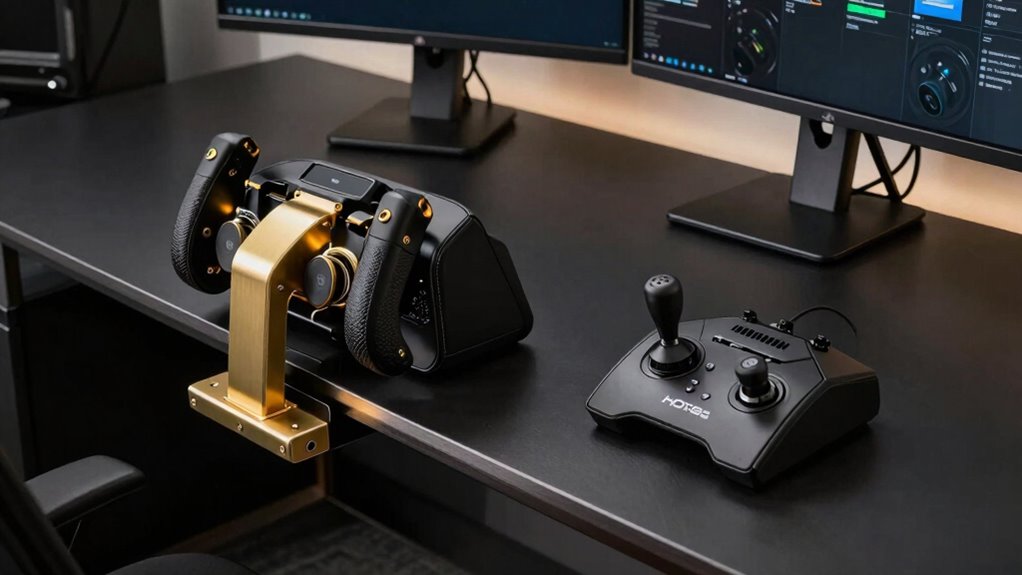
To keep your flight setup ready for future upgrades, focus on modular components that can be easily swapped or expanded. Make sure your desk and mounts support compatibility with new equipment as technology evolves. By planning ahead, you’ll save time and money while maintaining a versatile, up-to-date flight experience.
Modular Components for Flexibility
Incorporating modular components into your flight desk guarantees you can adapt and upgrade your setup without starting from scratch. A modular design allows you to create custom configurations tailored to your flying style, whether you prefer a HOTAS or yoke setup. This flexibility makes future upgrades simple and cost-effective, as you can swap or add components easily. With modular components, you’re not locked into a fixed layout, enabling you to optimize space and ergonomics as your needs evolve. This approach also helps protect your investment by extending the lifespan of your desk setup.
- Easily swap out controls to match new hardware or preferences
- Design a layout that evolves with your skills and interests
- Save money by upgrading incrementally instead of replacing everything
Upgrading Compatibility Considerations
Planning for future upgrades guarantees your flight desk remains compatible with new hardware and software advancements. To achieve this, consider flexible calibration techniques that adapt easily to different controllers, ensuring consistent performance with minimal adjustments. Focus on selecting materials with high durability to withstand frequent upgrades and prolonged use, preventing costly replacements. When designing your desk, leave sufficient space for adding or replacing components without compromising stability. Prioritize adjustable mounting points and modular components that support easy upgrades. Regularly research new hardware trends and firmware updates to anticipate compatibility needs. By integrating these strategies, you create a setup that evolves with your skills and technology, saving time and money while maintaining ideal performance through continuous upgrades.
Final Tips for an Efficient, Comfortable Flight Setup
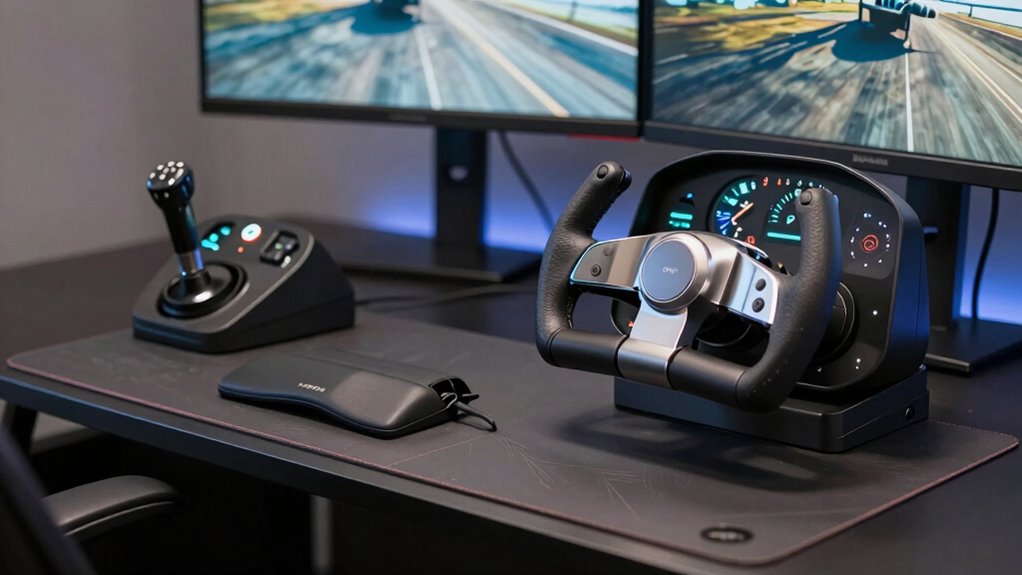
Creating an efficient and comfortable flight setup starts with enhancing your workspace for easy access and natural movement. This allows you to focus on your virtual reality experience and enhance sound immersion without strain. Position your controls within arm’s reach, ensuring smooth changes between your HOTAS or yoke and other peripherals. Proper cable management prevents clutter and accidental disconnections. Adjust your monitor height and angles so you can maintain good posture, reducing fatigue during long sessions. Remember, a well-organized setup improves immersion and comfort, making every flight more realistic and enjoyable.
Optimize your workspace for easy access, ergonomic comfort, and seamless VR and sound immersion during long flights.
- Keep essential controls within easy reach to minimize unnecessary movements
- Use adjustable stands or mounts for ideal positioning and ergonomics
- Regularly check and improve space for seamless integration of VR gear and sound systems
Frequently Asked Questions
Can I Use Both HOTAS and Yoke on the Same Desk?
Yes, you can use both HOTAS and yoke on the same desk, but you’ll need to take into account ergonomic comfort and aesthetic integration. Position each setup to prevent clutter and ensure easy access. Use adjustable stands or mounts to save space and keep your workspace organized. Balancing both controls comfortably allows smooth switching, so your gaming or simulation experience remains immersive without sacrificing style or comfort.
What Space Requirements Are Ideal for HOTAS Versus Yoke Setups?
For ideal space, prioritize ergonomic posture by ensuring enough room for comfortable reach and control. Hotas setups typically need more depth and width for movement, so use an adjustable mounting to customize height and angle. Yoke setups require a sturdy, flat surface with ample space for smooth steering and hand placement. Keep your workspace flexible, allowing you to adapt your setup for comfort and maximum control during long gaming or flight sessions.
How Do I Prevent Cable Clutter With Multiple Flight Controls?
To prevent cable clutter with multiple flight controls, start with smart wire management. Use cable clips or sleeves to bundle wires neatly along your desk edges. Invest in a power strip with individual switches to control power flow easily. Keep cables off your workspace with under-desk trays or mounts, and label each wire for quick identification. This approach keeps your desk organized, reduces frustration, and enhances your flying experience.
Are There Specific Desk Materials Best Suited for HOTAS or Yoke?
For HOTAS and yoke setups, opt for desks with sturdy materials like reinforced wood or metal frames, ensuring durability for your equipment. Prioritize ergonomic adjustments by choosing a surface that allows you to position controls comfortably, reducing strain. A durable, non-slip surface helps keep your gear steady during intense gameplay or simulation sessions. Selecting the right material enhances stability and comfort, making long sessions more enjoyable and less tiring.
How Can I Customize My Desk for Different Aircraft Simulation Modes?
To customize your desk for different aircraft simulation modes, start by making ergonomic adjustments that suit each setup. Use adjustable stands or platforms to position your HOTAS or yoke at comfortable heights. Make certain visual alignment by arranging monitors and controls for easy reach and clear sightlines. Switching between modes becomes seamless when your desk layout adapts to different flight or combat scenarios, enhancing both comfort and immersion during your simulation sessions.
Conclusion
Now that you know the key differences and how to tailor your desk setup, you’re ready to elevate your flight experience. But what if your needs change or new gear hits the market? The true secret lies in designing a versatile, adaptable space. Ready to discover the final piece of the puzzle? Stay tuned—your perfect flight setup might just be one clever upgrade away, waiting to unleash new heights of immersion and control.
Fall Picks
fall essentials
As an affiliate, we earn on qualifying purchases.