Open a free Amazon Business account
Business pricing, bulk buying and tax-exempt orders.
Create a free accountAs an affiliate, we earn on qualifying purchases.
Load Kontakt Libraries Faster
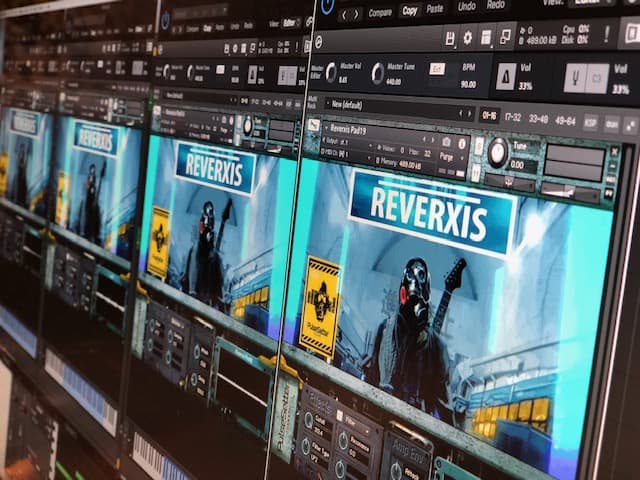
Whether you’re using the full version of Kontakt or Kontakt Player, this trick will work. It’s all about using the batch re-save function of Kontakt.
Here’s a pretty big Kontakt library that takes ages to load patches. The reason is that Kontakt is looking for the location of samples every time they load. To prevent that we can batch re-save which will load and save every patch of a library and also automatically include the sample location data for your specific system.
Head to Kontakt’s file menu, then click BATCH RE-SAVE
You’ll see a dialogue box with some warnings – read the information but don’t let it scare you. If you mess up, you can always reinstall the library.
When prompted, choose the parent folder of the library – this is the one containing the folders named Instruments and Samples.
Usually that’s all you need to do, but sometimes you’ll see another pop up asking you to manually choose where the samples are. The best thing to do here is just choose the Samples folder within the parent folder.
You’ll need to wait a few minutes for the process to finish, but after that your library should load much faster.
Flea & tick season Picks
flea and tick prevention
As an affiliate, we earn on qualifying purchases.