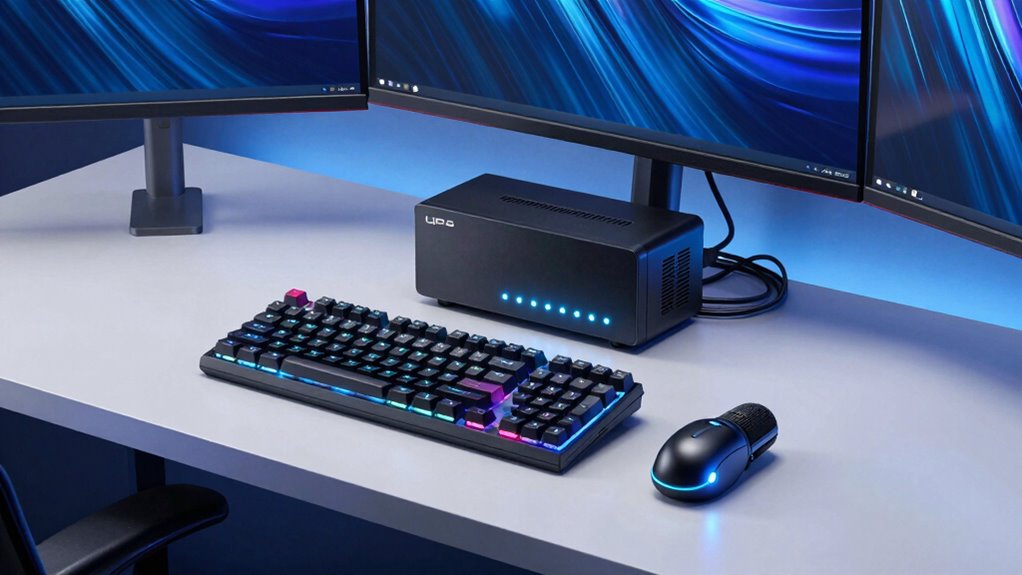
A UPS unit does more than provide backup power; it protects your gaming and streaming rigs from hidden electrical threats that can silently damage hardware and weaken your performance. It guarantees clean, stable power, preventing surges, outages, and data loss. This keeps your setup reliable and your content smooth. By maintaining ideal power conditions, a UPS helps extend your equipment’s lifespan and boosts your experience. Want to discover even more hidden benefits? Keep exploring to learn how a UPS can transform your setup.

Get audio and creator gear delivered free with Prime
- Fast, free delivery on millions of items
- Prime Video, Amazon Music and more included
- Member-only deals all year
Key Takeaways
- UPS units provide clean, stable power that enhances gaming and streaming performance by minimizing lag and glitches.
- They protect sensitive hardware from power surges, extending the lifespan of high-end gaming and streaming equipment.
- UPS backups ensure continuous operation during outages, preventing data loss and interruptions in live streams or gameplay.
- Proper power regulation reduces hardware stress, leading to fewer repairs and improved long-term hardware health.
- Advanced features like automatic voltage regulation and pure sine wave output optimize system stability and performance.
As an affiliate, we earn on qualifying purchases.
Why Your Gaming and Streaming Rig Needs a UPS
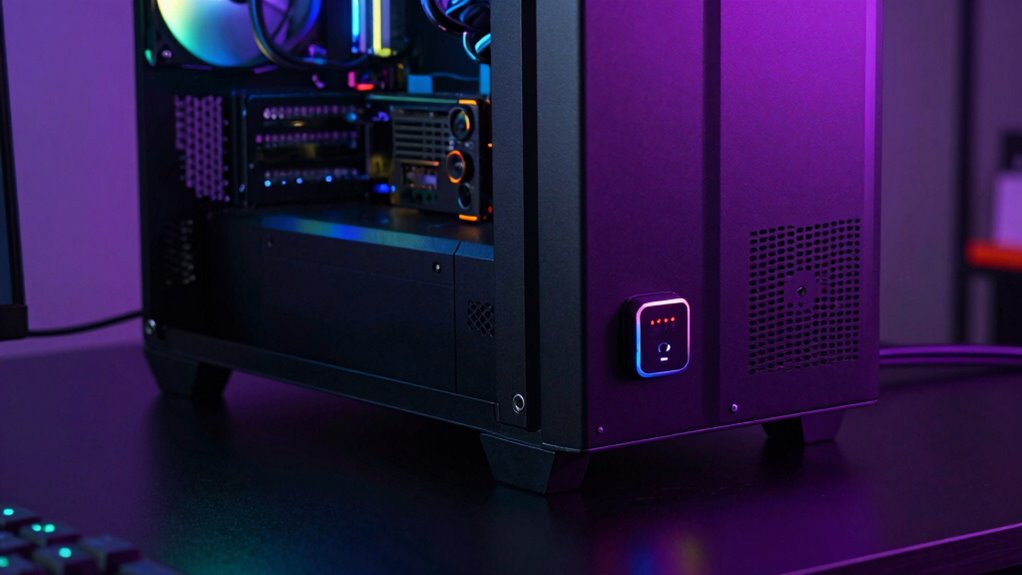
Your gaming and streaming rig faces constant risks from power fluctuations, outages, and surges that can disrupt your experience or cause hardware damage. A power surge can instantly overload your equipment, leading to crashes or even permanent damage. Without a UPS, sudden outages can result in lost progress and corrupted files. Using a UPS helps buffer against these issues, ensuring a stable power supply. Additionally, protecting your gear from surges extends its equipment longevity, saving you money on repairs or replacements. A UPS provides a vital safety net, giving you time to save your work and shut down properly during outages. Investing in a UPS isn’t just about convenience—it’s about preserving your hardware’s lifespan and maintaining the best performance of your gaming and streaming setup. Incorporating reliable storage and backup solutions can further safeguard your important data from unexpected failures. Moreover, understanding power quality issues can help you better assess the necessity of a UPS for your setup. Recognizing modern power demands highlights the importance of having a UPS to protect high-performance components. Ensuring your setup has proper voltage regulation can also prevent damage caused by inconsistent power levels.
How a UPS Protects Your Hardware During Power Outages
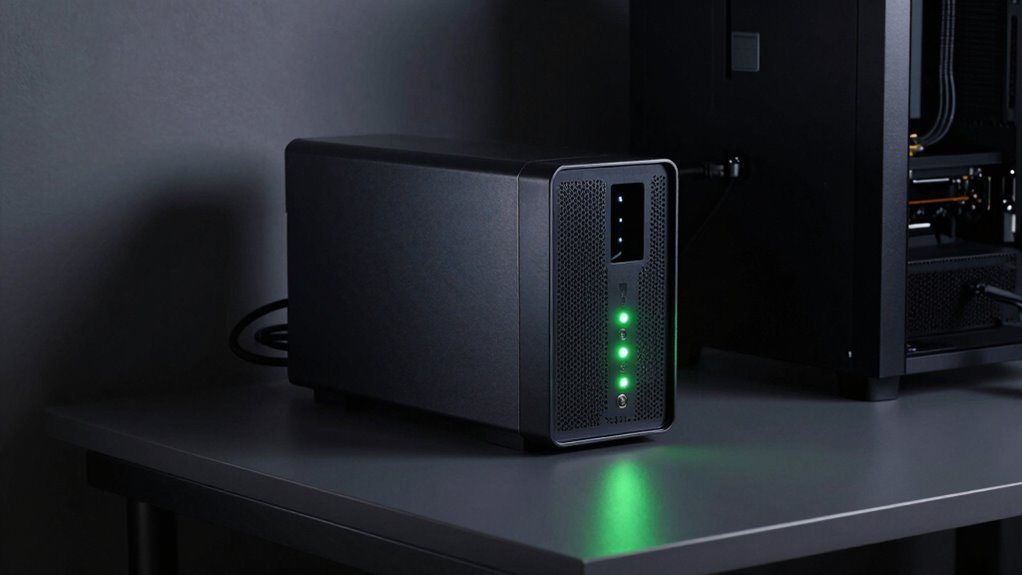
When a power outage occurs, a UPS kicks in instantly to prevent your hardware from sudden shutdowns that can cause damage. It also keeps your data safe by allowing you to save your work and close programs properly. This protection guarantees your gaming and streaming rigs stay reliable and secure during unexpected outages. Additionally, a UPS can help reduce power fluctuations, which are common in many areas and can harm sensitive electronic components over time. Proper power management with a UPS can extend the lifespan of your equipment by shielding it from these irregularities. Using a UPS can also help maintain consistent voltage levels, protecting your hardware from voltage surges that can cause long-term damage. Regularly testing and maintaining your UPS ensures it continues to provide optimal power protection. Recognizing the importance of surge protection can further enhance your device safety and longevity.
Prevents Hardware Damage
Power outages can strike unexpectedly, leaving your gaming and streaming equipment vulnerable to sudden surges or drops in voltage. Without a UPS, these fluctuations can cause immediate hardware damage, reducing your rig’s longevity. A UPS provides a buffer, ensuring power stability and protecting sensitive components from voltage spikes or dips. This is especially important for hardware protection, as voltage irregularities can lead to overheating, electrical stress, and potential burnouts that can occur during sudden power disruptions. By maintaining a steady flow of electricity, a UPS helps extend the lifespan of your hardware, avoiding costly repairs or replacements. Additionally, a UPS can help prevent power fluctuations from causing data loss or corruption during unexpected outages. Incorporating natural landscaping techniques around your setup can further shield your equipment from environmental factors, contributing to overall stability. Properly managing electrical reliability is crucial to safeguarding your hardware investment. Ultimately, a UPS acts as a safeguard, preserving your hardware’s power stability during unexpected outages and helping you avoid damage that could compromise your entire setup.
Ensures Data Security
Sudden power outages can abruptly cut off electricity, risking the loss of important files and ongoing work. A UPS provides power redundancy, giving you time to save files and shut down safely. This encryption technology adds an extra layer of security, preventing unauthorized access to your data when power is unstable. By maintaining a steady power supply, a UPS reduces the risk of data loss caused by sudden interruptions. It acts as a safeguard, keeping your files secure and your system stable during unexpected power fluctuations. Additionally, many UPS units include data encryption features, which help protect your sensitive information from potential cyber threats during outages. These security measures are vital for ensuring your data remains confidential and protected from malicious attacks. Moreover, a UPS can also support time management, allowing you to properly handle your tasks during power disturbances without rushing. Ultimately, a UPS not only protects your hardware but also guarantees your valuable data remains safe and intact.
Why Clean Power Matters for Gaming and Streaming Performance
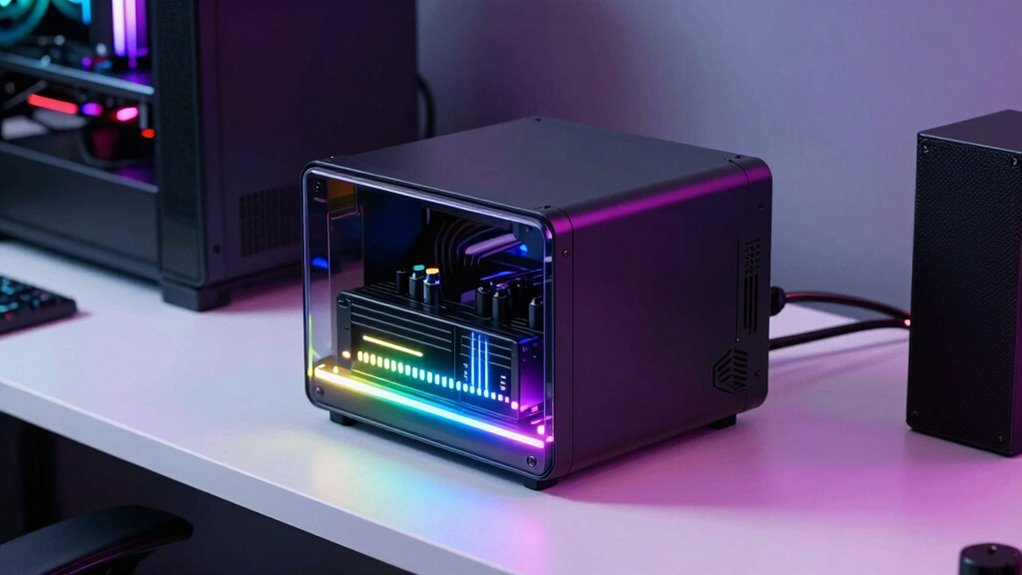
Clean, stable power keeps your gaming and streaming equipment running smoothly without interruptions. When power quality dips, you might notice lag, glitches, or crashes that ruin your experience. Ensuring consistent power helps you perform at your best and enjoy seamless gameplay and streaming. Additionally, using a UPS unit can help maintain power quality and protect your devices from surges and outages. Being aware of ethical consumer choices, such as investing in reliable power solutions, can also contribute to a more responsible and sustainable gaming setup. Incorporating biosensors or wearable tech can also help you monitor your environment and optimize your setup for better performance and health.
Stable Power Ensures Consistency
Unstable electricity can cause interruptions and fluctuations that disrupt your gaming and streaming sessions. Power fluctuations lead to inconsistent performance, causing lag, glitches, or crashes. A UPS unit provides stable power, smoothing out these fluctuations so your rig runs smoothly. It also offers surge protection, guarding your equipment against sudden voltage spikes that can damage components or cause temporary shutdowns. With consistent power, your graphics stay crisp, audio remains clear, and streaming quality stays steady. You won’t experience unexpected restarts or hardware failures due to voltage inconsistencies. A UPS acts as a buffer, delivering clean, reliable power that keeps your system running at peak performance. Ensuring power quality is maintained can significantly extend the lifespan of your hardware and prevent costly repairs. This stability enhances your experience and helps prevent costly hardware issues caused by power irregularities. Incorporating natural light into your setup can also reduce eye strain and boost overall well-being during long gaming or streaming sessions.
Reduces Performance Interruptions
Power fluctuations can cause your gaming and streaming sessions to be interrupted or disrupted, leading to frustrating performance issues. These sudden changes in electrical supply can cause lag, crashes, or audio-video sync problems, ruining your experience. A UPS helps reduce these performance interruptions by stabilizing the power your equipment receives. It filters out power fluctuations, guaranteeing your devices operate smoothly and consistently. This not only prevents hardware from shutting down unexpectedly but also preserves equipment compatibility, avoiding damage caused by inconsistent voltage. With a UPS, you can focus on gameplay or streaming without worrying about unexpected power issues. Overall, it guarantees your rig runs reliably by providing clean, stable power, reducing interruptions, and maintaining peak performance during critical moments.
How UPS Prevents Data Loss and Corruption
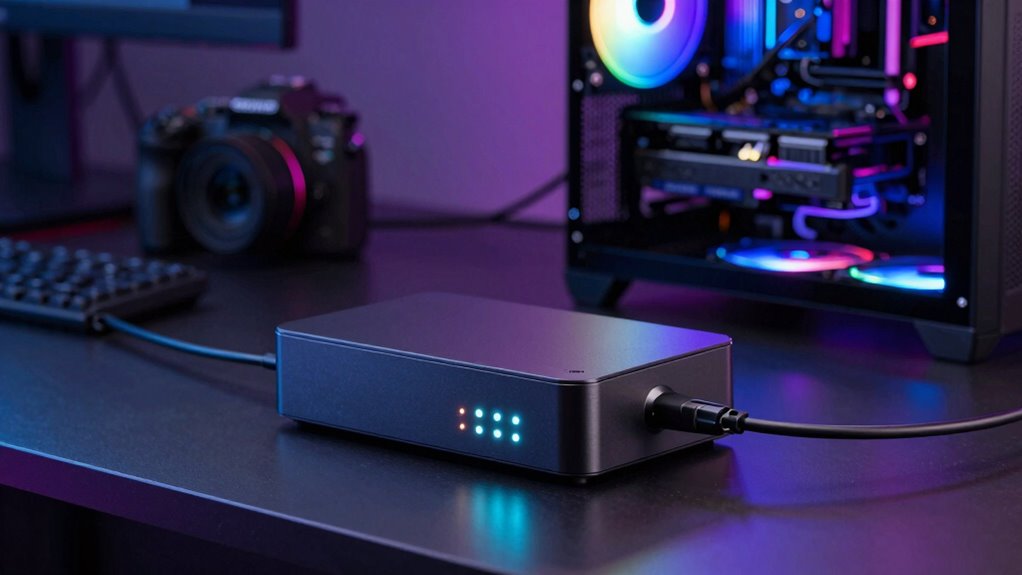
When a sudden power outage strikes, your gaming or streaming rig is at risk of losing important data or experiencing corruption. Power fluctuations can cause unexpected shutdowns, risking incomplete saves or corrupted files. A UPS provides a steady power supply, giving you enough time to save your work safely before the system turns off. It also offers surge protection, shielding your equipment from damaging voltage spikes that can corrupt data or harm internal components. By maintaining a consistent power flow, the UPS ensures your files aren’t compromised during sudden outages or unstable currents. This protection helps keep your data intact and your system running smoothly, minimizing the risk of costly data loss or corruption during critical moments.
How to Choose the Best UPS for Gaming and Streaming
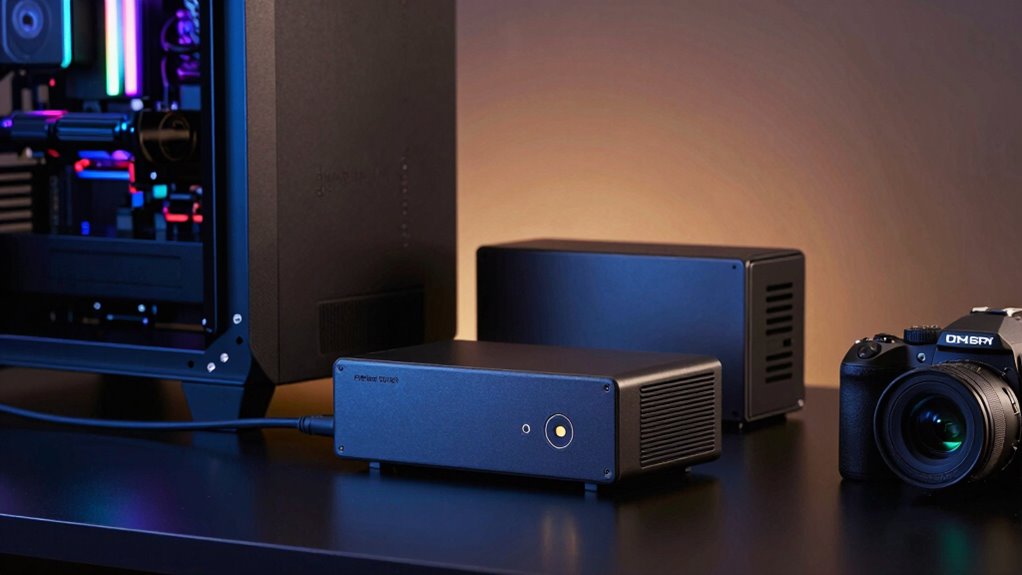
Choosing the right UPS for your gaming or streaming setup involves considering both your power needs and how the device will support your equipment during outages. Focus on capacity, ensuring it can handle your gaming accessories, streaming software, and peripherals. Look for a UPS with enough wattage to sustain your system during power interruptions.
| Capacity (VA) | Runtime (minutes) | Suitable for |
|---|---|---|
| 600-800 | 5-10 | Mid-range gaming setup |
| 800-1000 | 10-15 | High-performance rigs |
| 1000-1500 | 15-20 | Streaming and gaming |
| 1500+ | 20+ | Multiple devices |
Choose based on your current setup and future upgrades, ensuring seamless gameplay and streaming without interruptions.
What Features Should You Look for in a Gaming UPS?
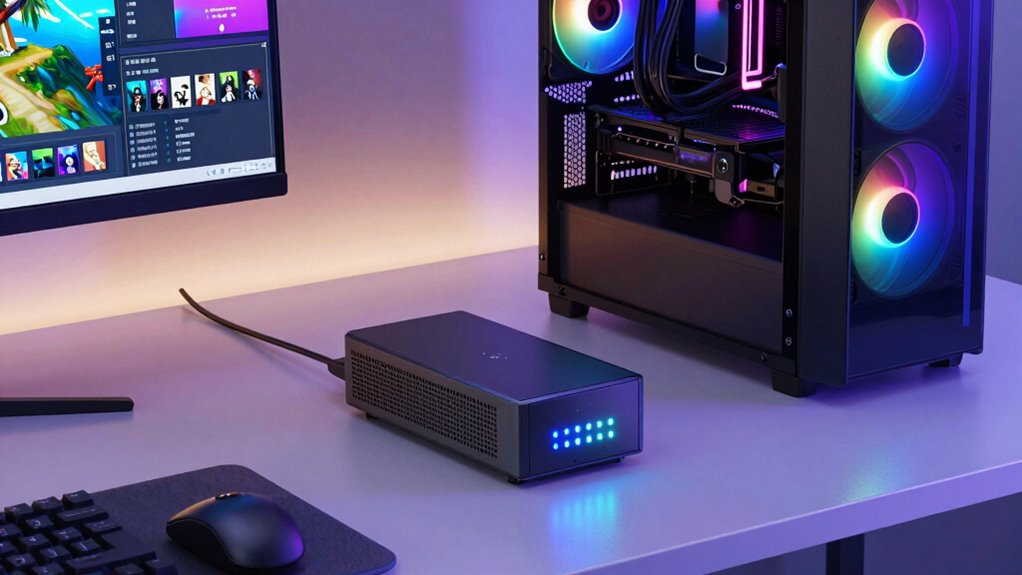
Selecting the right gaming UPS involves more than just considering its capacity; you also need to pay attention to key features that guarantee reliable performance during power fluctuations. Look for units with automatic voltage regulation (AVR) to protect your gaming accessories and streaming setup from voltage spikes. A pure sine wave output ensures your high-end hardware runs smoothly, especially when using demanding streaming software. Battery runtime is crucial, so choose a UPS that can support your gaming and streaming sessions without interruption. Additionally, features like LCD displays provide real-time status updates, while USB or network connectivity options allow for seamless integration with your systems. These features help maintain stability, protect your equipment, and ensure your gaming and streaming experience remains uninterrupted.
How Long Will Your UPS Keep Your Gaming PC Running?
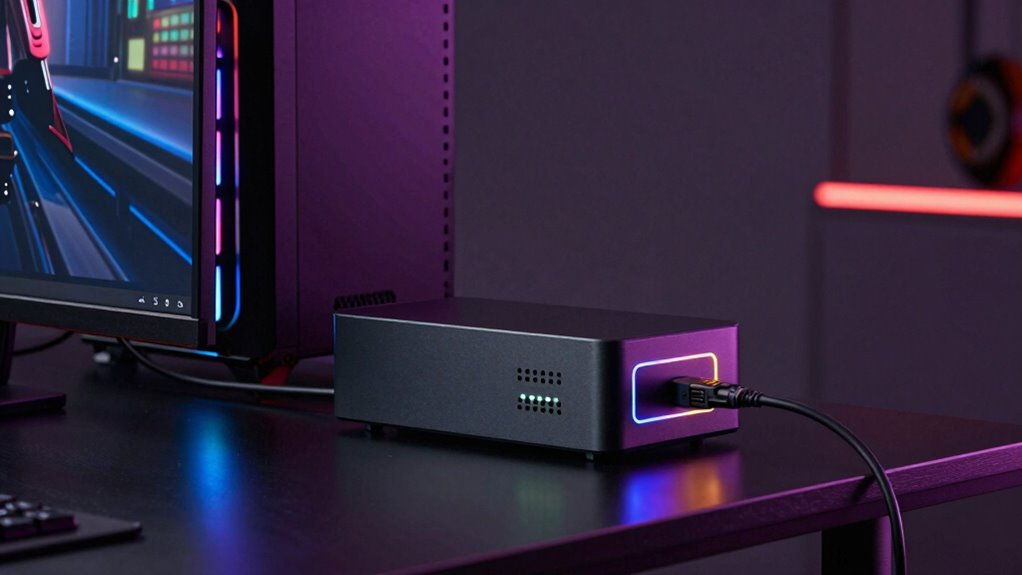
Your UPS’s runtime depends mainly on its battery capacity and how much power your gaming PC draws. If your system consumes more energy, the backup duration decreases, even with a high-capacity battery. Factors like usage patterns and backup settings also influence how long your PC stays powered during an outage.
Battery Capacity and Runtime
Battery capacity directly influences how long your UPS can keep your gaming PC running during a power outage. The higher the capacity, the longer your system remains operational, enhancing battery longevity and allowing for better runtime optimization. Keep in mind, the actual runtime depends on your PC’s power draw. Here’s a quick comparison:
| Battery Capacity (VA) | Approximate Runtime | Suitable for |
|---|---|---|
| 600 VA | 5-10 minutes | Basic setups |
| 1000 VA | 10-15 minutes | Mid-range gaming rigs |
| 1500 VA | 15-30 minutes | High-performance PCs |
| 2000 VA | 30+ minutes | Streaming, heavy loads |
| 3000 VA | 45+ minutes | Critical systems |
Choosing the right capacity maximizes battery longevity and guarantees effective runtime during outages.
Power Load and Usage
Understanding how long your UPS can keep your gaming PC running depends largely on the power load it needs to support. If your system draws more power, the UPS’s runtime decreases, especially during power fluctuations. Higher loads strain the battery, reducing energy efficiency and overall backup time. To optimize runtime, keep your system’s power consumption as low as possible by minimizing components and settings. Be aware that a sudden surge or fluctuation in power can affect how efficiently your UPS operates, potentially shortening backup durations. Monitoring your system’s power load helps you choose the right UPS with sufficient capacity. Remember, a well-matched UPS not only extends runtime but also ensures your gaming or streaming setup remains stable during outages.
Backup Duration Factors
The backup duration of your UPS depends on several key factors, with the most significant being the power capacity of the unit and the load it supports. A higher-capacity UPS can sustain your gaming and streaming rig longer, but only if the load is optimized. Energy efficiency plays a role, as more efficient units convert power better, extending backup time. Effective power management also helps maximize runtime by reducing unnecessary energy draw during outages. Keep in mind that the overall backup duration isn’t fixed; it varies based on how much power your devices consume and how well your UPS handles the load. To get the most from your UPS, choose a model with appropriate capacity, prioritize energy-efficient components, and manage your load wisely.
Setting Up Your UPS for Seamless Gaming and Streaming
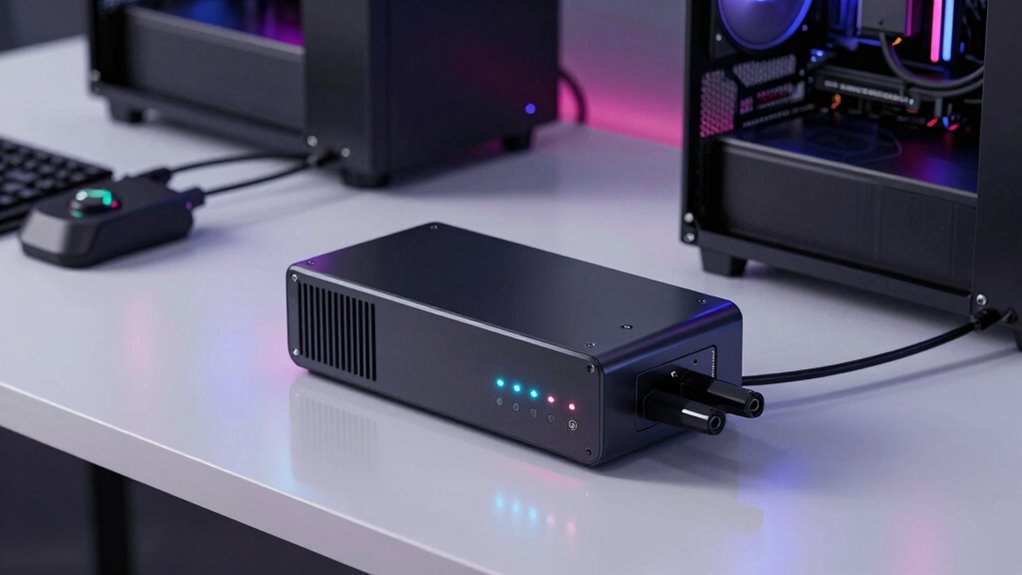
To guarantee your gaming and streaming setup remains uninterrupted during power fluctuations or outages, properly setting up your UPS is essential. Start by connecting your devices, ensuring your gaming PC, streaming gear, and monitors are plugged into the UPS outlets. Enable wireless connectivity features if your UPS offers remote management, so you can monitor power status and alerts easily. Make sure your cooling systems are well-ventilated and not obstructed, as the UPS may generate heat during extended use. Position the UPS in a cool, dry area to prevent overheating. Regularly check the battery health and firmware updates to keep everything running smoothly. Proper setup not only protects your equipment but also guarantees seamless gaming and streaming sessions, even during unexpected power issues.
Common Mistakes to Avoid When Using a UPS With Gaming Equipment
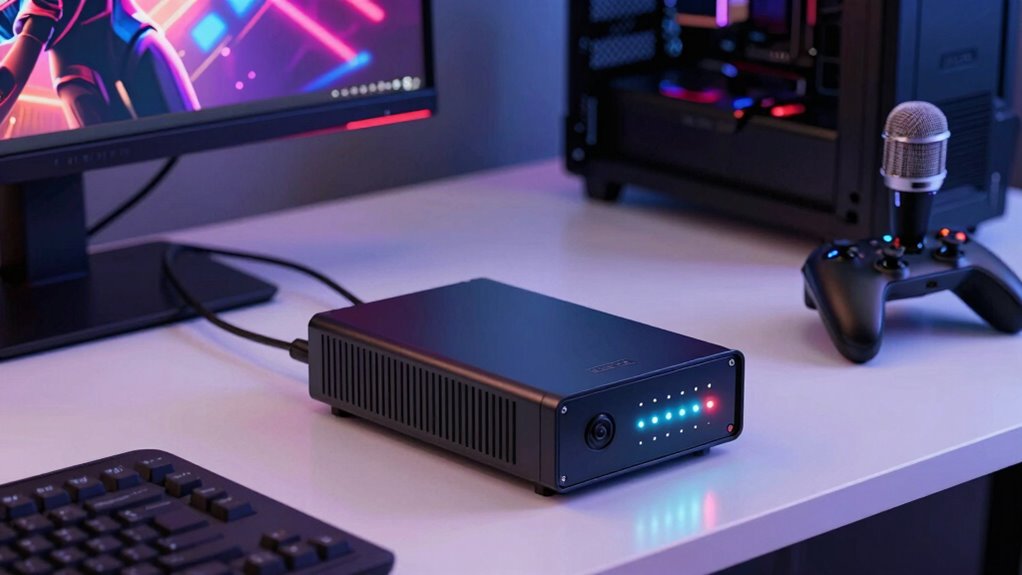
One common mistake is overloading your UPS by plugging in too many devices, which can lead to insufficient backup power during outages. To prevent this, prioritize essential gaming and streaming equipment. Poor cable management can cause clutter, making it harder to disconnect or troubleshoot when needed. Excessive noise levels from poorly ventilated UPS units can also be distracting, especially during long gaming sessions. To optimize performance, use the following guidelines:
| Tip | Explanation |
|---|---|
| Limit connected devices | Avoid overloading to guarantee backup power lasts when needed. |
| Organize cables | Use cable management tools to reduce clutter and improve airflow. |
| Monitor noise levels | Choose a UPS with quieter operation for a better gaming environment. |
Real-Life Benefits: How a UPS Can Improve Your Streaming Experience
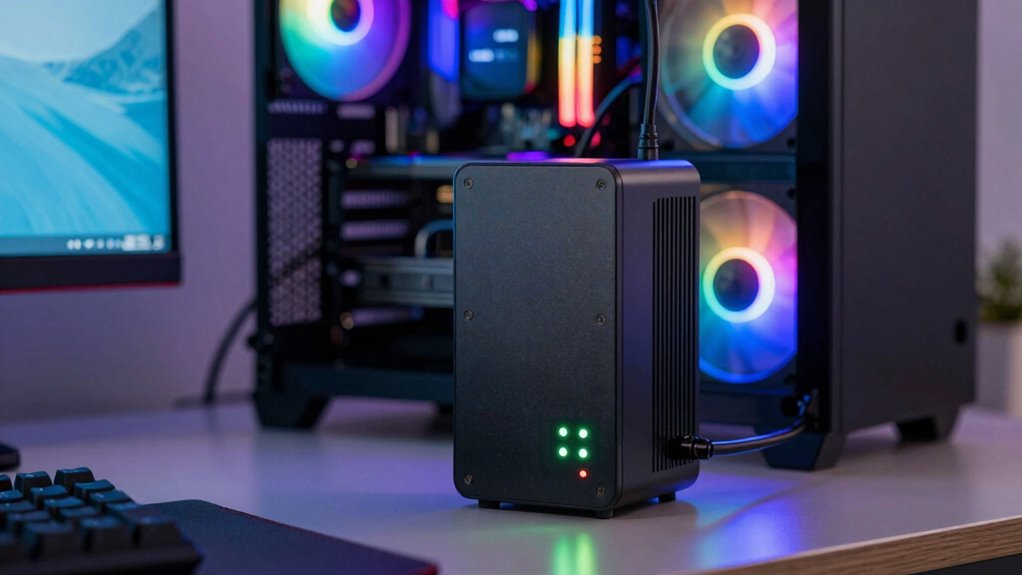
A reliable UPS can considerably enhance your streaming experience by ensuring your equipment stays powered during unexpected outages. It also protects against power fluctuation and offers surge protection, preventing damage to your gear. With a UPS, you can:
A dependable UPS keeps your streaming gear powered, protected, and stable during outages and power fluctuations.
- Maintain uninterrupted streams, avoiding embarrassing interruptions or data loss.
- Protect sensitive equipment from voltage spikes caused by power surges.
- Save your ongoing work if a sudden outage occurs, preventing lost content.
- Improve overall stability, reducing lag or buffering issues caused by inconsistent power.
Frequently Asked Questions
Can a UPS Improve Latency During Gaming and Streaming Sessions?
A UPS can improve latency during gaming and streaming by providing reliable power backup, ensuring your devices stay running smoothly even during outages. It also offers surge protection, shielding your equipment from voltage spikes that can cause lag or damage. While it doesn’t directly reduce network latency, a stable power supply prevents unexpected interruptions, helping your gaming and streaming sessions stay consistent and responsive.
How Does a UPS Help With Internet Connectivity Issues?
A UPS helps with internet connectivity issues by providing power surge protection, which shields your modem and router from sudden voltage spikes, preventing disruptions. It also offers a reliable battery backup duration, ensuring your internet stays connected during power outages. This stability allows you to maintain uninterrupted streaming and gaming sessions, minimizing lag and disconnections, even when the main power grid experiences fluctuations or interruptions.
Are There Specific UPS Brands Recommended for High-End Gaming Rigs?
For high-end gaming rigs, brands like APC, CyberPower, and Tripp Lite are recommended because they offer models with high battery capacity and low noise levels. These features guarantee your system stays protected during power outages while maintaining a quiet environment, essential for streaming or gaming sessions. Look for units with sufficient wattage and noise ratings that suit your setup to maximize protection and comfort.
What Maintenance Is Required to Ensure UPS Reliability Over Time?
You should regularly test, replace batteries, and update firmware to keep your UPS reliable. Check the battery lifespan, replacing batteries before they fail, to prevent outages. Keep firmware updated to enhance performance and fix bugs. Clean dust from vents and connections to prevent overheating. Schedule routine inspections and perform self-tests to guarantee your UPS functions properly, providing consistent power for your gaming and streaming setup over time.
Can a UPS Support Multiple Devices Simultaneously?
Yes, a UPS can support multiple devices simultaneously, providing essential power backup and surge protection. When connecting multiple gadgets, make sure the total power draw stays within the UPS’s capacity to avoid overloads. This setup helps protect your gaming or streaming rig from power fluctuations and outages, keeping everything running smoothly. Always check your UPS’s load limits before plugging in multiple devices to maintain reliable performance and safeguard your equipment.
Conclusion
A UPS isn’t just a backup power source—it’s your safeguard against unexpected chaos. Imagine uninterrupted streams, preserved data, and protected hardware, all within your control. But there’s more beneath the surface—an unseen advantage that could change how you game and stream forever. Are you ready to reveal that secret? The true power of a UPS might just be the game-changer you didn’t see coming. The question is—are you prepared to discover it?
Halloween Picks
halloween
As an affiliate, we earn on qualifying purchases.