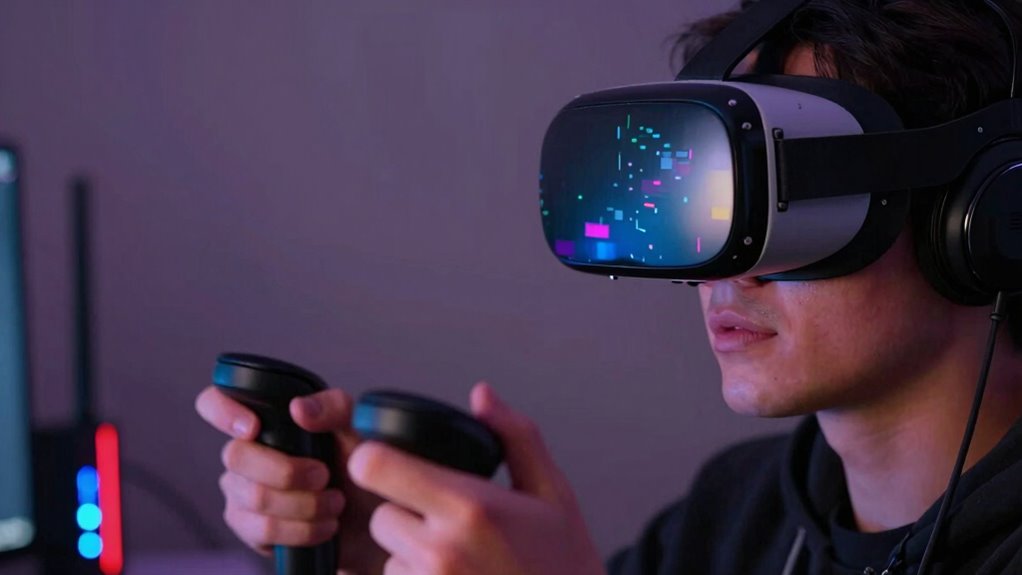

A fast network might seem better, but it doesn’t always improve your VR experience. If latency, congestion, or outdated infrastructure aren’t addressed, you can still face lag, jitter, or pixelation. Faster speeds won’t fix delays that cause motion sickness or disconnects. Instead, proper optimization of data routing and reducing latency are key. Keep exploring to understand how all these factors work together for truly smooth, immersive VR performance.

Get audio and creator gear delivered free with Prime
- Fast, free delivery on millions of items
- Prime Video, Amazon Music and more included
- Member-only deals all year
Key Takeaways
- Faster networks can increase data load but may not reduce latency, causing lag and disorientation.
- High-speed connections can lead to network congestion if not properly managed, impacting VR smoothness.
- Poor routing and outdated infrastructure cause delays, making fast networks ineffective for consistent VR quality.
- Increased speed without optimizing latency and bandwidth can result in pixelation and choppiness.
- Proper network optimization and infrastructure are more crucial than speed alone for immersive VR experiences.
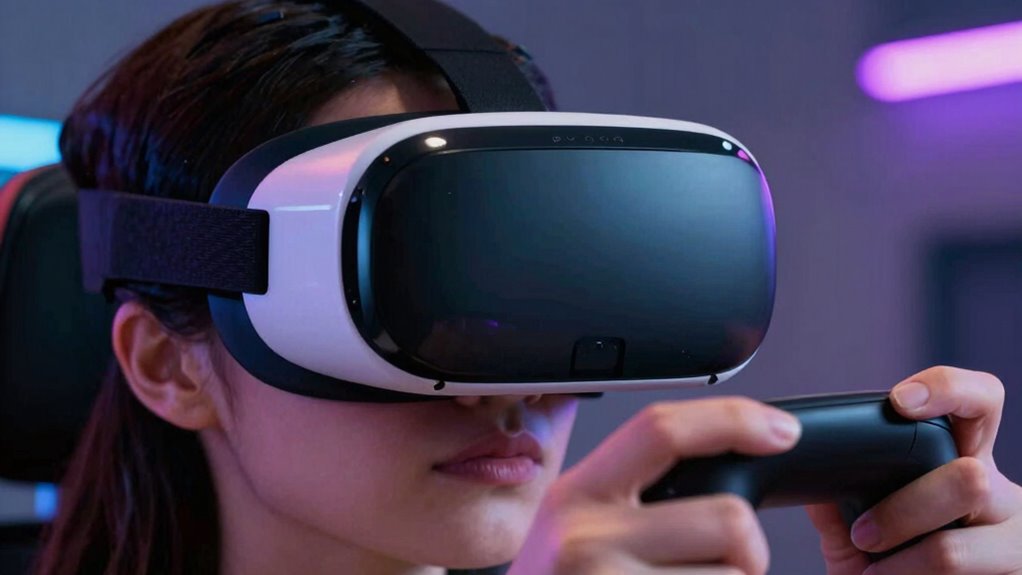
In the race to deliver faster virtual reality networks, many assume that speed is the ultimate goal. You might think that the quicker your connection, the better your VR experience will be. But surprisingly, increasing network speed doesn’t always lead to smoother, more immersive VR. Sometimes, it can even make things worse. That’s because factors like latency issues and bandwidth limitations play a bigger role than raw speed alone. When networks are optimized for maximum speed without addressing these issues, you can encounter more problems rather than fewer.
Latency issues are often the biggest culprit. Even with a fast connection, if your network introduces delays, your VR experience suffers. Imagine trying to turn your head, but the visuals lag behind by a fraction of a second—that’s latency. In VR, this delay is especially noticeable and disorienting, breaking your immersion and sometimes causing motion sickness. When network providers focus solely on boosting bandwidth and download speeds, they might overlook the importance of reducing latency. As a result, you get faster data transfer but still feel the delay in real-time interactions, making the experience feel jittery or disconnected. Ensuring network efficiency is optimized can help mitigate these issues and improve overall performance. Additionally, addressing network congestion is crucial for maintaining consistent performance during high-demand periods. Optimizing data routing and infrastructure updates can further enhance overall network performance.
Latency causes delays that break immersion and can lead to motion sickness in VR experiences.
Bandwidth limitations also come into play. While high bandwidth allows more data to flow through the network, it doesn’t automatically guarantee smooth VR. If your connection is oversaturated or your hardware can’t process the incoming data fast enough, you’ll experience buffering, dropped frames, or lower resolution visuals. Paradoxically, a network that claims to be “fast” might still struggle to support the demanding data streams of high-quality VR content if the bandwidth isn’t managed properly. This mismatch can cause a frustrating experience where visuals suddenly become pixelated or choppy, defeating the purpose of a high-speed network.
Moreover, network efficiency matters. Even with a blazing-fast connection, poor routing, network congestion, or outdated infrastructure can lead to inconsistent performance. In VR, consistency is key—random lag spikes or fluctuations in data flow can make the experience unpredictable and uncomfortable. So, focusing only on raw speed without considering how data is delivered and processed can leave you feeling worse off than with a slower but more stable connection. Recognizing the importance of network optimization can be the difference between a seamless experience and frustration. Otherwise, increasing speed alone might introduce new problems, making your virtual reality experience less immersive, rather than more.
Products Worth Considering

Apple Watch Series 12 GPS Smartwatch, 46 mm

LG UltraGear 34GX90SA-W 34-inch WQHD Curved OLED Gaming Monitor

DJI Osmo Mobile 7P Phone Gimbal with Mic Mini Transmitter, Infinity Black
As an affiliate, we earn on qualifying purchases.
Frequently Asked Questions
How Does Latency Specifically Impact VR Immersion?
Latency directly impacts your VR immersion by causing visual lag, which makes your movements feel delayed or out of sync with what you see. This mismatch can lead to motion sickness and break your sense of presence in the virtual environment. When latency is high, your brain struggles to reconcile your actions with visual feedback, making the experience uncomfortable and less immersive. Keeping latency low is essential for a smooth, convincing VR experience.
Can Improving Bandwidth Alone Enhance VR Experience?
Improving bandwidth alone won’t greatly enhance your VR experience because bandwidth limitations aren’t the main issue; latency and data compression matter more. Higher bandwidth helps, but if data compression isn’t efficient, you might experience lag or visual artifacts. To truly improve VR, focus on reducing latency and optimizing data compression, which together ensure smoother, more immersive visuals without delays, even on fast networks.
What Role Does Packet Loss Play in VR Quality?
You might think a fast network fixes everything, but packet loss proves otherwise. When packet integrity falters, your VR experience turns into a glitchy mess. Data retransmission kicks in, causing annoying delays and jitter, ruining immersion. So, even with high bandwidth, if your packets aren’t arriving intact and on time, your virtual world feels more like a broken dream than a seamless adventure. It’s a packet party gone wrong.
Are Wired Connections Always Better Than Wireless for VR?
Wired connections generally offer more stability for VR, but wireless can work well if you manage wireless interference. Wireless setups eliminate cable flexibility issues, giving you freedom to move around. However, interference from other devices can cause lag and reduce quality, making a wired connection more reliable for a smooth experience. If you prioritize stability, opt for a wired link; if you value mobility, guarantee your wireless setup minimizes interference.
How Do Different Network Types Affect VR Performance?
Different network types substantially shape VR performance. You might face frustration from network congestion causing delays, or signal interference disrupting seamless streaming. Wi-Fi, especially crowded or weak signals, can create choppy, uncomfortable experiences, while wired connections provide stability and speed. Cellular networks, though convenient, often struggle with interference and congestion, making virtual reality less vivid and more volatile. Choosing the right network type is key to keeping your VR experience smooth, steady, and satisfying.
Conclusion
Think of your VR experience like a delicate bridge—no matter how sturdy it seems, rushing across a “fast” network can cause it to wobble. Speed isn’t always the answer; sometimes, it’s about balance and stability. When your connection is too hurried, the journey feels bumpy and disorienting, like walking a tightrope in a storm. To truly enjoy VR’s world, you need a steady, reliable pace—like a calm river, flowing smoothly toward discovery.