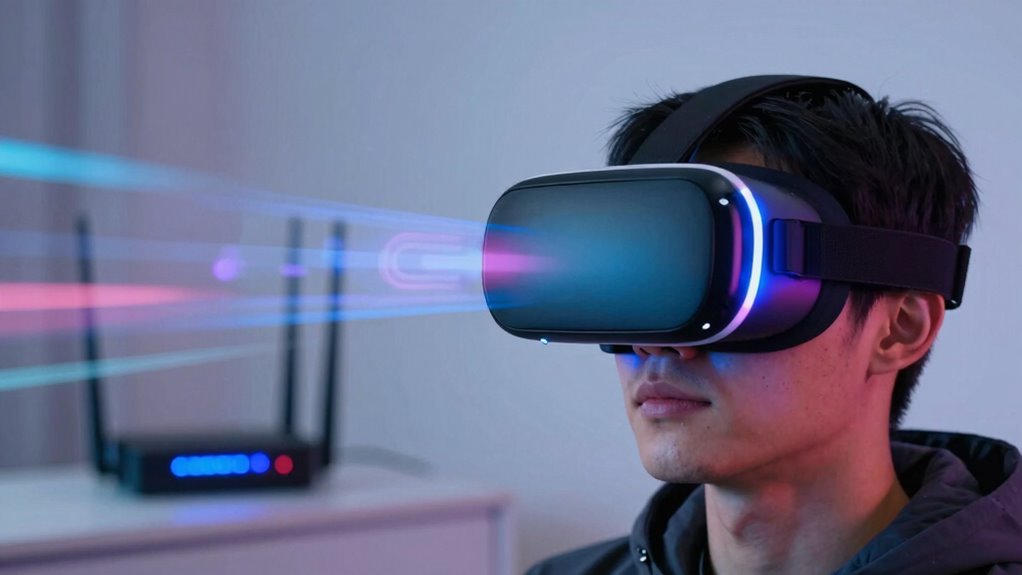

Even on fast networks, wireless VR can stutter due to hardware limits, interference, or protocol issues that disrupt data flow. You might experience lag if your headset or router is outdated, or if obstacles block signals. External devices or environmental interference can weaken connections, while software and protocols need proper tuning to handle high demands. Keep an eye out for tips that can help you improve your setup and enjoy smoother VR sessions.

Get audio and creator gear delivered free with Prime
- Fast, free delivery on millions of items
- Prime Video, Amazon Music and more included
- Member-only deals all year
Key Takeaways
- Wireless VR can experience stuttering due to latency spikes caused by sudden data packet delays.
- High demand and multiple devices competing for bandwidth can destabilize even fast networks.
- Environmental interference from Wi-Fi routers, Bluetooth, or physical obstacles weakens signals.
- Hardware limitations and outdated processors may cause lag despite good network speeds.
- Software and protocol inefficiencies can lead to jitter and motion tracking issues during gameplay.
wireless VR headset with low latency
As an affiliate, we earn on qualifying purchases.
As an affiliate, we earn on qualifying purchases.
Why Wireless VR Still Stutters Despite Fast Networks
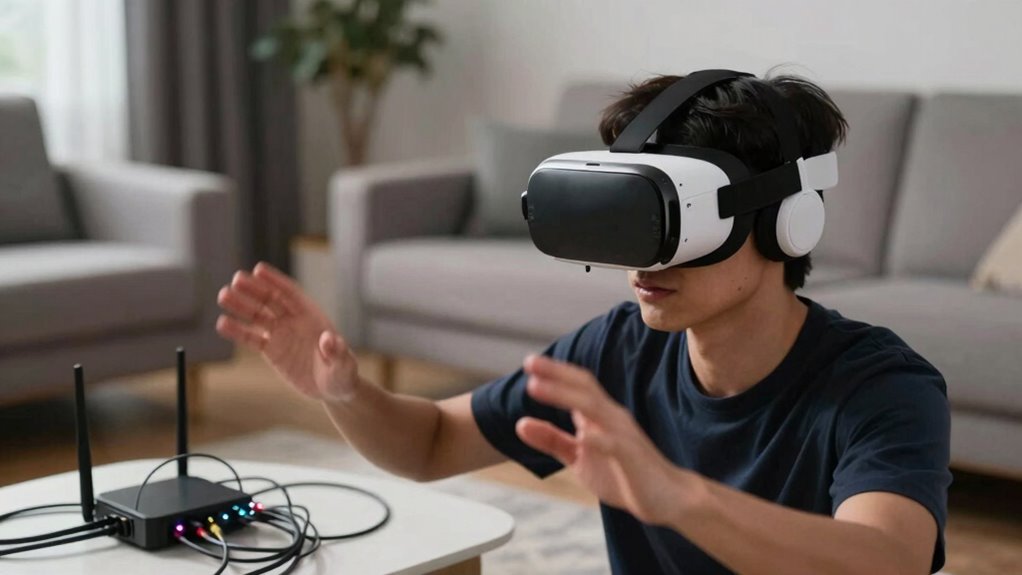
Have you ever wondered why wireless VR still stutters even when your network is blazing fast? The culprit often isn’t your internet speed but latency spikes. These sudden delays happen when data packets momentarily lag, causing noticeable stuttering in your VR experience. Even on high-speed networks, the wireless connection can’t always keep up, especially when multiple devices compete for bandwidth. Additionally, running wireless VR consumes a lot of power, leading to rapid battery drain. As your headset struggles to maintain a stable connection and conserve energy, performance dips, resulting in choppy visuals and lag. Both latency spikes and battery drain considerably impact your immersion, making smooth, responsive VR difficult to achieve despite a seemingly perfect network. Understanding network limitations is essential for addressing these issues effectively. Recognizing how network performance factors influence VR stability can help you optimize your setup for a better experience.
Furthermore, the power demands of electric components in wireless VR headsets can exacerbate these performance issues, especially during extended use, as efficient power management becomes increasingly important to maintain smooth operation.
Common Hardware and Interference Issues That Disrupt Wireless VR
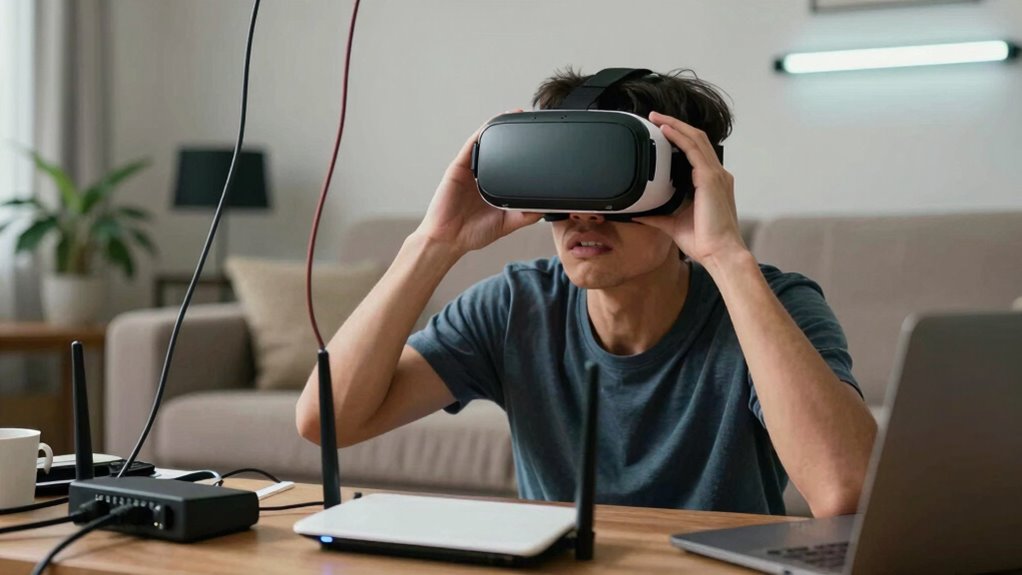
Even with a fast network, wireless VR can still encounter disruptions caused by hardware limitations and interference sources. Your headset’s hardware, such as outdated processors or limited bandwidth, can’t keep up with the demands of smooth streaming, causing lag or stuttering. External interference sources like Wi-Fi routers, Bluetooth devices, or microwave ovens can disrupt signals, leading to dropped connections or latency spikes. Additionally, physical obstacles such as walls, furniture, or even your body can block or weaken signals, worsening performance. These hardware and environmental issues often occur even when your network is fast and stable. To improve your experience, guarantee your hardware is up-to-date, minimize interference sources, and create a clear line of sight between your headset and the transmitter.
How Software and Protocols Influence Wireless VR Smoothness
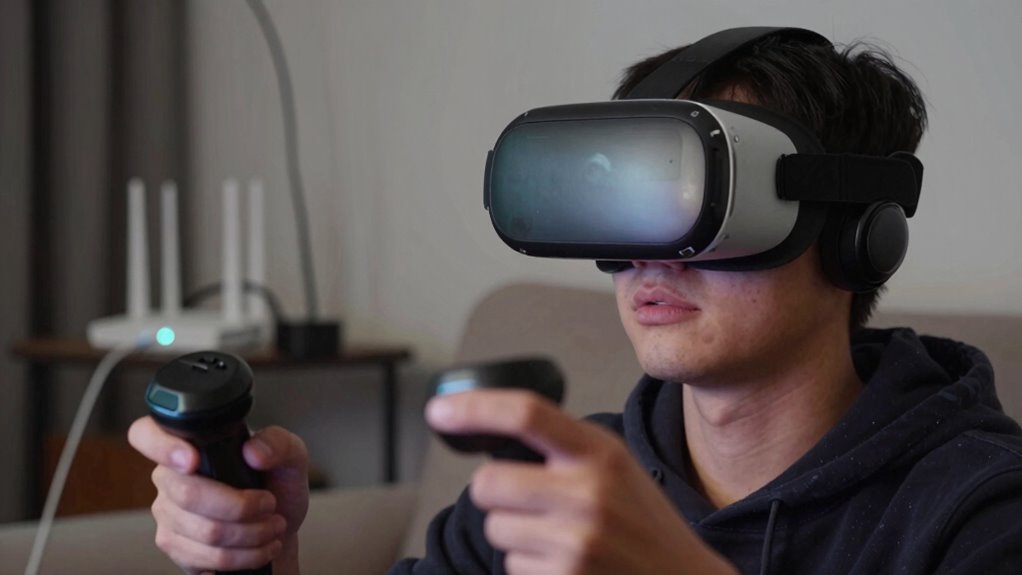
Software and protocols play an essential role in maintaining smooth wireless VR experiences by managing data transmission efficiently. Well-optimized software ensures that data packets are processed quickly, reducing latency and preventing lag. Protocol efficiency is critical because it determines how smoothly data flows between your headset and the network, minimizing delays and packet loss. Advanced software optimization adjusts frame rates and manages bandwidth, keeping the experience seamless. Efficient protocols prioritize real-time data, ensuring minimal jitter and smoother motion tracking. When both software and protocols are finely tuned, they work together to reduce latency spikes and maintain consistent performance, even on high-speed networks. Additionally, understanding and utilizing accessibility features can help optimize the user experience for individuals with different needs. Ultimately, good software optimization and protocol efficiency are indispensable for delivering a truly immersive and responsive wireless VR experience.
Tips to Minimize Interference and Boost Wireless VR Performance
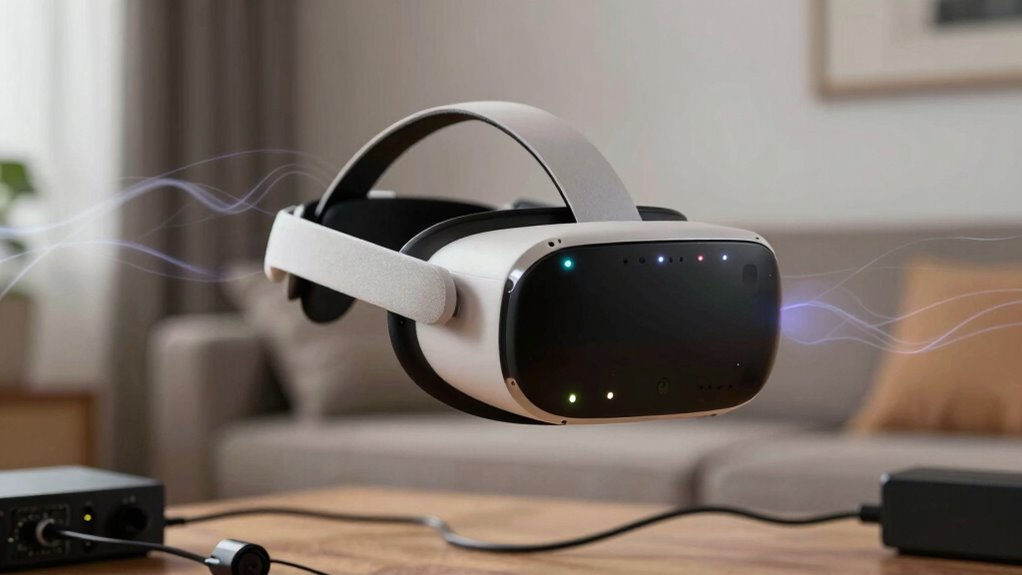
Optimizing wireless VR performance requires more than just good software and protocols; it also depends on minimizing interference from other devices and environmental factors. To reduce latency issues, choose a dedicated frequency band, like 5 GHz, which is less crowded than 2.4 GHz. Keep your Wi-Fi router close to your play area, avoiding walls or metal objects that can cause signal degradation. Confirm hardware compatibility by using VR headsets and transmitters that support the latest wireless standards and have reliable antennas. Limit the number of connected devices during play, as they can cause interference and increase latency. Regularly update firmware to optimize performance and fix bugs. Additionally, paying attention to wireless standards ensures your hardware is capable of delivering the best connection quality. Considering interference sources such as nearby electronic devices can further improve your connection stability. Maintaining a clean and organized environment can also help minimize environmental interference, leading to a more consistent and responsive wireless VR experience. Ensuring your network uses dedicated frequency bands can significantly enhance overall stability and reduce the chances of signal conflicts. These steps help create a stable connection, reducing interference and ensuring smoother, more responsive wireless VR experiences.
Simple Steps to Improve Your Wireless VR Experience Today

To enhance your wireless VR experience right now, start by ensuring your Wi-Fi router is positioned ideally—close to your play area and free from obstructions like walls or metal objects. This improves latency tuning and reduces lag, boosting user comfort. Next, consider using a 5GHz network for faster, more stable connections. Keep your device and router firmware updated for peak performance. Additionally, minimize background network traffic by disconnecting unnecessary devices. Finally, use a dedicated, high-quality VR router if possible. These simple steps can greatly improve your wireless VR experience, making gameplay smoother, more responsive, and more comfortable. By focusing on latency tuning and user comfort, you’ll enjoy a more immersive, frustration-free virtual reality session. Ensuring your Wi-Fi network quality is optimal can significantly impact your overall experience. Improving your network setup can help prevent disconnections and reduce latency issues, further enhancing your VR gameplay. Paying attention to regional network influences can help you understand and mitigate potential connectivity challenges. Also, regularly consulting reliable sources about network performance can help you stay informed about optimal configurations. For example, unplanned weather changes can create unpredictable conditions that affect your connection stability.
Frequently Asked Questions
Can Specific VR Headsets Handle Higher Wireless Data Rates Better?
Yes, some VR headsets handle higher wireless data rates better, especially those with advanced content compression and interference mitigation. You’ll notice less lag and smoother experiences with headsets that optimize data transfer, reducing issues like signal interference. These devices often feature better antennas and algorithms, allowing you to enjoy more immersive VR sessions without disruptions, even when your network is fast but crowded or prone to interference.
How Do Environmental Factors Impact Wireless VR Stability?
Imagine you’re in a scene straight out of a sci-fi movie—your wireless VR gets choppy. Environmental factors like Wi-Fi interference and physical obstructions directly impact your VR stability. These obstacles disrupt signal strength, causing lag or disconnections. Keep your play area clear of walls, furniture, and other electronics to minimize interference. Staying aware of these factors helps guarantee a smoother, more immersive VR experience without interruptions.
Are There Any Upcoming Wireless Protocols Designed for VR?
Yes, upcoming wireless protocols aim to improve VR experiences by addressing issues like wireless interference and signal congestion. Technologies like Wi-Fi 6E and WiGig (802.11ad) are designed to offer higher bandwidth and reduced latency, making VR more stable and seamless. These protocols focus on minimizing interference from other devices and handling signal congestion better, which should markedly enhance wireless VR performance on fast networks.
What Role Does User Movement Play in Wireless VR Performance?
You’re playing with fire when your movements aren’t smooth—that’s when user movement impacts wireless VR performance. Rapid or unpredictable motions can cause motion artifacts, which disrupt tracking accuracy. As you move around, the system struggles to keep up, leading to lag or jitter. Staying deliberate and controlled helps maintain stable tracking, ensuring your experience remains immersive. Remember, in wireless VR, your movements can make or break the session.
Can Hardware Upgrades Alone Resolve Wireless VR Latency Issues?
Hardware upgrades alone can’t fully resolve wireless VR latency issues. While better hardware, like faster processors and improved antennas, can reduce some delays, hardware limitations still exist. To truly enhance performance, you need effective software optimization that minimizes data processing delays and streamlines communication between devices. Combining both hardware improvements and software tuning offers the best chance to achieve smooth, low-latency wireless VR experiences.
Conclusion
To truly transform your wireless VR experience, tackle technical troubles and tame interference. By balancing bandwidth, boosting signals, and banning barriers, you’ll banish buffering and break free from bothersome blips. Embrace easy enhancements and expert tips to elevate your immersion, ensuring seamless, stunning sessions every time. With a little effort and awareness, you can wave goodbye to woes and welcome a world where wireless VR works wonderfully, without worries.
Halloween Picks
halloween
As an affiliate, we earn on qualifying purchases.