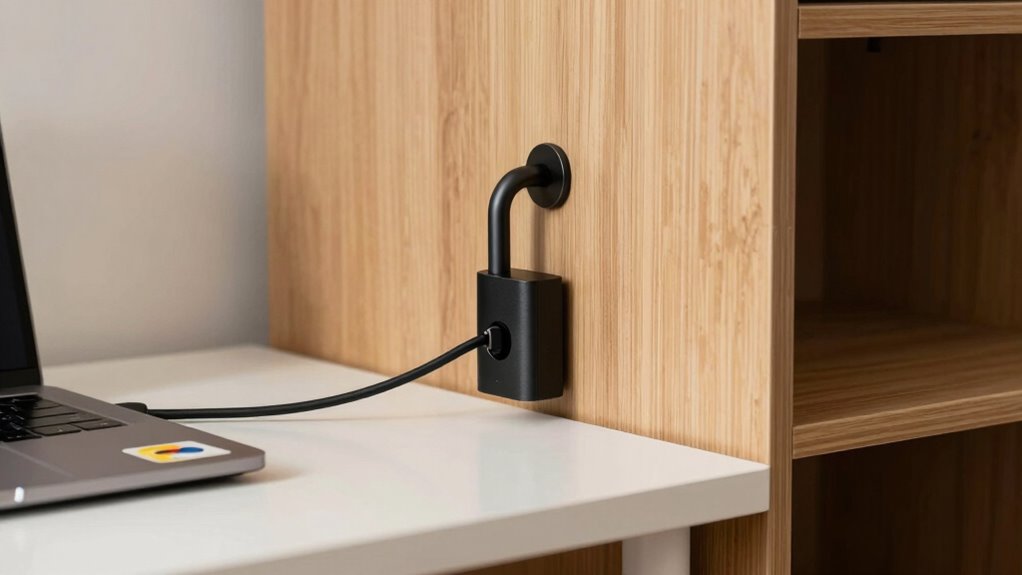

Securing your home office costs less than a lost laptop and can save you from costly data breaches or identity theft. Start with a VPN to encrypt your internet connection, especially on public Wi-Fi, and use a password manager to create strong, unique passwords for each account. Regularly updating your passwords and enabling multi-factor authentication further boosts security. These simple, budget-friendly steps protect your work environment and long-term safety—keep exploring to discover all the easy ways to stay secure.

Get audio and creator gear delivered free with Prime
- Fast, free delivery on millions of items
- Prime Video, Amazon Music and more included
- Member-only deals all year
Key Takeaways
- Using a VPN encrypts your internet connection, protecting sensitive data at a low monthly cost.
- Implementing strong, unique passwords with a free password manager prevents unauthorized access.
- Enabling multi-factor authentication adds an extra security layer without additional expenses.
- Regularly updating passwords and security settings reduces vulnerability to cyber threats.
- Setting up these simple security measures is quick, affordable, and significantly safer than replacing a lost laptop.
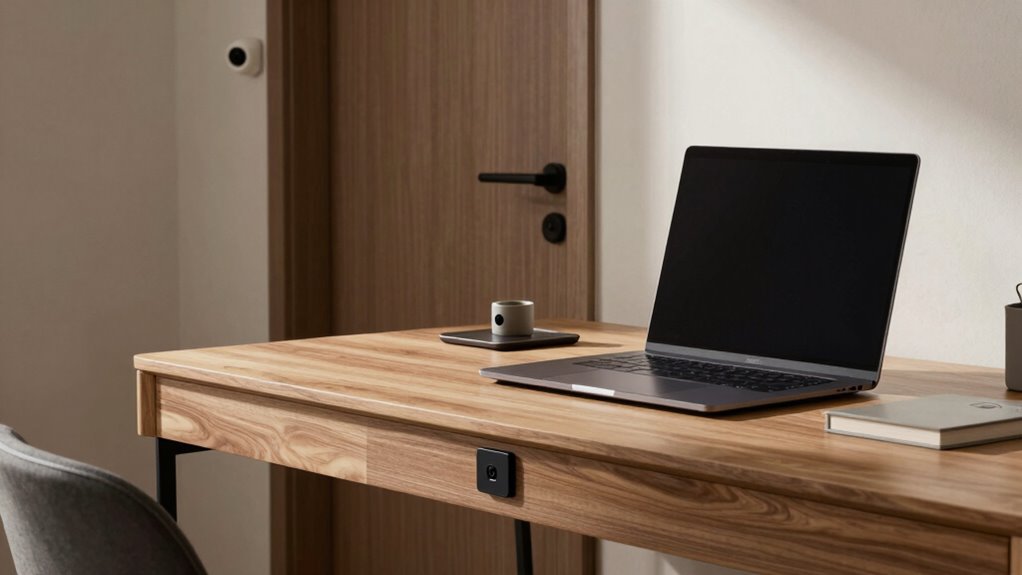
Are you confident your home office is secure from cyber threats? If not, you’re not alone. Many remote workers underestimate the importance of simple yet effective security measures, risking costly data breaches or identity theft. But the good news is, securing your setup doesn’t have to break the bank. In fact, one of the most cost-effective ways to protect your work environment costs less than a single lost laptop—yet it can save you thousands in the long run.
Start by focusing on your VPN setup. A Virtual Private Network encrypts your internet connection, making it nearly impossible for hackers to intercept sensitive information. Setting up a reliable VPN doesn’t require technical expertise or expensive software. Many reputable providers offer affordable plans with straightforward installation guides. Once your VPN is active, you create a secure tunnel for all your work-related data, whether you’re accessing company servers or sending emails. This simple step can prevent cybercriminals from snooping on your online activity, especially when you’re connected to unsecured or public Wi-Fi networks. A properly configured VPN acts as your digital shield, ensuring your work remains private and protected.
Equally critical is robust password management. Many cyber threats originate from weak or repeated passwords. Instead of relying on memory or jotting passwords down in insecure places, invest in a password manager. These tools securely store and generate complex passwords, so you don’t have to remember each one. Using a password manager helps you create unique, random passwords for every account, drastically reducing the risk of hacking. Regularly updating your passwords and enabling multi-factor authentication adds even more layers of security. This approach doesn’t just protect your work; it safeguards your personal identity as well.
Implementing these measures is remarkably inexpensive. VPN subscriptions are often less than $10 a month, and many password managers offer free versions with essential features. These investments are minimal compared to the cost of replacing a stolen device or recovering from a data breach. Additionally, understanding the role of contrast ratio in image quality can help you better evaluate the visual presentation of your digital environment, ensuring your workspace is optimized for focus and productivity. By taking a few minutes to set up a VPN and adopting good password management habits, you’re considerably reducing your vulnerability. It’s a proactive, budget-friendly approach that shields your home office from cyber threats without draining your finances. Remember, staying secure online isn’t about spending a fortune; it’s about making smart, affordable choices today that protect your work and peace of mind tomorrow.
affordable VPN service for home office
As an affiliate, we earn on qualifying purchases.
As an affiliate, we earn on qualifying purchases.
Frequently Asked Questions
How Quickly Can the Security Fix Be Implemented?
You can implement the security fix quickly, often within a day or two. A cost analysis shows it’s affordable, and you’ll need minimal user training to guarantee everyone follows new protocols. Once you review the plan, you can deploy the fix promptly, reducing your vulnerability without significant downtime. This swift implementation helps protect sensitive data efficiently, making it a smart, cost-effective choice for your home office security.
Does This Fix Require Professional Installation?
You can easily install this security fix yourself, like assembling a puzzle with clear, step-by-step instructions. It’s designed for DIY installation, meaning you won’t need to hire a professional or spend a fortune. When you compare the cost, it’s a smart move—much cheaper than ongoing security services or replacing a lost laptop. With a little effort, you’ll bolster your home’s defenses quickly and confidently.
Will It Impact Internet Speed or Connectivity?
No, this security fix typically won’t impact your internet speed or connectivity. It’s designed to minimize network interference and signal disruption, ensuring your connection remains stable. You might notice a slight boost in security without sacrificing performance. Just follow the instructions carefully, and your internet should work smoothly. If you experience any issues, double-check your setup, but overall, it’s a safe upgrade that won’t hinder your network’s performance.
Is the Security Solution Compatible With All Devices?
Yes, this security solution is compatible with most devices, ensuring seamless device compatibility across your home office setup. It integrates easily with various operating systems like Windows, macOS, Android, and iOS, making security integration straightforward regardless of your device types. You won’t face compatibility issues, and you can confidently secure all your devices without disrupting your workflow or needing additional software.
What Ongoing Maintenance Is Needed for This Fix?
Imagine you’re in the age of dial-up internet—staying vigilant is key. For this security fix, ongoing maintenance is minimal; simply update your security software regularly and check for patches to guarantee long-term durability. When you compare costs, it’s clear this solution requires less investment over time than replacing lost data or devices. Keep your system current, and it’ll serve you well, saving money and stress for years to come.
Conclusion
Think of your home office as a fortress guarding your treasures. Just like laying a simple, sturdy moat around your castle can deter invaders, a small security fix can keep your valuable data safe from intruders. For less than the cost of replacing a lost laptop, you can fortify your digital stronghold. Don’t leave the gates open—invest in this easy upgrade and turn your workspace into a secure sanctuary, protecting your treasures from unseen threats.
Halloween Picks
halloween
As an affiliate, we earn on qualifying purchases.