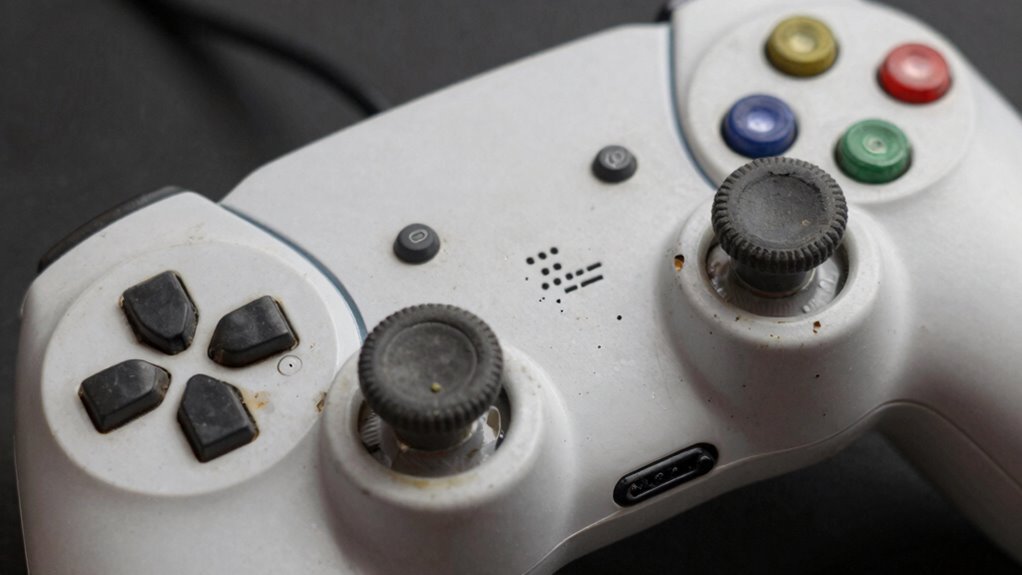

Constantly overcharging your controller can quickly damage its battery. Leaving it plugged in after reaching 100% causes stress, heat, and capacity loss over time. This habit accelerates battery wear and shortens its lifespan. To keep your controller in good shape, avoid prolonged charging and stick to proper charging practices. If you want to discover more about maintaining battery health and preventing damage, keep exploring these tips and tricks.

Get audio and creator gear delivered free with Prime
- Fast, free delivery on millions of items
- Prime Video, Amazon Music and more included
- Member-only deals all year
Key Takeaways
- Constantly draining the battery to 0% causes capacity loss and accelerates wear.
- Overcharging beyond 100% leads to chemical degradation and swelling.
- Keeping the controller plugged in after full charge disrupts calibration and stresses the battery.
- Regularly draining and recharging the battery speeds up capacity decline.
- Ignoring signs of wear and delaying battery replacement shortens overall controller lifespan.
As an affiliate, we earn on qualifying purchases.
What Common Charging Mistake Shortens Your Controller’s Battery Life?
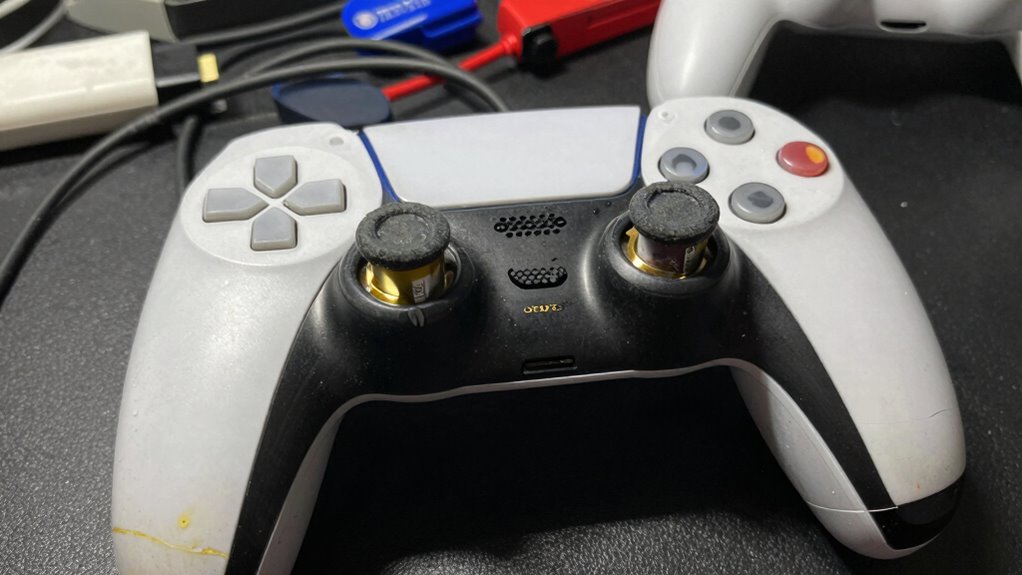
One of the most common mistakes gamers make is frequently letting their controller’s battery drain completely before recharging it. This habit hampers battery calibration, leading to inaccurate battery level readings and decreased overall lifespan. Instead of waiting for the battery to die, you should recharge it when it hits around 20-30%. Proper power optimization involves maintaining a healthy charge cycle, which helps prevent capacity loss over time. Constantly draining and recharging the battery can cause it to wear out faster, reducing its efficiency. To extend your controller’s life, develop a habit of charging it regularly and avoiding deep discharges. Understanding battery health and the importance of proper charging habits are key to preserving your device’s longevity. Developing good charge management habits can significantly prolong the battery’s effective lifespan. Consistent, partial charges help preserve the battery’s health and ensure reliable power during your gaming sessions. Additionally, being aware of battery calibration can help maintain accurate battery readings over time. Proper battery maintenance practices are essential for maximizing your controller’s performance and lifespan.
Why Overcharging Your Controller Can Damage the Battery?
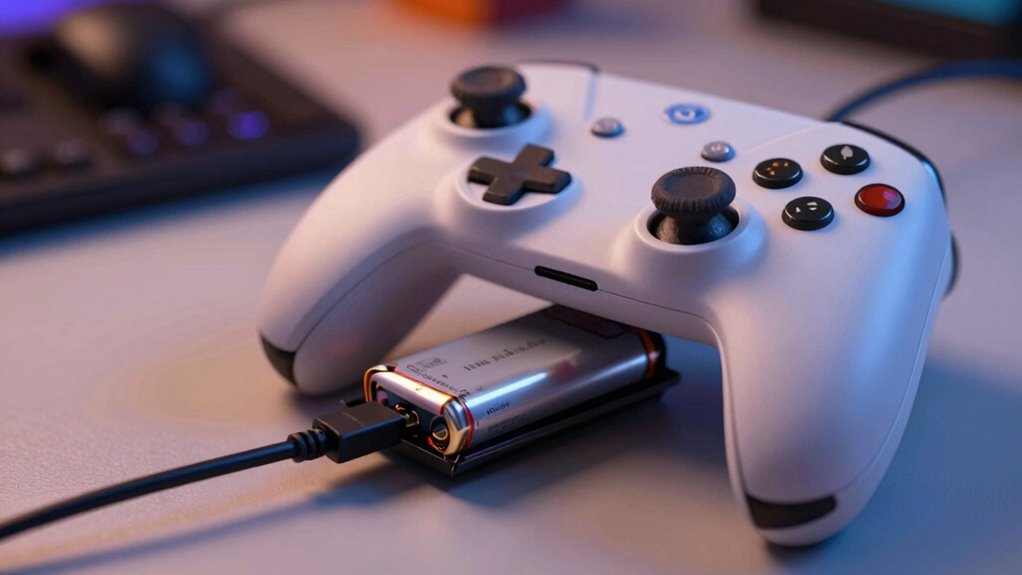
Even if it seems harmless, overcharging your controller can actually harm its battery over time. When you leave it plugged in too long, it disrupts proper battery calibration and stresses the power management system. This can lead to reduced battery capacity and shorter lifespan. Overcharging causes the battery to generate excess heat, which accelerates chemical degradation inside the cells. Proper power management is essential to prevent these issues. Regular use of glycolic acid products can also improve skin health, but proper charging habits are equally important for maintaining your device’s longevity.
Overcharging your controller can damage the battery, reduce lifespan, and cause overheating and calibration issues.
Additionally, understanding the affiliate disclosure and how it influences product recommendations can help you make more informed decisions about your accessories. Continuous charging can cause the battery to swell or leak, risking permanent damage. Overcharging interferes with battery calibration, leading to inaccurate charge levels. Excess heat from overcharging accelerates chemical wear, diminishing overall battery health. Being aware of battery management can guide you in adopting best practices for device care. Incorporating proper charging techniques can significantly extend your controller’s lifespan and performance. Avoid leaving your controller plugged in after full charge to protect its longevity.
How Often Should You Charge Your Controller for Best Battery Health?
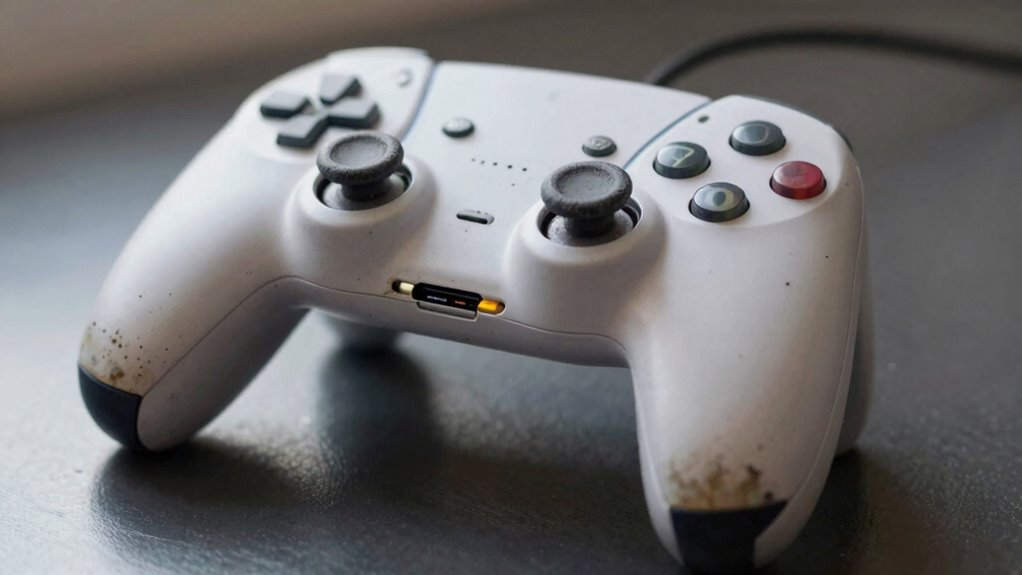
How often you should charge your controller plays a crucial role in maintaining its battery health. Frequent partial charges help keep the battery calibrated, preventing it from overestimating or underestimating its capacity. Aim to plug in your controller before it drops below 20% to avoid deep discharges that can strain the battery. Conversely, avoid letting it sit at 100% for extended periods, as this can accelerate wear. Using power-saving modes during gameplay reduces battery drain, giving you more flexibility in charging times. Regular, moderate charging cycles promote longevity and guarantee your controller remains dependable. Additionally, avoiding overcharging can prevent unnecessary battery degradation. Remember, maintaining a consistent charging routine is key to optimizing battery calibration and overall health, avoiding unnecessary replacements and ensuring your gaming stays uninterrupted. Proper charging habits can also prevent the battery from experiencing capacity fade, which is often caused by improper charging practices. Incorporating landscaping techniques like strategic placement of outdoor features can help create a comfortable environment for extended gaming sessions outdoors, further emphasizing the importance of proper battery management to extend your controller’s lifespan.
Tips for Proper Charging to Maximize Battery Lifespan
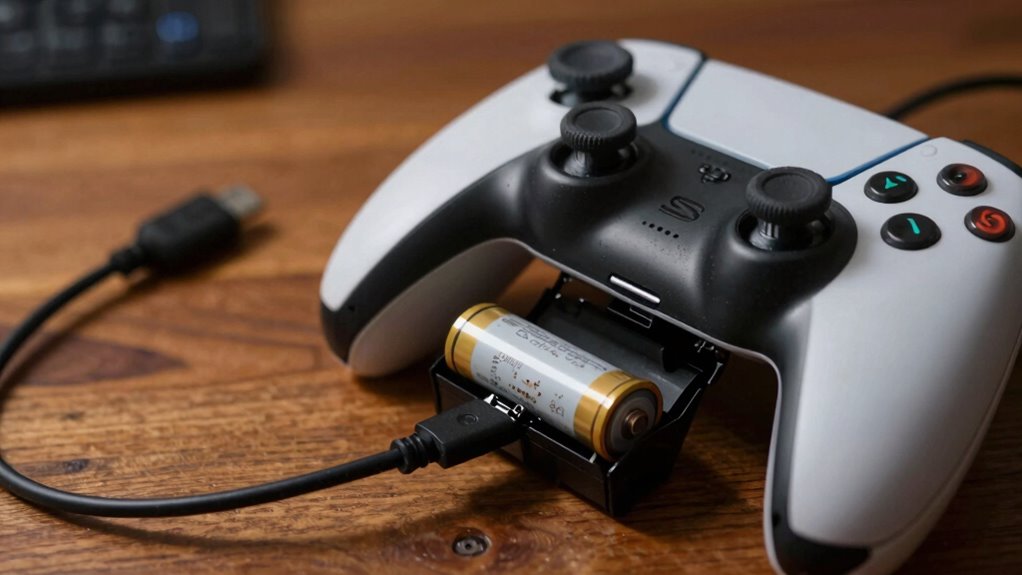
To maximize your controller’s battery lifespan, adopting proper charging habits is crucial. Avoid falling for charging myths, like leaving it plugged in constantly or fully discharging it regularly. Instead, focus on maintaining healthy charging routines. Battery calibration can help ensure accurate battery readings, so occasionally let the battery run from full to empty before recharging. Always use the manufacturer’s charger to prevent overvoltage or undervoltage issues. Additionally, understanding battery derating at different temperatures and altitudes can help optimize charging practices in various environments. Proper charger settings are essential to avoid damaging the battery due to incorrect voltage or current levels. Keep charges between 20% and 80% to reduce stress on the battery. Avoid overnight charging to prevent prolonged high-voltage exposure. Regularly calibrate your battery to maintain accurate capacity readings. Being aware of charging environment factors can further prolong battery health and performance. Recognizing the evolution of pinball machines can also inspire innovative ways to incorporate technology and prolong the lifespan of gaming hardware. Additionally, considering battery health management techniques can further enhance long-term performance and reliability.
How to Tell When Your Controller’s Battery Is Worn Out and Needs Replacing
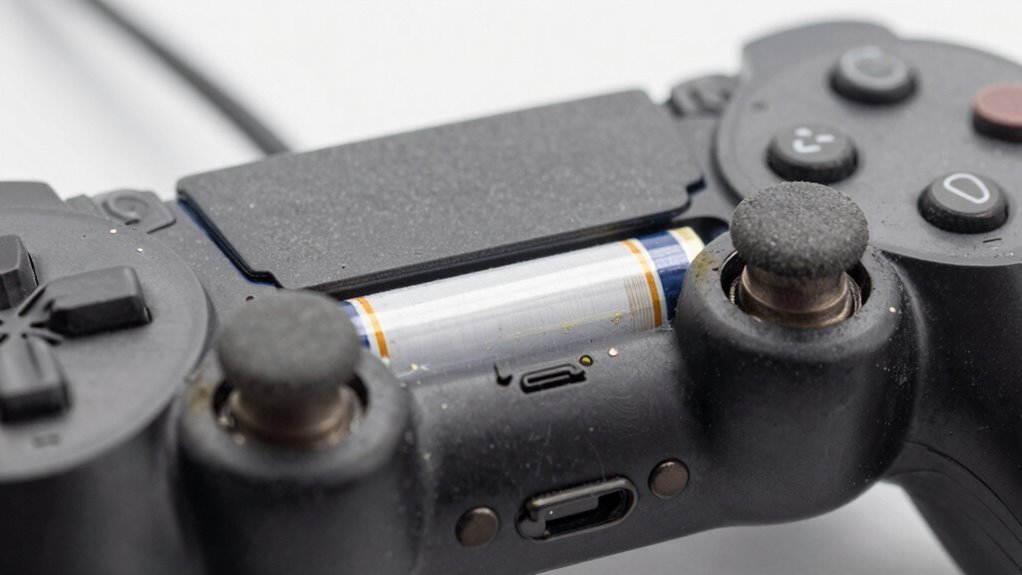
Over time, your controller’s battery will show signs of decline, making it less responsive and reducing playtime. Battery degradation occurs after many charging cycles, diminishing its capacity to hold a full charge. You might notice your controller drains quickly or won’t hold a charge after a few hours of use. If you have to recharge frequently or the battery doesn’t seem to last as long as it used to, it’s a sign it’s worn out. Additionally, inconsistent charging behavior or the controller shutting off unexpectedly can indicate declining battery health. Keeping track of how many charging cycles you’ve completed can help you gauge when it’s time to replace the battery. When these signs appear, replacing the battery can restore your controller’s performance and extend its lifespan. Understanding battery maintenance can also help prolong its effectiveness and delay replacement needs.
Frequently Asked Questions
Can Using Third-Party Chargers Harm Your Controller’s Battery?
Using third-party chargers can harm your controller’s battery, especially if they lack proper battery compatibility. These chargers might not deliver the correct voltage or current, leading to overcharging or overheating. Over time, this can reduce your controller’s battery lifespan and performance. To protect your device, always opt for chargers recommended by the manufacturer or those that meet official standards, ensuring safe and efficient charging.
Does Temperature Affect Your Controller’s Battery Longevity?
Temperature tricks your controller’s battery. Yes, thermal effects considerably impact battery longevity. When temperatures soar or plummet, battery degradation accelerates, shortening its lifespan. High heat causes chemical breakdowns, while cold conditions hinder performance. To prolong your controller’s life, keep it in a cool, consistent climate. Avoid exposing it to extreme temperatures—hot or cold—as thermal effects can diminish battery health, leading to faster wear-out and less playtime.
Is It Better to Fully Drain the Battery Before Recharging?
It’s better not to fully drain your controller’s battery before recharging. Frequent deep battery cycling can strain the battery, reducing its lifespan. Instead, keep the battery between 20-80% for maximum longevity. Regular recharging helps maintain proper power calibration, ensuring consistent performance. Avoid letting the battery sit at zero for long periods, as this can cause capacity loss and shorten your controller’s overall life.
How Does Storage Time Impact Battery Health?
Storage duration can drastically impact your controller’s battery health, causing rapid degradation if left unused too long—it’s like aging a fine wine unnecessarily. When you store a battery for extended periods, chemical reactions inside accelerate, leading to battery degradation. To keep your controller in top shape, avoid long storage times without use, and try to keep batteries in a cool, dry place. Proper storage helps preserve battery life and performance over time.
Are There Specific Indicators of Internal Battery Damage?
You can spot internal battery damage through signs like inconsistent battery calibration, where your controller randomly disconnects or shows irregular battery levels. Internal corrosion may cause physical issues like swelling or leaks, which are visible signs of damage. If you notice rapid battery drain or difficulty holding a charge, these could also indicate internal damage. Regular maintenance and keeping batteries clean can help prevent these issues and extend your controller’s lifespan.
Conclusion
To keep your controller’s battery healthy, avoid common mistakes like overcharging and charging from empty. Regular, mindful charging can extend its lifespan considerably—up to 3 years with proper care. Did you know that most batteries lose up to 20% of their capacity within the first year alone? By following these tips, you’ll guarantee your controller stays powered longer, saving you money and frustration. Take control today and protect your gaming experience for years to come.
Columbus Day / Indigenous Peoples' Day Picks
long weekend sales
As an affiliate, we earn on qualifying purchases.