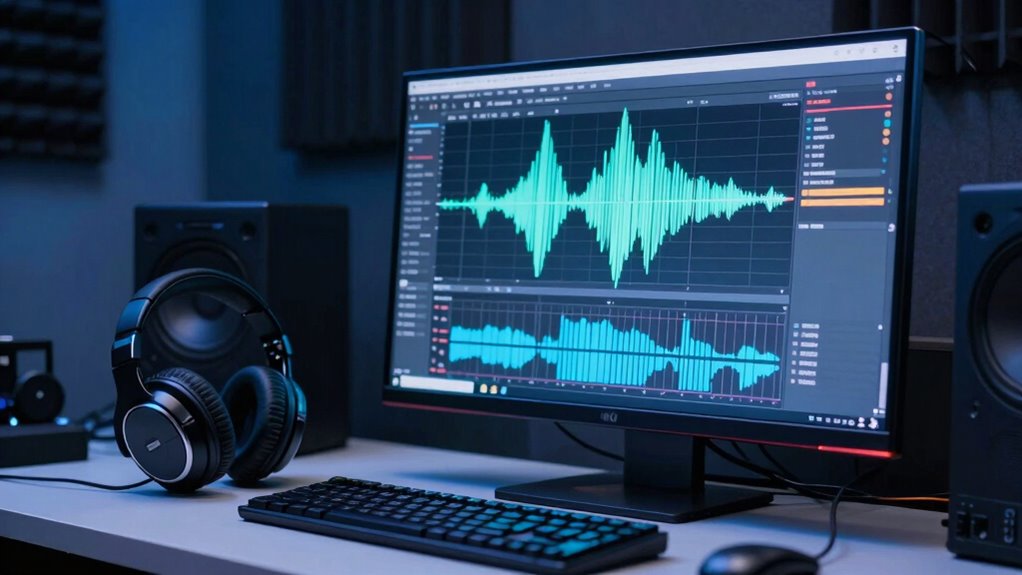

The secret to clean dialogue lies in creating accurate noise profiles and using spectral editing techniques. Start by capturing a stable noise sample to build a reliable profile, then apply targeted noise reduction without harming your dialogue’s natural tone. Spectral editing lets you visually identify and remove unwanted sounds precisely. Combining these skills ensures clear, professional audio, and if you keep exploring, you’ll discover how to master this process for perfect results.
Key Takeaways
- Creating accurate noise profiles from stable ambient noise ensures effective background sound reduction without affecting dialogue.
- Spectral editing visualizes audio frequencies, enabling precise removal of unwanted noise artifacts while preserving natural speech.
- Combining noise profiles with spectral tools allows for targeted noise suppression and cleaner, clearer dialogue.
- Proper selection of noise sample segments and stable recording environments improve the effectiveness of noise reduction techniques.
- Careful adjustment and previewing of noise reduction settings prevent artifacts and maintain audio naturalness.
noise reduction audio software
As an affiliate, we earn on qualifying purchases.
As an affiliate, we earn on qualifying purchases.
Understanding Noise Profiles: The Basics of Clean Dialogue
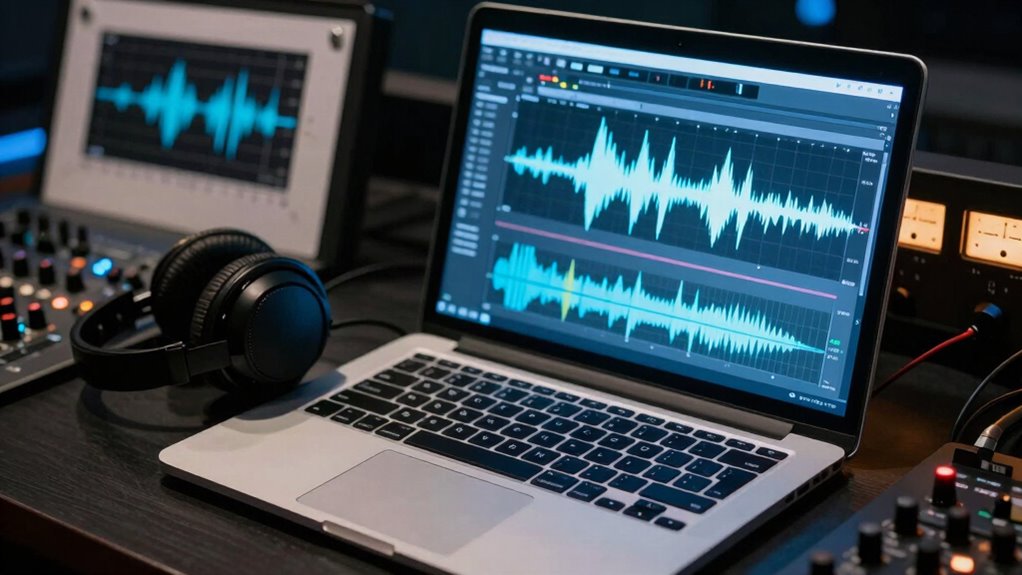
Understanding noise profiles is vital for achieving clean dialogue in audio editing. Background noise, like hums or static, can interfere with dialogue clarity, making it hard for listeners to understand what’s being said. By analyzing the noise profile, you identify the specific sounds that need to be removed or reduced. This helps you distinguish between unwanted background noise and the important audio signals. When you create a noise profile, you’re fundamentally capturing a snapshot of the ambient noise, which allows you to target it precisely during editing. This process guarantees that your dialogue remains clear and natural, without the distraction of background disturbances. Mastering noise profiles is an indispensable step toward professional-sounding audio. Understanding noise is also key to maintaining the integrity of the original recording while reducing unwanted sounds. Additionally, a good grasp of contrast ratio can help ensure your audio remains vivid and well-defined, even after noise reduction procedures. Recognizing audio signal characteristics further enhances your ability to fine-tune noise reduction and preserve dialogue clarity, especially when considering the specific noise profiles associated with different environments or equipment. Being familiar with noise reduction techniques allows you to choose the most effective method for your specific audio situation.
spectral editing audio tools
As an affiliate, we earn on qualifying purchases.
As an affiliate, we earn on qualifying purchases.
How to Create Effective Noise Profiles Step-by-Step
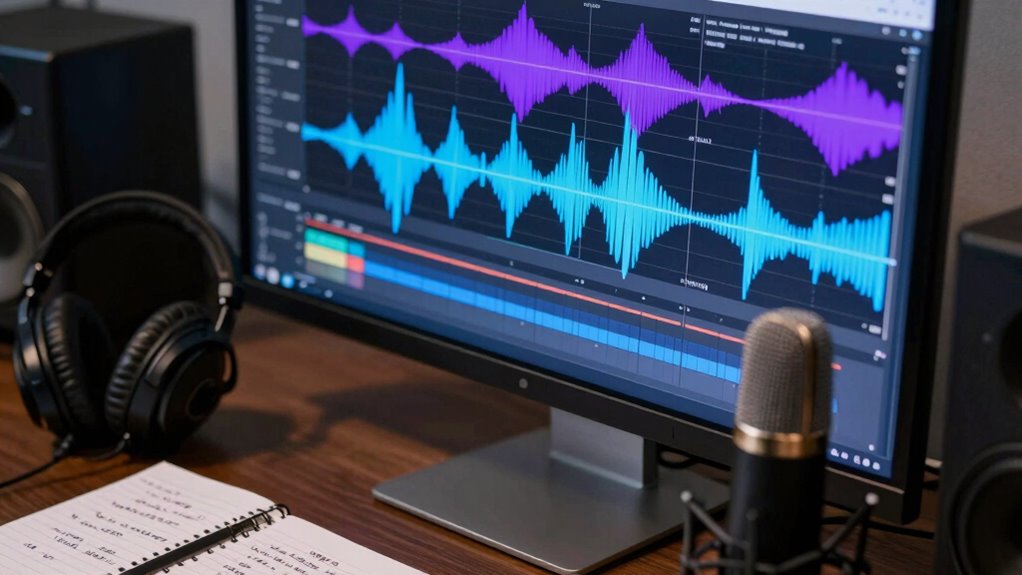
To create effective noise profiles, start by selecting a clean sample of background noise within your audio. Next, apply noise reduction tools to capture this sample accurately, ensuring it represents the unwanted sound. Incorporating unbiased reviews and comprehensive guides can help you choose the right tools and techniques for optimal results. Using spectral editing techniques can further refine the noise removal process by targeting specific frequencies, leading to a cleaner audio output. It’s also important to understand the properties of noise, such as its frequency and amplitude characteristics, to effectively distinguish it from your desired audio signal. Developing a clear understanding of the nature of noise can improve your ability to create more precise noise reduction settings. Additionally, familiarizing yourself with noise profiles can enhance your ability to create more precise noise reduction settings. Finally, use the generated noise profile to remove noise consistently across your entire recording.
Selecting Sample Noise
Selecting a sample noise section is a crucial step in creating an effective noise profile. You want to choose a segment that accurately captures the background noise without dialogue or other sounds that affect dialogue continuity. Proper microphone placement influences the noise captured, so pick a section where ambient sound is consistent. To do this effectively, consider these points:
- Choose a segment where the environment remains stable, avoiding sudden changes.
- Confirm no dialogue or disruptive sounds are present to keep the noise profile pure.
- Focus on areas with consistent microphone placement to reflect true background noise.
- Ensuring the environment is free of unexpected sounds aligns with the principles of modern kitchen technology, which emphasize precision and consistency in results.
- Additionally, selecting a representative sample is essential for creating a reliable noise profile, which helps maintain natural sound quality during noise reduction.
- Remember that a well-chosen sample contributes to the accuracy of spectral editing, resulting in a more seamless audio cleanup.
- Employing consistent ambient noise ensures the noise profile remains uniform across different segments, aiding in more effective noise suppression.
- The process of selecting the right sample also benefits from understanding the characteristics of background noise variability, ensuring the profile adapts well to different environments.
This careful selection helps the noise reduction process stay natural, avoiding artifacts or loss of audio quality. Accurate noise sampling ensures cleaner dialogue and seamless spectral editing.
Applying Noise Reduction
Once you’ve identified a clean noise sample, it’s time to apply noise reduction. Load your noise profile into your editing software, then select the entire dialogue clip. Adjust the reduction settings carefully to avoid affecting the natural dialogue pacing or emotional tone. Too aggressive, and you risk making the speech sound muffled or unnatural; too mild, and noise may still be noticeable. Use preview functions to listen closely and find a balance that preserves clarity while eliminating background noise. Focus on maintaining the natural rhythm of the dialogue to keep the scene engaging. Fine-tune the parameters gradually, ensuring the dialogue remains emotionally genuine and smooth. Effective noise reduction enhances overall clarity without sacrificing the speaker’s intent or the scene’s emotional impact. Incorporating free floating noise concepts can help identify subtle background sounds that need to be minimized for a pristine audio experience. Additionally, understanding how to create accurate noise profiles is essential for achieving the best results in spectral editing. Properly capturing these profiles ensures that the noise reduction process is precise and effective, leading to cleaner audio. Recognizing the importance of sound quality in dialogue editing can further improve the listener’s experience. Developing an understanding of these spectral editing techniques can significantly improve your ability to refine dialogue recordings.
professional noise profile creator
As an affiliate, we earn on qualifying purchases.
As an affiliate, we earn on qualifying purchases.
Applying Noise Profiles in Your Editing Software

When applying noise profiles in your editing software, you need to accurately match the noise characteristics from your sample to the audio you’re working on. Properly capturing background noise depends on factors like microphone placement, which influences the noise profile’s accuracy. To guarantee effective noise reduction, consider these points:
Accurately matching noise profiles ensures effective reduction without harming audio clarity.
- Select a sample that reflects consistent background noise without speech or other sounds.
- Adjust the noise profile to account for differences in microphone placement during recording.
- Use your software’s preview feature to confirm the profile’s effectiveness before applying it fully.
- Be aware of privacy policy implications when using noise reduction tools that collect user data.
- Remember that Gold IRA Markets and proper recording techniques can improve the accuracy of your noise profile, leading to cleaner audio results.
- Ensuring your recording environment is stable and free from sudden changes can help in capturing a more representative noise profile.
- Additionally, understanding the spectral characteristics of background noise can help you fine-tune your noise reduction process for optimal results.
- Familiarity with vetted noise profiles can further enhance your ability to achieve cleaner audio with minimal artifacts.
audio noise reduction plugins
As an affiliate, we earn on qualifying purchases.
As an affiliate, we earn on qualifying purchases.
Introduction to Spectral Editing for Noise Reduction
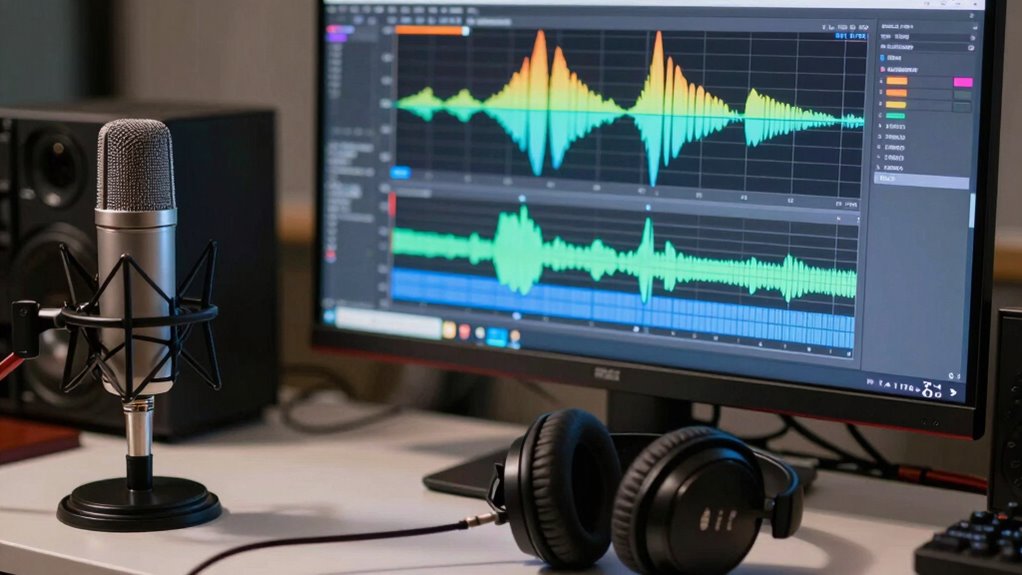
Spectral editing lets you target noise directly in your audio’s frequency spectrum, making noise reduction more precise. To do this effectively, you need to understand the different spectral editing techniques and how to identify noise profiles accurately. Using spectral tools wisely allows you to clean up recordings without sacrificing audio quality. Additionally, understanding ventilation considerations can help improve your recording environment, reducing unwanted noise from external sources.
Understanding Spectral Editing Techniques
Understanding spectral editing techniques is essential for effectively reducing noise in audio recordings. Spectral editing allows you to visualize the audio’s frequency spectrum, making it easier to target unwanted noise while preserving dialogue clarity. With this approach, you can isolate specific frequency bands and remove noise artifacts without sacrificing overall audio fidelity. To enhance your editing skills, consider these key points:
- Identify noise patterns by analyzing spectral displays to distinguish them from dialogue.
- Use precise selection tools to isolate unwanted sounds without affecting the main audio.
- Apply spectral healing techniques to seamlessly blend edited areas, maintaining natural sound quality.
Mastering these techniques ensures you retain the integrity of your recordings, resulting in cleaner sound with improved dialogue clarity and overall audio fidelity.
Identifying Noise Profiles Precisely
To effectively remove noise through spectral editing, you first need to accurately identify the noise profiles embedded within your audio. This step is vital for achieving ideal dialogue clarity and effective noise suppression. Listen carefully to your recording, focusing on sections where unwanted sounds stand out. Use spectral visualization tools to see the noise patterns—these appear as distinct, isolated areas in the frequency spectrum. By pinpointing these regions precisely, you can target noise without affecting the dialogue. Remember, subtle differences in noise profiles can make a big impact on the final quality. Precise identification ensures that your spectral editing is exact, leading to cleaner audio and better dialogue clarity. This foundational step sets the stage for effective noise reduction without sacrificing audio fidelity.
Applying Spectral Tools Effectively
Once you’ve identified the noise profiles, the next step is to apply spectral editing tools with precision and care. Focus on enhancing voice clarity by isolating unwanted sounds while preserving dialogue. Use spectral selection to target noise without damaging the speech spectrum, preventing noise masking of important frequencies. Adjust the gain or attenuation carefully to avoid unnatural artifacts, maintaining a natural sound.
- Start with gentle reductions to prevent voice distortion
- Use narrow spectral bands for precise noise removal
- Regularly listen in context to ensure dialogue remains clear
How to Use Spectral Editing to Remove Unwanted Sounds

Spectral editing allows you to precisely remove unwanted sounds by visualizing and manipulating the audio’s frequency spectrum. To do this effectively, locate the problematic sound within the spectral display, focusing on its visual shape and position. Carefully select the area containing the noise, making sure you don’t unintentionally affect the surrounding dialogue. Removing these sounds helps maintain natural dialogue pacing and preserves the emotional context of your scene. Use tools like the brush or lasso to isolate the unwanted noise, then delete or suppress it. Listen carefully after each adjustment to ensure the speech remains natural and smooth. With practice, spectral editing becomes a powerful method to clean up dialogue without sacrificing the scene’s emotional integrity or pacing. Additionally, understanding frequency spectrum analysis can enhance your ability to identify and target specific noise issues more effectively.
Using Spectral Displays to Find Trouble Spots

Spectral displays reveal visual clues that help you identify noise and artifacts in your audio. By closely examining these patterns, you can spot trouble spots more effectively. Recognizing these signs allows you to target problem areas quickly and improve your editing process.
Visual Clues for Noise
When examining spectral displays, you can quickly identify noise trouble spots by spotting irregularities and unexpected patterns. Look for abrupt, jagged edges or inconsistent energy levels that disrupt the natural flow of dialogue. These visual cues often indicate issues like background noise or artifacts affecting dialogue synchronization and voice over matching. To analyze effectively, focus on:
- Sudden spikes that break the smooth spectral contour
- Unusual color shifts hinting at extraneous sounds
- Discrepancies between dialogue and background layers
Such visual clues help you pinpoint where noise compromises clarity or timing. Recognizing these patterns early allows you to target specific sections for spectral editing, ensuring cleaner dialogue and smoother voice over matching without unnecessary guesswork.
Spotting Artifacts Effectively
To spot artifacts effectively, you need to scrutinize spectral displays for irregularities that stand out from the natural sound pattern. Look for sudden spikes or unusual shapes that don’t match the surrounding audio, often caused by poor room acoustics or improper microphone placement. Artifacts like clicks, pops, or metallic noises appear as sharp, distinct lines or spots on the spectral display. Adjust your view to focus on these trouble spots, analyzing their frequency and timing. Recognizing how room acoustics and microphone placement influence these artifacts helps you predict where problems may occur. Additionally, understanding the spectral display allows you to distinguish between genuine audio content and artifacts more accurately. With careful inspection, you can target these irregularities precisely, making your spectral editing more efficient and ensuring cleaner dialogue.
Removing Noise With Spectral Selection Tools
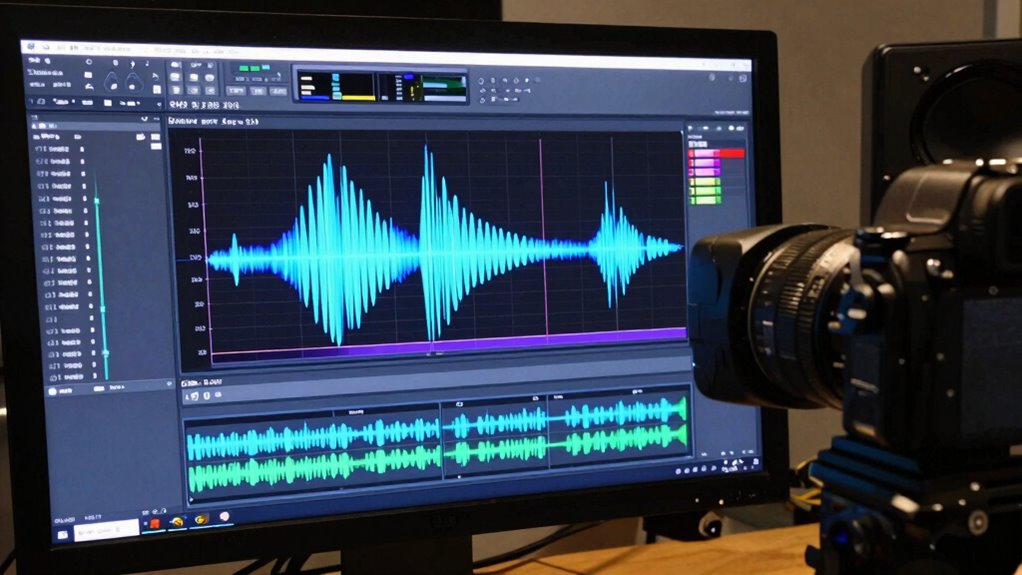
Removing noise with spectral selection tools allows you to target and eliminate unwanted sounds directly from the audio spectrum. By visualizing the spectral display, you can identify noise patterns related to room acoustics or poor microphone placement. This precision helps preserve the integrity of your dialogue while reducing background distractions. To optimize results:
Spectral selection tools precisely remove unwanted sounds while preserving dialogue clarity.
- Focus on noise frequency ranges that stand out from speech
- Use narrow spectral selections to avoid affecting nearby speech components
- Adjust the spectral curve to fine-tune noise removal without introducing artifacts
- Employ periodic review of your setup to maintain consistent audio quality across recordings
- Understanding how room acoustics influence noise profiles allows you to better isolate unwanted sounds, making spectral selection tools a powerful method for clean dialogue.
Combining Noise Profiles and Spectral Editing for Best Results
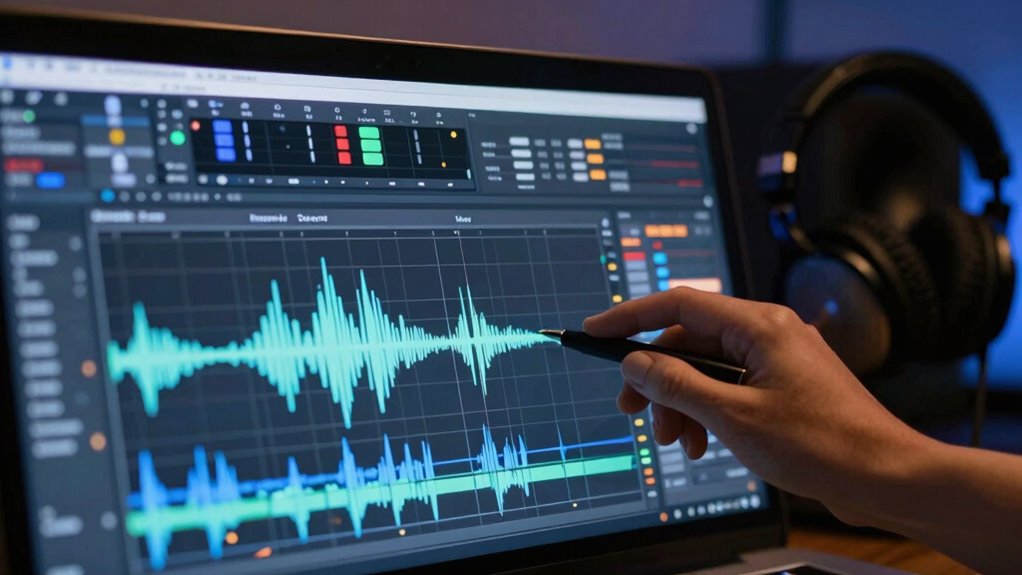
Combining noise profiles with spectral editing techniques enhances your ability to achieve cleaner, more natural-sounding audio. By first capturing a noise profile, you identify consistent background sounds, which helps in targeted noise suppression. Then, using spectral editing, you can precisely remove residual noise without harming dialogue clarity. This combination guarantees that unwanted sounds are minimized while preserving the natural quality of speech. Noise profiles guide your spectral edits, making the process more effective and efficient. The result is a balanced audio track where dialogue stands out clearly, free from distracting background noise. When used together, these tools give you greater control over noise reduction, leading to a polished, professional sound that engages your audience and maintains the integrity of your dialogue. Understanding sound environments and how background noise interacts with speech further improves your editing accuracy.
Troubleshooting Artifacts and Voice Distortion

When you notice strange sounds or unnatural changes in voice quality, you’re likely dealing with artifacts or distortion. Identifying common issues like metallic noises or muffled voices helps pinpoint the problem areas. Once recognized, you can apply targeted corrections to restore clarity and naturalness to your audio.
Identifying Common Artifacts
Identifying common artifacts is essential for effective spectral editing, as these issues can substantially degrade audio quality and obscure the desired sound. Artifacts often appear as unnatural noises or distortions that disrupt clarity. You’ll notice differences between analog vs. digital recordings, with analog sometimes introducing hums or hiss, while digital may produce clicks or dropouts. Background interference, like electrical hums or environmental sounds, can also create persistent artifacts. To troubleshoot, look for:
- Unwanted tonal noises, such as hums or buzzes
- Abrupt, unnatural clicks or pops
- Persistent background interference that overlaps with voice frequencies
Recognizing these patterns helps you target specific artifacts for removal, ensuring cleaner dialogue without damaging the natural voice. Proper identification is key to efficient spectral editing and achieving professional results.
Correcting Voice Distortion
Voice distortion often results from issues during recording or processing that alter the natural sound of the voice, making it sound unnatural or muffled. To correct this, start by identifying the specific artifacts causing the distortion. Use spectral editing tools to isolate and reduce these unwanted frequencies without impacting the dialogue pacing or emotional nuance. Sometimes, applying gentle EQ adjustments can restore clarity, but be careful not to overdo it, as this can introduce new artifacts. If the distortion is severe, consider re-recording or using pitch correction carefully to preserve natural vocal expression. The goal is to fix the distortion while maintaining the speaker’s emotional nuance and ensuring smooth dialogue pacing, so the dialogue feels authentic and engaging.
How to Keep Voices Natural When Removing Background Noise

Maintaining natural-sounding voices during noise reduction is essential for preserving the integrity of your recordings. To keep dialogue authenticity and ensure voice preservation, focus on subtle adjustments rather than aggressive filtering. Use spectral editing tools to target background noise precisely, avoiding over-application that can distort speech. Incorporate these strategies:
- Adjust noise profiles carefully to differentiate between noise and speech without removing vital vocal qualities
- Use gentle, iterative noise reduction processes instead of one heavy pass
- Monitor the results frequently, listening for unnatural artifacts or muffling that compromise naturalness
Fine-Tuning Noise Profiles for Complex Environments

When working in complex environments with multiple overlapping noises, fine-tuning your noise profiles becomes essential for effective reduction. You need to account for the dynamic range of sounds and consider microphone placement, which influences the captured noise. Properly adjusting the noise profile guarantees it matches the environment’s unique sound signature. Use spectral editing to isolate persistent background sounds and refine your profile. Experiment with different settings to prevent over-attenuation of dialogue. Here’s a helpful guide:
| Technique | Benefit |
|---|---|
| Adjust noise print size | Better captures long-term noise variations |
| Refine with spectral editing | Removes specific overlapping sounds |
| Revisit microphone placement | Reduces noise at the source |
| Monitor dynamic range | Maintains natural dialogue clarity |
This approach ensures your noise profiles are tailored, even in complex, dynamic environments.
Plugins vs. Spectral Editors: Which Works Better?
Choosing between plugins and spectral editors depends on your specific noise reduction needs. Plugins often provide quick fixes and are integrated into editing workflows, making them ideal for improving dialogue clarity in real-time. Spectral editors, however, excel at detailed noise removal, especially when microphone placement introduces complex or persistent background sounds.
Plugins offer quick fixes for dialogue clarity, while spectral editors excel at detailed noise removal for complex background sounds.
Consider these factors:
- Precision: Spectral editors allow for targeted noise removal without affecting dialogue quality.
- Speed: Plugins offer faster results but may compromise subtle dialogue nuances.
- Control: Spectral editing provides granular control, essential for cleaning dialogue with challenging noise patterns.
Ultimately, for simple noise issues, plugins work well. For nuanced dialogue clarity, especially when microphone placement wasn’t ideal, spectral editors deliver superior results.
Tips for Achieving Clear, Natural Dialogue
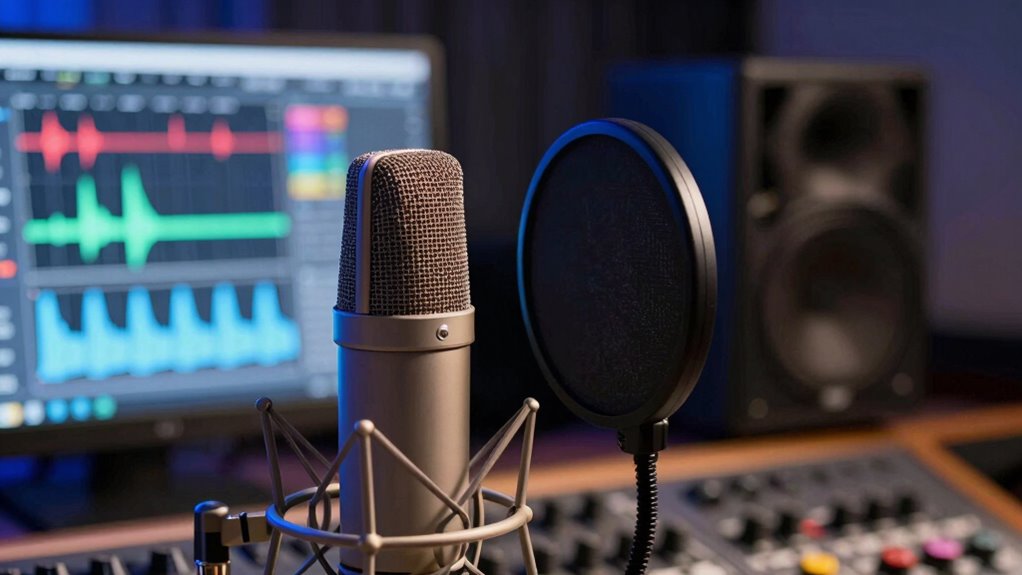
Want your dialogue to sound natural and crystal clear? Start with good microphone placement; position your mic close to the speaker’s mouth, ideally just out of frame, to capture clean audio and minimize background noise. Proper placement guarantees consistent levels, reducing the need for excessive audio compression later. Use gentle audio compression to balance dynamic range, making quiet words audible without squashing energy or natural inflections. Avoid over-compression, which can make dialogue sound unnatural. Additionally, record in a controlled environment with minimal background noise. These steps help you capture authentic, intelligible speech from the start, making spectral editing and noise reduction easier and more effective. Clear dialogue begins with good technique, setting a solid foundation for post-production clarity.
Real-World Examples of Noise Reduction Success
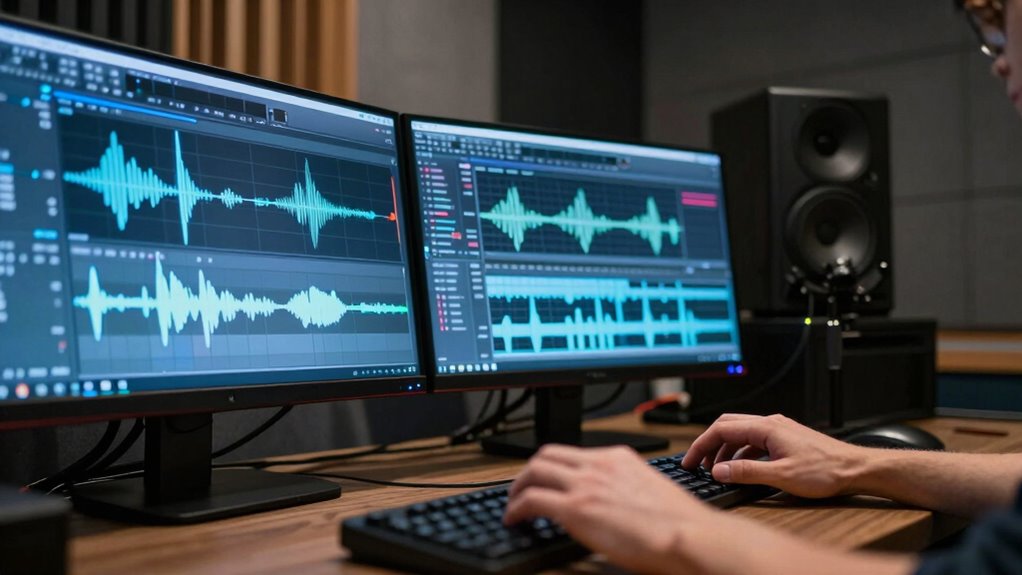
Real-world examples demonstrate how effective noise reduction can transform raw audio into professional-quality sound. In practice, optimizing room acoustics and microphone placement plays a vital role in minimizing unwanted noise. For instance, a podcast creator reduced ambient room noise by carefully positioning their mic away from reflective surfaces. In another case, a film editor used spectral editing tools to clean dialogue recorded in a noisy environment, emphasizing the importance of capturing clean audio from the start. Key strategies include:
- Adjusting microphone placement to avoid background noise sources
- Using room treatments to improve acoustics and reduce echo
- Applying targeted spectral noise reduction to specific sound profiles
These examples highlight how combining proper recording techniques with spectral editing results in clear, polished dialogue.
Preserving Audio Quality After Noise Reduction
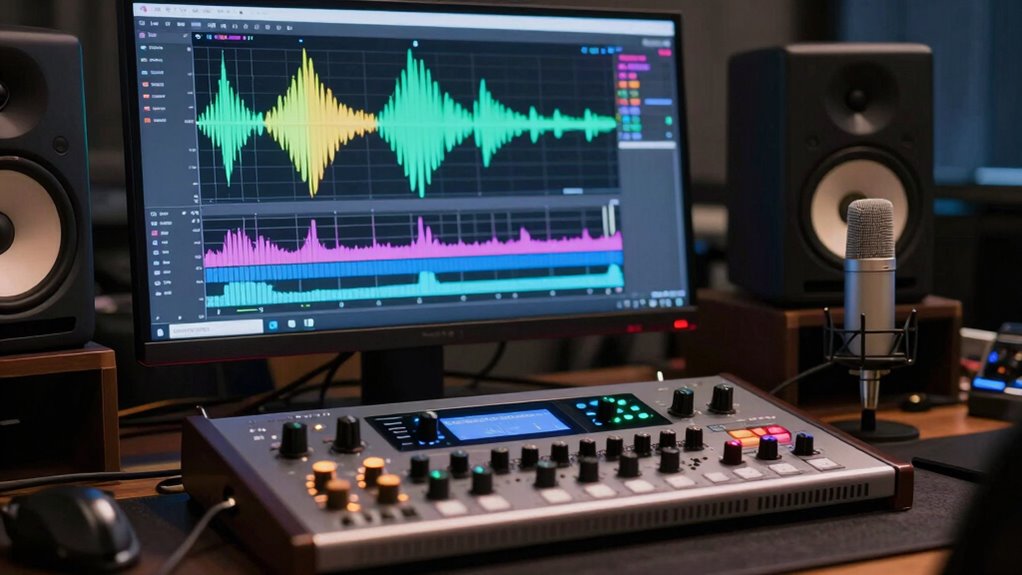
After applying noise reduction techniques, maintaining the original audio quality becomes crucial to guarantee a natural and professional sound. To preserve dialogue clarity, focus on gentle noise suppression that targets unwanted sounds without sacrificing the nuances of speech. Over-aggressive noise reduction can cause audio artifacts, making voices sound muffled or distorted, which hampers listener engagement. Instead, use spectral editing tools to fine-tune the process, removing background noise while retaining the natural tone and dynamics of the dialogue. Always listen critically after noise reduction, adjusting settings to strike a balance between noise suppression and audio fidelity. This careful approach ensures your cleaned-up audio remains clear, authentic, and easy to understand, ultimately enhancing the overall quality of your project.
Future Trends in Noise Reduction and Spectral Editing

Advancements in artificial intelligence and machine learning are poised to revolutionize noise reduction and spectral editing, enabling more precise and adaptive processing techniques. These innovations will allow algorithms to better distinguish between speech and noise, providing cleaner results with minimal artifacts. Future developments will likely focus on hardware optimization, making real-time processing faster and more efficient on portable devices. You can expect:
- Smarter noise profiles that adapt during recordings for improved accuracy
- Enhanced spectral editing tools powered by deep learning models
- Integration of AI-driven hardware solutions for seamless, on-the-fly noise suppression
These trends will empower you to achieve professional-quality audio with less manual intervention, streamlining workflows while maintaining audio integrity. The synergy of machine learning and hardware optimization promises a new era of intuitive, powerful spectral editing.
Common Challenges and How to Overcome Them
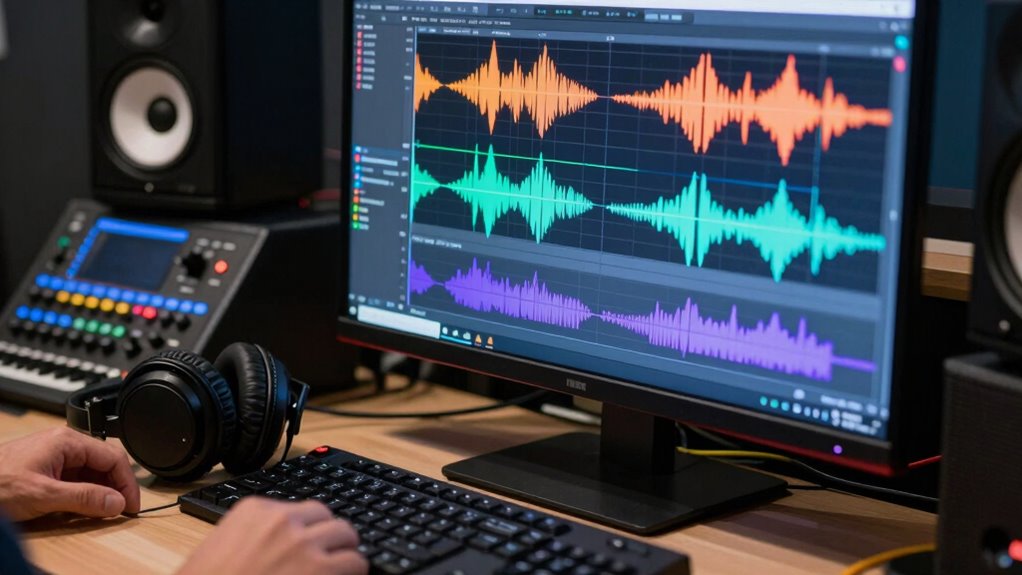
While new AI-powered tools promise significant improvements in spectral editing, you still face common challenges that can hinder achieving ideal results. One major obstacle is balancing dialogue pacing; over-editing can make speech sound unnatural or choppy, while under-editing leaves background noise too prominent. Maintaining the emotional tone is equally tricky—removing noise without stripping away subtle vocal nuances can dull the scene’s impact. To overcome these issues, focus on precise noise profiling to target unwanted sounds without affecting the dialogue’s integrity. Use spectral editing sparingly, listening carefully to preserve natural speech rhythms. Practice patience and refine your approach with small adjustments. Mastering these challenges assures your dialogue remains clear, emotionally resonant, and well-paced, even amid difficult audio conditions.
Final Tips for Mastering Clean Dialogue Editing

To master clean dialogue editing, you need to develop a disciplined approach that combines precision with patience. Focus on subtle adjustments, like fine-tuning audio compression to prevent unnatural sounds while maintaining clarity. Proper microphone placement during recording can reduce post-production editing, making cleanup easier. When editing, consider the following tips:
- Use spectral editing to isolate and remove unwanted noise without affecting dialogue quality
- Avoid over-compressing audio, as it can introduce artifacts and reduce natural dynamics
- Regularly revisit your microphone placement setup to prevent issues before they arise
These practices help ensure your dialogue remains natural and intelligible, streamlining your workflow and improving overall sound quality. Mastery comes with consistent application of these principles, balancing technical adjustments with attentive listening.
Frequently Asked Questions
How Does Spectral Editing Differ From Traditional Noise Reduction Techniques?
Spectral editing differs from traditional noise reduction by using spectral resolution and frequency masking to precisely target unwanted sounds. You can visually identify noise in the spectral display and selectively remove or reduce it without affecting the dialogue’s clarity. Unlike basic noise reduction, which applies broad filters, spectral editing gives you control over specific frequencies, making your dialogue sound cleaner and more natural by avoiding artifacts and preserving audio quality.
Can Noise Profiles Be Reused Across Different Projects or Recordings?
Yes, you can reuse noise profiles across different projects or recordings, especially if they share similar background sounds. Reusing noise profile noise reduction helps maintain project consistency, making your dialogue sound uniform. However, verify the noise environment is consistent; otherwise, reusing profiles might introduce artifacts or remove desired sounds. Always preview the edited audio to confirm the noise profile still works effectively for each new recording.
What Are the Signs of Over-Editing in Dialogue Cleanup?
You’ll notice over-editing when dialogue sounds unnaturally perfect, losing authenticity and feeling robotic. Signs include excessive cuts, unnatural pauses, or a hollow tone. Research shows that listeners can sense when dialogue isn’t genuine, impacting engagement. Over-editing can cause editing fatigue, making scenes feel disconnected. To keep dialogue authentic, aim for subtle corrections that maintain natural flow, avoiding the trap of over-polishing that diminishes emotional impact.
How Do I Balance Noise Reduction With Maintaining Vocal Clarity?
To balance noise reduction with maintaining vocal clarity, start by creating a precise noise profile that targets background noise without affecting the dialogue. Use spectral editing sparingly, focusing on preserving dialogue consistency. Regularly listen to your edits to make certain clarity remains intact. Adjust the reduction settings gradually, avoiding over-processing. This approach helps you reduce background noise effectively while keeping the voice natural and clear.
Are There Specific Plugins Recommended for Beginners in Spectral Editing?
Spectral editing tools can be like magic wands, turning noisy recordings into crystal-clear audio. For beginners, I recommend plugins like iZotope RX Elements, which offers intuitive spectral editing features without overwhelming complexity. Adobe Audition’s Spectral Frequency Display is also user-friendly and powerful. These plugin recommendations let you explore spectral editing confidently, helping you clean dialogue effectively while maintaining vocal clarity without the hassle of steep learning curves.
Conclusion
Mastering noise profiles and spectral editing transforms chaotic soundscapes into clear, crisp dialogue. Think of your editing process as sculpting: you chip away unwanted noise like rough stone, revealing polished speech beneath. With patience and the right tools, you turn messy recordings into polished conversations. Embrace the challenge, and you’ll find that clarity isn’t just a goal—it’s a craft, waiting to be shaped from the noise of chaos into the art of pristine sound.