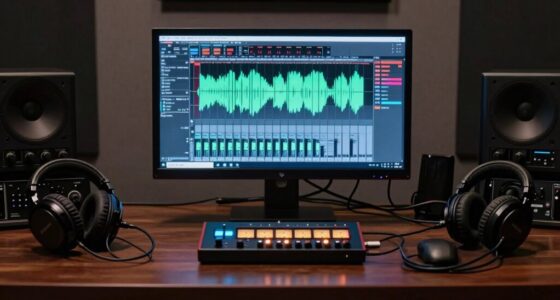
Neglecting proper patch organization is the biggest mistake that slows down your creative sessions. When your patches are disorganized, you spend too much time hunting for presets, parameters, or sounds, which interrupts your flow. This clutter can lead to frustration and creative blocks. By keeping your patches well-structured and labeled, you save time and stay inspired. Staying organized guarantees smoother sessions and more spontaneous creativity—if you want to learn how to do that effectively, keep going.

Get audio and creator gear delivered free with Prime
- Fast, free delivery on millions of items
- Prime Video, Amazon Music and more included
- Member-only deals all year
Key Takeaways
- Poor patch organization causes delays in finding sounds, disrupting creative flow.
- Disorganized folders and naming conventions make it hard to quickly access and modify patches.
- Lack of systematic maintenance leads to clutter, slowing down experimentation and iteration.
- Not categorizing or archiving patches results in wasted time hunting for previous versions.
- Ignoring regular cleanup and structure reduces efficiency and hampers sustained inspiration.
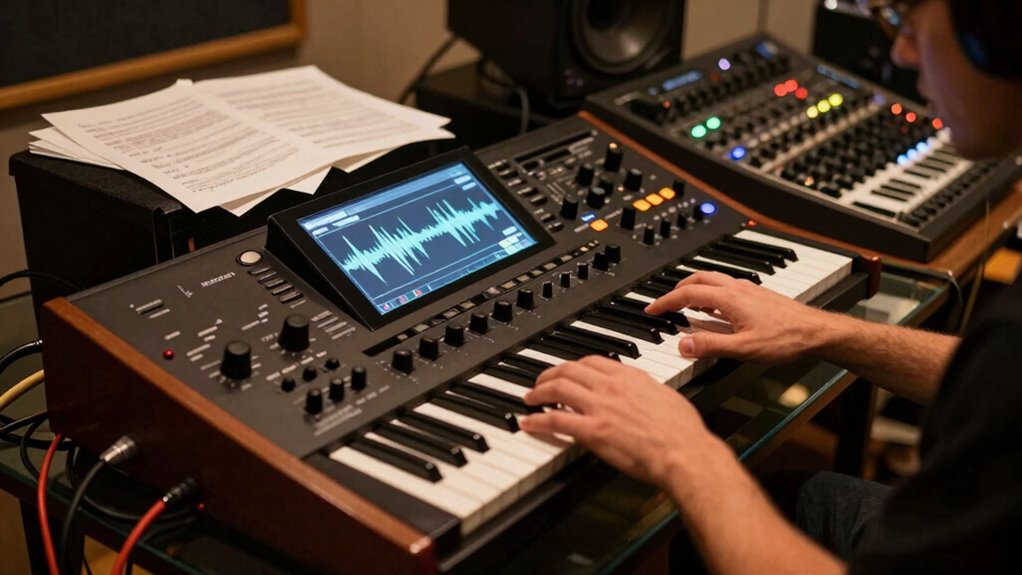
Have you ever encountered a frustrating glitch in your synth workflow that seemed to come out of nowhere? It’s that moment when you’re deep into sound design, trying to craft the perfect patch, but suddenly, everything feels disorganized and sluggish. That’s often the result of a common mistake—poor patch organization. When your patches are scattered, mislabeled, or cluttered, it can quickly turn a smooth creative session into a frustrating slog. Instead of focusing on your sound design, you spend valuable time hunting for the right preset or tweaking the wrong parameters. This breaks your flow and saps your inspiration.
Poor patch organization turns smooth sound design into a frustrating, sluggish hunt for presets.
The key to avoiding this is to establish a solid patch organization system from the start. Think of your synth as a toolkit; if every tool is misplaced or unlabeled, finding what you need becomes a chore. When you organize your patches systematically—using clear naming conventions, categorizing sounds by type or project, and maintaining a tidy folder structure—you save yourself countless minutes that add up over a session. Not only does this quick access keep your momentum going, but it also allows you to experiment more freely, knowing that your previous sounds are just a click away. Additionally, implementing a consistent naming system can help you identify sounds at a glance and prevent confusion during busy sessions.
Sound design is all about iteration and exploration. If your patches are cluttered or inconsistent, it becomes harder to recall what worked and what didn’t. When you take the time to organize your patches, you empower yourself to dive into sound creation without hesitation. You can tweak parameters confidently, knowing precisely what each setting does and where your favorite sounds are stored. Over time, you’ll develop a mental map of your library, which accelerates your workflow and reduces the frustration of lost or misnamed patches. Moreover, adopting a structured patch management approach ensures your library remains efficient and scalable as your collection grows. Additionally, understanding how to verify your synthetic lubricants ensures your equipment remains reliable and performs optimally during critical sessions. Proper maintenance of your gear, including regular calibration, further contributes to consistent sound quality and ease of workflow.
Remember, it’s not just about labeling—it’s also about maintaining a logical structure. Group similar sounds together, archive old versions, and delete unused patches regularly. This keeps your workspace clean and your mind focused on the creative process rather than technical distractions. Good patch organization also helps when collaborating with others or moving between different projects. When every patch is well-labeled and stored in a predictable way, sharing your work becomes seamless.
In the end, the biggest mistake you can make is neglecting patch organization. It might seem like a small detail, but it has a huge impact on your workflow. By keeping your patches tidy and your sound design process streamlined, you’ll find your sessions become more productive, inspired, and enjoyable. The faster you get comfortable with organizing your patches, the faster you’ll unlock your creative potential. Proper patch organization not only enhances immediate workflow but also supports long-term growth and development as a sound designer.
synth patch organization software
As an affiliate, we earn on qualifying purchases.
As an affiliate, we earn on qualifying purchases.
Frequently Asked Questions
How Can I Identify if I’M Making This Synth Workflow Mistake?
You can identify if you’re making this synth workflow mistake by noticing frequent creative bottlenecks. If you often get stuck or slow down during sessions, it might be due to poor workflow optimization. Pay attention to how easily you progress through your synth setup and sound design. If you find yourself wasting time on repetitive tasks or struggling to move forward, it’s a sign you need to streamline your process for more efficient, creative sessions.
What Are Quick Tips to Fix This Workflow Issue?
To fix your workflow issue quickly, focus on streamlining sound design processes by creating templates and presets, reducing repetitive tasks. Use keyboard shortcuts and organize your plugin racks for easy access. Limit switching between tools and set dedicated sessions for experimentations. These steps optimize your workflow, save time, and let your creativity flow uninterrupted. Regularly review and refine your setup to maintain efficient sound design sessions.
Does This Mistake Affect All Types of Synthesizers?
Yes, this mistake can affect all types of synthesizers. It often stems from poor synth setup or disorganized workflows, which slow down your creative process. Regardless of whether you’re using hardware or software synths, neglecting workflow optimization causes delays and inefficiencies. To avoid this, streamline your setup, organize your presets, and create a consistent workflow. This helps you stay inspired, save time, and focus on making music rather than troubleshooting.
How Often Should I Review My Workflow for Efficiency?
You should review your workflow regularly, ideally every few weeks, to stay efficient. While automation techniques can streamline your process, neglecting preset organization can cause delays. By consistently evaluating how you work, you catch bottlenecks early and refine your setup. This ongoing review keeps your creative flow uninterrupted, ensuring you maximize productivity. Don’t wait for frustration—make periodic check-ins part of your routine.
Are There Specific Genres More Impacted by This Mistake?
Certain genres, like electronic or cinematic music, face more pronounced genre-specific challenges that can be impacted by workflow mistakes. These genre-specific challenges often demand complex synth arrangements and detailed sound design, making a sluggish workflow more noticeable. To optimize your creative process, focus on streamlining your synth setup and templates, ensuring faster access to essential tools. This approach helps you stay inspired and efficient, regardless of genre-specific hurdles.
Conclusion
Avoid letting workflow mistakes clog your creative river; they can turn a flowing stream into a stagnant pond. By streamlining your synth process, you keep your ideas moving swiftly, like a river rushing toward its destination. Remember, every moment spent troubleshooting is a moment lost in inspiration. Embrace efficient habits, and watch your creativity surge forward, unstoppable and free. Don’t let workflow errors be the dam that holds back your musical flow—break through and let your ideas flood out.
Fall Picks
fall essentials
As an affiliate, we earn on qualifying purchases.