AIThis post was created with the assistance of artificial intelligence (AI).
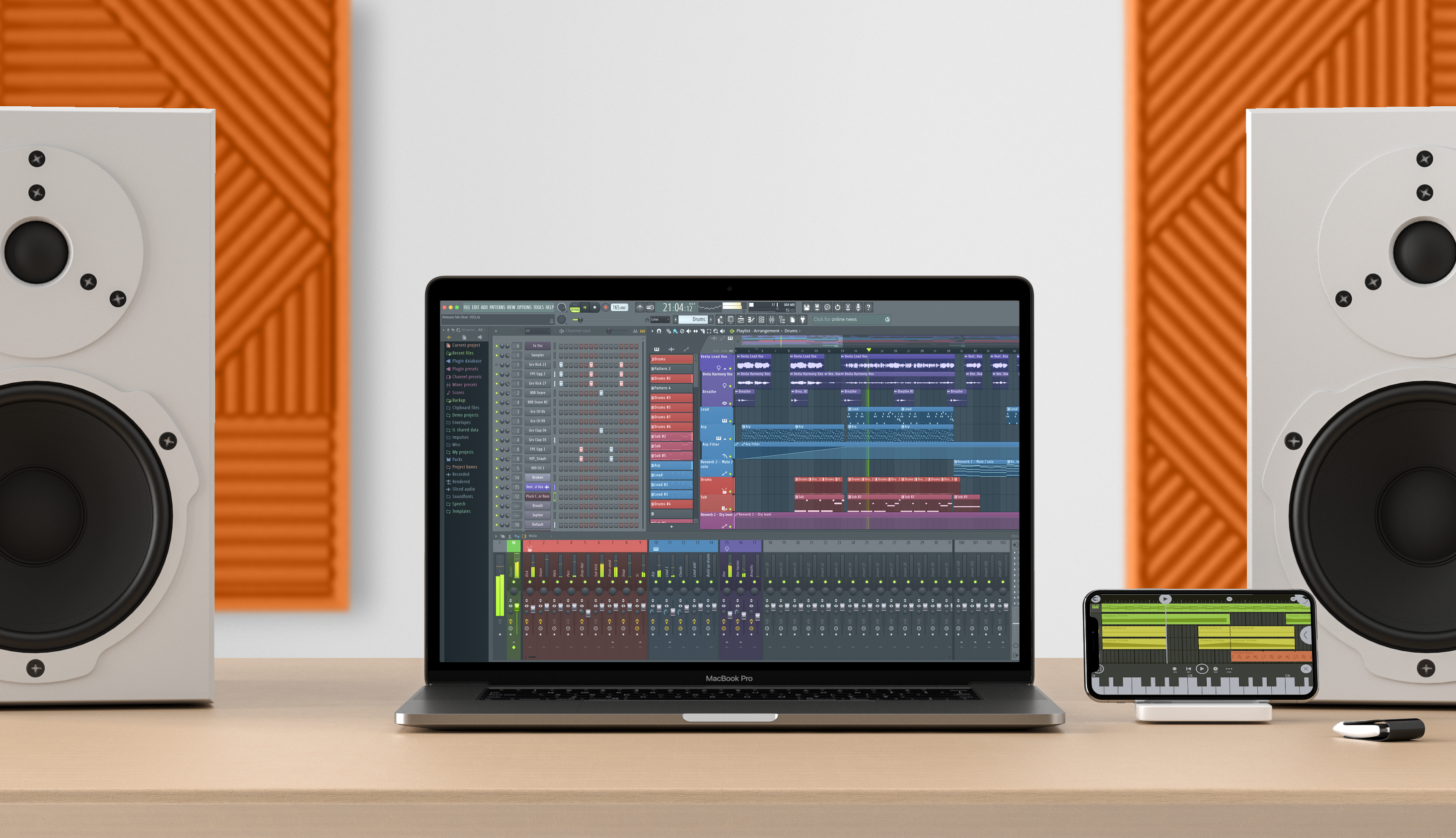
FL STUDIO 20.5 introduces FLEX – An advanced ‘production focused’ synthesizer with instant epic sounds that allow you to stay in-the-zone making music. FLEX is free with all FL STUDIO editions. Plus, as usual, there are lots of workflow enhancements for your favorite DAW…all because we love your Lifetime Free Updates.

Before you orderOffer from Amazon
Get audio and creator gear delivered free with Prime
- Fast, free delivery on millions of items
- Prime Video, Amazon Music and more included
- Member-only deals all year
Start your free Prime trial Free trial for eligible customers · Cancel anytime
As an affiliate, we earn on qualifying purchases.

FLEX is a preset-based synthesizer driven by an advanced synthesis engine capable of Subtractive, Wavetable, Multisample, FM & AM based synthesis. The 8 Macros control custom synthesis targets, for each patch, and allow you to focus on what’s most important: making music.
NEW in FL STUDIO 20.5
New Plugin
- FLEX – Free plugin for all FL Studio Editions. FLEX is an advanced preset-based instrument built on Subtractive, Wavetable, Multisample, FM & AM synthesis.
FL Studio
- macOS VST/AU – FL Studio can now be used as a VST or AU plugin on macOS hosts that support VST or AU plugins. Windows hosts can use VST.
- Browser – (Alt+Click) to preview samples to their end. Click the stop on the transport panel to end early.
- FILE settings – Option to change the maximum number of backup files.
- Playlist / Piano roll – Mute selection (Shift+M). Unmute selection (Alt+Shift+M).
- Plugin Manager – Checkmark for favorite plugins is now a star.
- FL Studio performance monitor – VIEW > Plugin performance monitor. Useful to identify resource heavy plugins.
- Patcher – Option to show CPU usage of modules. Right-click workspace > View > Performance.
- Channels & Effects – Added ‘Don’t show this in the future’ option when deleting Channels and Effects.
- Reset popup warnings – Option on the General Settings tab.
- MIDI Options – The MIDI device list will be updated when the computer wakes up after sleep mode.
- MIDI – Added ‘Don’t show this in future’ for error messages when a MIDI device can’t open.
- Plugins – Deleting plugins now asks for confirmation (since there is no undo).
- SoundFonts – DirectWave will open when a SoundFont file is dropped on the Channel Rack.
- Templates – Are now set under the General Settings tab.
Updated Plugins
- Edison Denoise Tool – Now available on macOS.
- Fruity Blood Overdrive – Is now a vectorized native FL Studio plugin, and also available on macOS.
- Harmless – Free 120 preset ‘Harmless Essentials’ library by Olbaid.
- Sytrus – Free 151 preset ‘Sytrus Essentials’ library by Olbaid
- WaveShaper – Improved quality settings for live audio (HQ) and automation of its controls (smoothing).
- Wave Traveller and Fruity Scratcher are now vectorized and also available on macOS.
- ZGameEditor Visualizer – Added color parameter to effects. New effects (Alps, Boaty Goes Caving, Fluidity, Frozen Wasteland, Neptune Racing, Space Jewels, Spherical Polyhedra, WetInkSpiral, Xyptonjtroz). Added ‘Select all’ buttons to images and meshes list. New Add Images (source) options including presets (whole ZGameEditor projects), URL (Stream online videos) and Online Media (images and videos from pexels.com).
Products Worth Considering

Apple MacBook Air 15-inch with M5 chip, 16GB Memory, 512GB SSD, and Liquid Retina Display

Bose QuietComfort Ultra Headphones (2nd Gen), Wireless Bluetooth Noise-Cancelling Over-Ear Headphones, Black

Bose QuietComfort Wireless Noise-Cancelling Over-Ear Headphones, Black
As an affiliate, we earn on qualifying purchases.