
Even costly eARC devices can experience audio failures if compatibility issues, setup mistakes, or outdated firmware are present. Not all devices support HDMI 2.1 or eARC standards, which can cause dropouts or poor sound quality. Proper setup, like using high-quality cables and keeping firmware updated, is essential. Voice command glitches and configuration errors also play a part. If you want to understand why these problems happen and how to fix them, there’s more to explore.

Get audio and creator gear delivered free with Prime
- Fast, free delivery on millions of items
- Prime Video, Amazon Music and more included
- Member-only deals all year
Key Takeaways
- Compatibility issues between devices supporting HDMI 2.1 and eARC can cause audio failures despite high costs.
- Firmware and software outdatedness often lead to persistent audio dropouts between expensive devices.
- Improper setup, such as incorrect cable types or connections, hampers high-quality eARC performance.
- Voice command inconsistencies and improper configurations may mislead users about actual audio problems.
- Regularly updating device firmware and ensuring proper setup is essential for reliable, high-end eARC audio.
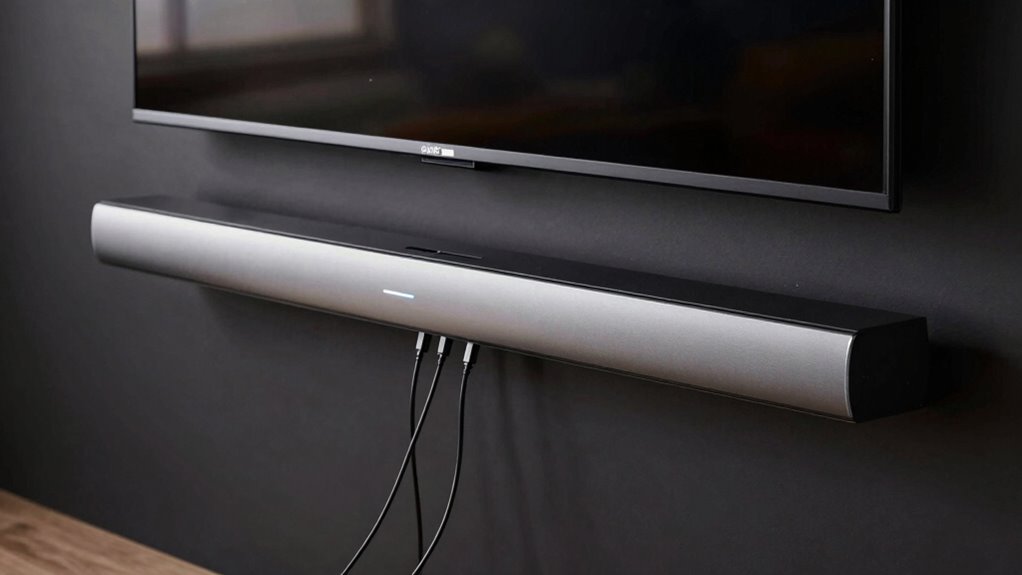
Are you experiencing audio problems with your eARC setup? If so, you’re not alone. Many users find themselves frustrated when high-end devices fail to deliver seamless sound, despite investing in premium equipment. The trouble often boils down to a few key issues, with device compatibility and voice command integration at the forefront. Understanding these elements can help you troubleshoot and, hopefully, resolve the persistent audio glitches.
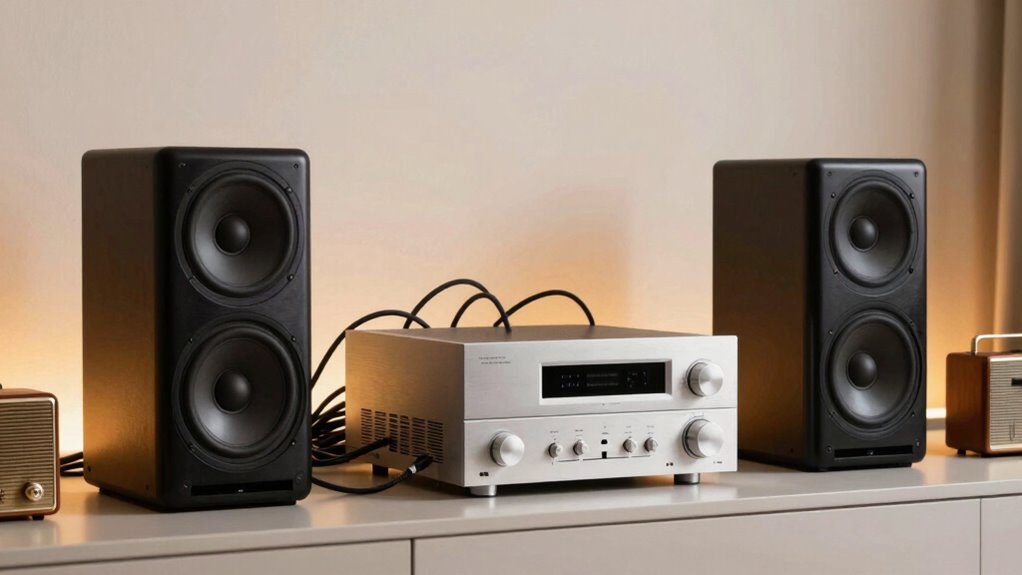
First, you need to recognize that eARC (Enhanced Audio Return Channel) is designed to carry high-quality audio from your TV to your sound system. However, even with top-tier devices, compatibility issues can arise. Not all TVs, soundbars, or AV receivers support the latest eARC standards, which means audio may drop out or default to lower-quality formats. When your devices aren’t fully compatible, the connection becomes unreliable, and the audio may cut out or sound distorted. Before purchasing new equipment, verify the device compatibility, ensuring that all components support HDMI 2.1 and eARC specifications.
Voice command functionality adds another layer of complexity. Many modern setups rely heavily on voice assistants like Alexa, Google Assistant, or Siri to control devices effortlessly. Yet, inconsistent voice command responses can lead you to believe the problem lies solely with audio output. In reality, voice commands may not be properly configured or compatible across all devices, especially if software updates are pending or improperly installed. This mismatch can hinder your ability to control audio settings or switch inputs smoothly, amplifying the frustration of audio failures. Ensuring your voice command setup is properly configured can help improve overall system responsiveness. Additionally, firmware and software updates can address bugs that affect both voice control and audio synchronization, making regular updates essential. Consulting compatibility standards can further help you ensure all components work together seamlessly.
Additionally, firmware and software updates play a vital role. Sometimes, devices require updates to improve device compatibility and fix known bugs affecting eARC performance. If your equipment is outdated, you might experience frequent audio dropouts or synchronization issues. Regularly check for updates from manufacturers, and apply them promptly to enhance compatibility and stability. Ensuring that your devices support the latest standards can significantly reduce these issues.
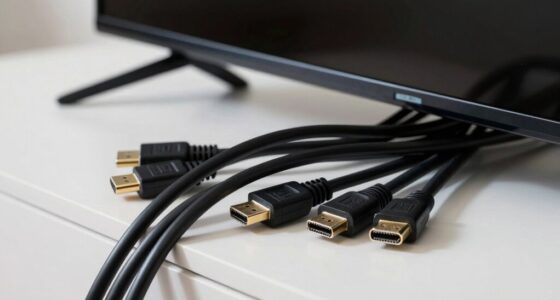
Another aspect to think about is the setup itself. Even the most advanced devices can falter if connected improperly. Make sure you’re using high-quality HDMI cables capable of supporting HDMI 2.1, and that cables are securely connected to the correct ports designated for eARC. Sometimes, switching the HDMI cable or port can resolve stubborn audio issues. Proper cable management and placement can also help prevent connection problems that cause audio dropouts.
In the end, resolving eARC audio problems involves a combination of verifying device compatibility, ensuring proper setup, maintaining updated firmware, and configuring voice commands correctly. When all these elements work in harmony, you should experience a much more reliable, high-quality audio experience. If problems persist, consulting the device manuals or reaching out to customer support can provide additional guidance tailored to your specific setup.
HDMI 2.1 eARC compatible soundbar
As an affiliate, we earn on qualifying purchases.
As an affiliate, we earn on qualifying purchases.
Frequently Asked Questions
How Does eARC Differ From Traditional ARC?
eARC differs from traditional ARC by offering higher bandwidth, enabling better audio quality and support for uncompressed formats. You’ll notice improved device synchronization, reducing audio delays, and seamless audio calibration. Unlike traditional ARC, eARC’s advanced features guarantee that your devices communicate more effectively, minimizing audio dropouts. This upgrade is especially noticeable with high-end audio setups, making your listening experience more immersive and synchronized across all your devices.
Can eARC Improve Audio Quality Significantly?
Yes, eARC can substantially improve your audio quality, especially if you use high-quality audio codecs like Dolby TrueHD or DTS-HD Master Audio. It offers a better bandwidth for uncompressed audio signals, reducing signal latency and preserving sound integrity. This means you’ll experience clearer, richer sound with less lag, making your home theater setup more immersive. However, ensure all your devices support eARC fully to enjoy these benefits.
What Are Common Compatibility Issues With eARC?
You might think eARC compatibility is seamless, but Bluetooth interference often causes issues, disrupting signal transmission. Firmware updates can fix these problems, yet many devices still struggle to communicate properly. Make sure your devices are updated regularly, and minimize Bluetooth interference by reducing wireless congestion. Compatibility issues often stem from outdated firmware or conflicting connections, so double-check your device settings and keep everything current for the best eARC experience.
Does eARC Require Specific HDMI Cables?
Yes, eARC requires specific HDMI cables that support the HDMI standards, particularly HDMI 2.1. You should use high-quality cables designed for eARC to guarantee proper audio transmission. Cable quality matters because inferior cables might not handle the bandwidth needed for high-resolution audio. Always check that your HDMI cables are labeled as “Ultra High Speed” to ensure compatibility and peak performance with eARC-enabled devices.
How Can I Troubleshoot eARC Connection Problems?
Are you chasing the audio unicorn? Start by checking your HDMI cables—they need to be high-speed and eARC-compatible. Next, guarantee your devices’ firmware updates are current, as outdated software can cause connection issues. For wireless integration problems, power cycle your devices and re-establish the connection. If issues persist, reset your device settings. These steps often clear the path for seamless eARC audio, turning your setup into a harmony instead of a hassle.
Conclusion
So, don’t let the technical hiccups dampen your home theater experience. While eARC offers incredible audio potential, it can feel like chasing shadows when issues arise. Stay patient and keep troubleshooting—sometimes, the solution is just around the corner. Remember, every cloud has a silver lining, and with a bit of persistence, you’ll soon be enjoying seamless sound that truly makes your entertainment shine. Keep the faith; clarity is just a few settings away.
Columbus Day / Indigenous Peoples' Day Picks
long weekend sales
As an affiliate, we earn on qualifying purchases.