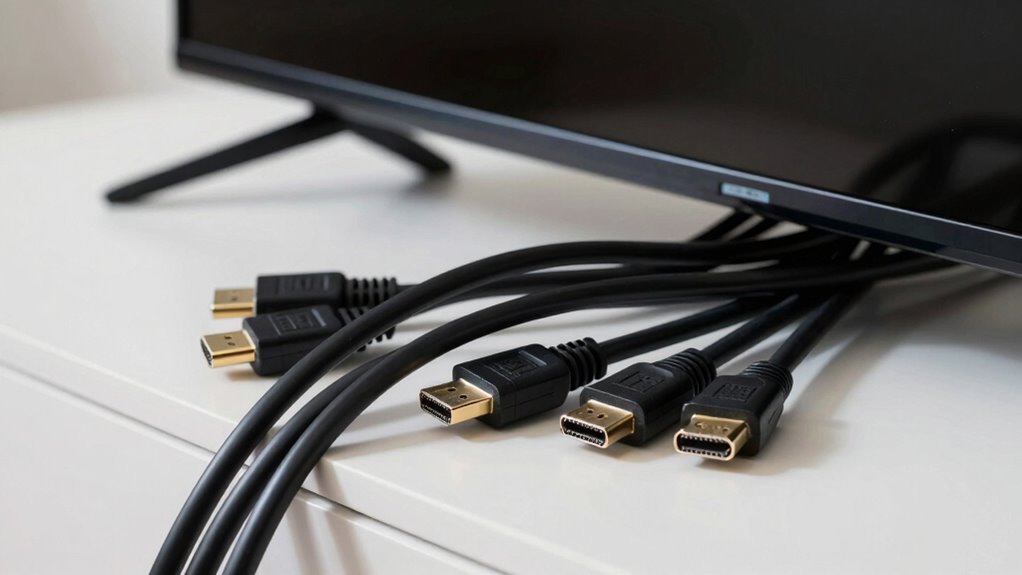

HDMI cables often become the villain in otherwise great setups because they create clutter, tangle easily, and limit placement options. Over time, they can get damaged from bending or pulling, affecting performance. Poor management makes your space look messy and can even cause connection issues. Despite advances, these cables still pose challenges for a sleek, organized look. If you want to learn how to keep your setup neat and efficient, there’s more you need to know.

Get audio and creator gear delivered free with Prime
- Fast, free delivery on millions of items
- Prime Video, Amazon Music and more included
- Member-only deals all year
Key Takeaways
- HDMI cables can create clutter and visual disorder if not properly managed.
- Length limitations may cause signal degradation or inconvenience in device placement.
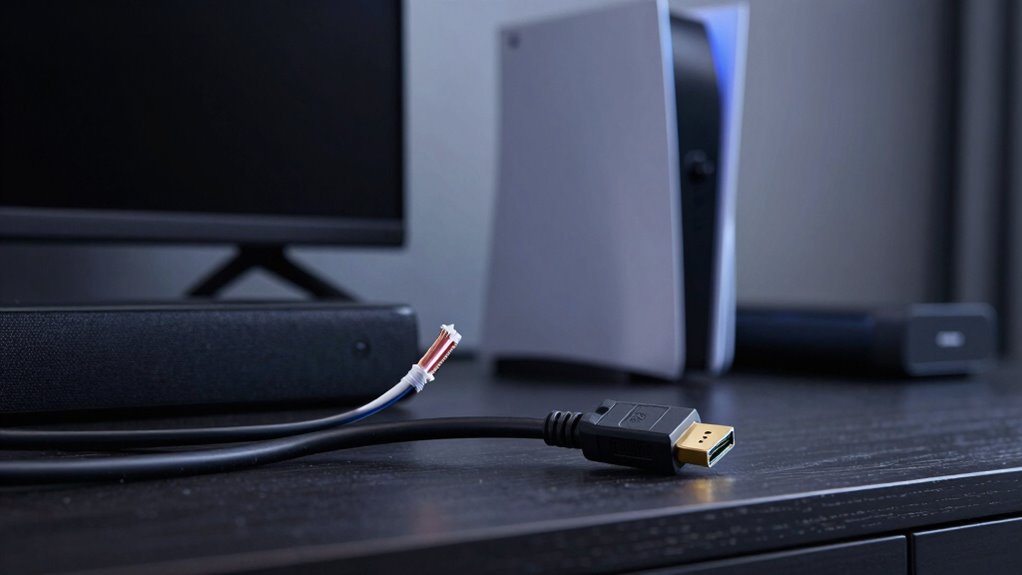
- Tangled or unmanaged cables increase the risk of damage and accidental disconnections.
- Excessive or poorly routed cables can detract from the aesthetics of an otherwise clean setup.
- Technical limitations like bandwidth constraints can lead to performance issues, undermining system quality.
Have you ever wondered how seamless your home entertainment setup can be? It’s a question many ask as they try to create a clutter-free, high-quality viewing experience. While HDMI cables are essential for connecting devices like your TV, gaming consoles, and sound systems, they often become the villain in otherwise great setups. The problem isn’t their quality but how they’re managed and the limitations they impose. You might find yourself frustrated by tangled cords, limited placement options, and the constant hassle of managing multiple cables. This is where the appeal of wireless streaming comes into play, offering a way to cut the cord and reduce clutter.
However, even with wireless streaming gaining popularity, HDMI cables remain a staple for high-definition video and audio transfer. But they’re notorious for creating cable chaos, especially if you don’t plan your cable management properly. When you have several devices connected, the spaghetti of cables can make your setup look messy and sometimes even cause accidental disconnections. Poor cable management can also lead to damage over time, as cables get bent or pulled, affecting performance and longevity. You might think wireless options can solve all your problems, but they have their limitations, such as latency issues or compatibility concerns with certain devices. That’s why many still rely on HDMI cables but struggle with their integration.
The challenge is to find a way to incorporate HDMI cables seamlessly into your setup without sacrificing aesthetics or functionality. Proper cable management techniques, like using cable clips, sleeves, or conduits, can notably improve the look and durability of your setup. When you organize your cables, you not only create a cleaner appearance but also make troubleshooting easier if something stops working. The key is to plan ahead—consider where your devices will sit and route your cables accordingly. This minimizes visible clutter and protects your cables from accidental damage. Additionally, understanding the limitations of HDMI cables can help you choose the best setup for your needs. Employing cable management techniques can also prevent damage and improve overall performance.
Furthermore, advancements in technology continue to develop, providing innovative solutions that can mitigate some of these issues, such as improved connectors and shielding. Despite the benefits of wireless streaming, HDMI cables are still necessary for certain high-bandwidth activities, like gaming or 4K streaming, where latency and quality matter. The trick is balancing their use with effective cable management, so they don’t turn your setup into a tangled mess. When you do this well, your home entertainment system looks sleek, functions smoothly, and feels less like a cable jungle. Ultimately, understanding the role of HDMI cables and managing them wisely keeps your setup both functional and visually appealing—making the “villain” role a thing of the past.
As an affiliate, we earn on qualifying purchases.
Frequently Asked Questions
Can Cheap HDMI Cables Damage My Devices?
Cheap HDMI cables generally won’t damage your devices directly, but they can cause issues like power interference or poor signal quality. Low-quality cables often lack proper shielding, leading to interference that might disrupt your devices or degrade picture and sound. While they rarely cause permanent damage, using cheap cables can result in performance problems, so investing in higher-quality ones guarantees better reliability and reduces the risk of interference-related issues.
Do Longer HDMI Cables Always Cause Signal Issues?
Longer HDMI cables can sometimes cause signal issues, but it’s not always the case. The key is cable durability; high-quality, well-shielded cables reduce the risk of signal interference over longer runs. Cheaper cables often struggle with maintaining a strong signal, especially as length increases. To avoid problems, invest in sturdy, properly shielded HDMI cables designed for longer distances, ensuring your setup stays smooth and reliable without signal degradation.
Are There Specific HDMI Versions I Should Look For?
You should look for HDMI standards that match your devices’ capabilities, like HDMI 2.0 or 2.1, to guarantee excellent performance. Ironically, the newest versions often cause confusion, but they guarantee better bandwidth and cable compatibility. Stick to the right version for your setup, and you’ll avoid signal issues. Upgrading to the latest HDMI standards ensures your devices play nicely together, preventing those pesky connection problems.
How Do I Troubleshoot HDMI Connection Problems?
To troubleshoot HDMI connection problems, start by checking the cable’s durability; a worn or damaged cable can cause issues. Confirm the connectors are compatible with your devices and fit snugly. Try unplugging and reconnecting the HDMI cable, switching to a different port, or using a different cable to identify if the problem persists. Updating device firmware and resetting your devices can also resolve common connection glitches.
Do HDMI Cables Affect Audio Quality?
Did you know that faulty HDMI cables are responsible for up to 30% of audio issues? Yes, they can affect audio quality, especially if they cause audio synchronization problems. Poor cable shielding can introduce interference, leading to muffled or distorted sound. Using high-quality HDMI cables with good shielding ensures clearer audio, and checking for damaged or loose connections helps maintain ideal sound quality in your setup.
Conclusion
So, next time your setup isn’t performing as expected, ask yourself—could that flimsy HDMI cable be the culprit? It’s easy to overlook this tiny wire, but it can cause big headaches. Upgrading to a high-quality cable might just be the fix you need, restoring your setup’s full potential. After all, isn’t it worth investing in a reliable connection to enjoy seamless visuals and sound without frustration?
Fall Picks
fall essentials
As an affiliate, we earn on qualifying purchases.