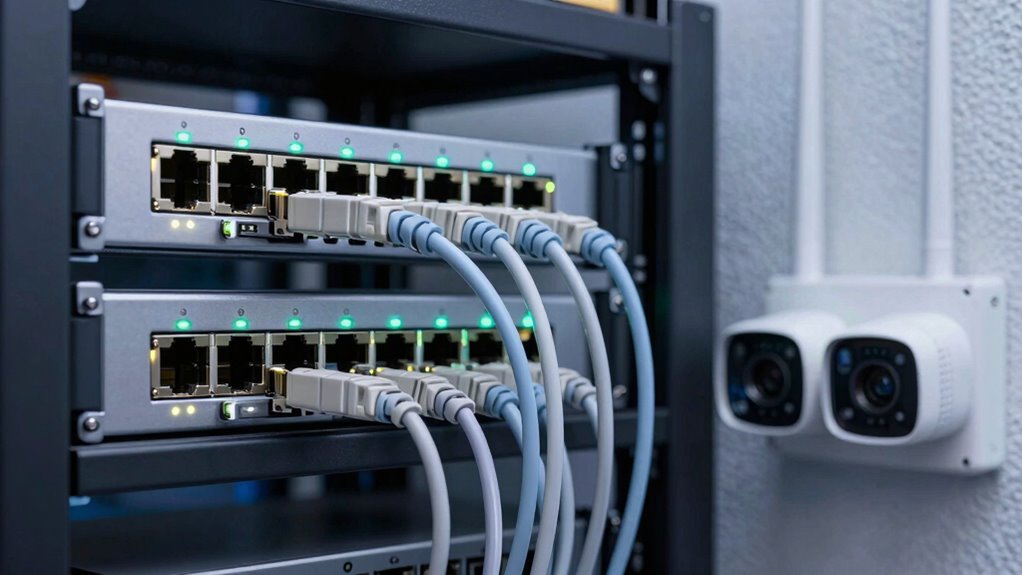

If your PoE budget isn’t enough to power all your cameras and access points, it can silently cause outages or performance issues. Overestimating how much power each device needs often leads to unexpected shutdowns, especially when multiple devices share a switch. This limits growth and can leave some devices underpowered without obvious signs. To avoid these pitfalls, understanding your PoE capacity and device demands is essential—keep exploring to find out how to prevent these silent failures.

Get audio and creator gear delivered free with Prime
- Fast, free delivery on millions of items
- Prime Video, Amazon Music and more included
- Member-only deals all year
Key Takeaways
- Insufficient PoE budgets can cause cameras and access points to power cycle or operate unreliably.
- Overlooking total PoE capacity leads to device outages during network expansion.
- Underestimating individual device power needs results in performance drops or intermittent connectivity.
- Limited PoE budgets prevent adding new devices, hindering network scalability.
- Poor power management silently causes deployment failures without obvious hardware issues.
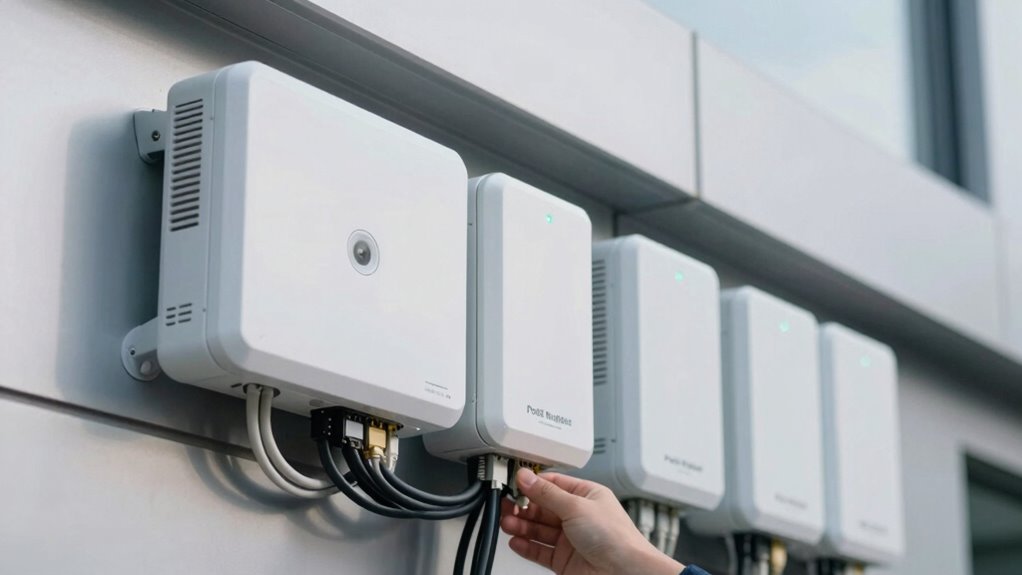
Understanding Power over Ethernet (PoE) budgets is essential when planning camera deployments, as it determines how many devices you can power from a single switch or power source. If you overlook your PoE budget, you risk underpowering your devices or limiting future expansion. Power management becomes vital here because it directly impacts how efficiently your network operates and how easily you can scale your camera and access point deployments. When deploying multiple cameras or access points, each device consumes a specific amount of power, and your switch’s total PoE capacity must accommodate these demands. If you don’t allocate your power budget wisely, you might find yourself unable to add new devices later, which hampers network scalability and forces costly upgrades or reconfigurations.
Many network administrators underestimate how quickly PoE budgets can be exhausted. For example, high-definition cameras tend to draw more power than basic models, and access points supporting multiple Wi-Fi bands also consume significant energy. When these devices are connected without considering their power requirements, your network may experience intermittent outages or insufficient device performance. This is especially problematic in environments where reliability is critical, such as retail stores, offices, or public spaces. Careful power management, including selecting switches with adequate PoE budgets and understanding each device’s power needs, helps prevent these issues. Additionally, power consumption patterns vary based on device usage and environmental factors, further emphasizing the importance of thorough planning. Proper planning includes considering future expansion to ensure the network remains scalable. Recognizing the total PoE capacity of your network is crucial for avoiding unexpected limitations. Being aware of power allocation best practices can also help optimize overall network performance and reliability.
PoE switch with high power budget
As an affiliate, we earn on qualifying purchases.
As an affiliate, we earn on qualifying purchases.
Frequently Asked Questions
How Can I Accurately Calculate My Poe Budget Needs?
To accurately calculate your Power over Ethernet (PoE) budget, start by listing all devices requiring PoE, noting their power needs. Add up their wattage, then include extra capacity for future growth. Consider your cable management setup, ensuring cables can handle the total power without loss. Always select switches with a PoE budget that exceeds your current needs, providing a buffer for reliable performance and easy scalability.
What Are the Signs of Insufficient Poe Power?
If your devices experience power issues, it’s a sign your Power supply might be insufficient. You may notice cameras or access points malfunctioning, rebooting, or not powering on at all. Incompatibility between your Power over Ethernet (PoE) supply and devices can also cause problems. Always check device compatibility and confirm your PoE budget covers the total power demand. Upgrading your power supply can resolve these issues and ensure reliable operation.
Can Poe Budget Issues Cause Network Latency?
Think of your network as a busy highway—when PoE budget issues occur, it’s like a sudden traffic jam. Insufficient power supply can cause devices to slow down or disconnect, leading to network congestion. This, in turn, results in increased latency, making your cameras and access points sluggish. So, yes, PoE budget problems can quietly cause network latency, disrupting smooth communication and performance across your entire network.
Are There Specific Poe Standards Better for Camera Deployments?
Yes, some PoE standards are better suited for camera deployments. For example, IEEE 802.3af (PoE) provides up to 15.4W, which is sufficient for many cameras, while IEEE 802.3at (PoE+) offers up to 30W for higher power devices. When choosing a standard, consider Power Management to guarantee your devices get enough power without overloading the network. Also, check Device Compatibility to avoid connection issues and maximize performance.
How Do Poe Switches Affect Overall Network Reliability?
PoE switches directly impact your network reliability by providing consistent PoE power, ensuring your cameras and access points stay connected without interruptions. When designed well, they enhance network security by reducing the need for additional power sources and minimizing points of failure. However, if a switch’s PoE power capacity is insufficient, devices may disconnect or perform poorly, compromising network stability and security. Properly sizing switches is essential for reliable, secure deployments.
Conclusion
Understanding PoE budgets ensures your camera and access point deployments run smoothly without surprises. By carefully planning your power needs, you prevent overloading switches and risking outages. Remember, “a stitch in time saves nine”—addressing power considerations early prevents costly issues later. Stay proactive, double-check your PoE capacities, and keep your network running seamlessly. With proper planning, you’ll enjoy a reliable, efficient setup that supports your security and connectivity goals effortlessly.
Halloween Picks
halloween
As an affiliate, we earn on qualifying purchases.