Understanding PCIe lane math helps you properly allocate bandwidth to your server’s components. Each device, like GPU or NVMe SSD, needs a certain number of lanes to run at full speed. Your motherboard and CPU provide a total lane count, which you must divide wisely among devices to avoid bottlenecks. Over-allocating or under-allocating can hurt performance. Keep these principles in mind, and you’ll be on the way to optimizing your server’s PCIe setup seamlessly.
Key Takeaways
- Understand total available PCIe lanes on your motherboard and CPU before assigning devices.
- Prioritize high-demand devices like GPUs and NVMe SSDs for maximum lane allocation.
- Use tools like GPU-Z and HWinfo to verify current lane distribution and throughput.
- Balance lane sharing to prevent bottlenecks and ensure all devices perform optimally.
- Reconfigure lanes via BIOS settings to correct misallocations and improve server performance.
Struggling With PCIE Bottlenecks? Here’s What You Need to Know
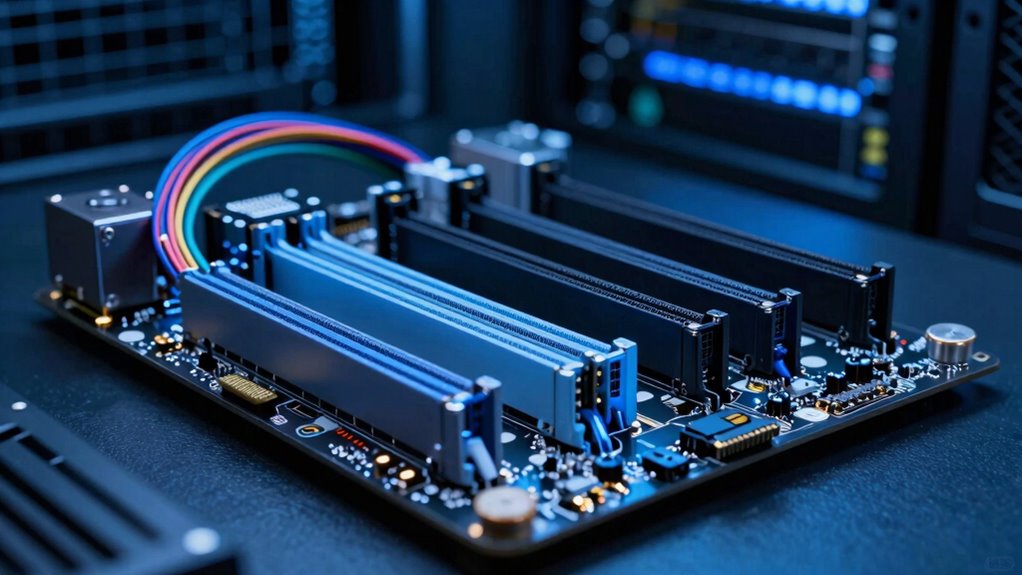
If you’re experiencing slow data transfer speeds or system lag, PCIe bottlenecks might be the culprit. The key factor here is PCIe topology, which determines how devices connect to your motherboard and how lanes are allocated. Proper lane distribution guarantees your critical components, like GPUs and NVMe SSDs, get enough bandwidth to operate efficiently. When lanes are unevenly assigned or shared among multiple devices, performance suffers. Understanding your PCIe topology helps you identify if your system is configured ideally. For example, some motherboards split lanes unevenly, limiting bandwidth for high-demand components. By paying attention to how lanes are assigned, you can prevent bottlenecks and maximize your system’s performance. Correct lane distribution is essential for avoiding slowdowns and ensuring smooth, fast data transfer. Additionally, knowing how to interpret your PCIe topology can help you make informed decisions when upgrading or troubleshooting your system. Monitoring your lane allocation ensures your system maintains optimal performance under load. Being aware of lane sharing between devices can help you avoid unintended bottlenecks and optimize overall system efficiency. Recognizing the importance of proper lane configuration allows you to optimize your system’s capabilities and avoid common pitfalls. Maintaining awareness of the overall PCIe architecture can further help in diagnosing and preventing potential performance issues.
What Are PCIe Lanes and Why Do They Matter?
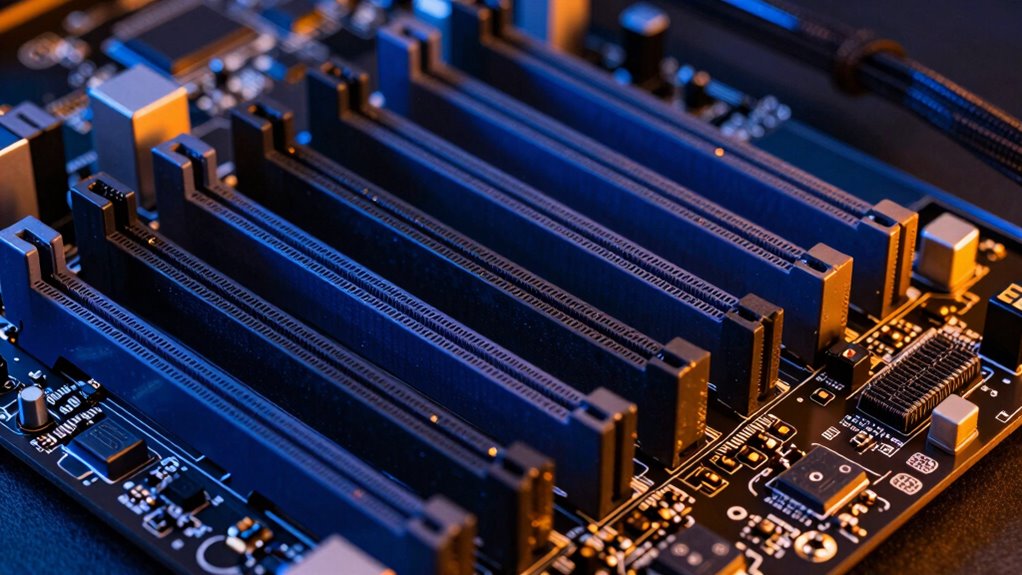
PCIe lanes are the pathways that transmit data between your motherboard and devices like graphics cards and SSDs. They determine how much data can flow simultaneously, affecting performance. Different storage protocols, such as NVMe or SATA, rely on sufficient PCIe lanes to reach their full speed. If you don’t allocate enough lanes, your devices won’t perform ideally. Additionally, PCIe lanes impact thermal management; higher lane counts can generate more heat, requiring better cooling solutions. Properly understanding how PCIe lanes work helps you avoid bottlenecks, ensuring your hardware runs smoothly and efficiently. Whether upgrading a GPU or adding fast storage, knowing what PCIe lanes do and why they matter helps you make smarter configuration choices, preventing performance issues caused by misallocation or inadequate bandwidth. Understanding PCIe lane allocation is essential for optimizing your system’s performance and longevity. A clear grasp of lane configurations can help you balance performance and thermal considerations effectively, especially when planning hardware upgrades.
How PCIe Lane Configurations Affect Your Server’s Bandwidth
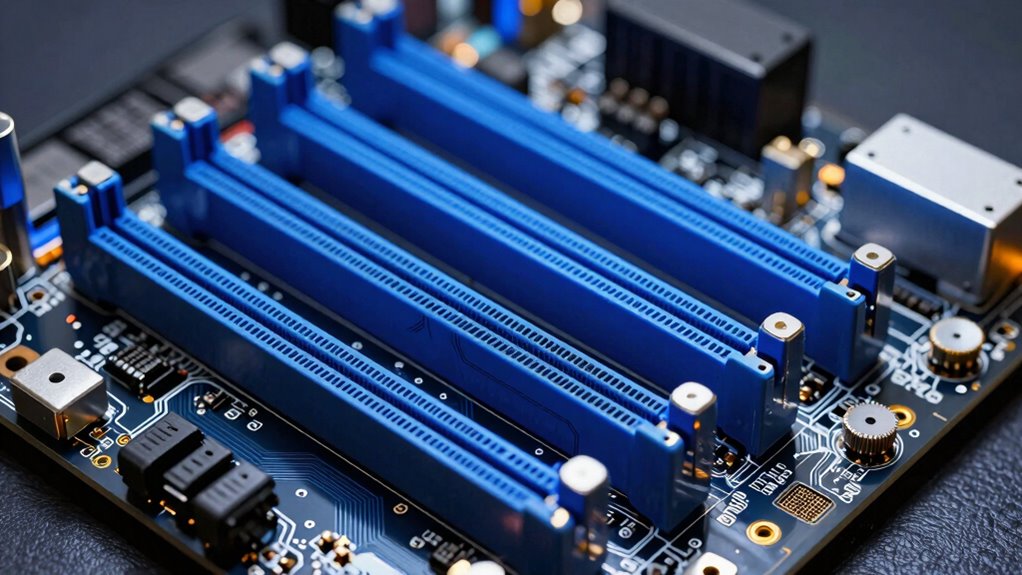
The way you configure PCIe lanes directly impacts your server’s bandwidth and overall performance. If you assign too few lanes to high-demand devices like GPUs, your virtual reality experiences and gaming performance can suffer due to bandwidth bottlenecks. For example, a GPU with only eight PCIe lanes won’t reach its full potential, causing lag or reduced frame rates. Conversely, over-allocating lanes to less critical components wastes valuable resources and limits overall system capacity. Proper configuration guarantees your high-speed devices have enough bandwidth to operate at their best, leading to smoother virtual reality sessions and enhanced gaming performance. Understanding how PCIe lane arrangements affect data flow helps you avoid bottlenecks and get the most out of your server’s hardware.
Top PCIe Lane Myths That Waste Bandwidth
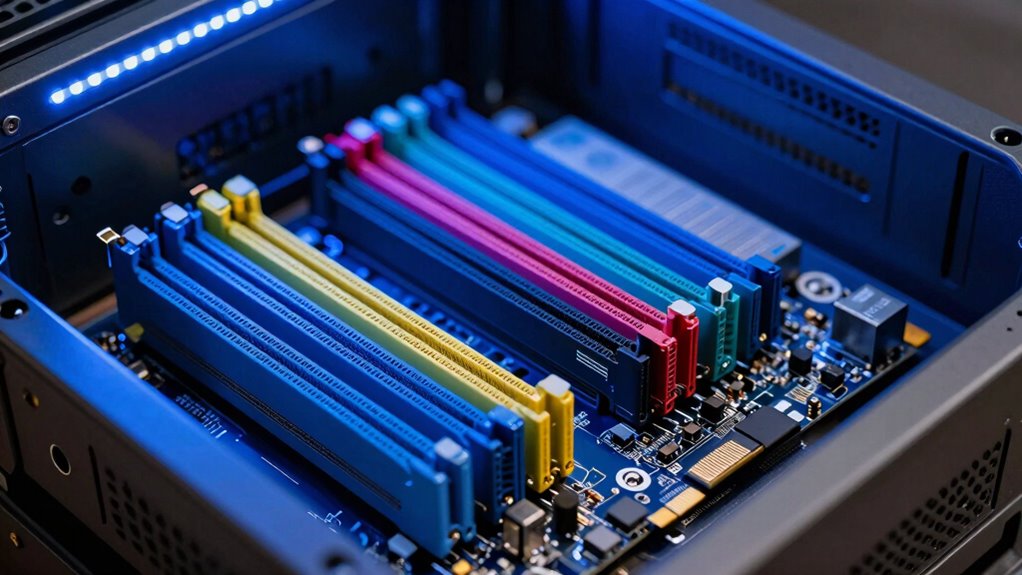
Many people assume more PCIe lanes always mean better performance, but overestimating lane count can lead to wasted bandwidth. Ignoring how slot configurations or lane sharing works causes bottlenecks you don’t need. Understanding bandwidth limits helps you avoid misconceptions that hinder ideal system setup.
Overestimating Lane Count
It’s common to believe that more lanes always mean better performance, but overestimating lane count can actually waste bandwidth. Lane overestimation leads you to assume you’re maximizing speed when, in reality, you might be bottlenecked elsewhere. Bandwidth misconceptions emerge when you think adding more lanes guarantees higher throughput. Being aware of Free Floating configurations helps you optimize your server’s PCIe setup without unnecessary overprovisioning. Misunderstanding lane allocation can cause you to misjudge your system’s true capabilities and lead to inefficient resource use.
Ignoring Slot Configurations
Ignoring slot configurations can lead you to underestimate how PCIe lanes are allocated, causing bandwidth waste. Many assume that all hardware slots are equal, but in reality, each slot’s configuration varies based on how your motherboard assigns lanes. Some slots may share bandwidth with others or operate at reduced speeds if not properly configured. Overlooking these details means you might connect high-bandwidth devices to slots that can’t support their full potential, wasting valuable lanes. Always check your motherboard’s slot configurations before installing components. Understanding how hardware slots are wired ensures you maximize your PCIe bandwidth. Misjudging slot configurations results in bottlenecks, underused lanes, and wasted resources, ultimately harming your server’s performance. Proper awareness of hardware slots and their configurations prevents these common pitfalls. Comprehending PCIe lane allocation is crucial for optimizing system performance and avoiding costly mistakes.
Misunderstanding Bandwidth Limits
A common mistake is assuming that PCIe lanes automatically provide full bandwidth regardless of how they’re configured. In reality, bandwidth saturation can occur if you don’t allocate lanes properly for each device. Overestimating a single device’s needs leads to lane misallocation, causing it to hit its bandwidth limit prematurely. This results in performance bottlenecks, even if your total PCIe bandwidth seems sufficient. Conversely, under-allocating lanes wastes potential bandwidth, leaving other devices starved of resources. Understanding that PCIe performance depends on correct lane distribution is vital. Proper configuration ensures each device gets enough bandwidth to avoid saturation without overcommitting lanes. Misinterpreting these limits leads to ineffective setups and reduced system efficiency.
Calculating PCIe Lane Allocation for Your Hardware
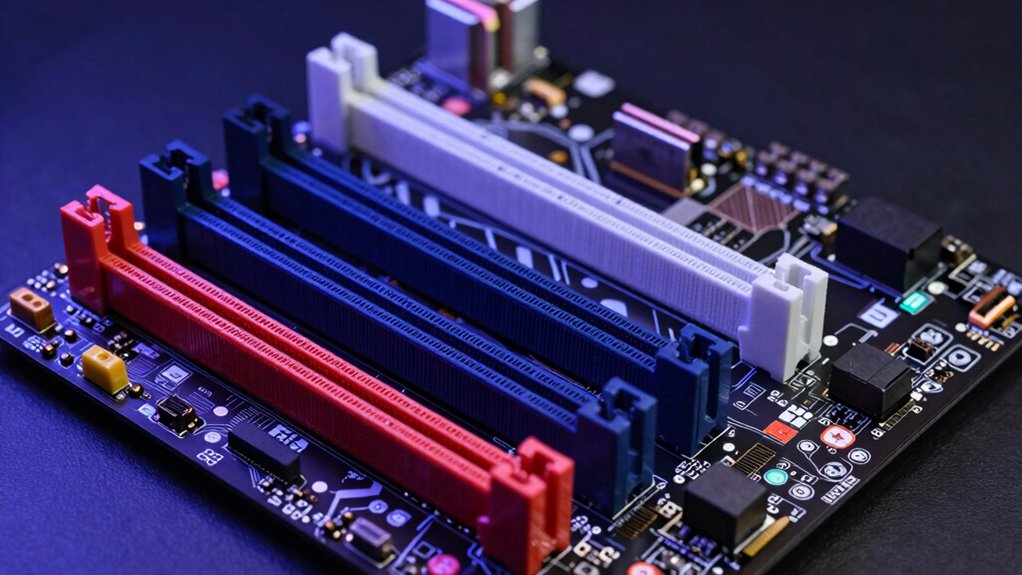
Calculating PCIe lanes effectively, you need to understand how PCIe lanes work and how many your hardware requires. Determining your net worth helps prevent bottlenecks and guarantees ideal performance. Balancing your hardware resources ensures each component gets the bandwidth it needs without overcommitting lanes. Familiarity with brewing methods can also help in optimizing overall system performance and efficiency. Additionally, understanding the specific style of your components can assist in making informed decisions about lane allocation for optimal compatibility and performance. Being aware of cookie categories can help you manage your privacy preferences while configuring your system for optimal operation. Knowing how to properly perform routine maintenance can extend the lifespan of your hardware and prevent unexpected issues.
Understanding PCIe Lanes
Understanding PCIe lanes involves figuring out how many lanes your hardware needs to operate efficiently. Each PCIe device requires a specific number of lanes for maximum performance, influencing lane allocation and bandwidth management. Knowing the lane count helps you determine whether your hardware can support the data speeds needed for tasks like gaming, data transfer, or server workloads. More lanes typically mean higher bandwidth, but over-allocating can waste resources. Conversely, too few lanes can bottleneck your system, reducing performance. It’s essential to understand that PCIe lanes are shared resources, and their distribution impacts overall system stability and speed. Proper lane allocation is crucial to prevent performance issues and ensure your system runs smoothly. Additionally, understanding shared resources helps prevent bottlenecks and maximizes your hardware’s potential, especially when considering system scalability and future upgrades. Being aware of lane sharing ensures you avoid unintended performance degradation when multiple devices compete for bandwidth, and considering bandwidth management can help optimize overall system performance.
Calculating Lane Needs
Calculating your hardware’s PCIe lane needs involves evaluating the performance requirements of each component and how they interact with your system’s bandwidth limits. Proper lane allocation guarantees maximum bandwidth management, preventing bottlenecks. To do this effectively, consider these points:
- Assess each device’s bandwidth demand—high-performance GPUs and NVMe drives often require more lanes.
- Determine the total available lanes on your motherboard or CPU and how they’ll be distributed. Understanding system bandwidth limits helps in making informed allocation decisions.
- Prioritize critical components, allocating enough lanes to meet their performance needs without starving other devices.
- Understanding bandwidth limits and how they affect your system’s overall performance is essential for optimal PCIe lane configuration.
- Recognizing how excessive lane allocation can lead to resource underutilization ensures efficient system setup.
Balancing Hardware Resources
Balancing hardware resources requires you to carefully distribute available PCIe lanes to each component based on their performance needs. Interchangeable components, like GPUs or NVMe drives, often have different lane requirements, so you need to allocate lanes accordingly to avoid bottlenecks. Confirm your power supply can handle the total bandwidth demand, especially if multiple high-performance devices run simultaneously. Proper lane distribution prevents overloading any single component and maintains system stability. When configuring, consider your motherboard’s lane sharing capabilities—some slots share lanes, reducing total available bandwidth. Evaluating each component’s needs and your power supply’s capacity helps you optimize performance without risking hardware failure. Understanding luggage & bags choices can help you prepare and avoid unnecessary hardware issues during setup. Additionally, reviewing Vacuums for Dust Removal can provide insights into maintaining a clean environment that supports hardware longevity. Recognizing hardware compatibility issues ahead of time ensures a smoother setup process. Balancing PCIe lanes is essential for a reliable, high-performing server setup especially when integrating multiple high-speed devices. Being aware of manufacturing standards can further guide you in selecting compatible hardware components.
Optimizing PCIe Lane Usage in Your Server
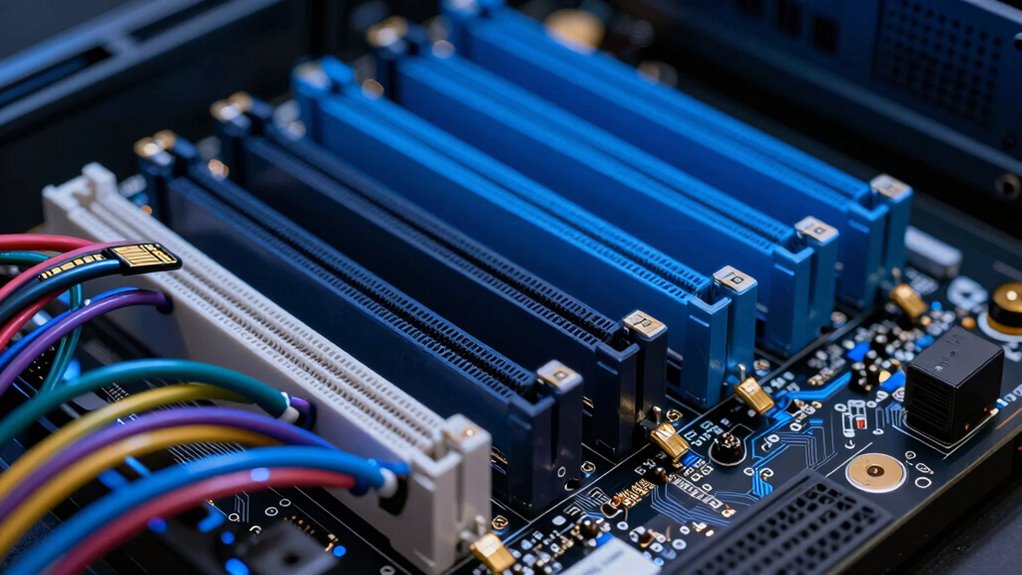
To get the most out of your server’s performance, you need to optimize how PCIe lanes are allocated and used. Proper configuration guarantees bandwidth is available for critical tasks like data encryption and network protocols. Focus on these key points:
Optimizing PCIe lane allocation ensures peak server performance for critical data and network tasks.
- Prioritize high-bandwidth devices, such as NVMe drives and network cards, to prevent bottlenecks.
- Balance PCIe lane distribution between GPU, storage, and network interfaces to avoid underutilization.
- Use firmware and BIOS settings to fine-tune lane allocation, ensuring data encryption processes and network protocols operate smoothly.
- Understanding PCIe lane math helps prevent misconfiguration and ensures reliable system performance.
Troubleshooting PCIe Lane Bottlenecks and How to Fix Them
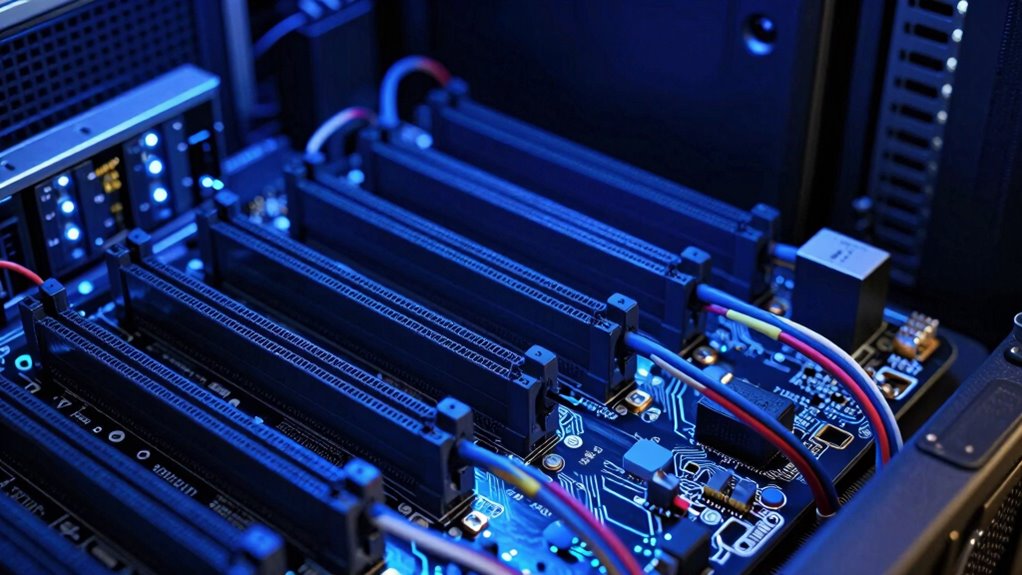
When your server experiences slow performance or lag, PCIe lane bottlenecks are often the culprit. To troubleshoot, start by checking lane allocation—ensure critical devices have enough lanes assigned to meet their bandwidth needs. If a device’s bandwidth limit is too low, it can cause stalls and reduce overall system speed. Use your server’s BIOS or management software to review lane distribution and confirm that high-priority components, like GPUs or NVMe drives, aren’t sharing lanes unnecessarily. If you find bottlenecks, reallocate lanes to balance bandwidth across devices. Also, verify that your motherboard and CPU support the total lane count needed for your configuration. Properly adjusting lane allocation can eliminate bottlenecks and restore ideal performance.
Tools to Verify Your PCIe Lane Setup
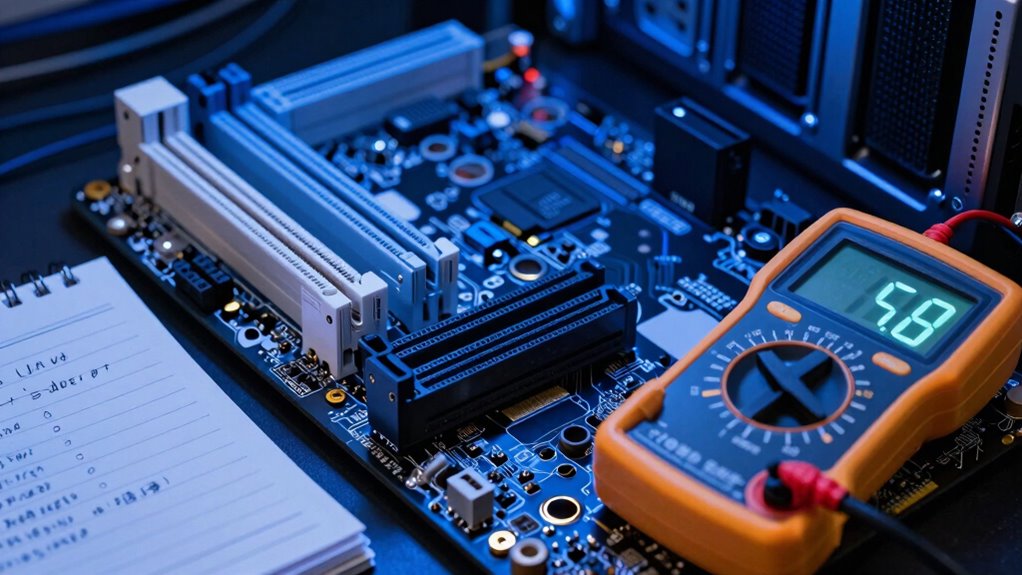
Verifying your PCIe lane setup is essential to guarantee ideal system performance, and several tools can help you do this effectively. These tools allow you to check lane allocation and confirm that bandwidth calculation aligns with your hardware configuration. By doing so, you ensure each device gets the appropriate bandwidth and prevent bottlenecks.
Here are three useful tools:
- GPU-Z – Monitors PCIe lane allocation and bandwidth usage in real-time.
- HWinfo – Offers detailed reports on PCIe device connections and lane distribution.
- PCIe Speed Test – Measures actual throughput, confirming bandwidth calculations.
Using these tools, you can verify your setup, troubleshoot issues, and optimize your PCIe lanes for peak performance.
Frequently Asked Questions
Can PCIE Lanes Be Dynamically Reconfigured During Server Operation?
Yes, PCIe lanes can be dynamically reconfigured during server operation, but hardware limitations often restrict this flexibility. You might find that some servers support dynamic reconfiguration through features like PCIe bifurcation or link management, allowing you to optimize bandwidth. However, not all hardware models enable this, so you should check your server’s specifications and firmware capabilities to verify it supports safe and effective dynamic reconfiguration without risking stability.
How Do PCIE Versions Impact Lane Bandwidth and Performance?
PCIe versions directly impact lane bandwidth and performance. As you upgrade from PCIe 3.0 to PCIe 4.0 or 5.0, the lane bandwidth doubles or even triples, allowing faster data transfer rates. This means your server can handle higher throughput with fewer lanes. Selecting the right PCIe version guarantees peak performance, especially for data-intensive applications, by maximizing lane bandwidth and reducing bottlenecks during operation.
Are There Safety Risks When Over-Allocating PCIE Lanes?
Think of PCIe lanes as a highway for data; over-allocating them is like adding too many cars to a single road. While it might seem efficient, it risks hardware compatibility issues and overclocking dangers. Pushing lanes beyond recommended limits can cause overheating, crashes, or hardware failure. So, don’t gamble with over-allocation—you could jeopardize your system’s safety and stability. Always follow manufacturer guidelines to keep your setup secure.
What Are the Best Practices for Future-Proofing PCIE Configurations?
To future-proof your PCIe configurations, you should prioritize flexible setups that support hot-swappable drives and guarantee backward compatibility. Plan for growth by choosing motherboards and CPUs that can handle additional lanes as needed. Keep firmware updated, and select components that support the latest PCIe standards. This approach minimizes reconfiguration and maximizes compatibility, helping your server adapt seamlessly to evolving hardware demands without risking performance or stability.
How Do Different Motherboard Chipsets Influence PCIE Lane Distribution?
You might think all motherboards handle PCIe lanes equally, but chipset limitations substantially influence lane allocation. Different chipsets prioritize certain slots or devices, which can restrict bandwidth or reduce available lanes for high-performance components. This means you need to investigate your motherboard’s chipset capabilities carefully, as it directly impacts how PCIe lanes are distributed. Choosing a motherboard with a chipset that aligns with your expansion needs ensures peak performance and future-proofing.
Conclusion
Mastering PCIe lanes isn’t just a tech tip—it’s the secret weapon to unlocking lightning-fast server performance. Misconfigure them, and you risk bottlenecks so colossal they could bring your entire system to a crawl. But get it right, and you’ll unleash a data highway so supercharged, even the fastest data streams will feel sluggish in comparison. Don’t settle for bottlenecks—take control, optimize your lanes, and turn your server into an unstoppable powerhouse!