
If you’re choosing between Wi-Fi and Ethernet backhaul, consider your needs for speed, stability, and security. Ethernet offers a more reliable, high-speed connection with less interference, ideal for demanding tasks and sensitive data. Wi-Fi backhaul is easier to set up and more flexible but can be affected by interference and security concerns. We’ll explore the key differences and help you decide which option best fits your environment and goals.
Key Takeaways
- Ethernet backhaul offers superior stability, speed, and security, ideal for sensitive or high-bandwidth applications.
- Wi-Fi backhaul provides easier, flexible installation but is more vulnerable to interference and security risks.
- Wired Ethernet reduces signal disruptions and packet loss, enhancing performance for streaming and gaming.
- Wi-Fi setup is simpler but requires careful placement to minimize interference and optimize signal quality.
- Choice depends on balancing ease of installation, security needs, and performance requirements.
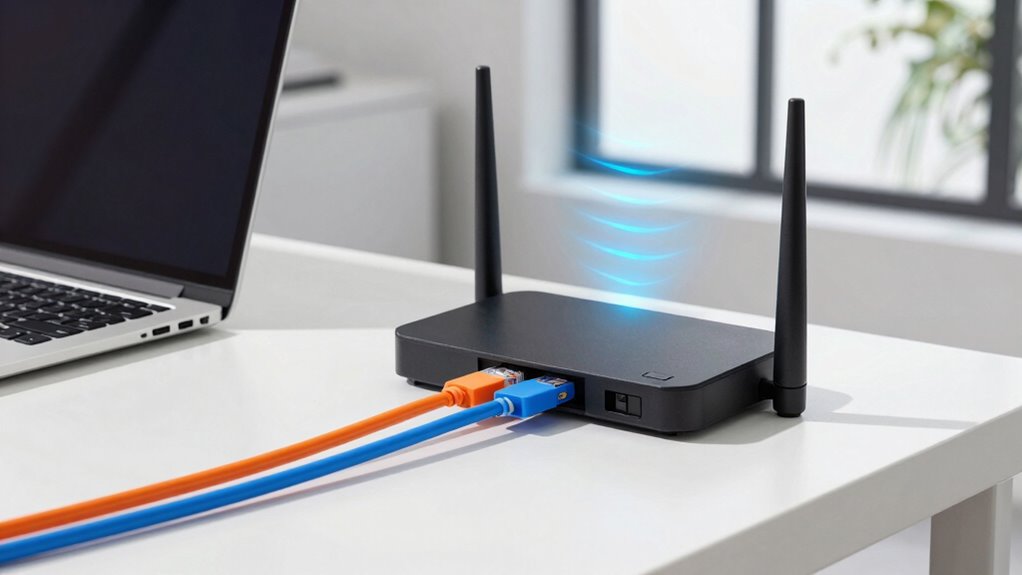
When setting up a reliable home or office network, choosing between Wi-Fi backhaul and Ethernet backhaul is a vital decision. Your choice impacts not only the speed and stability of your connection but also the overall network security and installation complexity. If you lean toward Wi-Fi backhaul, you enjoy the convenience of a wireless setup that reduces physical wiring. This approach simplifies installation, especially in spaces where running Ethernet cables is challenging or impractical. However, Wi-Fi backhaul can be more vulnerable to interference and signal disruptions, which might open vulnerabilities if your network isn’t properly secured. Ensuring strong network security becomes crucial to prevent unauthorized access, particularly because wireless signals can be intercepted more easily than wired connections. You’ll need to set up robust encryption, such as WPA3, and possibly implement additional security measures like VLANs or guest networks to keep your main network safe. Additionally, understanding the impact of softener brine on water systems can be analogous to considering how interference affects Wi-Fi signals, emphasizing the importance of proper setup and maintenance. Proper placement of your Wi-Fi devices can also significantly reduce interference and improve overall network performance, making signal optimization an essential step. Moreover, staying informed about network security best practices can help mitigate potential vulnerabilities associated with wireless setups. Recognizing the importance of interference management can further enhance network reliability in complex environments.
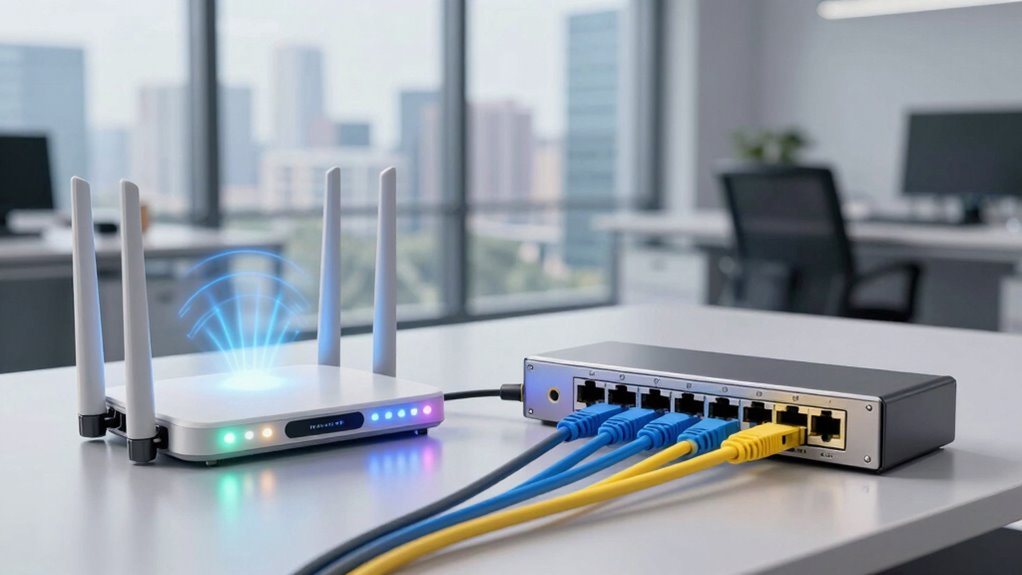
On the other hand, Ethernet backhaul involves physically wiring your devices with Ethernet cables, which adds a layer of complexity during installation. Running cables through walls, ceilings, or floors can be labor-intensive and may require professional help, especially if you want a neat, professional finish. Despite the installation challenges, Ethernet backhaul offers a more secure environment because wired connections are inherently less susceptible to hacking or eavesdropping. This makes it an excellent choice if security is a top priority, such as in business environments or homes with sensitive data. The stable, high-speed connection that Ethernet provides also minimizes latency and packet loss, leading to smoother streaming, gaming, and data transfer experiences. Properly maintaining your network hardware and keeping firmware up to date can also enhance overall security and performance.
While Ethernet backhaul demands more initial effort, it eliminates many of the interference issues associated with Wi-Fi. It also reduces the risk of signal interception, making your network more secure by design. Moreover, Ethernet’s reliability is often crucial for business-critical applications, where consistent performance is essential. Conversely, Wi-Fi backhaul offers easier setup and flexibility, but you must pay closer attention to network security protocols to prevent vulnerabilities. Ultimately, your decision hinges on balancing installation complexity against the security and performance needs of your network. If you prefer a straightforward setup and are willing to accept some potential interference, Wi-Fi backhaul might suffice. But if you need maximum security, stability, and performance, investing in Ethernet backhaul could be the smarter move.
Ethernet backhaul network cables
As an affiliate, we earn on qualifying purchases.
As an affiliate, we earn on qualifying purchases.
Frequently Asked Questions
Can Wi-Fi Backhaul Support Gigabit Internet Speeds Effectively?
Yes, Wi-Fi backhaul can support gigabit internet speeds effectively, but it depends on your setup. Wireless interference and signal stability play vital roles; if your Wi-Fi network faces lots of interference or weak signal stability, speeds may drop. To maximize performance, guarantee your router and access points are strategically placed, use the latest Wi-Fi standards like Wi-Fi 6, and minimize interference sources. This way, you can enjoy gigabit speeds wirelessly.
How Does Power Consumption Differ Between Wi-Fi and Ethernet Backhaul?
You’ll find that Ethernet backhaul generally consumes less power than Wi-Fi, making it more power-efficient. While Wi-Fi backhaul can be affected by wireless interference, increasing its energy use as devices struggle to maintain connections. Ethernet’s wired connection provides consistent performance with lower power consumption, which is especially important if you’re conscious of energy use or want a more reliable, interference-free network.
Are There Security Risks Unique to Wi-Fi Backhaul?
Yes, Wi-Fi backhaul has unique security risks. You face encryption vulnerabilities, which hackers can exploit if your Wi-Fi encryption isn’t strong enough. Signal interference can also cause your network to drop or weaken, making it easier for intruders to access your data. Unlike Ethernet, Wi-Fi relies on radio signals, so you need to implement robust encryption and minimize interference to keep your network secure.
What Is the Typical Installation Cost Difference?
You’ll find Ethernet backhaul typically costs more upfront due to installation complexity, including cable runs and potential structural modifications. Wi-Fi backhaul, however, is more cost-efficient initially since it relies on existing wireless infrastructure, avoiding costly trenching or drilling. While Ethernet offers more reliable and consistent performance, the lower installation costs of Wi-Fi backhaul make it appealing for quick setups or spaces where wiring is challenging.
How Scalable Are Wi-Fi and Ethernet Backhaul Solutions?
You’ll find that Ethernet backhaul is highly scalable because you can add more wired connections easily, supporting a mesh network’s growth without signal interference issues. Wi-Fi backhaul, meanwhile, is less scalable; expanding your network can lead to increased signal interference and reduced performance. If you prioritize scalability, Ethernet backhaul offers a more reliable solution, especially for large or growing setups, whereas Wi-Fi backhaul may face limitations as your network expands.
Conclusion
So, here’s the irony: after all the fuss about choosing between Wi-Fi and Ethernet backhaul, it’s almost poetic that your decision might not matter as much as you think. Whether you opt for the wireless breeze or the wired certainty, both have their quirks and compromises. Sometimes, the simplest choice—like sticking with what’s proven—can surprisingly lead to the best experience. Turns out, in the world of backhaul, the “best” isn’t always the most complicated.