
AIThis post was created with the assistance of artificial intelligence (AI).

Before you orderOffer from Amazon
Get audio and creator gear delivered free with Prime
- Fast, free delivery on millions of items
- Prime Video, Amazon Music and more included
- Member-only deals all year
Start your free Prime trial Free trial for eligible customers · Cancel anytime
As an affiliate, we earn on qualifying purchases.
Bitwig Studio package: Audio FX – Space, Time, Color
Color and shape your sounds with the 150+ Audio FX presets. Examine a wide selection of modeled reverbs (using The Grid) and spread your vocals through amazing spaces. Chop your rhythms up and get creative in the time domain using repeater and stutter effects. Give your bass extra punch, add width and color to any sound, or crunch things into glitchy destruction.
Download Instructions
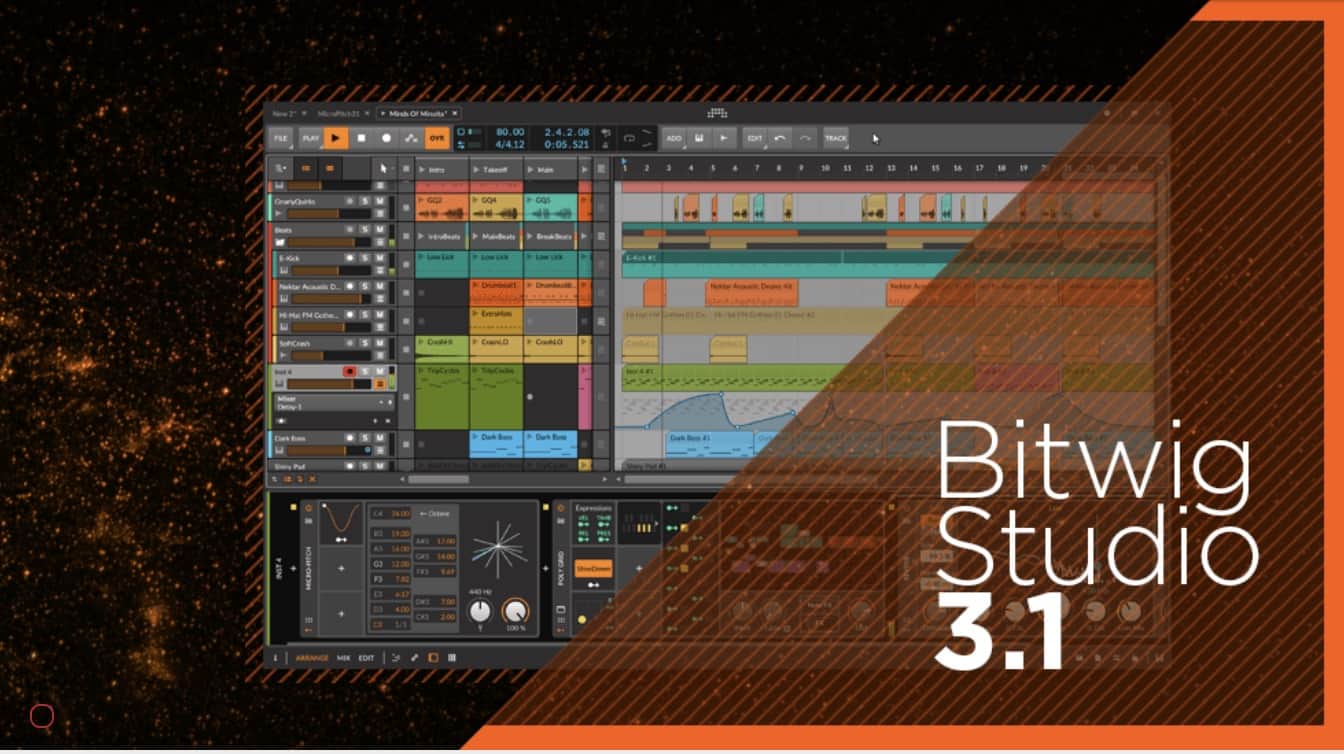
Audio FX – Space, Time, Color is a free Bitwig Studio package for all customers with a valid Upgrade plan. The required version is Bitwig Studio 3.1 or higher.

- Open Bitwig Studio
- Go to Dashboard> Package Manager
- Navigate to Extended Collection> Audio FX – Space, Time, Color
- Click the “Install” button to download and install the package
- In the pop-up browser, select Device Type “Audio FX”, the Presets tab and search in Preset Location for “Audio FX – Space, Time, Color”
Products Worth Considering

Amazon Kindle Paperwhite Signature Edition (12th Generation, 2024), 32 GB, Metallic Black

LG UltraGear 32GX850A-B 32-Inch 4K UHD Glossy OLED Gaming Monitor

DJI Osmo Mobile 7P Phone Gimbal with Mic Mini Transmitter, Infinity Black
As an affiliate, we earn on qualifying purchases.