
Get audio and creator gear delivered free with Prime
- Fast, free delivery on millions of items
- Prime Video, Amazon Music and more included
- Member-only deals all year
FeelYourSound Releases ChordPotion 2.0 MIDI Effect & Three New Extension
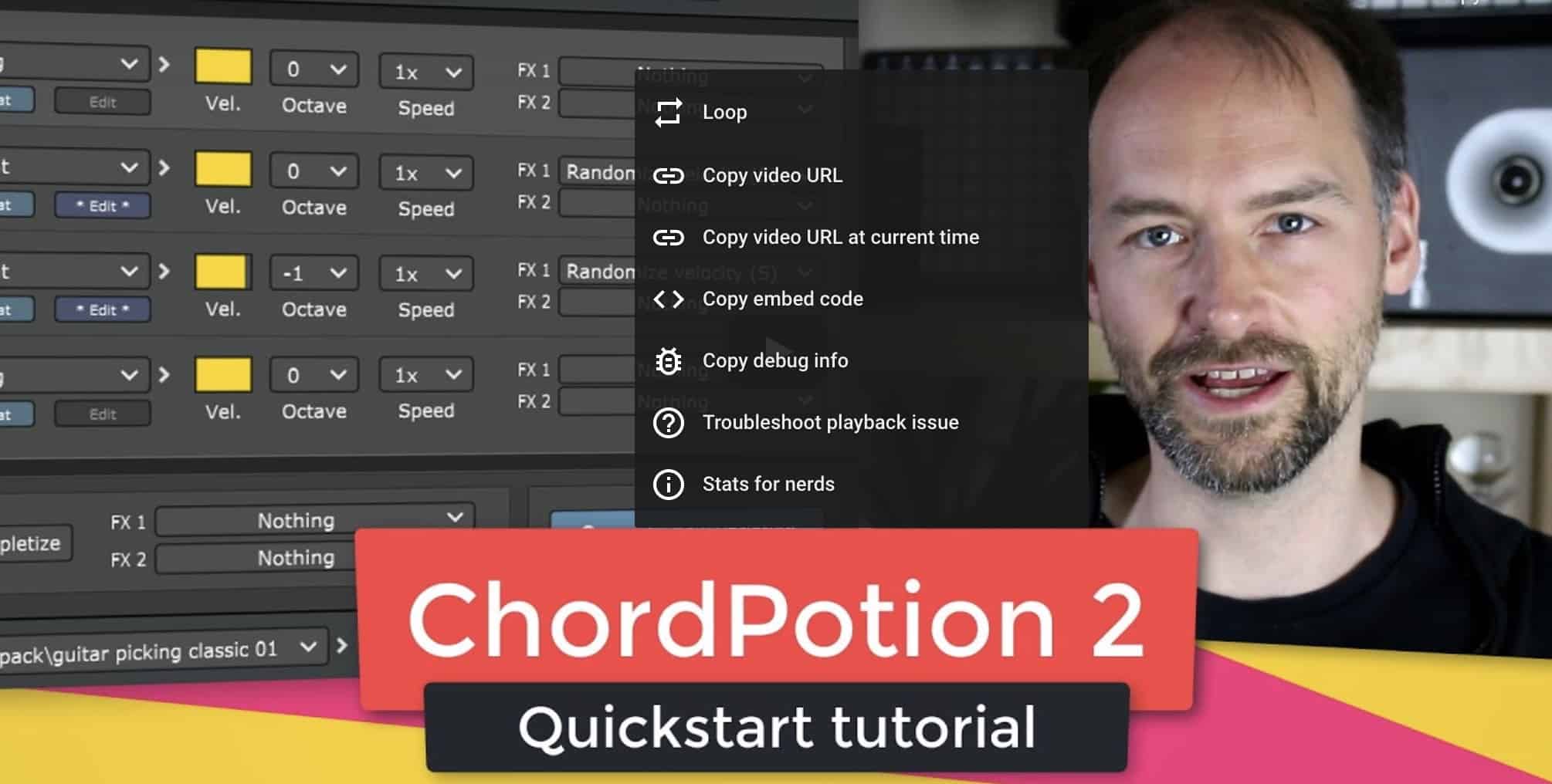
FeelYourSound has released version 2.0.0 of their MIDI sequencer and effect plug-in ChordPotion (VST + AU).
ChordPotion 2.0 is a composition and performance tool. It can turn any chord progression into new riffs and melodies instantly.
The basic concept is simple: You play your chords in your DAW, send them to ChordPotion, and ChordPotion generates new notes for you that are played on your favorite synth. You can also export the generated notes as standard MIDI files and edit them later on.

The plug-in contains four parallel sequencers. You can create and edit your own sequences from scratch or load one of the many factory patterns to build your own chord transformers.
New in ChordPotion 2
- Randomize single steps with “step effects”. You can randomize step types, note triggers, octave pitches, strum, velocity, note hold
- Higher range of octave pitches for single steps: -2, -1, 0, +1, +2 (right-click to change the pitch down an octave)
- Drag and drop steps in the step sequencer
- Visualization of played notes in the MIDI recorder area
- Copy and paste buttons for edited patterns
- New FX action: Remove step effects
- New FX action: Remove velocity changes
- New FX action for Chords row: Make it MultiPlay (three different versions)
- New global FX action: Pick only one melody row
- New “Tripletize” algorithm
- Additional patterns for the three Melody rows
- Click on a label to do a reset of the corresponding value
- Wording change: “Melody 1”, “Melody 2”, “Melody 3” instead of “Top”, “Bass”, “Extra”
- 21 new factory presets

You can expand ChordPotion with preset packages to cover even more playing styles. For ChordPotion 2, FeelYourSound teamed up with game composer Denis Comtesse to create three free new preset packs:
“Keys Mix“: A selection of keyboard presets for various genres (Rock, Pop, Ballads, Blues, Jazz, Reggae, Soul)
“Golden Guitar“: Picked and strummed guitars patterns. From folk to triplets to classic playing styles
“Time Oddity“: Various presets for odd meters like 3/4, 5/4, 6/8, and 7/8. Spice up your songs with some arpeggios, basslines, rhythmic chords, or strumming lines

ChordPotion Demo
The ChordPotion demo is available here.
Products Worth Considering

Logitech MX Mechanical Wireless Illuminated Keyboard, Clicky Switches

Jackery Solar Generator 1000 v2 with Two 100W Solar Panels, 1024Wh LiFePO4 Battery

Logitech MX Keys S Combo Wireless Keyboard and Mouse, Graphite
As an affiliate, we earn on qualifying purchases.
Pricing and Availability
ChordPotion 2.0 is available for 45 EUR or $49. ChordPotion 2 is a free update for all ChordPotion 1 users.
Celebration deal: Enter the code “Celebration” at the checkout page to get 10% off. Save up to 20% with special bundle prices. The offers are valid until 2020/07/09.