Listen free for 30 days with Audible
Thousands of audiobooks and originals — cancel anytime.
Start your free trialAs an affiliate, we earn on qualifying purchases.
Divisimate 1.0.1 Update & Android App
Realtime MIDI Divisi Engine: Divisimate is a standalone application for Mac and PC and is designed to work alongside the DAW of your choice. The software creates 32 virtual midi ports which you can select as input for any instrument in your sequencer.
When you set up a template, this allows Divisimate to address every instrument individually. Divisimate will then interpret your midi input and distribute parts across your template.
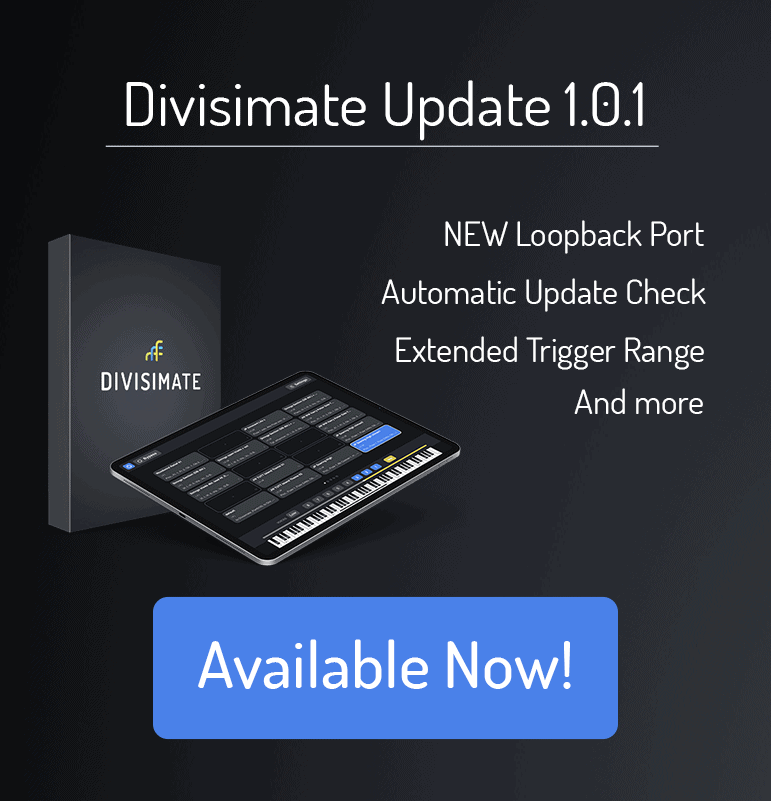
Divisimate 1.0.1 Update
- NEW FEATURE: Divisimate will now automatically check if there is an update available and display a badge linking to the download page if there is a more recent version.
- NEW FEATURE: There is now a Divisimate Loopback Input port which can be activated on the Settings pages under “Input Devices”. This allows you to route MIDI from other software (for example from your DAW) directly into Divisimate without using workarounds
- Fixed: The note names in the trigger plugin are now identical with the note names in most major DAWs. Also, the range of possible notes has been extended to C-1 to include the lowest octave of key switches.
- Fixed: Repeater plugin not playing the correct rhythm when it is receiving more than one note
- Fixed: Rare issue of some repeater plugins staying silent when there is a large number of plugins initialized
- Fixed: Issue with release tails being cut by Divisimate in Vienna Ensemble and Studio One with Vienna Instruments Fixed: Hanging notes when the input device is note sending on channel one.
- Fixed: Legato transitions were not being triggered by some instruments since there was no actual overlap of notes with legato passages in the Divisi Engine.
This update also ensures compatibility with the new Android versions of the remote control app! The App is available for android phones and tablets on Google Play.

Flea & tick season Picks
flea and tick prevention
As an affiliate, we earn on qualifying purchases.