
Get audio and creator gear delivered free with Prime
- Fast, free delivery on millions of items
- Prime Video, Amazon Music and more included
- Member-only deals all year
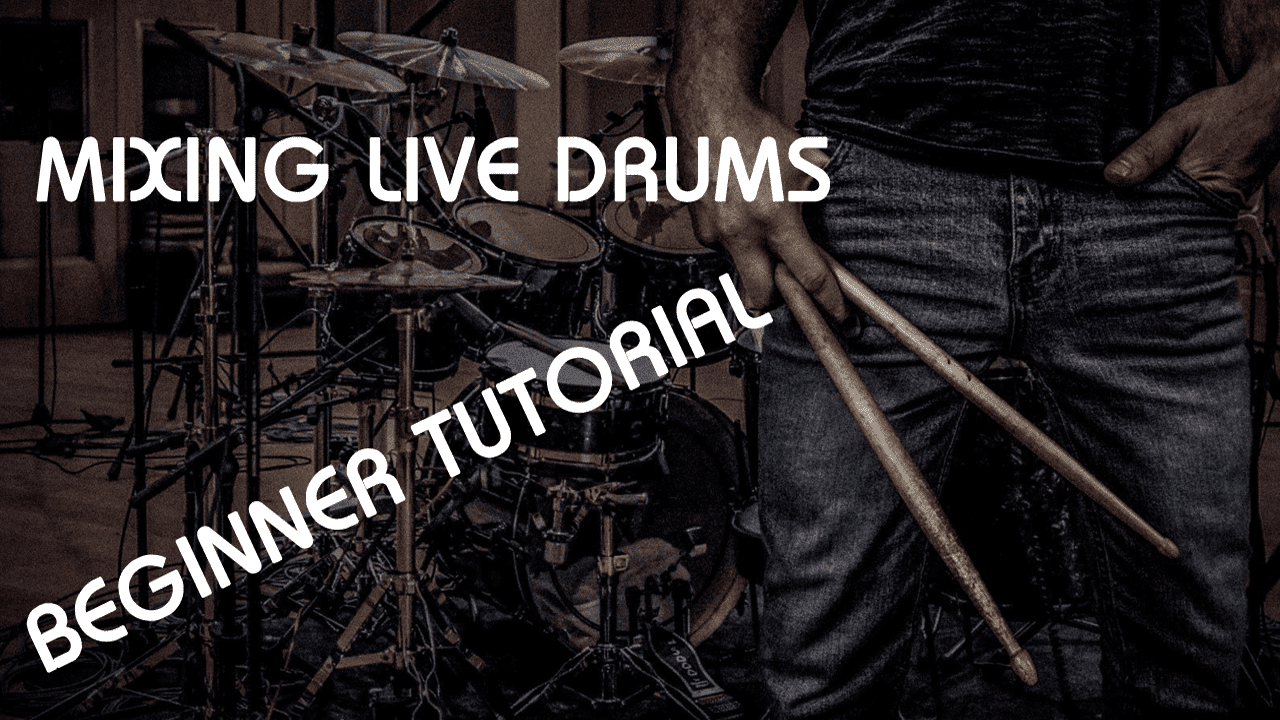
Mixing Live Drums
Whether you’re mixing rock, blues, country or any other style of music, this easy lesson is guaranteed to provide tips and tricks for getting your drum mix sounding pro. This video is perfect for producers and mixing engineers of any level, from beginner to pro. We will be working in Presonus Studio One 4, and using plugins from Softube, including the revolutionary Softube Console 1 mixing plugin control surface. Even if you’re not using Studio One or Softube Console 1, you can follow along with these simple steps in any DAW and using any plugins of your choice.
Drums Signify the Heartbeat of a Track
Drums are the heartbeat of almost every style of music in the world. Because of the advent of software instruments, many engineers don’t often get the opportunity to practice mixing a live drum kit. Because of this, it can be very intimidating and confusing to work on mixing a full kit. We often record drum kits with a lot of microphones – spot mics on the top and bottom of the snare drum, mics for each tom, mics on the kick drum, overheads, room mics… there’s usually a lot going on.
If you’re unfamiliar with working with so many mics for a single element of a song, it can get overwhelming fast. But in this simple mixing tutorial video, we take you through the process of getting a great drum sound in a simple step-by-step way that is guaranteed to make mixing drums a breeze. The most important thing to keep in mind through the whole process is the role of each part of the drum set and its corresponding microphone. In the video, we go through each element and discuss what it’s doing, why, and how to get it to sound its best. It can be easy to over-mix drums and apply too many effects to each element. While this can sound good with each mic soloed, when you bring them all together you can encounter problems with balance and overall tone. Following along with our simple video tutorial will help prevent this common problem.
Fundamentals
Alex from Consordini will walk you through an easy workflow that will get your drums sounding full, rich and natural every time. If you’re not working with Studio One or Softube Console 1, that’s OK – these steps can be followed in any major DAW, including Pro Tools, Logic Pro X, Cubase, Nuendo, Reaper, Garage Band, Audacity, FL Studio, or Ableton. You can use plugins from any manufacturer, including Waves, Slate Digital, McDSP, or anything else. The important thing is understanding the fundamentals of how to use EQ, compression, gating, and other basic audio tools to get your drums sounding great. Whether you’re a beginner, intermediate or expert engineer or producer, this mixing lesson is guaranteed to get your drum mixes sounding more polished, consistent and professional.
Halloween Picks
halloween
As an affiliate, we earn on qualifying purchases.