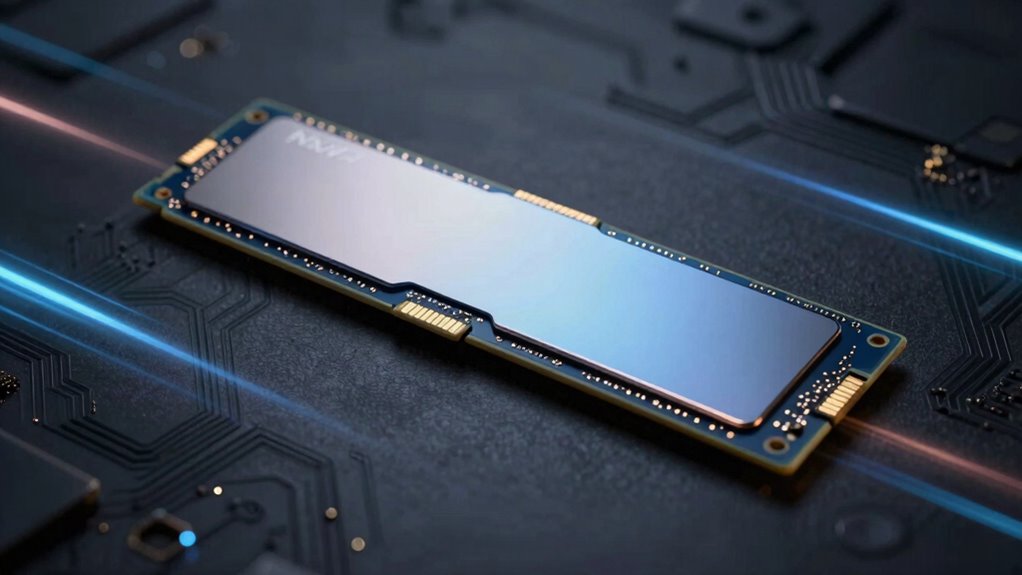

NVMe is the storage standard that makes fast storage feel instant by connecting directly to your motherboard via PCIe, which offers higher bandwidth and lower latency than older protocols like SATA. It’s specially designed for SSDs, enabling you to enjoy near-instant file loading, faster boot times, and snappier system responses. With support for thousands of simultaneous commands and multiple data channels, NVMe continuously pushes storage speed limits—if you want to know how it works, there’s more to discover.

Get audio and creator gear delivered free — and shop member deals
- Fast, free delivery on millions of items
- Access to Prime Big Deal Days deals on October 6–7
- Prime Video, Amazon Music and more included
Key Takeaways
- NVMe is a storage protocol optimized for SSDs, enabling near-instant data access and reduced latency.
- Connects directly via PCIe for higher bandwidth and faster data transfer rates.
- Supports thousands of queues and commands, eliminating bottlenecks of older protocols like AHCI.
- Provides microsecond-level speeds, significantly improving boot times and application responsiveness.
- Incorporates advanced technology for continuous speed and efficiency improvements in storage systems.
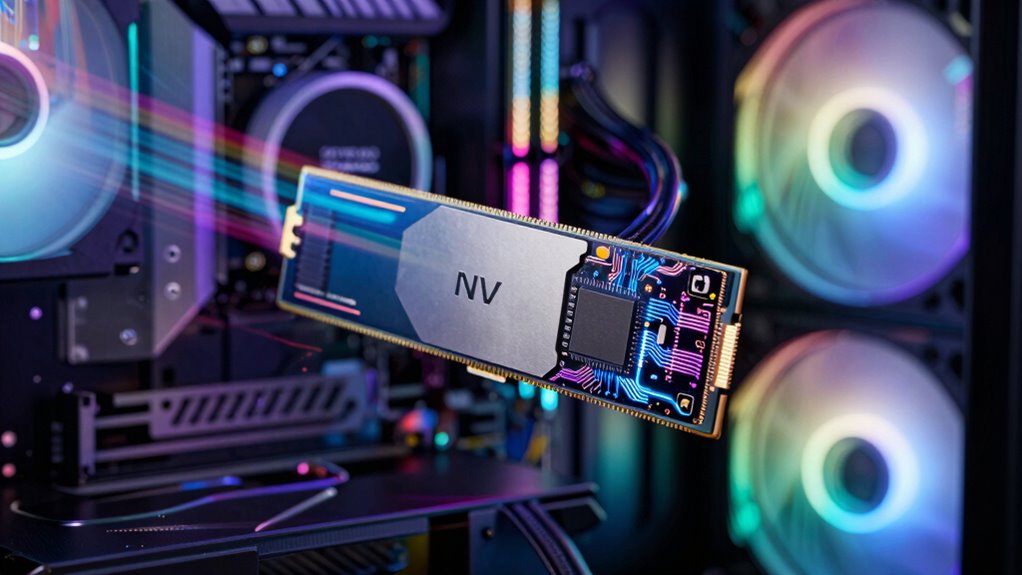
Have you ever wondered what makes NVMe faster than traditional storage options? The answer lies in its innovative approach to data transfer and the advanced interface technology it employs. Unlike older storage protocols, NVMe is designed specifically for solid-state drives (SSDs), which are much quicker than traditional spinning hard drives. The key difference is how data moves between the storage device and your system. NVMe optimizes this process, allowing data transfer to happen at lightning speed, so your files load almost instantly and your applications run more smoothly.
At the core of NVMe’s speed is its interface technology. Traditional storage devices often use the AHCI protocol, which was originally built for much slower spinning disks. This protocol creates bottlenecks because it processes commands sequentially, limiting how rapidly data can be accessed. NVMe, on the other hand, was developed with a new interface that supports thousands of simultaneous queues and commands. This means your SSD can handle multiple data requests at once, dramatically reducing latency. When you launch a game, open a heavy file, or run complex software, NVMe’s interface technology ensures these tasks happen swiftly, without delays or lag.
Data transfer speeds are another reason NVMe feels so instant. Conventional drives, like SATA SSDs or HDDs, have bandwidth restrictions that slow down data flow. NVMe drives connect directly to the motherboard via the PCIe (Peripheral Component Interconnect Express) interface, which offers much higher bandwidth. This direct connection eliminates many of the bottlenecks found in older interfaces, allowing for data transfer rates that can reach several gigabytes per second. As a result, transferring large files, editing high-resolution videos, or running virtual machines becomes seamless and rapid. Additionally, NVMe’s parallel processing capabilities leverage multiple data channels, further enhancing speed and efficiency. This low latency is achieved because NVMe takes advantage of SSDs’ inherent speed, making data access even faster than traditional drives. The advanced technology behind NVMe is a significant factor in its rapid performance, showcasing continuous innovation in storage solutions. This combination of these technologies creates a storage solution that truly feels instantaneous, transforming everyday computing experiences.
The design of NVMe also takes advantage of the low latency offered by SSDs, meaning data can be retrieved and written in mere microseconds. This low latency, combined with the superior interface technology and high data transfer rates, makes NVMe drives feel almost instantaneous when compared to traditional storage options. You’ll notice the difference in everything you do on your computer — faster boot times, quicker application launches, and snappier responsiveness overall. Basically, NVMe’s combination of advanced interface technology and optimized data transfer capabilities transforms how you experience storage, turning what once felt slow into a near-instantaneous process. Furthermore, storage protocol innovations continue to push the boundaries of speed and efficiency in modern data storage systems.
As an affiliate, we earn on qualifying purchases.
Frequently Asked Questions
How Does NVME Compare to Traditional SATA SSDS?
NVMe outperforms traditional SATA SSDs by offering faster data transfer speeds, which means your files load quicker and applications run smoother. It connects directly to the motherboard via the PCIe slot, reducing latency. While SATA SSDs are limited in storage capacity and speed, NVMe drives provide higher storage options and markedly better performance, making them ideal for demanding tasks and gaming. You’ll notice a real boost in overall system responsiveness.
Can NVME Drives Improve Gaming Performance?
Yes, NVMe drives can improve your gaming performance by reducing gaming latency and speeding up graphics rendering. Their faster data transfer speeds mean game load times decrease, so you spend less time waiting and more time playing. NVMe’s quick access to game files helps deliver smoother gameplay and quicker responsiveness, especially in graphically intensive games. Overall, upgrading to an NVMe drive enhances your gaming experience noticeably.
Are All NVME Drives Compatible With Existing Computers?
About 60% of new computers support NVMe drives out of the box, but compatibility issues can still arise with older models. You need to check if your motherboard has an M.2 slot that supports NVMe and whether your BIOS needs a firmware update. If your system isn’t compatible, a BIOS update might fix it, but some older computers may still require hardware upgrades to use NVMe drives effectively.
What Are the Cost Differences Between NVME and Other SSDS?
You’ll find NVMe SSDs generally cost more than SATA SSDs due to their superior performance and advanced technology. A cost analysis shows NVMe drives are pricier, but they deliver faster speeds, as confirmed by performance benchmarks. If you need quick data access for gaming or professional tasks, paying extra for NVMe makes sense. However, for basic storage needs, a SATA SSD offers a more budget-friendly option.
How Long Do NVME Drives Typically Last?
Think of your NVMe drive as a marathon runner—you’ll want it to last through many miles. Typically, NVMe drives last around 5 to 10 years, depending on drive endurance and wear leveling. Higher-end drives with better wear leveling are more durable, helping prevent early failure. Regularly monitoring your drive’s health can also extend its lifespan, so you can enjoy speedy performance without worry.
Conclusion
So, now you can picture your NVMe drive as the secret ninja of storage—sneaking data in and out faster than you can blink, leaving traditional drives in the dust. It’s like having a personal courier who never sleeps, always ready to deliver your files at lightning speed. Say goodbye to waiting, and hello to instant gratification. After all, who wouldn’t want a storage solution that’s basically the flash of the tech world?
Fall Picks
fall essentials
As an affiliate, we earn on qualifying purchases.