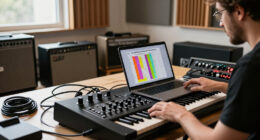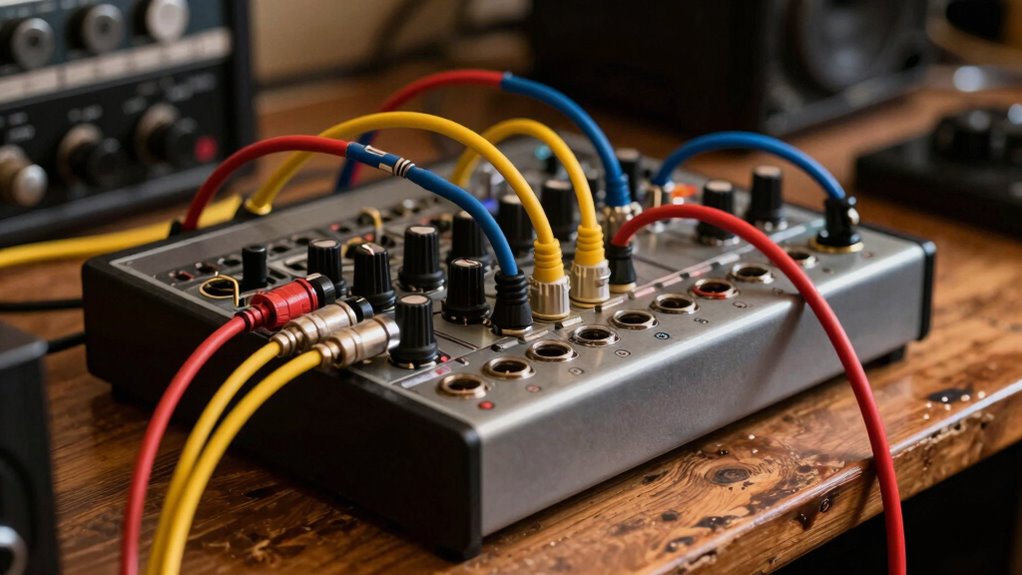
Many believe patchbays are only for large studios, but that’s a myth. Small studios can benefit greatly by using patchbays to stay organized, save space, and improve workflow. You can find affordable vintage options that work well, and proper setup makes maintenance easy. With the right features, a patchbay can streamline your connections and grow with your setup. Stay tuned to discover how to make the most of it in your small studio.

Get audio and creator gear delivered free with Prime
- Fast, free delivery on millions of items
- Prime Video, Amazon Music and more included
- Member-only deals all year
Key Takeaways
- Patchbays improve organization and expand connectivity in small studios, making them practical regardless of studio size.
- Affordable vintage and compact patchbays offer reliable, space-efficient solutions for small-scale setups.
- Proper patchbay use streamlines workflows and facilitates future upgrades in limited studio spaces.
- Maintenance and troubleshooting are straightforward, ensuring small studios benefit from professional-level connectivity.
- Patchbays enhance studio ergonomics and cleanliness, proving valuable even in compact, home-based environments.
As an affiliate, we earn on qualifying purchases.
What Is a Patchbay and How Does It Work in Small Studios?
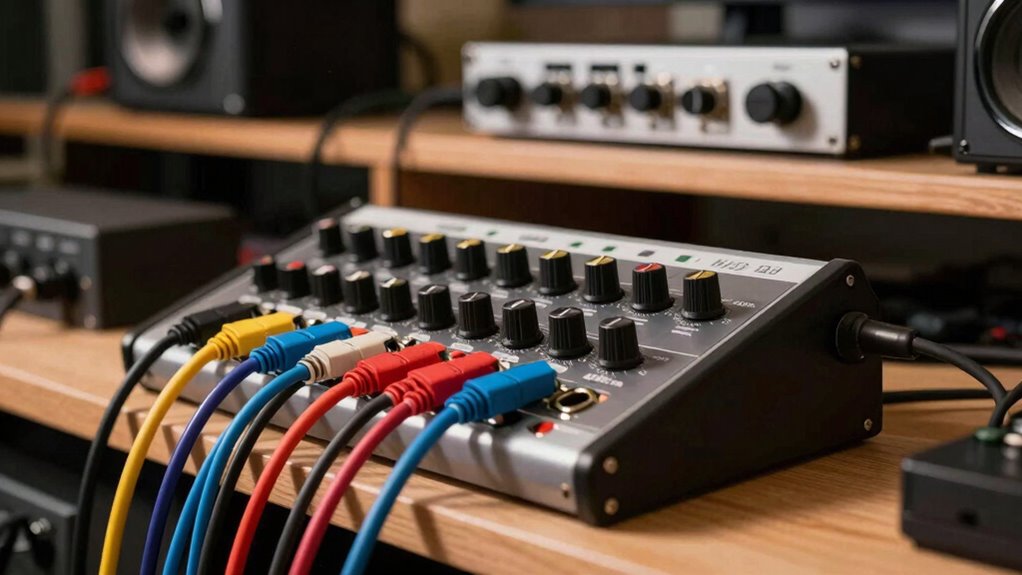
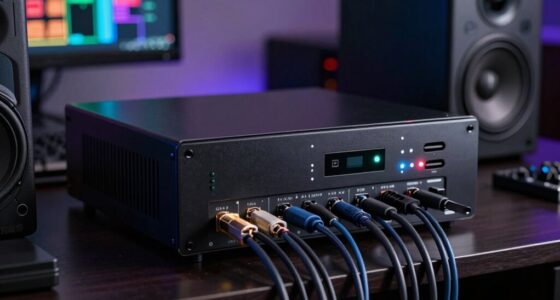
A patchbay is a handy device that simplifies managing your studio connections. It acts as a central hub, allowing you to route audio signals efficiently without crawling behind gear every time you need to change connections. With good patchbay compatibility, you can connect various audio interfaces, mixers, and outboard gear seamlessly. This setup makes your workflow smoother, especially when integrating studio automation systems, as you can easily reconfigure signal paths without unplugging and plugging cables repeatedly. In small studios, a patchbay helps keep things organized, saving time and reducing wear on your equipment. It also makes troubleshooting simpler—just flip a few jacks instead of crawling behind everything. Overall, a patchbay enhances your studio’s digital concepts and efficiency, even in compact spaces.
Common Myths About Patchbays in Small Studios
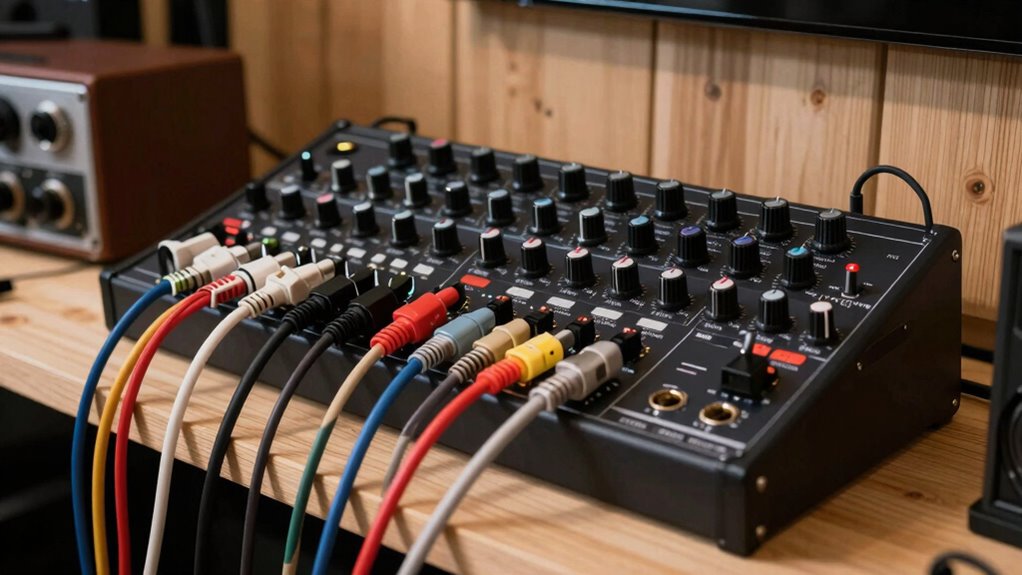
Many believe patchbays are only for large studios, but size isn’t a barrier—you can find compact options that fit small spaces. Cost shouldn’t be a concern either, as affordable patchbays offer great value without sacrificing quality. This flexibility makes them an ideal solution for optimizing limited room and budget. Additionally, content creation gear like patchbays can streamline your workflow and improve audio organization in any studio setup. Incorporating testing accuracy in measurement tools can help ensure your studio equipment performs reliably, further supporting a professional setup. For example, understanding the horsepower of electric dirt bikes can inspire innovative ways to power portable studio equipment sustainably. Proper hardware protection can also safeguard your investment and keep your gear in top condition.
Debunking Size Limitations
Size limitations are a common misconception that can hold small studios back from using patchbays effectively. Many believe you need a massive setup to benefit, but that’s not true. A well-designed patchbay can enhance your studio ergonomics and workflow, regardless of size. Don’t let fear of limited space discourage you. Instead, focus on smart organization with compact patchbays to keep your setup tidy and accessible. Here are some ways to overcome size concerns:
- Use multi-function patchpoints to maximize space without sacrificing flexibility.
- Integrate patchbays with your existing equipment for streamlined connections.
- Guarantee your acoustic treatment complements your patchbay placement for better sound and accessibility.
- Remember that understanding studio space management can help you optimize even the smallest setups for maximum efficiency, especially when considering landscaping and other creative layout solutions.
- Proper patchbay configuration can further improve your workflow and ensure your setup remains adaptable as your studio grows.
Cost-Effective Solutions
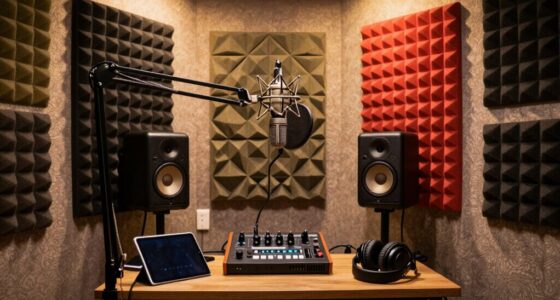
Cost-effective patchbay solutions often get overlooked because of the misconception that quality gear must be expensive. You can find vintage gear that offers reliable performance at a fraction of the cost of new, high-end options. These older patchbays are durable and often perfectly compatible with modern equipment, making them a smart investment. Additionally, investing in proper acoustic treatment can improve your studio’s sound quality without adding significant expense. When your room sounds better, your gear performs more effectively, reducing the need for costly upgrades. Incorporating Prairie Scenery and natural acoustics can further enhance your recordings without extra expenditure. Combining vintage patchbays with strategic acoustic treatment allows you to build a professional setup on a budget. You don’t need to spend a fortune to achieve a versatile, efficient studio environment that meets your needs.
Flexibility for Small Spaces
Even in small studios, a patchbay can bring significant organizational benefits and streamline your workflow. It maximizes limited space by reducing clutter and makes routing signals quick and flexible. This adaptability supports your studio aesthetics, keeping your setup clean and professional. Plus, it simplifies soundproofing techniques—fewer cables mean fewer sound leaks and easier management of noise levels.
Consider these advantages:
- Quick reconfiguration of gear without rearranging equipment.
- Maintains a tidy workspace, enhancing visual appeal.
- Facilitates future upgrades without major overhauls.
A patchbay isn’t just for large studios; it’s a smart tool that boosts flexibility and efficiency, even in tight quarters. This helps you focus on your craft instead of wrestling with tangled cables.
Why Small Studios Benefit From Using a Patchbay
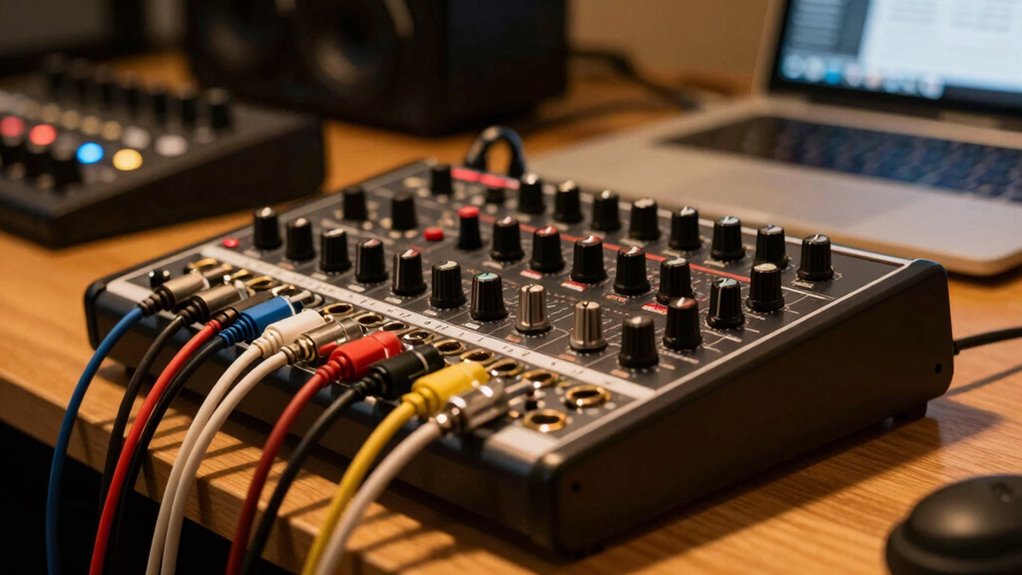
Small studios often face the challenge of managing multiple signal routes efficiently, and a patchbay offers a practical solution. With a patchbay, you can streamline your creative workflows, making it easier to reroute gear without crawling behind equipment or unplugging cables. This not only saves you time but also minimizes the risk of accidental disconnections. Additionally, a patchbay helps maintain your acoustic treatment setup, ensuring your monitors and mics stay correctly positioned and connected. It also simplifies troubleshooting, allowing you to quickly identify and fix issues. For small spaces, this means less clutter and more organized signal flow. Incorporating commercial kitchen equipment like a patchbay can also inspire cross-industry innovations in studio organization. Properly organizing your gear with a patchbay can also improve DIY wiring safety, reducing hazards during setup or adjustments. Overall, a patchbay enhances your studio’s efficiency, giving you more time to focus on creating, rather than managing cables.
What Features Matter Most in a Small Studio Patchbay
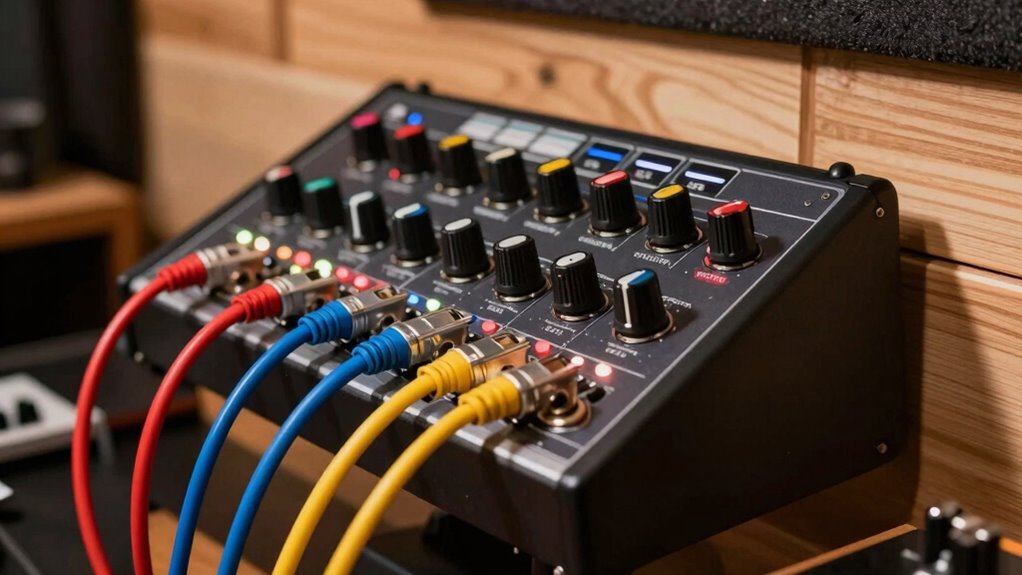
When choosing a patchbay for your studio, it’s important to focus on features that directly improve your workflow and ease of use. For small studios, prioritize versatility and aesthetic appeal. Look for a patchbay with:
- Vintage aesthetics that match your studio’s vibe and inspire creativity.
- Wireless integration options to streamline connections and reduce cable clutter.
- Simple, intuitive toggles or switches for quick re-routing without hassle.
These features help you stay organized and efficient, especially when space is limited. Vintage aesthetics add character, making your studio visually inspiring. Wireless integration keeps your setup clean and flexible, saving you time. Focus on these key features to create a functional, stylish, and user-friendly patchbay setup.
How to Set Up and Integrate a Patchbay in Your Home Studio
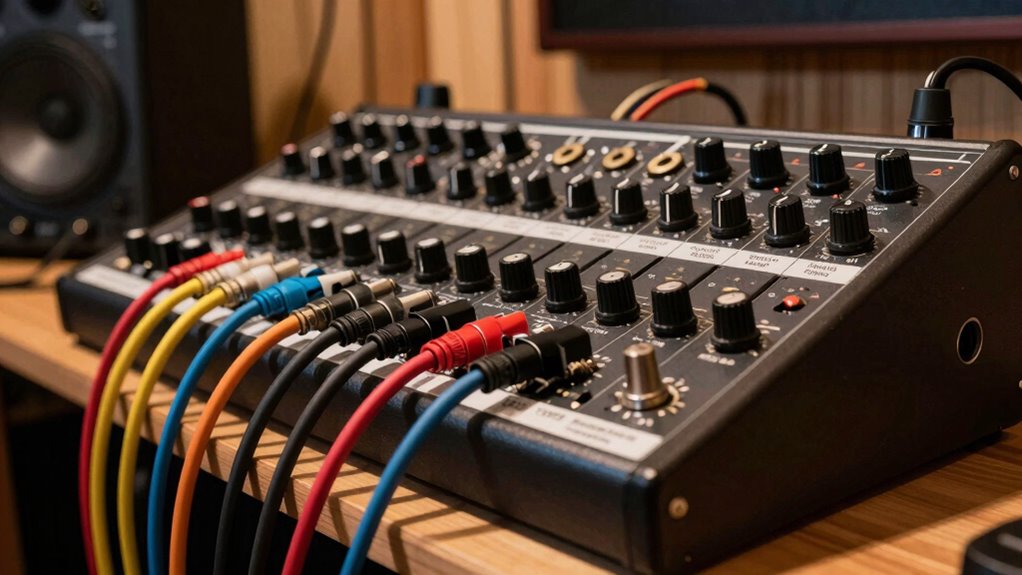
Setting up and integrating a patchbay in your home studio starts with planning your signal flow and organizing your connections for maximum efficiency. Think about how you want your gear to interact, and consider creative DIY setups or alternative wiring techniques to customize your workflow. This planning helps prevent clutter and makes future adjustments easier.
| Signal Path | Connection Type | Creative Setup |
|---|---|---|
| Instruments | Main Out | Loop-back routing |
| Effects | Insert Points | Parallel wiring |
| Monitors | Monitoring Out | Mono/Stereo options |
Troubleshooting Tips for Small Studio Patchbays
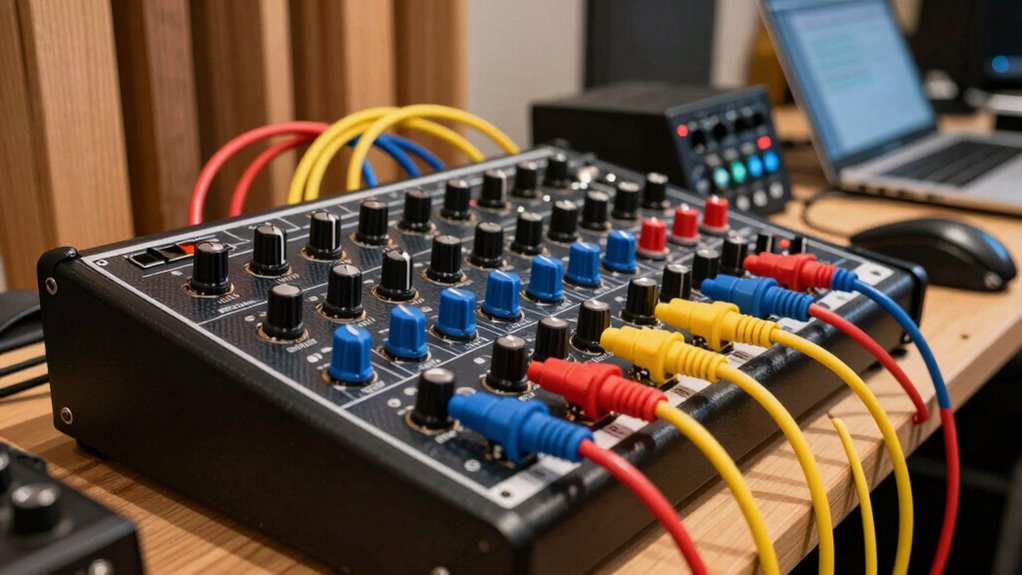
When your patchbay isn’t working as expected, start by checking for common issues like loose connections or faulty cables. Keep your connections organized and clean to prevent signal loss or noise problems. Addressing these simple steps can save you time and frustration during troubleshooting. Regular calibration of your equipment can also ensure optimal performance and prevent potential issues.
Identifying Common Issues
Troubleshooting small studio patchbays starts with recognizing common issues that can disrupt your signal flow. Often, problems stem from simple miswirings, loose connections, or faulty jacks. These issues can be tricky to spot amid your studio aesthetics and acoustic treatment setup, but they’re critical to address. Incorporating a holistic approach to studio maintenance can help prevent these problems from arising in the first place. A thorough understanding of patchbay maintenance can help prevent these problems from arising in the first place.
Here is some tips:
- Check all patch cables for visible damage or loose plugs.
- Verify connections are correctly routed without cross-wiring.
- Test each jack individually to ensure it’s functioning properly.
Maintaining Patchbay Connections
Keeping your patchbay connections in good shape is key to preventing signal disruptions. Regularly inspect your patchbay for loose or corroded connections, and verify cables are firmly seated. Proper studio ergonomics make it easier to access and maintain connections without strain, reducing accidental disconnections. Good cable management minimizes clutter, preventing accidental disconnections and damage. Acoustic treatment around your workspace helps reduce noise, making it easier to identify issues and ensuring stable connections. Labeling your patchbay makes troubleshooting faster, saving time during maintenance. Periodic cleaning of contacts with contact cleaner keeps signals clear. Staying organized and attentive to your patchbay’s condition ensures reliable operation, especially in small studios where troubleshooting can be more challenging. Recognizing signal flow patterns can help you quickly identify and resolve issues. Understanding patchbay wiring is essential for effective troubleshooting and avoiding common mistakes. Proper maintenance keeps your setup efficient and your sound pristine.
Frequently Asked Questions
Can a Patchbay Improve Sound Quality in Small Studios?
Yes, a patchbay can improve sound quality in your small studio by enhancing studio ergonomics and simplifying signal routing. It allows you to organize and access your gear quickly, reducing clutter and minimizing connection errors that can degrade sound. By streamlining signal flow, a patchbay helps maintain cleaner, more consistent audio, ensuring your recordings sound their best without the need for large studio space or expensive equipment.
Are Digital Patchbays Better Than Analog for Small Setups?
Digital patchbays often outperform analog ones in small setups, offering 30% faster routing and more precise control. You’ll appreciate how they seamlessly integrate vintage gear with modern studio ergonomics, reducing clutter and saving time. Digital systems eliminate noise and signal degradation common with analog patchbays, making your workflow smoother. For a small studio, digital patchbays provide flexibility and reliability, helping you focus more on creating music instead of troubleshooting connections.
How Much Does a Good Small Studio Patchbay Typically Cost?
A good small studio patchbay typically costs between $100 and $300. You want one with patchbay durability, so it withstands regular use without issues. Look for cost-effective options that still offer reliable connections and easy access for routing signals. Investing in a well-built patchbay guarantees longevity and smooth workflow, making it a smart choice whether you’re just starting out or refining your home studio setup.
Is a Patchbay Necessary if I Use Software Routing?
A patchbay isn’t strictly necessary if you use software routing, but it can greatly improve studio ergonomics and equipment organization. With a patchbay, you can easily manage physical connections, reducing cable clutter and making setup faster. Even in a smaller studio, it helps streamline your workflow, ensuring your gear stays organized and accessible. Ultimately, it’s a valuable tool that enhances efficiency, especially as your studio grows or if you prefer hands-on control.
Can I Expand My Patchbay Easily as My Studio Grows?
Yes, you can expand your patchbay easily as your studio grows, much like adding chapters to a story. Focus on studio ergonomics to keep your setup intuitive and efficient. Make certain your equipment compatibility so new connections don’t become tangled webs. Modular patchbays make expansion straightforward, letting you grow your studio seamlessly without sacrificing organization or accessibility. This way, your setup evolves smoothly with your creative ambitions.
Conclusion
Don’t let the myth that patchbays are only for giants hold you back. Picture your small studio as a bustling control room, where every cable and connection flows seamlessly like a well-orchestrated symphony. With a patchbay, you gain the flexibility and clarity to craft your sound with ease. Embrace this powerful tool, and transform your space into a vibrant hub of creativity, where every connection sparks new possibilities.
Halloween Picks
halloween
As an affiliate, we earn on qualifying purchases.