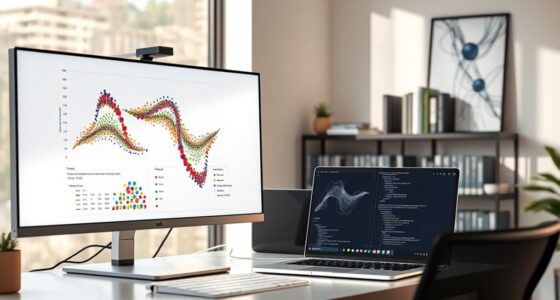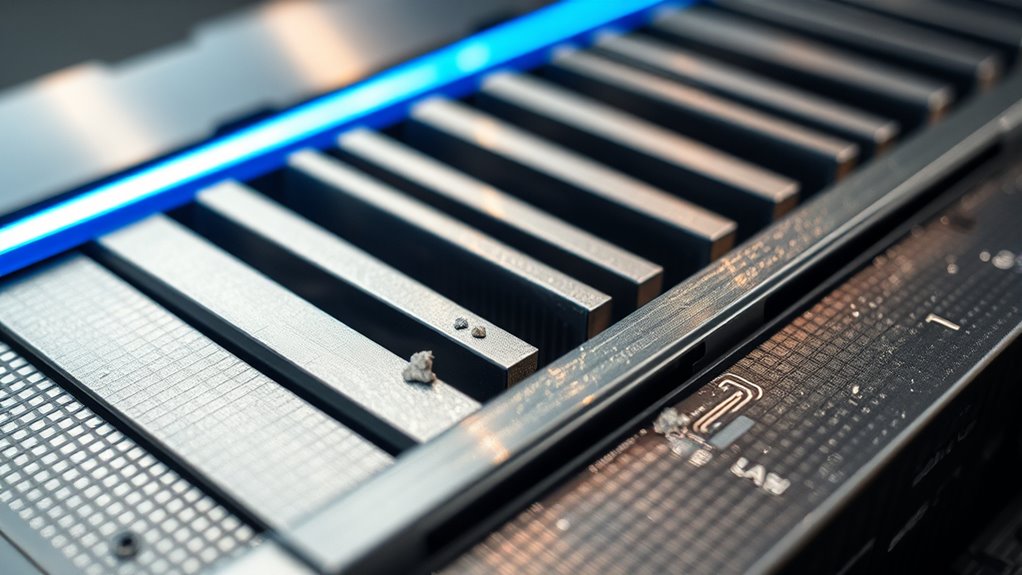
GPU memory fragmentation occurs when free memory becomes scattered into small, unusable chunks due to repeated allocations and deallocations, making it hard to find large contiguous blocks needed for demanding tasks. Causes include poor memory management strategies and diverse workloads that leave behind tiny gaps. To fix this, you can try defragmentation, optimize memory use, and update drivers. Continuing will reveal effective methods to reduce fragmentation and improve GPU performance.
Key Takeaways
- Fragmentation occurs when GPU memory is divided into small, scattered blocks, hindering large memory allocations.
- Frequent small allocations and deallocations exacerbate fragmentation over time.
- Use memory pooling and pre-allocated large blocks to reduce fragmentation effects.
- Regular defragmentation and driver updates can help consolidate free memory and improve performance.
- Monitoring tools assist in identifying fragmentation patterns and optimizing memory management strategies.
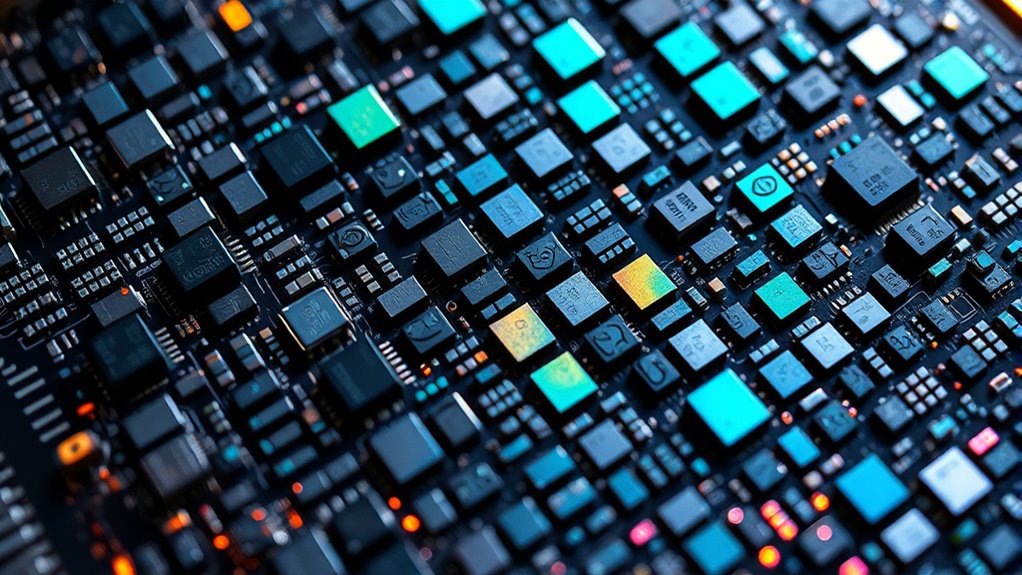
Have you ever noticed performance drops or errors during GPU-intensive tasks? If so, you might be facing an issue caused by GPU memory fragmentation. This phenomenon occurs when the GPU’s memory space becomes divided into small, scattered blocks that are insufficient for large data allocations, even when the total free memory seems adequate. Over time, as you run various applications and load different datasets, the GPU’s memory gets fragmented, leading to inefficient memory utilization and increased latency. This fragmentation hampers your GPU’s ability to allocate large contiguous blocks of memory, which are often essential for high-performance rendering, machine learning models, or complex simulations. Understanding how memory fragmentation impacts your workflow is vital for diagnosing and resolving these problems.
The root cause of GPU memory fragmentation often lies in how your system manages memory allocation. When applications request memory, the GPU’s driver employs specific memory allocation strategies to serve those requests. These strategies determine how free memory is divided and reused. Poor or suboptimal memory allocation strategies can exacerbate fragmentation by repeatedly allocating and freeing small chunks of memory without consolidating free spaces. Over time, these small, scattered free blocks become unusable for larger tasks, even if the total free memory appears sufficient. This situation is similar to having a bunch of tiny, unusable gaps in a parking lot, preventing you from parking a large vehicle despite having enough overall space.
To mitigate GPU memory fragmentation, you can implement certain memory allocation strategies. One effective approach is to periodically defragment memory by consolidating free blocks, which involves reallocating data to create larger contiguous free spaces. Some frameworks and drivers support mechanisms like memory pooling or pre-allocating large blocks of memory to minimize fragmentation. Additionally, optimizing your application’s memory usage patterns—such as avoiding frequent small allocations and deallocations—can greatly reduce fragmentation. You can also explore tools provided by GPU vendors that monitor memory allocation patterns and suggest improvements. Regularly updating your GPU drivers and software can introduce improved allocation algorithms designed to handle fragmentation more efficiently.
In essence, addressing GPU memory fragmentation requires a combination of understanding how your system manages memory and adopting strategies that promote more efficient allocation. By paying attention to your memory management practices and leveraging tools and updates, you can improve performance stability during demanding GPU tasks. This proactive approach ensures your GPU’s memory remains organized and accessible, minimizing errors and maximizing throughput for your most intensive workloads.

KAMRUI Pinova P2 Mini PC 16GB RAM 512GB SSD, AMD Ryzen 4300U(Beats 10110U/3500U/N150/N95,Up to 3.7 GHz)Mini Computers,Triple 4K Display/HDMI+DP+Type-C/WiFi/BT for Home/Business Mini Desktop Computers
【AMD Ryzen 4300U Processor】KAMRUI Pinova P2 Mini PC is equipped with AMD Ryzen 4300U (4-core/4-thread, up to 3.7GHz),...
As an affiliate, we earn on qualifying purchases.
Frequently Asked Questions
How Does GPU Memory Fragmentation Affect Gaming Performance?
GPU memory fragmentation can greatly slow down your gaming performance by causing delays in memory allocation. When the GPU struggles to find contiguous memory blocks, it leads to increased latency and stutters during gameplay. To minimize these issues, you should focus on fragmentation mitigation strategies, such as optimizing your game settings and updating drivers. This ensures smoother rendering, reduces lag, and keeps your gaming experience seamless.
Can Driver Updates Reduce GPU Memory Fragmentation?
Think of driver updates as a fresh coat of paint—sometimes they can reduce GPU memory fragmentation. When you update drivers, you benefit from driver enhancement and firmware improvements that streamline memory management, helping to minimize fragmentation. While updates may not eliminate it entirely, they often improve how your GPU handles memory, leading to better performance and fewer hiccups during intense gaming sessions. Always keep your drivers current for ideal results.
Are There Specific Tools to Diagnose GPU Memory Fragmentation?
Yes, you can use diagnostic software designed for fragmentation analysis to identify GPU memory issues. Tools like GPU-Z or MSI Afterburner offer insights into memory usage, while specialized software such as NVIDIA Nsight or AMD Radeon Pro Software helps analyze fragmentation patterns. These tools enable you to monitor memory allocation, detect fragmentation, and optimize performance by pinpointing where fragmentation occurs, helping you take targeted remedial actions effectively.
How Does GPU Architecture Influence Memory Fragmentation?
Your GPU architecture considerably influences memory fragmentation because its design determines how memory management handles allocations and deallocations. For instance, architectures with advanced memory management features can reduce fragmentation by optimizing space reuse, while simpler designs may lead to more scattered memory blocks. Understanding your GPU’s architecture helps you anticipate fragmentation issues and choose suitable strategies or tools to manage memory efficiently.
Can Overclocking Worsen GPU Memory Fragmentation?
Yes, overclocking can worsen GPU memory fragmentation. Overclocking risks include increased heat and instability, which can affect memory performance and lead to inefficient memory allocation. This instability may cause frequent memory fragmentation, reducing overall GPU efficiency. To maintain memory stability, avoid excessive overclocking, monitor temperatures, and use reliable tools. Proper tuning helps prevent additional fragmentation and ensures smoother GPU operation during demanding tasks.

TERUNSOUl 4K+4K Dash Cam Front and Rear, Free 128GB Card Included, 5.8GHz WiFi Dash Camera for Cars, Built-in GPS, G-Sensor, 170°Wide Angle, 3" IPS Screen, 24H Parking Mode, Support 512GB Max
Ultra HD 4K Front + 4K Rear Recording: The Terunsoul dash cam supports dual-channel simultaneous recording, capturing both...
As an affiliate, we earn on qualifying purchases.
Conclusion
Understanding GPU memory fragmentation reveals how small, scattered allocations can hinder performance just as efficiently as a fully allocated, but fragmented, space. While remedies like memory pooling and defragmentation aim to preserve order, they often require trade-offs in complexity or speed. Ultimately, managing fragmentation is a balancing act—much like maintaining a clear workspace amidst clutter—where proactive strategies ensure your GPU runs smoothly, even when the memory landscape becomes unexpectedly chaotic.

TERUNSOUl 4K Dash Cam Front and Rear, Full HD 3 Channel Dashcam, Free 128GB MicroSD Card, Built-in 5.8GHz WiFi Built-in GPS, Collision Sensor, Night Vision, HDR, 3.16" IPS, 24H Parking Mode(Black)
UHD 4K Front + 1080 Rear + 1080P Cabin Recording: Supports simultaneous triple-channel recording, delivering crystal-clear details for...
As an affiliate, we earn on qualifying purchases.

IIWEY N5 4 Channel Dash Cam 360° View, 1080P Front and Rear Inside, Left Right Dash Camera for Cars, 8 IR Lamps Night Vision, 5G WiFi & APP Control, G-Sensor, Parking Mode, with a Free 128GB SD Card
❗❗❗NOTE: This product must be powered by the original cigarette lighter charger; it cannot be powered by a...
As an affiliate, we earn on qualifying purchases.